The best apps for PhD students are the ones that quietly make your workday less overwhelming, not more complicated. When you’re juggling reading, writing, data, emails, and trying to remember what your actual research question is, the right tools help you stay organised, protect your time, and turn big, scary tasks into small, doable steps.
In this guide, we’ll focus on a simple, realistic toolkit that supports the parts of your PhD that matter most: keeping track of what you’ve read, capturing ideas before they disappear, shaping rough thoughts into clear writing, staying on top of deadlines, and making sure your hard work is safely backed up. Read through to number 10, because that’s the one I can’t live without when doing my research.
The 10 best apps for PhD students (quick list)
- Zotero – reference management & PDFs
- ResearchRabbit – discovering and exploring new literature
- ChatPDF – talking to your PDFs and getting quick summaries
- Grammarly – grammar and clarity checking
- QuillBot – paraphrasing and rewriting your own text
- Google Docs – collaborative writing with supervisors
- Google Calendar – scheduling, time-blocking, and deadlines
- Notion – structured notes and research hub
- Google Drive – cloud storage and backups
- ChatGPT – AI study buddy for ideas, explanations, and refinement
One app, one job. Let’s break them down.
1. Zotero – your reference & PDF brain
In any list of the best apps for PhD students, Zotero is the go-to tool for taming references and PDFs. Instead of drowning in downloads and mysterious “article_final_FINAL2.pdf” files, you keep all your articles, books, and notes in one organised library. Zotero handles the boring stuff – metadata, citations, bibliographies – so you can focus on what the papers actually say, not where you saved them.
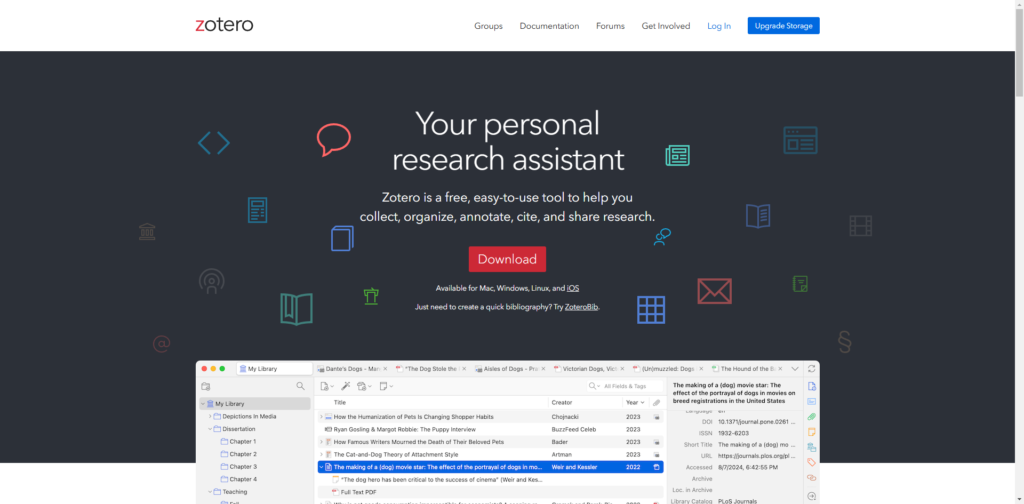
What Zotero does for you:
- One-click saving from your browser (journal sites, Google Scholar, etc.)
- Stores PDFs, notes, and tags together
- Inserts citations into Word and Google Docs
- Builds your bibliography automatically in almost any style
How to use Zotero as a PhD student:
- Create collections for each chapter, project, or paper
- Tag papers with
method,theory,must-cite,read soon - Add a short note to each paper in your own words: “Why this matters for my thesis”
- Use the plugin so citations are added while you write, not at 3am before submission
2. ResearchRabbit – your literature discovery engine
If Zotero is your library, ResearchRabbit is the research nerd friend who says, “If you liked that paper, you should read these five next.” It definitely deserves a spot among the best apps for PhD students because it helps you find relevant papers you’d never reach with basic keyword searches alone. Instead of scrolling through endless results, you see visual maps of how research is connected.
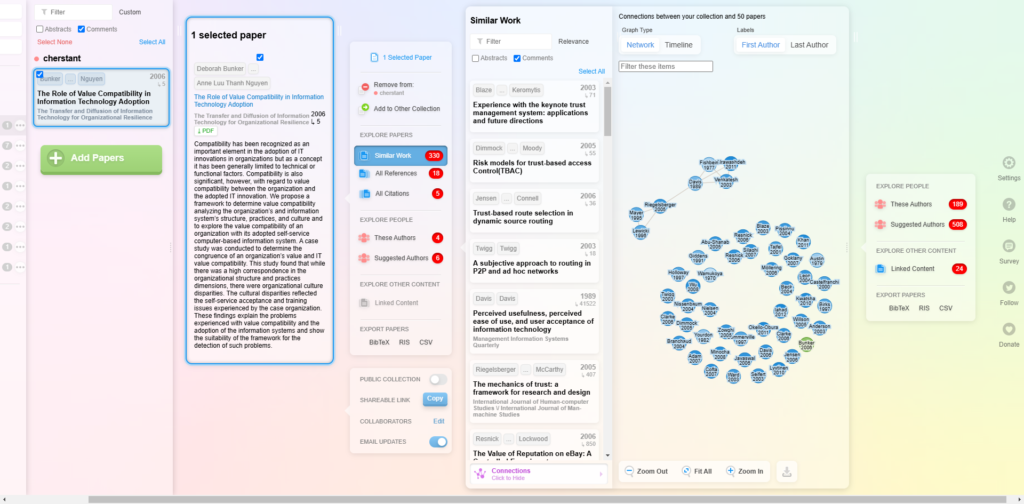
What ResearchRabbit does:
- Starts from a few key articles or topics
- Suggests related papers and authors
- Shows visual graphs of citation and co-author networks
- Helps you see how research in your niche fits together
How to use ResearchRabbit in your workflow:
- Pick a small set of core papers you already know are important
- Build a collection around them and explore the related papers it suggests
- Use the graphs to spot key authors, classic articles, and hidden clusters
- Send the promising results straight into Zotero for serious reading and citing
This combo (ResearchRabbit → Zotero) makes your literature review deeper and more comprehensive, without doubling your screen time.
3. ChatPDF – quick conversations with your PDFs
When you’re trying to keep up with dozens of articles, ChatPDF turns static documents into something you can actually talk to. It easily earns a place among the best apps for PhD students because it helps you understand the structure and main points of a paper before you commit to a full, detailed read.
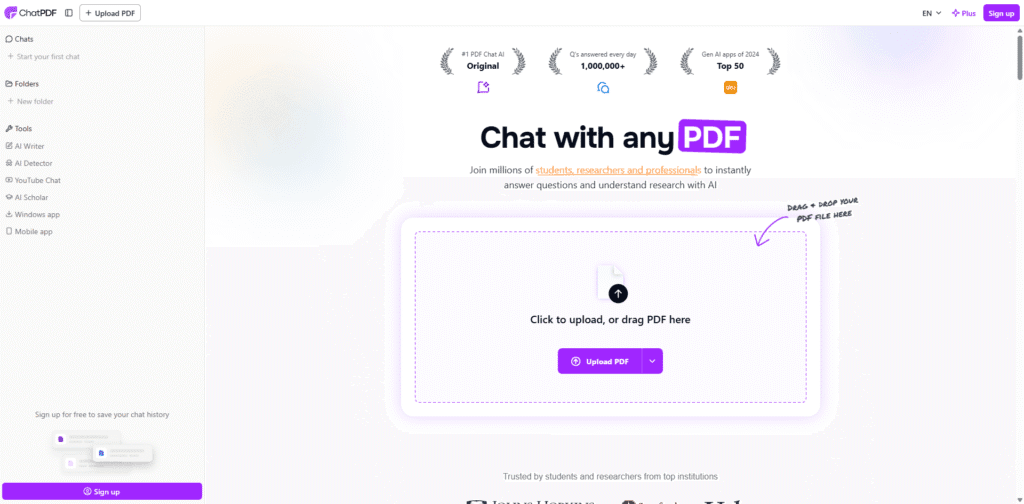
What ChatPDF helps you do:
- Upload a PDF and ask it questions in plain language
- Get summaries of key sections like methods, results, or conclusions
- Extract main arguments or limitations in a few bullet points
- Check your own understanding of tricky paragraphs
Smart ways to use ChatPDF:
- Use it for triage: decide whether a paper is worth a deep, manual read
- Ask for a short summary of the methods or findings before diving in
- Use it to revisit long reports or theses you read a while ago and barely remember
- Always go back to the original paper for anything you plan to cite or critique in detail
ChatPDF doesn’t replace careful reading, but it does stop each new PDF from feeling like climbing a mountain.
4. Grammarly – your always-on proofreader
Grammarly frequently appears in guides to the best apps for PhD students because clear writing is non-negotiable. Your ideas can be solid and original, but if your sentences are messy, overly long, or full of small errors, readers will struggle to appreciate your work. Grammarly helps you clean up the language so your content can shine.
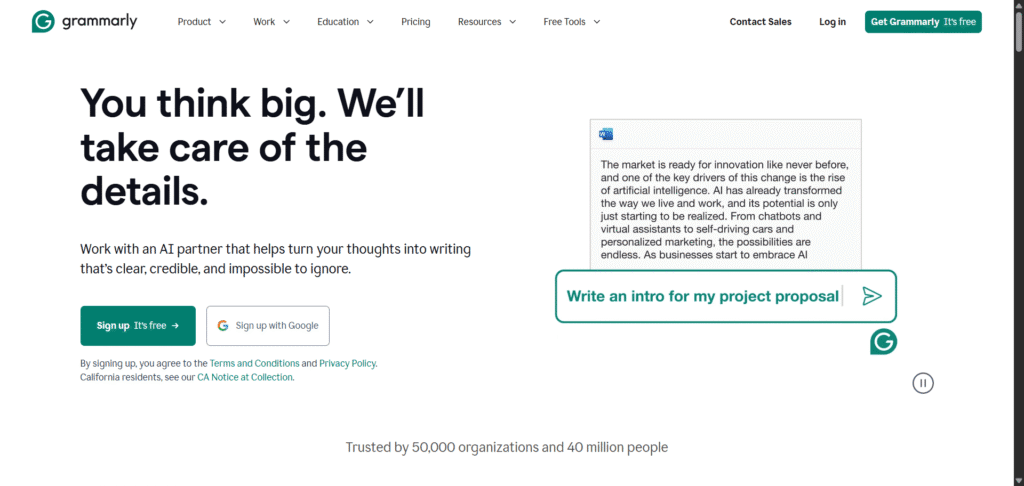
What Grammarly does:
- Checks spelling, grammar, and punctuation as you write
- Flags unclear, wordy, or repetitive sentences
- Suggests more consistent tone and formality
- Works via browser extension, desktop app, or web editor
Best ways to use Grammarly in a PhD:
- Run it on paragraphs or full drafts, rather than every single sentence
- Use it to polish emails to supervisors, abstracts, and final thesis chapters
- Treat suggestions as helpful hints, not strict rules – your academic voice still matters
- Pay extra attention to clarity suggestions when writing for journals or examiners
Think of Grammarly as the last set of eyes that catches mistakes your tired brain skips.
5. QuillBot – refining and paraphrasing your own text
QuillBot shines when you know what you want to say but hate how you’ve written it. It often appears alongside other best apps for PhD students because it helps you rewrite, shorten, or smooth your own sentences, especially if English isn’t your first language or you naturally write in long, winding paragraphs.
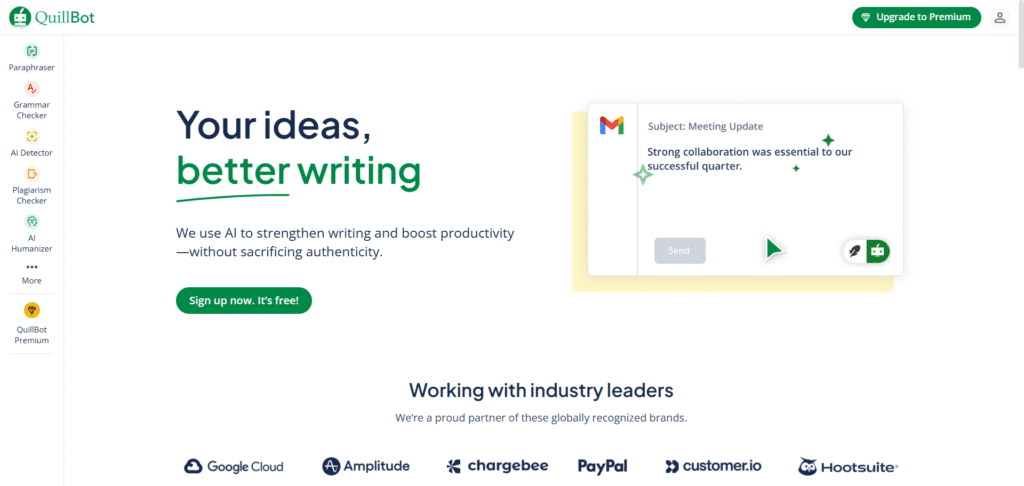
What QuillBot can do for you:
- Paraphrase sentences or paragraphs into different modes (standard, formal, concise, etc.)
- Shorten overly long or tangled sentences
- Suggest alternative phrasing to reduce repetition
How to use QuillBot responsibly:
- Only paste in your own writing, not other people’s text
- Compare your version and QuillBot’s version, then manually pick and tweak what works
- Double-check that technical meaning and nuance haven’t changed
- Use it as a style assistant, not as a ghostwriter
Used this way, QuillBot helps polish your writing while your ideas and structure still come from you.
6. Google Docs – smooth collaboration with your supervisor
Google Docs belongs in any realistic list of the best apps for PhD students because it makes collaboration and feedback painless. Drafts, comments, and revisions all live in one document instead of being scattered across endless email attachments called “chapter3_newest_version_REALFINAL.docx”.
What Google Docs does well:
- Lets you and your supervisor edit and comment in real time
- Stores every version automatically with version history
- Works in any browser and syncs across devices
- Integrates nicely with Google Drive for storage and sharing
Good habits with Google Docs:
- Create one doc per piece of writing you want feedback on (e.g. “Lit Review – draft for comments”)
- Ask supervisors to use Suggesting mode so you can clearly see edits
- Use headings and a table of contents on long docs to make navigation easier
- Add a short “Questions for supervisor” section at the top of each draft
Google Docs is a great “work in progress” space before you move final text into Word or LaTeX templates.
7. Google Calendar – owning your time and deadlines
Time management is half the battle, which is why Google Calendar deserves a place among the best apps for PhD students. It turns the vague idea of “I’ll work on my thesis this week” into specific, protected blocks of time and keeps all your deadlines visible so they don’t ambush you.
What Google Calendar helps with:
- Storing meetings, classes, and important dates
- Setting reminders for conferences, submissions, and reviews
- Time-blocking writing, reading, and data analysis sessions
- Colour-coding different areas of your life (thesis, teaching, personal)
How to use Google Calendar effectively:
- Create separate calendars for Thesis, Teaching, and Personal so your weeks are easier to read
- Block 2–3 deep-work sessions each week specifically for thesis tasks
- Add major milestones the moment you hear about them, with reminders in advance
- Treat writing blocks like actual appointments – you wouldn’t casually skip a meeting with your supervisor, so don’t casually skip meetings with your thesis
When you can see your week laid out clearly, it’s much easier to balance research, admin, and rest.
8. Notion – your structured PhD command centre
Notion is incredibly flexible, which is why it keeps showing up in conversations about the best apps for PhD students. It can be your central hub for everything: literature tracking, project planning, meeting notes, and random ideas that pop up at awkward times.
What Notion lets you do:
- Create pages, databases, and boards that all connect
- Build a literature table with filters and tags
- Keep meeting notes and action items organised
- Plan your thesis structure and track progress visually
Simple Notion setup for PhD students:
- PhD HQ page with links to “Thesis structure”, “Lit review database”, “Methods notes”, and “Admin”
- Literature database with columns like Author, Year, Method, Key Idea, Relevance, and Status (to read / reading / used)
- Meeting notes pages using templates with date, agenda, notes, decisions, and next steps
- Thesis roadmap showing chapters with status tags such as idea, outline, drafting, revising, and submitted
Use Notion as your big-picture control panel, while tools like Zotero and Google Docs handle your PDFs and drafts.
9. Google Drive – your thesis safety net
No matter how good the best apps for PhD students are, none of it matters if your laptop dies and your work disappears. That’s where Google Drive comes in: it quietly keeps your thesis, data, and notes safe in the cloud and makes sharing with others simple.
What Google Drive does:
- Syncs your files across devices automatically
- Stores your PhD documents in the cloud as a backup
- Lets you share folders or files with supervisors and collaborators
- Works seamlessly with Google Docs, Sheets, and Slides
A simple backup strategy using Google Drive:
- Create a main PhD folder with subfolders like Thesis, Data, Papers, Admin
- Turn on desktop sync so everything in that folder backs up automatically
- For absolutely crucial files, also copy them occasionally to an external hard drive or another cloud service
Losing work is one of the few PhD disasters that’s fully preventable. Let Google Drive quietly protect you in the background.
10. ChatGPT – your 24/7 thinking partner
ChatGPT has quickly become one of the most talked-about best apps for PhD students because it can help with understanding, brainstorming, and refining ideas. Used wisely, it’s like having a patient study buddy who never gets tired of your questions and never judges your “stupid” drafts.
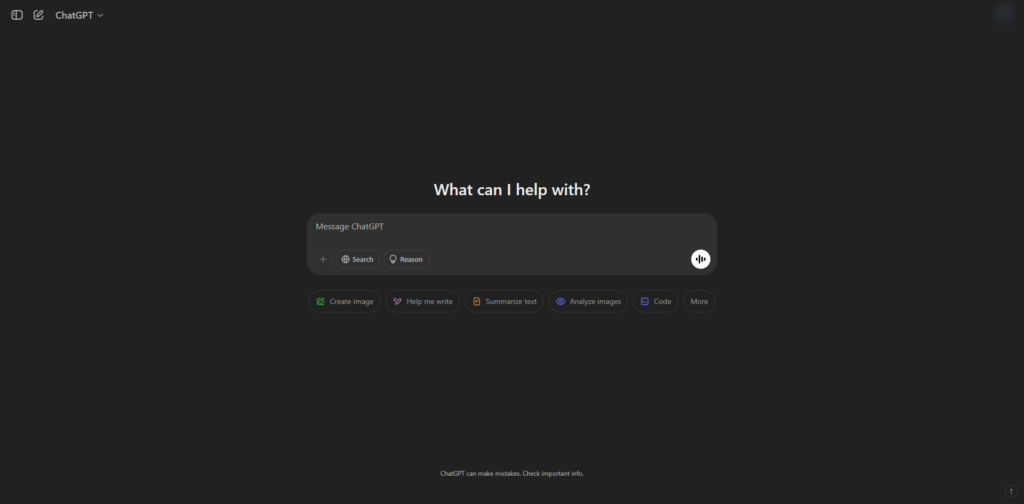
What ChatGPT can help you with:
- Explaining complex concepts or methods in simpler language
- Brainstorming research questions, titles, or section outlines
- Offering alternative phrasings for sentences you’ve already written
- Generating practice viva questions or prompts for discussion sections
Smart, safe ways to use ChatGPT:
- Ask for summaries and explanations, then verify details with proper academic sources
- Use it for idea generation and structure help, but keep final decisions and wording your own
- Don’t paste in confidential data, proprietary material, or entire unpublished manuscripts
- Treat AI output as a draft or suggestion, never as final text ready to submit
ChatGPT is at its best when it supports your thinking, not when it tries to replace it.