
Are you looking for a Zotero Alternative that helps you collect sources, store PDFs, annotate readings, and generate reliable citations and bibliographies? If so, the reason is usually practical and immediate: even if Zotero is a strong baseline, it may not fit your constraints around collaboration, institutional licensing, storage, compliance, Word or Google Docs workflows, or BibTeX-first writing. A Zotero Alternative matters because your reference manager is not a cosmetic preference, it is infrastructure. It shapes how quickly you capture literature, how safely you store it, how accurately you cite it, and how easily you can reproduce your writing pipeline across devices and coauthors.
For academic researchers, switching tools is rarely about novelty. It is usually triggered by friction: a lab that needs shared libraries with clearer governance, a doctoral student moving into LaTeX-heavy publishing, a clinician working under stricter data policies, or a department standardizing support and training. The goal of this guide is not to declare a single winner. Instead, it will give you a research-grade way to choose a Zotero Alternative based on workflow requirements, then walk through the leading options with concrete guidance on where each tool excels, where it tends to impose tradeoffs, and how to migrate without breaking your manuscript, your PDF library, or your collaboration patterns.
How to evaluate a Zotero Alternative without wasting a semester
Before comparing tools, define the minimum viable workflow you must protect. Most selection mistakes happen because people evaluate features in isolation rather than testing an end-to-end research loop.
Start with these questions:
Writing environment: Are you primarily in Microsoft Word, Google Docs, LaTeX, or a mix?
Collaboration model: Do you need shared group libraries with roles, or is occasional sharing enough?
PDF workflow: Do you annotate heavily, extract highlights, or link notes to a knowledge system?
Data control: Do you require local storage, self-hosting options, or explicit institutional compliance support?
Interoperability: Will you need clean export to BibTeX, RIS, or CSL-based bibliographies for journals?
Scale: Are you managing hundreds of items or tens of thousands, including large PDFs?
A strong Zotero Alternative is the one that reduces friction at your bottleneck. For one researcher that might be Google Docs citation insertion; for another it might be BibTeX hygiene, deduplication, and stable citation keys; for a lab it might be permissions, auditability, and centralized governance.
Migration is part of the decision, not an afterthought
Plan the exit before you commit. A responsible Zotero Alternative should let you export and import standard bibliographic formats (RIS, BibTeX) and should not lock your PDFs behind opaque storage conventions.
A practical migration test looks like this:
Export a small but messy subset (for example, 200 references) that includes books, articles, preprints, and edited volumes.
Include items with PDFs, notes, and tags.
Import into the candidate tool.
Rebuild citations in a test document in your main writing environment.
Export back out again (RIS or BibTeX) and confirm metadata integrity.
If a Zotero Alternative passes that loop cleanly, you can treat it as a credible candidate for a full transition.
Mendeley Reference Manager
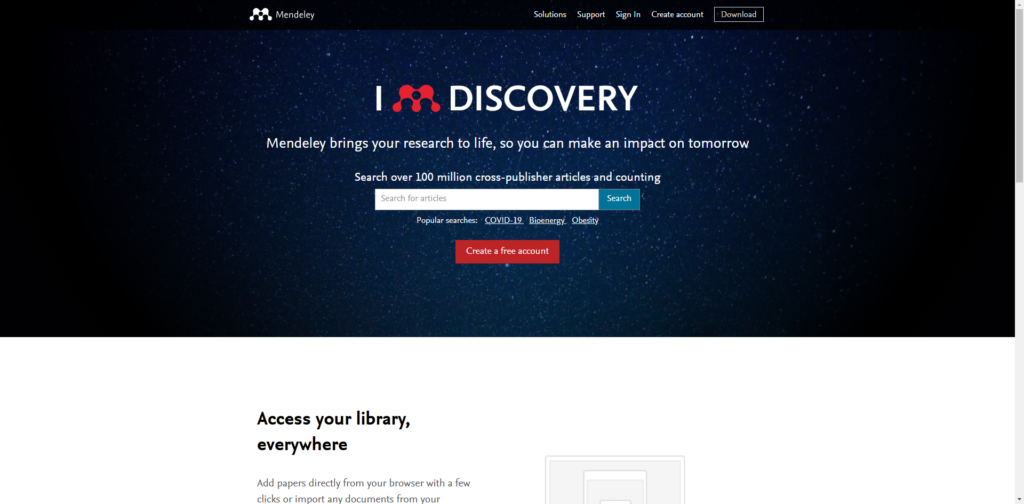
If your work lives in Word and you want a mainstream, widely adopted platform, Mendeley is often the first Zotero Alternative people trial. Its appeal is straightforward: you can capture references via a browser importer, sync a library, and cite in Microsoft Word using an official add-in. Mendeley also positions itself as an all-in-one reference manager with cloud-based library access and a familiar UI.
Where it fits best
Researchers in Microsoft Word who want a supported citation add-in rather than a community-maintained connector.
Teams that value a common platform and relatively standard onboarding across disciplines.
Researchers who rely on browser-based capture from databases and publisher sites.
Strengths you can operationalize
Web capture workflow: The web importer model is convenient when you are collecting papers continuously from search engines and databases.
Word add-in: The Mendeley Cite add-in is designed to integrate with Microsoft Word and supports cloud library access during writing.
Cross-device library access: The platform emphasizes syncing and access across devices, which matters when your work moves between office, home, and field contexts.
Typical tradeoffs
A Zotero Alternative at this scale may impose constraints that matter to advanced users, especially around nuanced metadata editing, library portability expectations, or highly customized workflows. You should test the exact edge cases you care about: complex edited volumes, archival sources, multilingual titles, and heavy annotation extraction.
Migration notes
If you are moving from Zotero to this Zotero Alternative, focus on your PDF attachment behavior. Decide whether you are importing PDFs into the new library or linking to a stable folder structure you control. That decision affects long-term portability more than almost any other setting.
EndNote
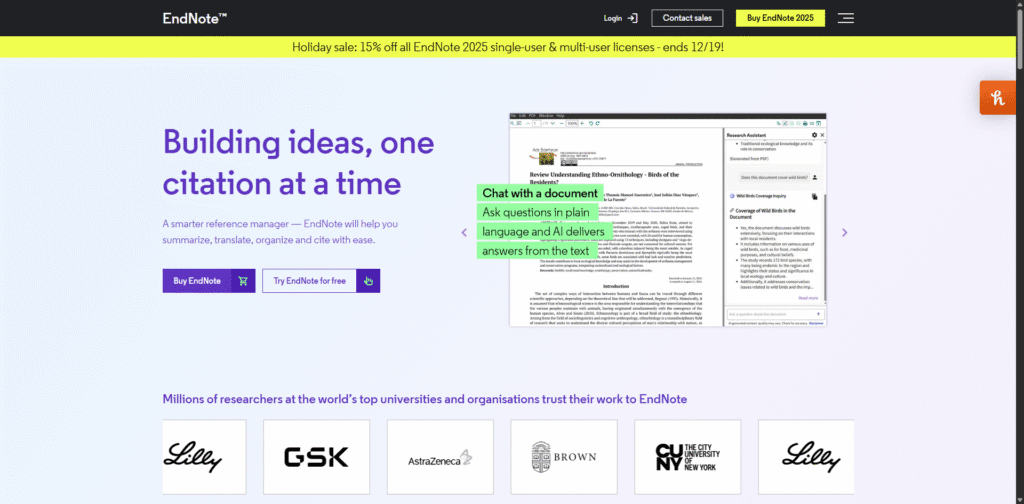
EndNote is the classic institutional Zotero Alternative, especially in environments where libraries provide licensing, training, and support. It is built around the idea that reference management is not only a personal tool, it is a publishing workflow component, particularly for Word-based writing and journal submission cycles. EndNote’s “Cite While You Write” integration remains a central draw for researchers who want tight control over citation formatting and manuscript preparation.
Where it fits best
Researchers who write primarily in Microsoft Word and need mature citation formatting controls.
Groups working under institutional support, where IT and library services can help standardize the workflow.
Researchers in disciplines with strict journal formatting requirements and frequent resubmissions.
Strengths you can operationalize
Word integration, including web-first writing contexts: EndNote supports cite-as-you-write workflows in Word, and it also provides a Word Online Cite While You Write option tied to EndNote web accounts.
Publishing workflow orientation: EndNote’s product messaging and ecosystem are oriented to accuracy, formatting reliability, and submission readiness rather than casual capture alone.
Typical tradeoffs
EndNote is a powerful Zotero Alternative, but it is usually not the most lightweight. It can be more than you need if you are early in graduate training or if your writing environment is mostly Google Docs or LaTeX. Also, institutional availability varies, so your long-term access may depend on licensing continuity.
Migration notes
EndNote migrations are most successful when you standardize citation style behavior early. Create a “house style” for your group, define how you handle capitalization and journal abbreviations, then validate it using a shared test manuscript before a major submission deadline.
Paperpile
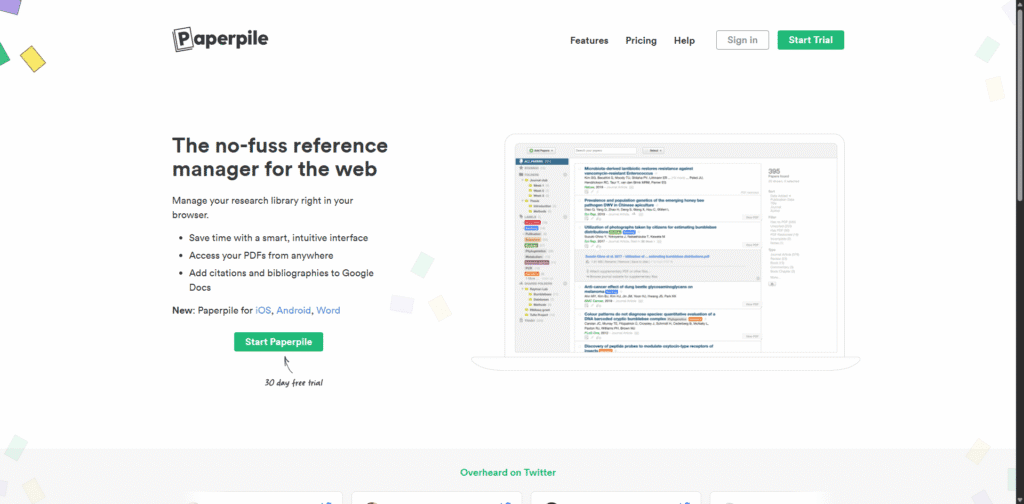
Paperpile is a strong Zotero Alternative for researchers who live in the Google ecosystem. If your team writes in Google Docs, collaborates in Drive, and wants citations to behave like a native part of that environment, Paperpile is designed around that premise. It also positions itself as a browser-based reference manager with integrated citation insertion for Google Docs, and it has expanded beyond that original niche over time.
Where it fits best
Researchers writing in Google Docs who want low-friction citation insertion and bibliographies.
Labs that collaborate heavily in shared Google Drive folders.
Researchers who prefer a web-first workflow over a desktop-centered one.
Strengths you can operationalize
Google Docs integration as a primary workflow: Paperpile explicitly supports inserting citations and formatting bibliographies in Google Docs, including collaboration-oriented workflows.
Browser-based library management: If you want a Zotero Alternative that feels like an extension of web research, a browser-first manager can reduce context switching.
Typical tradeoffs
If your work requires offline-first storage, deeply customized metadata workflows, or LaTeX-centric citation key management, you should test Paperpile against those needs rather than assuming fit. Web-first convenience can be a strength, but it also changes your dependency profile.
Migration notes
When migrating to this Zotero Alternative, pay special attention to how PDFs are stored and accessed. If your lab already has a shared Drive-based corpus, define folder ownership and naming conventions before importing thousands of files.
RefWorks
RefWorks is a cloud-based Zotero Alternative that often appears in academic environments because libraries and institutions have historically supported it. Its positioning emphasizes web-based access and collaboration, which can be attractive when you want to avoid managing local libraries across devices.
Where it fits best
Researchers who want a fully cloud-based library without manual syncing.
Institutions where RefWorks is supported by the library with training and access.
Teams that need a shared system with predictable onboarding for students.
Strengths you can operationalize
Cloud-first model: RefWorks emphasizes being cloud based, which reduces the operational burden of sync management across devices.
Institutional ecosystem: When your library supports a Zotero Alternative, you gain documentation, workshops, and helpdesk paths that can matter more than marginal feature differences.
Typical tradeoffs
Institution-provided tools can be excellent, but they can also introduce dependency on institutional credentials and renewal cycles. If you expect to change institutions soon, test how portable your library remains without that access.
Migration notes
If you are moving from Zotero into this Zotero Alternative, import a controlled subset first and inspect metadata accuracy, particularly for chapter-level citations and conference proceedings. Those categories often reveal the real quality of import mappings.
Citavi
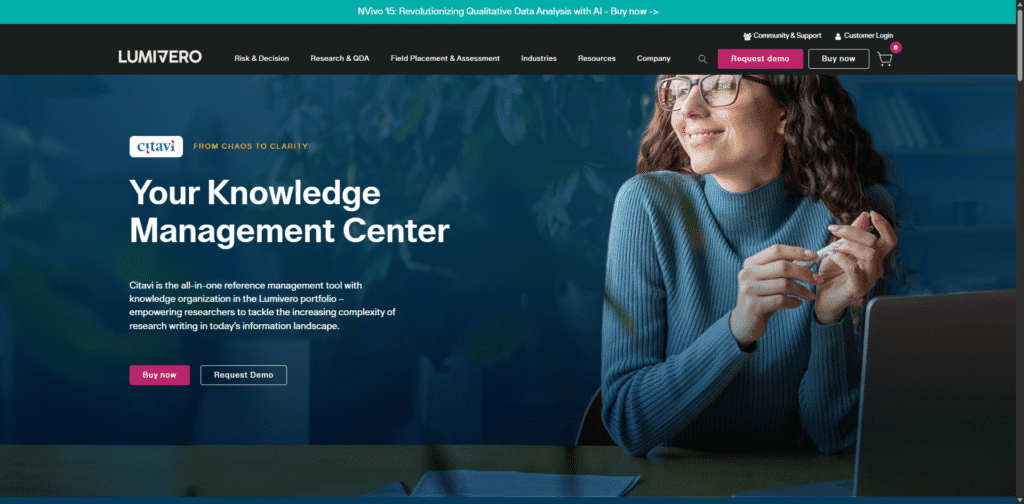
Citavi is a Zotero Alternative with a distinctive posture: it combines reference management with knowledge organization and structured project work. For researchers who want a system that connects citations, quotations, notes, and task planning inside a project framework, Citavi can be compelling, particularly for long-form writing such as dissertations, monographs, or policy reports.
Where it fits best
Researchers managing complex projects with extensive notes, quotations, and structured outlines.
Teams that value internal task assignment and project-level organization.
Environments where security or deployment options matter, including scenarios that require local or controlled hosting models.
Strengths you can operationalize
Project-centric workflow: Citavi’s value is not only citation output, it is turning reading and note-taking into structured writing assets.
Collaboration and governance: Citavi highlights collaboration and options to work in the cloud or locally depending on security requirements.
Web-oriented writing support: Citavi Web has been positioned as an online environment with Word Online add-on compatibility, which can matter for institution-wide deployments.
Typical tradeoffs
A feature-rich Zotero Alternative can feel heavier than a minimalist reference manager. The learning curve may be higher, especially if your current workflow is lightweight tagging and quick citation insertion.
Migration notes
To migrate well, decide whether you are adopting Citavi primarily as a reference manager or as a full knowledge workflow tool. If you use it only as a citation database, you may not realize its main advantage. If you adopt it fully, budget time to redesign how you capture quotations, comments, and thematic categories.
Papers
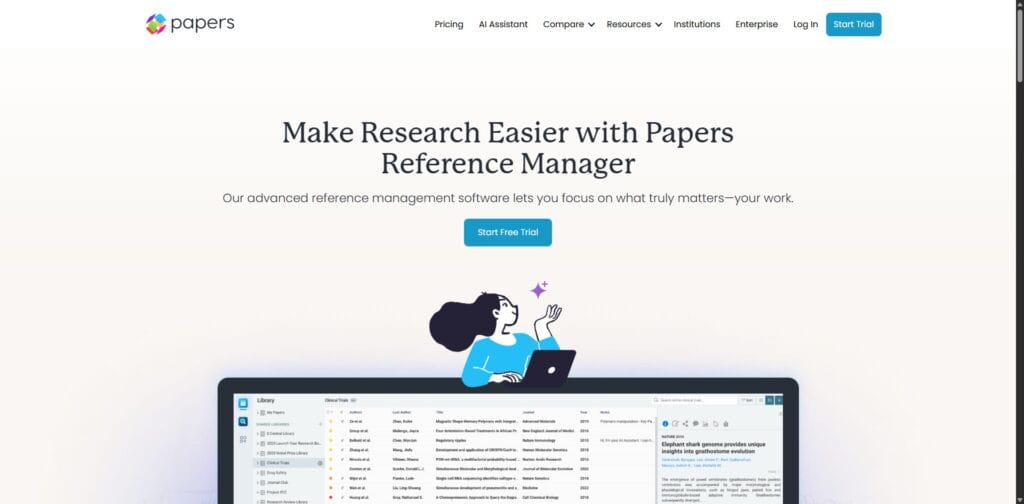
Papers, associated with the ReadCube ecosystem, is a Zotero Alternative that leans strongly into reading, annotation, and discovery. If you want your reference manager to behave like a research reading environment, not merely a citation database, Papers is built around that expectation. It is often chosen by researchers who spend significant time inside PDFs and want a polished library and annotation experience.
Where it fits best
Researchers who read and annotate heavily and want an integrated discovery-to-reading pipeline.
Teams where reading workflows are central, such as systematic review groups or fast-moving lab environments.
Researchers who value a dedicated application experience for literature management.
Strengths you can operationalize
Centralized library posture: Papers markets itself as a centralized reference library to improve discovery, organization, reading, annotation, and citation.
Integrated capture and extensions: The existence of browser extensions is relevant if you rely on one-click capture into your library, even when you are moving quickly through search results.
Typical tradeoffs
A reading-centric Zotero Alternative can be less transparent in file management than tools built around plain-text bibliographic formats. If long-term archival portability is a priority, test export behavior carefully.
Migration notes
When migrating from Zotero, do a two-layer check: confirm metadata integrity (authors, dates, DOIs, journal names) and confirm annotation portability (highlights, notes, and any extraction features you depend on). Many researchers discover too late that they need a parallel note export routine.
Lean Library Workspace
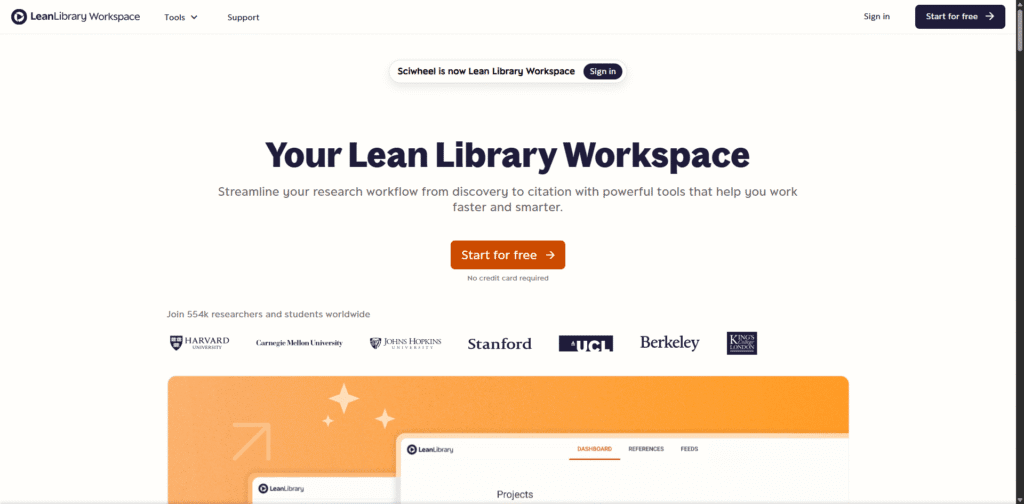
Lean Library Workspace, formerly Sciwheel, is a Zotero Alternative that targets streamlined capture, collaboration, and writing support. If your institution already uses Lean Library tooling for access and discovery, Workspace can align neatly with that environment. The rebranding from Sciwheel to Lean Library Workspace is also operationally relevant, since it affects domains, extensions, and user expectations during onboarding.
Where it fits best
Researchers who want a web-first reference manager with collaboration features.
Teams that already use Lean Library tools and want a cohesive access and capture flow.
Groups that value shared projects, highlights, and notes in a single collaborative space.
Strengths you can operationalize
Shared project model: Lean Library Workspace emphasizes collaboration in shared projects, including viewing highlights, notes, and references together.
Institutional alignment: As a Zotero Alternative, it can fit well where library systems and access tooling are already in place.
Transition clarity: The explicit change from Sciwheel branding to Lean Library Workspace is important when you are updating training materials, lab onboarding docs, or departmental guidance.
Typical tradeoffs
As with any platform in transition, you should validate the stability of your critical integrations. Test browser capture, Word or Google Docs citation workflows, and export formats before migrating a whole group.
Migration notes
If your group is switching collectively, designate one “workflow maintainer” to standardize naming, tags, and folder conventions. Collaborative systems degrade quickly when everyone brings incompatible taxonomies.
JabRef
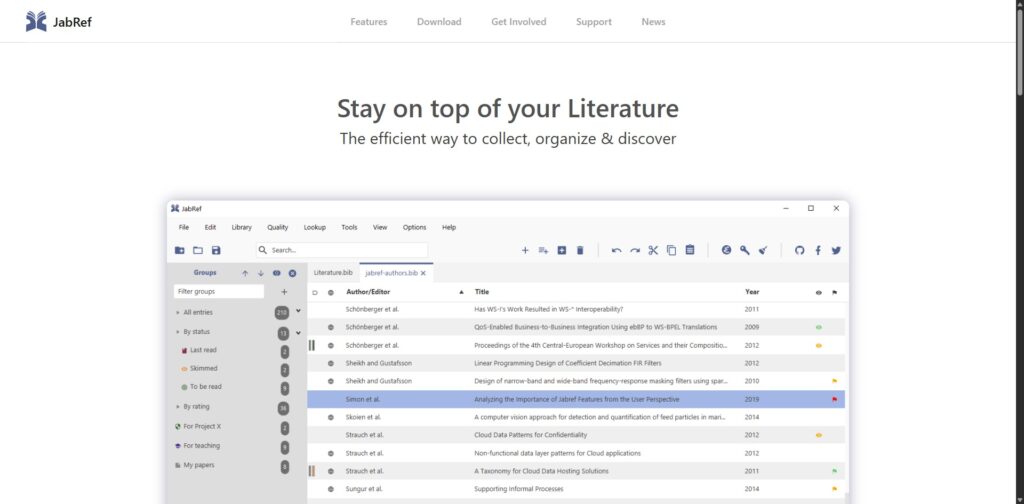
JabRef is an excellent Zotero Alternative for LaTeX and BibTeX-first researchers who want an open-source tool built around bibliographic hygiene. Unlike generalist reference managers that treat BibTeX as one export format among many, JabRef is natively BibTeX and BibLaTeX oriented, which makes it particularly valuable for researchers who care about consistent citation keys, clean metadata, and version control friendly libraries.
Where it fits best
Researchers writing in LaTeX, especially in fields with established BibTeX workflows.
Teams that want plain-text libraries that play well with Git-based version control and reproducible writing.
Researchers who want a free, open-source Zotero Alternative without subscription dependencies.
Strengths you can operationalize
BibTeX-native discipline: JabRef encourages clean entries, consistent fields, and predictable keys, which reduces citation errors late in the writing process.
Open-source transparency: Its open-source posture and community development model are valuable if you want tooling that does not depend on a single vendor’s roadmap.
Workflow evolution: Recent development communication highlights ongoing feature work, including developer-facing improvements, which suggests an active project rather than abandonware.
Typical tradeoffs
If you rely heavily on rich PDF annotation extraction or Word-centric writing, JabRef may feel less natural than a generalist Zotero Alternative. It is best when the bibliography is a first-class artifact in your project, not a byproduct.
Migration notes
Do not migrate your entire Zotero library immediately. Instead, export a BibTeX subset, enforce a citation key policy, and test the full compile cycle of a paper with your preferred LaTeX editor. Once the loop is stable, then scale up.
BibDesk
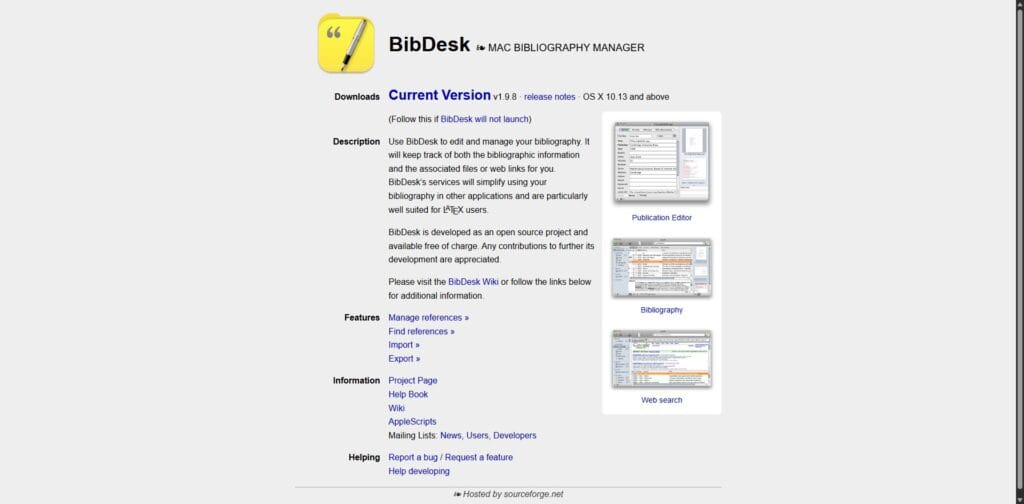
BibDesk is a macOS-focused Zotero Alternative that is particularly well suited for researchers working in BibTeX and LaTeX ecosystems. It is designed to edit and manage bibliographies and track associated files and links, and it is widely used in Mac-based academic writing contexts where a lightweight, BibTeX-centric manager is preferable.
Where it fits best
macOS researchers who write in LaTeX and want a dedicated BibTeX manager.
Researchers who value a focused tool for bibliography management rather than a platform-style ecosystem.
Users who want an open-source option oriented around BibTeX management.
Strengths you can operationalize
BibTeX editing and management: BibDesk is explicitly built to manage BibTeX bibliographies and associated files, which keeps your library close to the writing pipeline.
macOS integration: If your daily workflow is Mac-native, system integration and stability can matter as much as feature breadth.
Typical tradeoffs
As a Zotero Alternative, BibDesk is not trying to be everything. If you need robust cross-platform support, cloud collaboration, or a Google Docs centered writing process, BibDesk may be too specialized.
Migration notes
Plan your attachment strategy carefully. Many BibTeX-centered workflows benefit from a simple rule: keep PDFs in a predictable folder tree, reference them consistently, and back up that tree independently of the reference manager.
Bookends
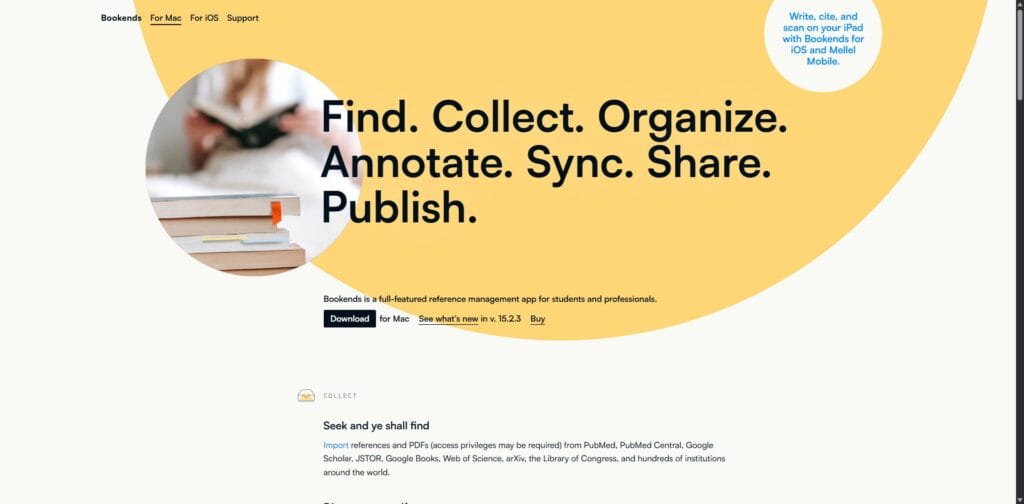
Bookends is a macOS and iOS oriented Zotero Alternative that appeals to researchers who want a powerful local application with strong search and organization features. It is often chosen by academics who want a dedicated app experience but still value broad interoperability with writing tools and mobile support.
Where it fits best
macOS researchers who want a serious, app-based reference manager rather than a web-first tool.
Researchers who value integrated literature searching and library building from academic sources.
Users who want a Zotero Alternative that can span desktop and mobile research reading.
Strengths you can operationalize
App-based performance for large libraries: Desktop-first tools can feel faster and more controllable for large personal libraries.
Mobile continuity: If you read and capture references on iPad or iPhone, mobile availability becomes a real productivity factor, not a bonus.
Research discovery support: Bookends describes workflows that include searching academic sources and retrieving references and PDFs, which can reduce friction in literature collection.
Typical tradeoffs
Platform specificity is the main consideration. If you collaborate with Windows-heavy teams, or if you need institution-wide standardization across mixed systems, a macOS-centric Zotero Alternative may complicate onboarding.
Migration notes
If you rely on shared libraries with coauthors, validate how Bookends fits into that collaboration model. It can be excellent for a single researcher’s pipeline, but collaborative governance should be tested explicitly.
Conclusion
Choosing a Zotero Alternative is an engineering decision for your research workflow. The most reliable approach is to map tools to constraints rather than chasing feature lists. If you write in Word and you need institution-grade formatting support, EndNote is often the most straightforward Zotero Alternative. If your group lives in Google Docs, Paperpile can remove friction that no desktop-first tool will fully eliminate. If you want a cloud-based institutional option, RefWorks can be effective when your library supports it. If you need knowledge organization and project structure, Citavi stands out.
If reading and annotation are the center of your practice, Papers can be a strong Zotero Alternative. If you want web-first capture and collaborative projects in a library-aligned ecosystem, Lean Library Workspace is worth testing. If you are LaTeX-first and care about BibTeX hygiene, JabRef and BibDesk are specialized, high-leverage choices. If you are macOS-first and want a powerful local tool with mobile continuity, Bookends may be the most comfortable Zotero Alternative.
Suggested next steps
Write down your non-negotiables (writing environment, collaboration, PDF workflow, data control).
Run a migration pilot with a messy subset of your library, not a curated sample.
Test citation insertion in your real writing context (your dissertation template, your lab manuscript template, or your journal submission format).
Decide on governance rules early if you are migrating as a group (naming, tagging, folder conventions, and who maintains styles).
Directions for further reading
Your university library’s reference management guides and training materials, which often provide discipline-specific workflows and institutional best practices.
Journal and publisher guidance on citation styles in your field, especially if you submit across multiple venues.
Reproducible writing resources (particularly for LaTeX and version-controlled bibliographies) if you plan to treat your references as part of a transparent research artifact.