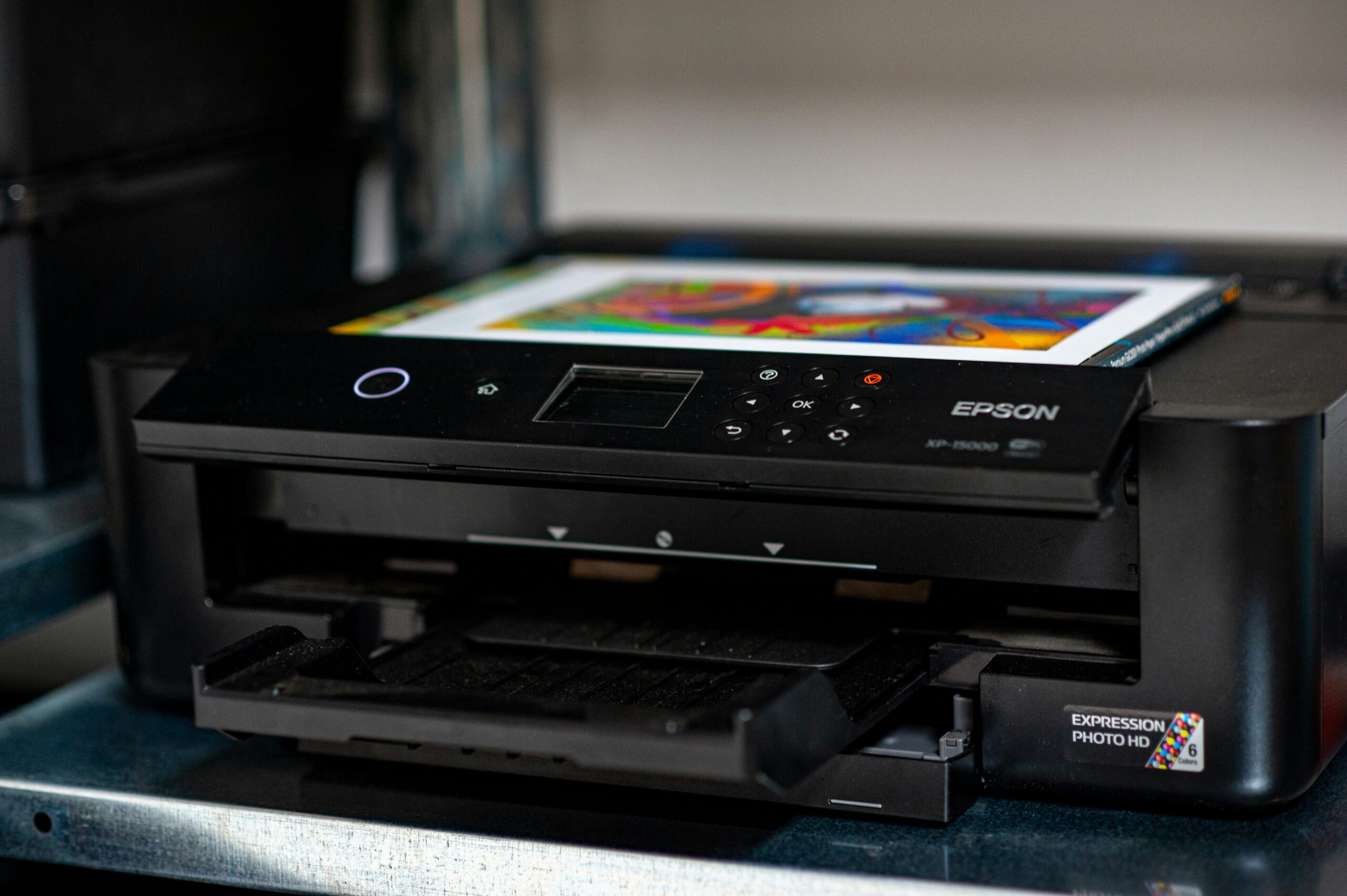
Choosing a printer as a PhD student is an important decision that can save you significant time and money. While many universities provide printing services, having a reliable machine at home for draft chapters, ethics applications, and research papers is often much more convenient. Whether you need a high-speed laser printer for text-heavy documents or an ink-tank system to save on long-term costs, this 2026 guide highlights ten models that are particularly well-suited to the demands of doctoral research.
| Printer Model | Primary Strength | Best Use Case |
|---|---|---|
| Epson EcoTank ET-2850 | Ultra-low ink costs | High-volume draft and thesis printing |
| HP LaserJet M110w | Smallest laser footprint | Small study spaces or studio flats |
| Brother MFC-L2800DW | All-in-one efficiency | High-speed monochrome text and scanning |
| Canon MegaTank G3570 | Colour ink economy | Printing diagrams and data visualisations |
| HP OfficeJet 250 | True portability | Travelling for archives or fieldwork |
| Brother HL-L2400DWE | Monochrome reliability | Simple, low-maintenance text printing |
| HP Envy 6132e | All-rounder value | Occasional printing and high-quality scanning |
| Canon i-SENSYS MF754Cdw | Professional laser quality | High-end colour for final submissions |
| Epson Expression XP-4200 | Compact inkjet budget | Light use and basic scanning on a budget |
| Brother DCP-J1200W | High-yield cartridges | Reliable ink performance without tank refills |
1. Epson EcoTank ET-2850
- Type: Colour Inkjet (Refillable Tank)
- Functions: Print, Scan, Copy
- Print Speed: 10.5 ppm (Mono), 5 ppm (Colour)
- Connectivity: Wi-Fi, Apple AirPrint, Wi-Fi Direct
- Ink Yield: Up to 14,000 pages included in the box
Why it is good: This is the premier choice for students who print massive volumes of text. Because it uses refillable ink tanks rather than expensive cartridges, the cost per page is the lowest in the industry. It is ideal for printing multiple iterations of a thesis or long literature reviews without worrying about the cost of replacement ink.

2. HP LaserJet M110w
- Type: Monochrome Laser
- Functions: Print only
- Print Speed: Up to 21 ppm
- Dimensions: 346 x 189 x 159 mm
- Weight: 3.8 kg
Why it is good: This is the smallest laser printer in its class. It is perfect for PhD students living in small studio apartments or shared university accommodation where desk space is limited. It provides sharp, smudge-proof text that is essential for formal submissions and proofreading.
3. Brother MFC-L2800DW
- Type: Monochrome Laser (All-in-One)
- Functions: Print, Scan, Copy, Fax
- Print Speed: 32 ppm
- Duplex Printing: Automatic two-sided printing
- Paper Tray: 250-sheet capacity
Why it is good: This is a high-speed workhorse for the serious researcher. It scans quickly, allowing you to digitise physical research materials with ease. The automatic two-sided printing saves a significant amount of paper during long-form draft printing.
4. Canon MegaTank G3570
- Type: Colour Inkjet (Refillable Tank)
- Functions: Print, Scan, Copy
- Resolution: 4800 x 1200 dpi
- Connectivity: Wi-Fi, Cloud Link, USB
- Paper Feed: 100-sheet rear tray
Why it is good: If your research involves colour-coded diagrams, high-resolution graphs, or data visualisations, the Canon MegaTank is exceptional. It combines very low running costs with superior colour accuracy compared to budget laser printers.
5. HP OfficeJet 250
- Type: Portable Colour Inkjet
- Functions: Print, Scan, Copy
- Battery: Included rechargeable battery
- Weight: 2.9 kg
- Connectivity: Bluetooth and Wi-Fi Direct
Why it is good: This is the best printer for students who travel for their research. If you frequently visit archives or conduct fieldwork where printing or scanning facilities are unavailable, this portable unit allows you to maintain your workflow anywhere.
6. Brother HL-L2400DWE
- Type: Monochrome Laser
- Functions: Print only
- Print Speed: 30 ppm
- Connectivity: Wi-Fi and USB
- Sustainability: Eligible for EcoPro ink subscription
Why it is good: This is a no-frills, reliable monochrome printer that is built to last. It is ideal for students who only need to print text and want a machine that does not require constant maintenance or expensive colour cartridges.
7. HP Envy 6132e
- Type: Colour Inkjet (All-in-One)
- Functions: Print, Scan, Copy
- Automatic Duplex: Yes
- Ink Plan: Includes 9 months of HP Instant Ink
- Connectivity: Dual-band Wi-Fi with self-healing
Why it is good: This is a versatile and affordable all-rounder. It is particularly good for scanning research documents at high resolution. The included ink plan helps to manage costs during the initial months of your research journey.
8. Canon i-SENSYS MF754Cdw
- Type: Colour Laser (All-in-One)
- Functions: Print, Scan, Copy, Fax
- Print Speed: 33 ppm (Colour and Mono)
- Screen: 12.7 cm colour touch screen
- Scanner: Single-pass double-sided scanning
Why it is good: For the final stages of a PhD, this high-end laser printer provides professional-grade colour output for your final submission drafts. The single-pass double-sided scanning is a massive time-saver for researchers digitising large volumes of archives.
9. Epson Expression Home XP-4200
- Type: Colour Inkjet (Small-in-One)
- Functions: Print, Scan, Copy
- Display: 6.1 cm LCD screen
- Dimensions: 375 x 300 x 170 mm
- Weight: 4.3 kg
Why it is good: This is a highly affordable choice for students with light printing needs. It is very compact and stylish, making it a good fit for home study areas that double as living spaces.
10. Brother DCP-J1200W
- Type: Colour Inkjet (All-in-One)
- Functions: Print, Scan, Copy
- Ink System: High-yield INKvestment-style cartridges
- Connectivity: Fully mobile-managed via Brother Mobile Connect app
- Dimensions: 435 x 359 x 161 mm
Why it is good: This model is perfect for students who want the reliability of cartridges without the high cost. The high-yield cartridges last much longer than standard ones, reducing the frequency of replacements during busy research periods.
Conclusion
Choosing the best printer for your PhD research depends on your specific workflow. If you print hundreds of pages a week, an ink-tank system like the **Epson EcoTank ET-2850** will save you a fortune over three years. If you prioritize sharp text and space, a laser printer like the **HP LaserJet M110w** is a better fit. Investing in the right tools now will allow you to focus entirely on your doctoral research. If you are also finalising your digital setup, do not miss our guides on the Best Laptops for PhD Students and the Best Tablets for PhD Students to ensure your technology never slows you down.