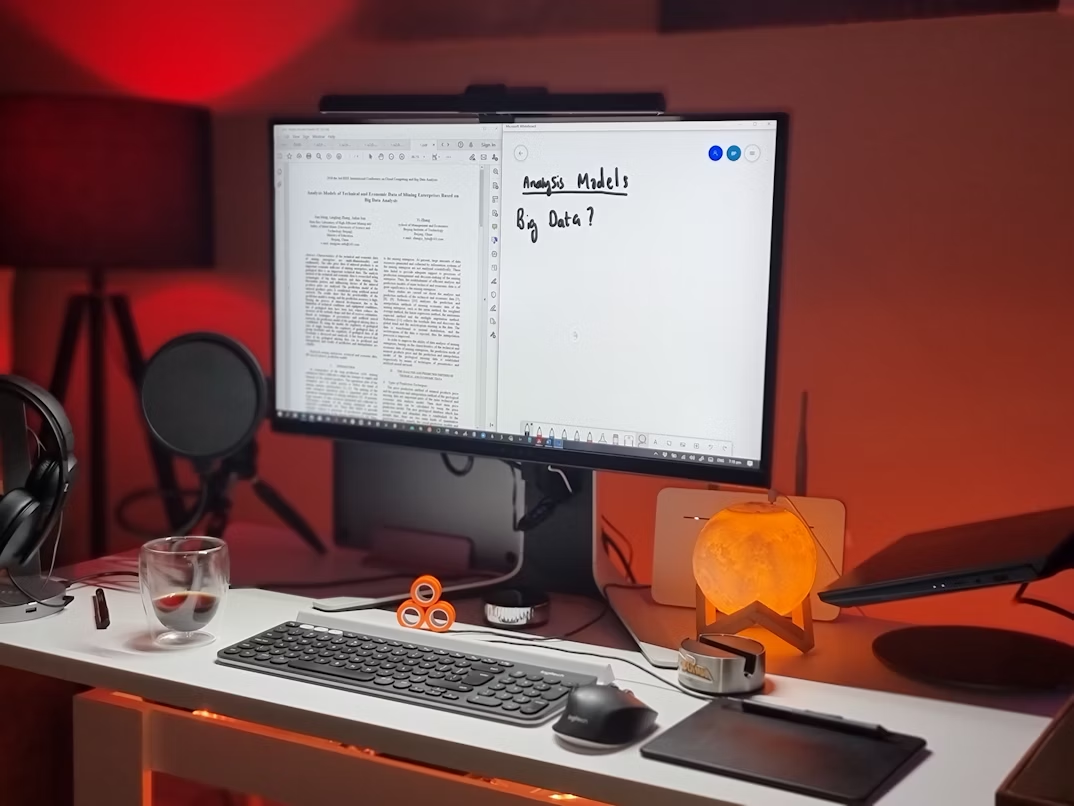
Choosing the best monitor for PhD students is crucial for productivity, comfort, and efficiency. Whether you are reading academic papers, writing a dissertation, coding, or analysing data, the right display can make long study sessions far easier on your eyes and mind. A monitor that balances resolution, ergonomics, and colour accuracy not only enhances your workflow but also prevents fatigue, allowing you to focus on research without distraction.
| Setup Type | High-End | Mid-range | Budget | See full list |
|---|---|---|---|---|
| Ultrawide Multitasking | Dell U4025QW | LG 38WR85QC | Samsung S5 S34C | View All |
| Coding & Text Clarity | BenQ RD280U | Dell U2723QE | MSI Modern MD271UL | View All |
| Mobile & Small Desk | HP 5 Pro 514pn | ASUS MQ16AH | Arzopa Z1FC | View All |
| Eye-Care Budget | BenQ GW2790 | ASUS VA27EHF | Samsung S3 S30GD | View All |
The “Deep Work” Multitasker (Ultrawide & Large Screens)
If your PhD involves juggling a dissertation draft, a PDF reader, and a reference manager like Zotero all at once, an ultrawide monitor is the most efficient choice. These screens replace a dual-monitor setup with a single, seamless display.
1. Dell UltraSharp U4025QW (40-inch 5K2K)
- Resolution: 5120 x 2160 (5K2K)
- Refresh Rate: 120 Hz
- Connectivity: Thunderbolt 4 (140W PD)
- Panel: IPS Black for 2000:1 contrast
Why it is good: This is the premier productivity tool for 2026. The 120 Hz refresh rate ensures that scrolling through long manuscripts is perfectly fluid. It provides the same vertical space as a 4K monitor but with significant extra width for side-by-side windows.

2. LG 38WR85QC-W (38-inch Curved)
- Resolution: 3840 x 1600 (WQHD+)
- Refresh Rate: 144 Hz
- Connectivity: USB-C with 90W charging
- Features: Built-in KVM switch and speakers
Why it is good: The 38-inch size is considered the “sweet spot” for many academics. It is taller than standard 34-inch ultrawides, giving you more lines of text. The 144 Hz refresh rate provides exceptional clarity during fast scrolling.
3. HP E45c G5 (44.5-inch DQHD)
- Resolution: 5120 x 1440 (Dual QHD)
- Refresh Rate: 165 Hz
- Connectivity: Dual USB-C ports (100W PD)
- Other: Virtual Dual Display software
Why it is good: This massive screen is effectively two 27-inch monitors in one. It is ideal for researchers monitoring multiple data streams or working on several large projects simultaneously without the gap of a bezel.
4. Samsung ViewFinity S5 S34C (34-inch)
- Resolution: 3440 x 1440 (WQHD)
- Refresh Rate: 100 Hz
- Panel Type: VA for high contrast
- Design: Borderless on three sides
Why it is good: This is a practical mid-range choice for students. The 100 Hz refresh rate is a significant upgrade over older 60 Hz models, making it much easier on the eyes during long research days.
5. Gigabyte GS34WQC (34-inch Curved)
- Resolution: 3440 x 1440 (WQHD)
- Refresh Rate: 144 Hz
- Panel Type: VA (1500R Curve)
- Other: Black Equalizer for text clarity
Why it is good: For a budget-friendly ultrawide, this model offers a surprisingly high refresh rate. It is excellent for multi-window research and handles data-heavy spreadsheets with ease.
The Coding & Text Specialist (Portrait & High-PPI)
For PhD students in Computer Science, Bioinformatics, or Mathematics, vertical space for code and sharp text for LaTeX is the priority. These monitors offer specialized modes for reading and programming.
1. BenQ RD280U (28-inch Programming Monitor)
- Resolution: 3840 x 2560 (3:2 Aspect Ratio)
- Refresh Rate: 60 Hz
- Features: Coding Mode (Light/Dark themes)
- Panel: Fine-coated anti-glare
Why it is good: The 3:2 aspect ratio is a game-changer for academics because it is taller than standard screens. You can see many more lines of code or a full A4 page without scrolling. The specialized “Coding Mode” enhances contrast for syntax highlighting.
2. Dell UltraSharp U2723QE (27-inch 4K)
- Resolution: 3840 x 2160 (4K UHD)
- Refresh Rate: 60 Hz
- Panel: IPS Black for 2000:1 contrast
- Connectivity: USB-C Hub with 90W PD
Why it is good: The “IPS Black” technology provides much deeper blacks than standard monitors. This is a massive benefit for those who prefer coding or writing in dark mode, as it significantly reduces backlight bleed.
3. ASUS ProArt PA329CRV (32-inch 4K)
- Resolution: 3840 x 2160 (4K UHD)
- Refresh Rate: 60 Hz
- Colour: 98 percent DCI-P3
- Connectivity: USB-C with 96W charging
Why it is good: The 32-inch size allows for 4K resolution without needing significant scaling. This keeps text sharp while giving you a vast amount of screen real estate for complex data visualisations.
4. HP Series 7 Pro 732pk (32-inch 4K)
- Resolution: 3840 x 2160 (4K UHD)
- Refresh Rate: 60 Hz
- Panel: IPS Black technology
- Features: Built-in KVM and Thunderbolt 4
Why it is good: It is a high-end workstation display. The Thunderbolt 4 support allows you to daisy-chain a second 4K monitor, which is perfect for students who need a truly expansive dual-screen setup.
5. MSI Modern MD271UL (27-inch 4K)
- Resolution: 3840 x 2160 (4K UHD)
- Refresh Rate: 60 Hz
- Connectivity: USB-C (65W PD)
- Design: Sleek, minimalist aluminium stand
Why it is good: This is one of the most affordable 4K monitors with USB-C. It is perfect for students who want high-resolution text clarity on a budget without sacrificing desk aesthetics.
The Mobile Researcher (Portable & Space-Saving)
If you prefer working in cafes or frequently move between your university office and home, portable monitors allow you to maintain a dual-screen workflow anywhere.
1. HP Series 5 Pro 514pn (14-inch)
- Resolution: 2560 x 1600 (WQXGA)
- Refresh Rate: 60 Hz
- Aspect Ratio: 16:10 for extra height
- Weight: 0.63 kg
Why it is good: This is widely regarded as the best portable monitor for 2026. The 16:10 ratio and high resolution make it superior for reading papers compared to standard widescreen portables.
2. ASUS ZenScreen MQ16AH (15.6-inch OLED)
- Resolution: 1920 x 1080 (FHD)
- Refresh Rate: 60 Hz
- Panel: OLED for perfect blacks
- Connectivity: USB-C and Mini-HDMI
Why it is good: The OLED panel provides unmatched contrast. If you do any visual research or simply want the best possible text clarity in a portable format, this is a premium choice.
3. MSI PRO MP161 E2 (15.6-inch)
- Resolution: 1920 x 1080 (FHD)
- Refresh Rate: 60 Hz
- Design: Fold-out kickstand (E2 version)
- Connectivity: Dual USB-C
Why it is good: It is a durable, reliable solution for researchers on the move. The upgraded E2 kickstand is very stable, allowing you to position it alongside your laptop at various angles.
4. Lenovo ThinkVision M14t Gen 2 (Touch)
- Resolution: 2240 x 1400 (WQXGA)
- Refresh Rate: 60 Hz
- Features: 10-point touch and pen support
- Weight: 0.7 kg
Why it is good: The touch and pen support allow you to annotate PDFs directly on the screen. It is an excellent choice for qualitative researchers who mark up many documents.
5. Arzopa Z1FC (16.1-inch)
- Resolution: 1920 x 1080 (FHD)
- Refresh Rate: 144 Hz
- Design: Ultra-thin and lightweight
- Connectivity: Plug and play USB-C
Why it is good: This is one of the most popular and affordable portable monitors. The 144 Hz refresh rate is rare for portables and makes using your computer feel much more responsive.
The Everyday Eye-Care Budget (Reliable & Eye-Friendly)
If you need a permanent desk setup but have a limited budget, these monitors prioritising eye health are the best investments. They feature high refresh rates and flicker-free technology to prevent headaches.
1. BenQ GW2486TC (24-inch Eye-Care)
- Resolution: 1920 x 1080 (FHD)
- Refresh Rate: 100 Hz
- Connectivity: USB-C with daisy-chaining
- Ergonomics: Full height adjustment
Why it is good: This is the gold standard for student eye-care. The 100 Hz refresh rate combined with BenQ Brightness Intelligence technology automatically adjusts the screen to your room lighting.
2. ASUS VA27EHF (27-inch Frameless)
- Resolution: 1920 x 1080 (FHD)
- Refresh Rate: 100 Hz
- Features: TUV-certified Eye Care
- Design: Ultra-slim bezels
Why it is good: It is a very affordable 27-inch monitor. The 100 Hz refresh rate makes it superior to older 60 Hz budget screens, providing a much smoother reading experience.
3. Samsung S3 S30GD (24-inch)
- Resolution: 1920 x 1080 (FHD)
- Refresh Rate: 100 Hz
- Panel Type: IPS
- Connectivity: HDMI and DisplayPort
Why it is good: This is a dependable, high-quality budget monitor from a trusted brand. It is an excellent secondary screen for students who need to display a static reference document while writing on their laptop.
4. Dell S2425H (24-inch)
- Resolution: 1920 x 1080 (FHD)
- Refresh Rate: 100 Hz
- Speakers: Built-in dual 5W speakers
- Design: Modern minimalist aesthetic
Why it is good: The 100 Hz refresh rate and built-in speakers make this a great all-in-one budget solution for students who also watch many online lectures or recorded seminars.
5. MSI PRO MP243X (23.8-inch)
- Resolution: 1920 x 1080 (FHD)
- Refresh Rate: 100 Hz
- Features: Built-in phone slot in the stand
- Eye-Care: Anti-glare and Less Blue Light
Why it is good: This is a very practical budget monitor. The stand includes a slot for your smartphone, which is helpful for keeping your desk organised while you study.
Conclusion
Choosing the best monitor for PhD students depends entirely on your workspace and how you interact with your data. A 100 Hz or 120 Hz refresh rate is highly recommended for 2026, as it significantly reduces the eye fatigue that comes from staring at static text for hours. Whether you buy on Amazon UK or at a local shop, prioritising text clarity and ergonomics will pay off during the final year of your dissertation.
If you are still finalising your complete research setup, do not forget to check our guide on the Best Laptops for PhD Students. Having a powerful laptop to drive these high-resolution monitors ensures that your workflow remains uninterrupted from your first literature review to your final viva.