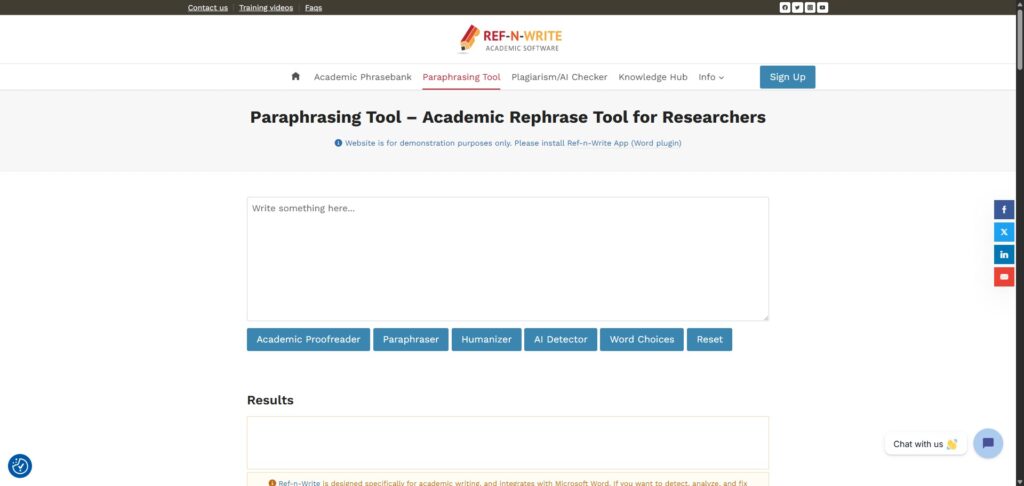
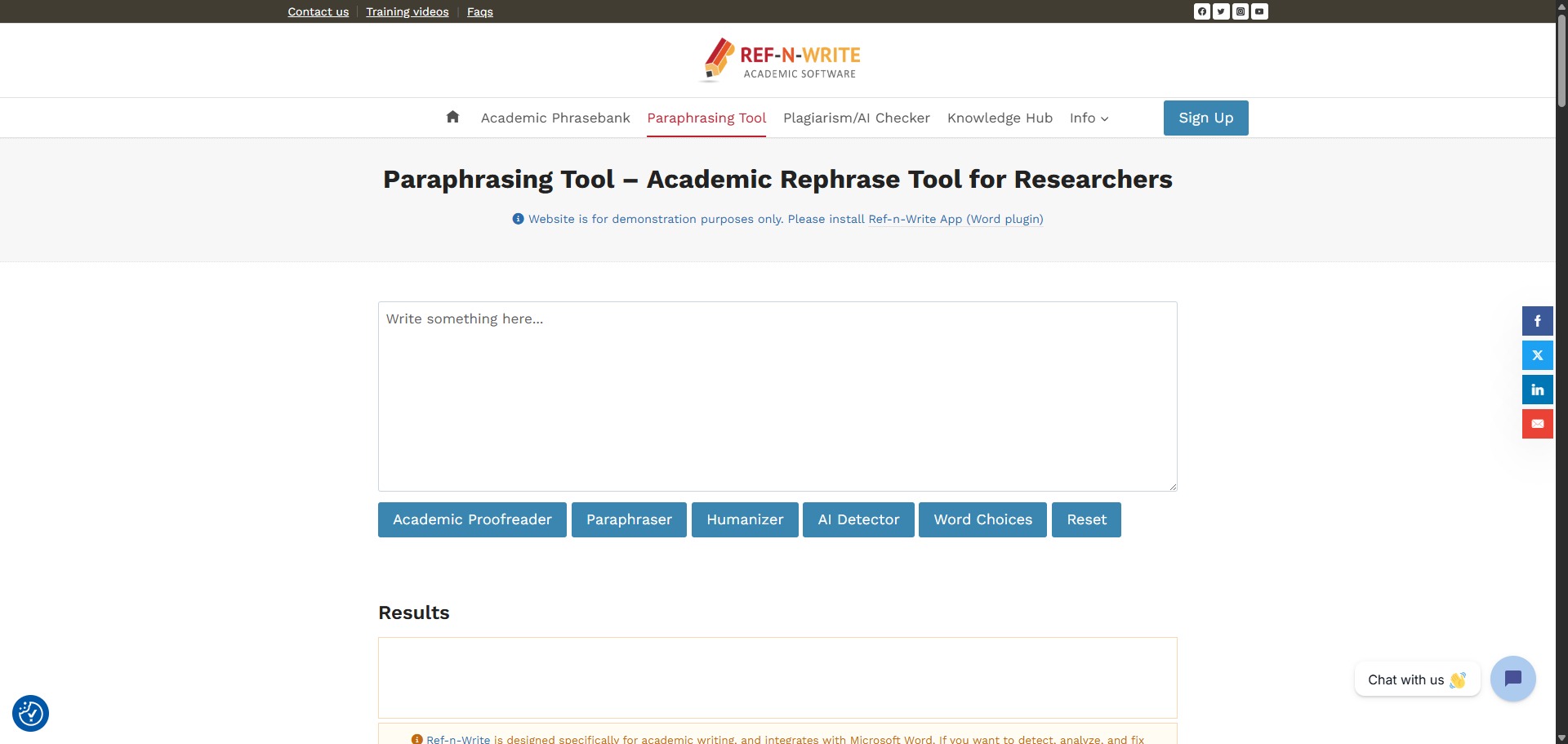
Ref-n-Write is a freemium, research-oriented AI writing assistant designed to help university students, PhD candidates, and postdocs paraphrase text, polish technical prose, and cross-reference background materials.
Operating directly as a native add-in inside popular processors, Ref-n-Write avoids the need to repeatedly copy and paste drafts into open web browsers. The service provides specialized scholarly linguistic libraries and automated text-mining pipelines to transform raw, casual thoughts into formal, publication-ready research paragraphs.
Recommended
What can you use Ref-n-Write for?
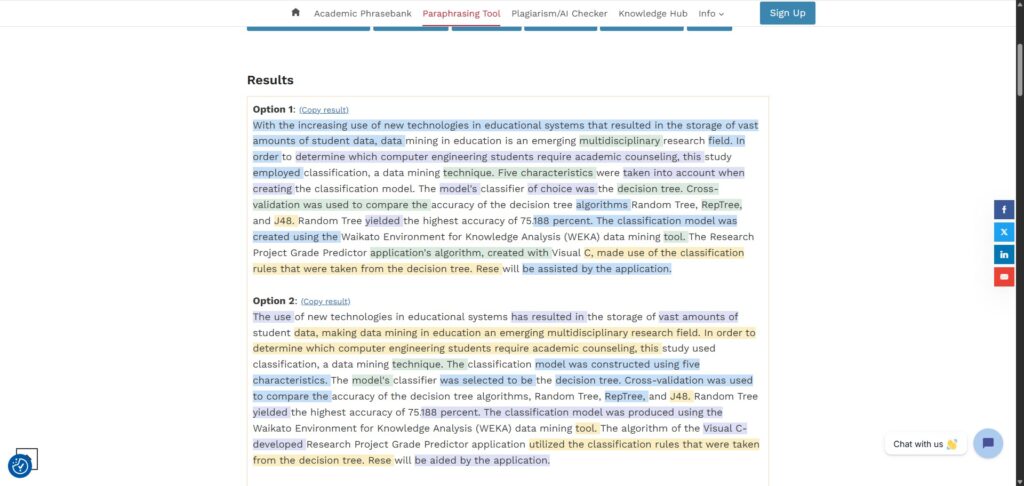
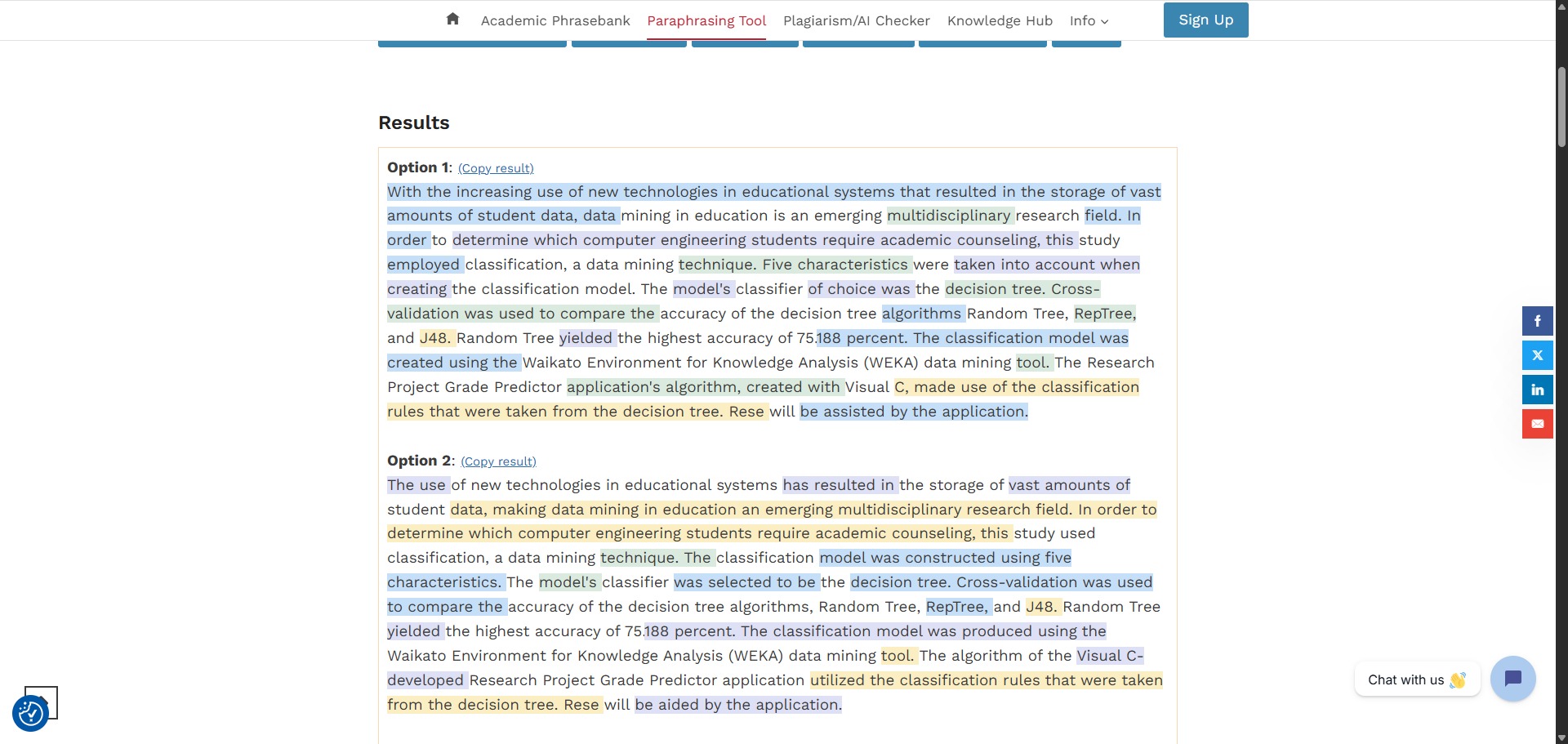
You can use it to rephrase problematic text blocks, pull vocabulary recommendations from successful papers, and generate fresh structural ideas for your active chapters. By highlighting a sentence inside your draft workspace, you can trigger its advanced paraphrasing engine to swap weak terms for formal synonyms or completely rearrange complex passive syntax rules.
It also functions as an interactive document cross-referencing desk. Users can import local collections of reference PDFs and previous manuscripts straight into the tool dashboard, allowing the engine to parse background data patterns, search for specific methodology metrics, and perform local self-plagiarism diagnostic scans simultaneously.
Who is Ref-n-Write best for?
It is ideal for university postgraduate students, doctoral researchers, and laboratory scientists who write extensive academic papers and want to refine their writing mechanics without leaving their primary application layouts.
It is also a fantastic resource for international authors and non-native English speakers who require instant structural suggestions to ensure their writing tone adheres to traditional academic formatting guidelines.
Is Ref-n-Write genuinely free?
Yes, Ref-n-Write provides a free entry-level trial framework that allows public users to download and deploy its core processing tools without up-front financial commitments. This unpaid framework lets you test the interactive software interface, run basic search functions, and review a restricted subset of the academic phrasebank metrics.
To lift these lookup boundaries, gain full access to the complete library of twenty thousand scholarly expressions, run advanced AI paraphrasing loops, and execute deep plagiarism checks, you must purchase a premium subscription plan or lifetime license key.
Is Ref-n-Write Premium Worth It?
Yes, if you are working on a long-form academic project like a PhD thesis or a journal manuscript. The free trial tier enforces strict limits on word lookups and blocks advanced features. Upgrading is highly valuable for international authors, postgraduates, and researchers who need continuous access to professional phrasing tools directly inside their word processors.
When you should upgrade:
- You need full phrasebank access: The free tier limits your phrase lookups. Upgrading unlocks the complete database of twenty thousand pre-sorted scholarly expressions to help you structure every section of your paper.
- You want advanced AI rewriting: Paid versions give you unlimited access to the contextual paraphrasing engine, allowing you to rewrite complex technical sentences smoothly without hitting daily caps.
- You run plagiarism checks: Upgrading gives you an allocation of credits to scan your drafts against public web indexes via Copyleaks, alongside unlimited similarity checks against your own local papers.
If you only want to try out the interface or find a few synonyms for a short abstract, the free version is completely fine. However, if you are actively writing a multi-chapter dissertation or preparing a scientific paper for publication, the premium upgrade is a very practical investment.
Should I use Ref-n-Write as an AI writing assistant?
Yes. It is an excellent, comprehensive tool for discovering scholarly literature, tracing citation networks, and finding accessible versions of research documents across almost every academic discipline.
Because it covers multiple areas of study in one central place, it makes the initial discovery process fast and straightforward. It serves as an essential starting point for any literary search before diving into niche database systems.
Key Features
- Expansive academic phrasebank directory
Houses over 20,000 pre-sorted scholarly expressions categorized by typical section requirements, such as introducing ideas or reviewing limitations. - Context-aware AI paraphrasing panel
Evaluates highlighted paragraphs to output multiple alternative sentence variations optimized for formal research publication paths. - Local document text-mining tool
Searches your imported reference PDFs in real time to locate precise vocabulary uses and track down matching experimental design ideas. - Integrated dual plagiarism diagnostic
Scans drafts against public web indices via Copyleaks connections while executing free similarity checks against your internal file registries. - Pervasive workspace add-in panels
Embeds full proofreading utilities and linguistic widgets directly into Microsoft Word, Mac Office, and Google Docs sheet layouts.
Best for
- Paraphrasing and rewording rigid sentence blocks
- Sourcing authoritative academic phrases and structures
- Cross-referencing background reference files while writing
- Checking drafted manuscripts for potential self-plagiarism
- Polishing scientific descriptions inside Microsoft Word
Pros and Cons
Here are the main advantages and limitations of utilizing Ref-n-Write for scholarly document editing.
Pros
- ✓Native word processor extensions keep your editing tasks centered in one primary application window.
- ✓The phrasebank gives exceptional stylistic ideas that mirror real peer-reviewed papers.
- ✓Imported background files are stored locally on your device to maintain strict research privacy.
Cons
- ✗The free trial tier includes tight text limits and restricts advanced AI rewriting modes.
- ✗The software user interface can look slightly dated compared to modern standalone web applications.
- ✗Large text background collections can cause performance latency if document files exceed 500 pages.
How to Use Ref-n-Write
Follow this quick guide to set up the assistant and polish your research text inside your document editor.
-
Visit the Website and Download
Go to the official Ref-n-Write website and download the software installer file. You can choose the free trial version to test the interface tools on your machine. -
Install the Word Processor Add-in
Run the installer on your computer to integrate the plugin with your system applications. Once the process is complete, open Microsoft Word to find a new Ref-n-Write tab in your top menu bar. -
Import Your Reference Documents
Click the text-mining options in the new menu tab to create a local background library. Drag and drop your saved reference PDFs or previous paper files into the dashboard folder to store them locally for quick cross-referencing. -
Highlight Text to Paraphrase
Select a sentence inside your active word document draft that sounds too casual or awkward. Click the paraphrasing icon in the sidebar panel to see a list of formal alternative structures that keep your exact meaning. -
Browse the Academic Phrasebank
Open the phrase bank directory when you are stuck on how to start a paragraph. Look through the pre-sorted categories to find authoritative transition statements for your introduction, methodology, or results sections. -
Run Similarity and AI Checks
Use the built-in diagnostic features before finishing your writing session. Run a local scan against your imported files to avoid self-plagiarism, or activate the web scan tool to check your manuscript for plagiarism and AI content markers.
Frequently Asked Questions
How do I access Ref-n-Write after installing the desktop add-in?
Once the installation setup is complete, you can launch Microsoft Word on your device. You will notice a brand-new dedicated Ref-n-Write tab added to your top menu bar. Clicking this icon opens the interactive sidebar workspace right beside your main text page view.
Can I use Ref-n-Write to check my academic text for generative AI markers?
Yes. Recent software updates include automated AI content detection modules alongside the plagiarism tools. This utility evaluates phrase predictability indices and outputs a comprehensive analysis report, indicating if portions of text mimic machine structures.
Are my private reference files uploaded to public online servers when I import them?
No. Ref-n-Write processes document cross-referencing and text mining tasks using local computing paths on your physical machine. Your imported paper collections, PDF files, and draft folders remain stored on your local drive to preserve total data safety.
What is the structural difference between the paraphrasing and rewording options?
The paraphrasing engine evaluates entire sentence streams to suggest completely restructured clause patterns. The rewording tool operates at a more granular layer, allowing you to highlight single words or brief phrases to view target list variations of scholarly synonyms.
Does the plagiarism checking tool require an additional fee for license holders?
Standard licenses include a set allocation of full plagiarism report pages processed through Copyleaks connections. While similarity checks against your own imported reference files are always unlimited and free, running broader public web scans past your initial page quota requires a minor fee balance.