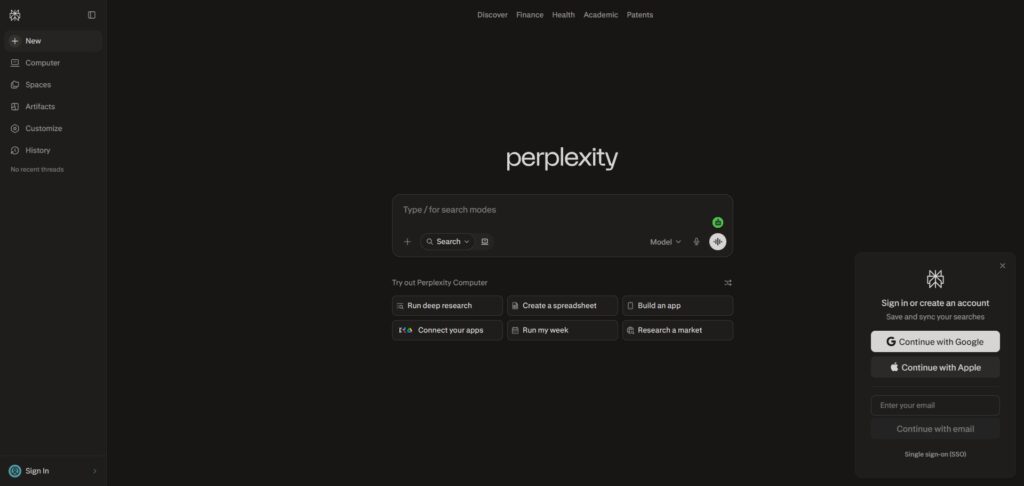
Perplexity is a freemium, AI-driven research assistant and conversational answer engine designed to help students, academics, and professionals find and synthesise information rapidly.
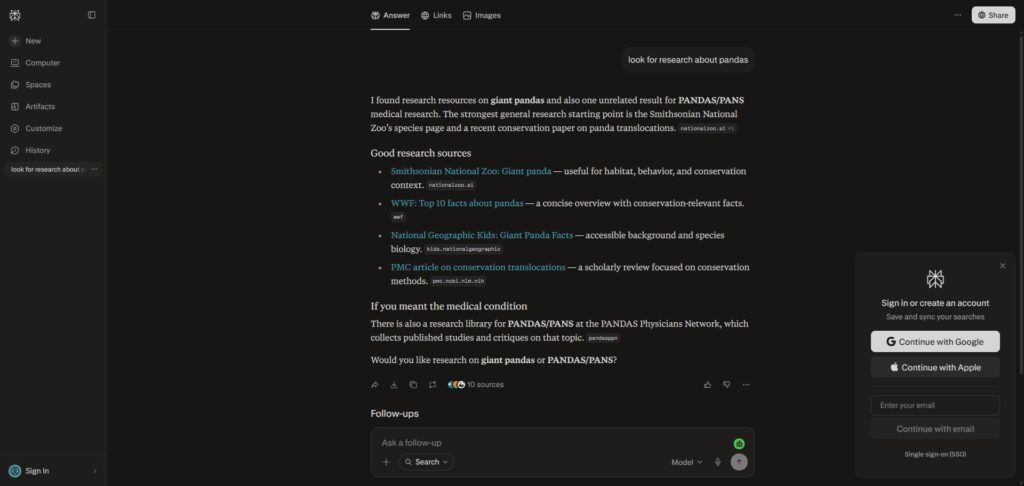
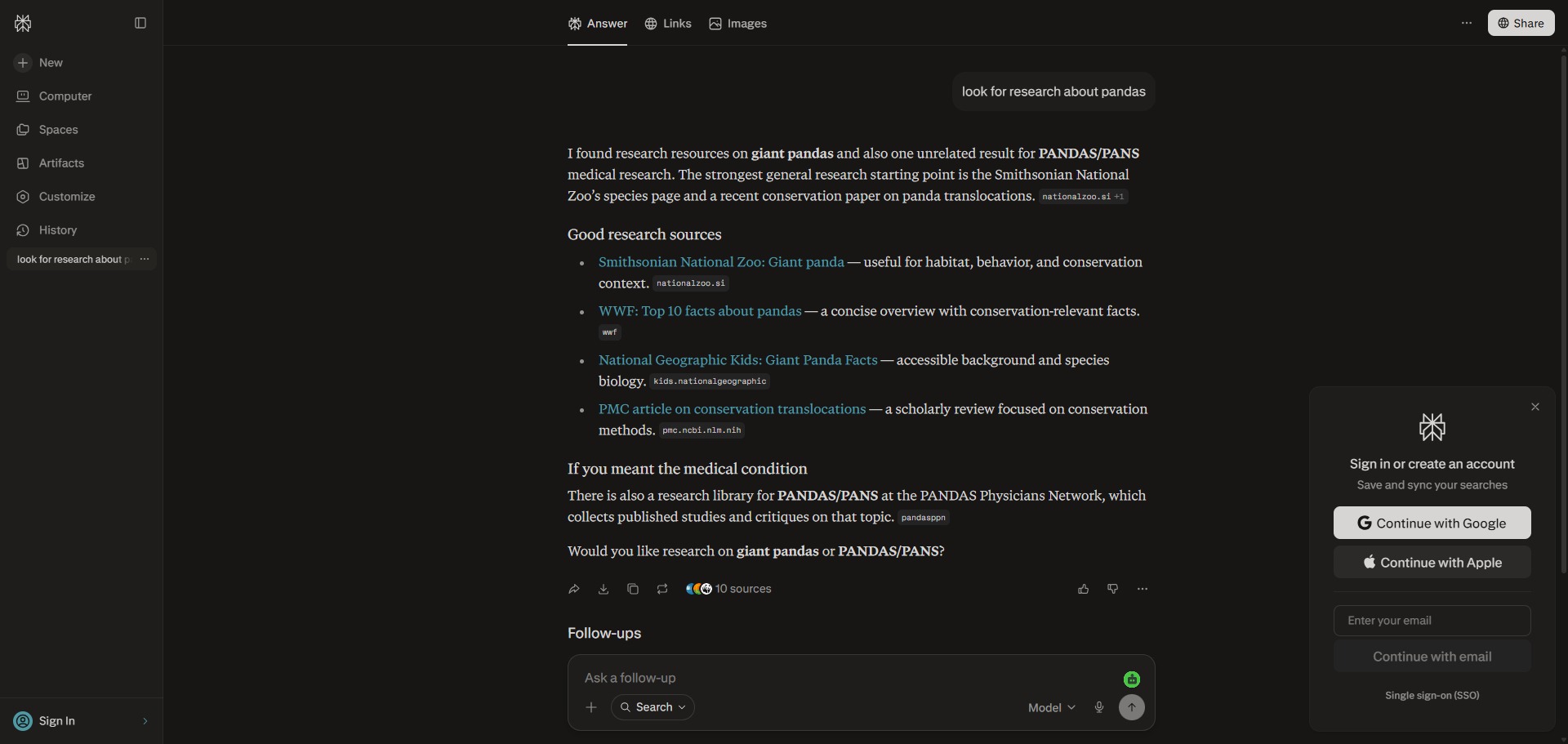
Operating as a real-time retrieval platform, Perplexity completely bypasses the traditional list of blue links found on legacy search engines. Instead, it interrogates live web data, processes text streams using advanced language models, and outputs a structured, narrative answer complete with inline citations that link back to the originating sources.
Highly Recommended
What can you use Perplexity for?
You can use it to get direct answers to multi-layered queries, trace complex technical documentation, and construct detailed topic overviews. Rather than manually clicking through separate browser tabs, you can ask natural language questions, and the engine will gather facts, reconcile conflicting data points, and outline a cohesive response.
It also functions as an interactive research workspace. By shifting into specialized focus configurations, users can filter out standard internet noise to look exclusively for academic papers, query real-time financial indices, or process heavy raw data files through conversational text prompts.
Who is Perplexity best for?
It is ideal for university undergraduates, postgraduate researchers, and independent writers who need to break down unfamiliar fields of study and compile initial resource indices quickly.
It serves as an excellent asset for data analysts and market researchers who require rapid synthesis of current trends without getting bogged down by optimized marketing spam or repetitive search results.
Is Perplexity genuinely free?
Yes, the standard tier of Perplexity is completely free to use and does not require a paid account or registered profile. This unpaid tier supplies an unlimited volume of basic conversational searches, features real-time web access, and provides clean source citations across all standard queries.
To unlock advanced functionalities, you must upgrade to a paid tier such as Perplexity Pro. Upgrading expands your daily allowance of multi-step searches, unlocks deep document file analysis, permits custom file uploads, and grants access to frontier language models like GPT and Claude alongside specialized multi-model comparison systems.
Is Perplexity Premium Worth It?
Yes, if you conduct daily research or need to analyze heavy data documents. While the free tier allows you to run unlimited basic searches with live citations, it caps your advanced, multi-step queries. Upgrading to a premium plan is highly beneficial for university postgraduates, data analysts, and market researchers who need deeper, multi-source info synthesis regularly.
When you should upgrade:
- You need deep research queries: The free tier limits you to just five advanced multi-step searches per day. Upgrading unlocks a generous daily allowance of comprehensive searches that execute multiple background query paths automatically.
- You want to choose your AI model: Paid tiers let you switch between advanced reasoning engines. You can select specific premium models from OpenAI, Anthropic Claude, or Google Gemini to process your research text.
- You analyze complex documents: Upgrading allows you to drag and drop large PDFs, spreadsheets, and data charts directly into the prompt workspace to extract hidden information and summarize files instantly.
If you only need to run everyday fact-checks, verify quick definitions, or avoid search engine marketing spam, the free standard tier is completely fine. However, if you are actively mapping out complex technical documentation or preparing extensive thesis notes, the premium upgrade is a very powerful workspace asset.
Should I use Perplexity as an AI research assistant?
Yes. It is an excellent, comprehensive tool for discovering scholarly literature, tracing citation networks, and finding accessible versions of research documents across almost every academic discipline.
Because it covers multiple areas of study in one central place, it makes the initial discovery process fast and straightforward. It serves as an essential starting point for any literary search before diving into niche database systems.
Key Features
- Source-centered answer generation
Attaches a clickable inline citation tag to every single factual assertion, enabling instant validation of data accuracy. - Granular specialized focus filters
Allows you to restrict search boundaries to specific domains, such as searching purely within peer-reviewed academic publications or checking live stock metrics. - Agentic multi-step Pro Searches
Breaks down layered questions, executes multiple background query pathways, and runs interactive check-ins to deliver fully consolidated syntheses. - Versatile file and media uploads
Accepts complex text documents, code frameworks, spreadsheets, and visual diagrams to summarize text or extract underlying data patterns. - Organized project Spaces and Pages
Groups separate research conversations into clean, collaborative folders that can be easily converted into public, report-style blog layouts.
Best for
- Sourcing facts with verifiable inline citations
- Conducting fast, multi-disciplinary literature scans
- Breaking down complex technical explanations
- Filtering out search engine spam results
- Summarizing lengthy PDF documents and files
Pros and Cons
Here are the main advantages and limitations of using Perplexity for academic research compilation.
Pros
- ✓Transparent reference links make verifying claims and tracking source materials straightforward.
- ✓The interface is incredibly efficient, turning multi-site exploration into an intuitive dialogue.
- ✓Academic mode relies heavily on trusted repositories like Semantic Scholar to ensure data quality.
Cons
- ✗Can occasionally summarize secondary source opinions instead of identifying primary empirical metrics.
- ✗Advanced multi-step reasoning capabilities and deep file searches are limited on the free tier.
- ✗Requires close oversight, as the underlying AI models can still misinterpret highly niche chart layouts.
How to Use Perplexity
Follow this quick guide to run your natural language queries and compile source-grounded research summaries.
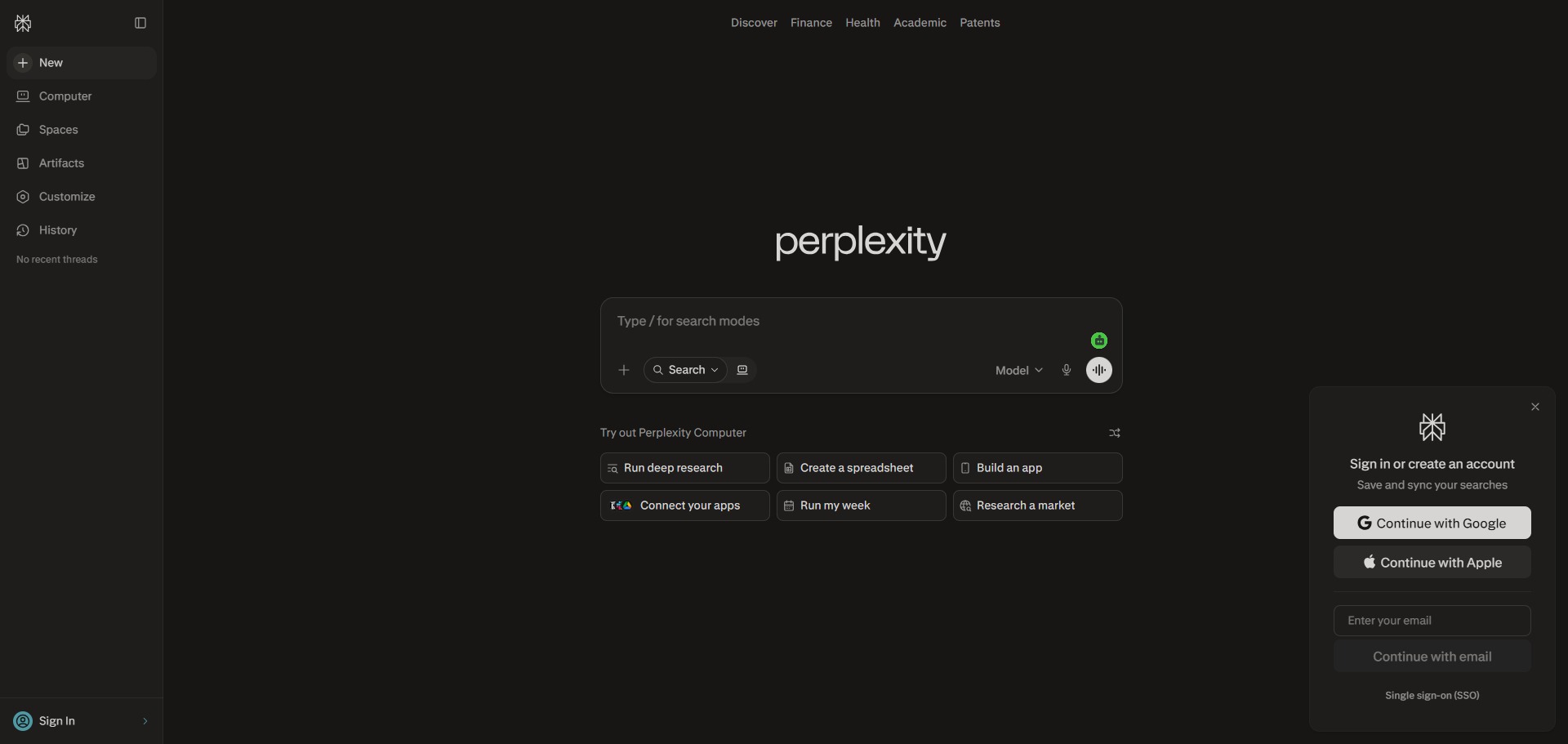
- Visit the Website and Sign Up
Go to the official Perplexity website. While you can execute basic searches without an account, creating a free profile allows you to save your past exploration threads and access project workspace tools. - Configure Your Search Focus
Locate the focus configuration panel inside the main search bar before typing. If you want to bypass news blocks or commercial websites, switch the filter to Academic mode to target peer-reviewed journals and institutional repositories exclusively. - Input Your Research Question
Type a complete, multi-layered question into the central prompt workspace rather than using simple keywords. For complex investigations, toggle on the advanced multi-step search option to prompt the engine to run deeper background tracks. - Review Your Cited Narrative Answer
Read through the structured narrative summary generated by the engine. Instead of forcing you to open separate browser tabs, the system reconciles conflicting facts and presents a cohesive answer with footnotes instantly. - Verify Your Facts via Inline Links
Hover over and click the numbered inline citation tags attached to any factual claim. A side panel view will appear, allowing you to trace the data point back to the originating website or paper to confirm its accuracy. - Organise Your Collections into Spaces
Group your separate research conversations into clean digital folders by clicking the option to create a fresh Space. You can invite colleagues to collaborate on these folders or convert a completed search thread into a public report page.
Frequently Asked Questions
What is the difference between Perplexity and standard ChatGPT?
ChatGPT functions primarily as a conversational model that generates text based on historical training data snapshots. Perplexity is designed as an answer engine that prioritises active web scraping, executing live searches for every query to build answers grounded in current citations.
How does Perplexity Academic mode filter its data sources?
When you toggle your search focus to Academic mode, Perplexity bypasses standard commercial websites, blogs, and news channels. It restricts its search indexing entirely to peer-reviewed journals, institutional archives, and scientific repositories to fetch high-integrity documentation.
Can I choose which specific AI model powers my Perplexity interface?
Yes, but this functionality requires an upgraded tier. Pro subscribers can navigate to their account settings to choose their preferred reasoning engine, allowing them to alternate between specialized iterations of OpenAI, Anthropic Claude, and Gemini models.
Does Perplexity store my search text to train its main language models?
Perplexity utilizes user queries to improve its routing and indexing performance, but users retain control over their text data logs. You can navigate into your profile privacy settings to disable data retention, preventing your text history from being analyzed for future engine tuning.
Can I share a completed research thread with my classmates or colleagues?
Yes. Every conversational thread on Perplexity features a dedicated sharing utility. Clicking this option generates a clean public URL, allowing others to read the full dialogue block and explore the citations without needing an active account profile.