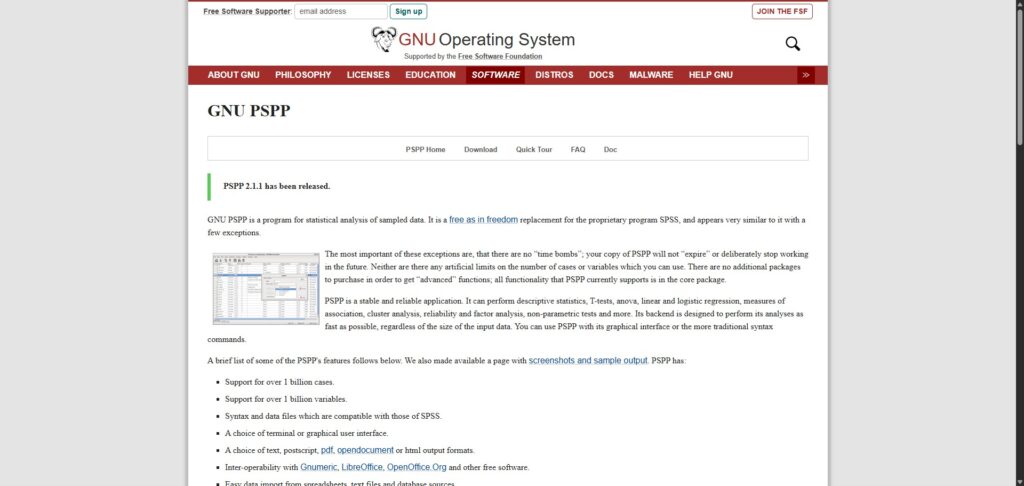
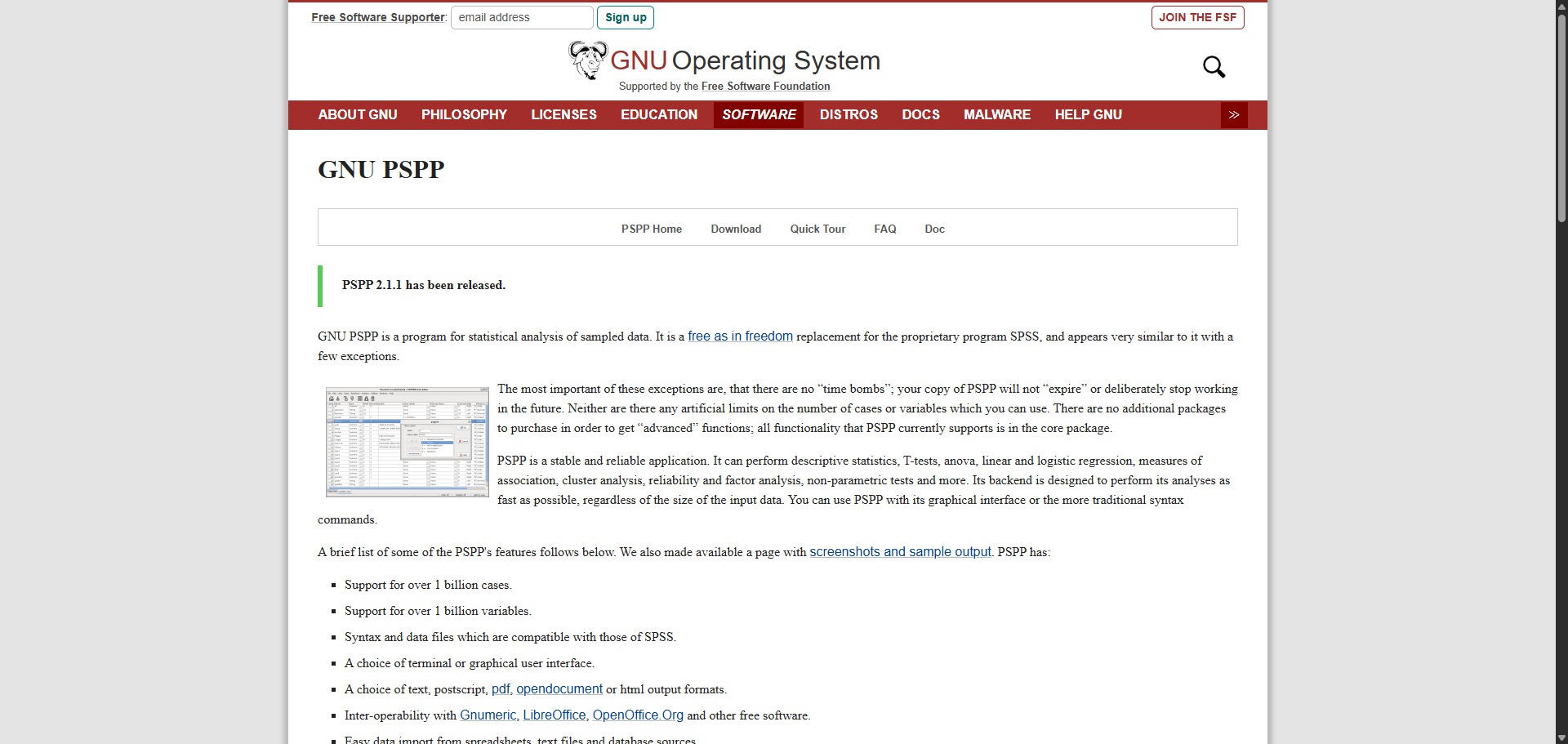
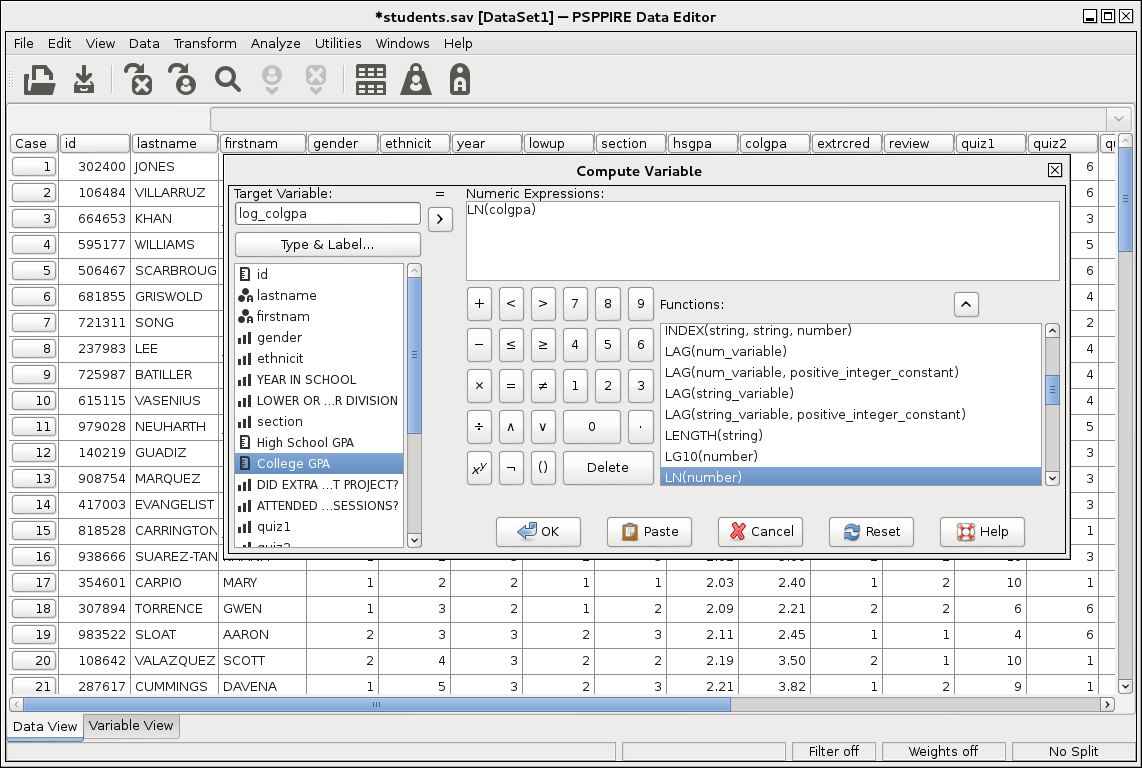
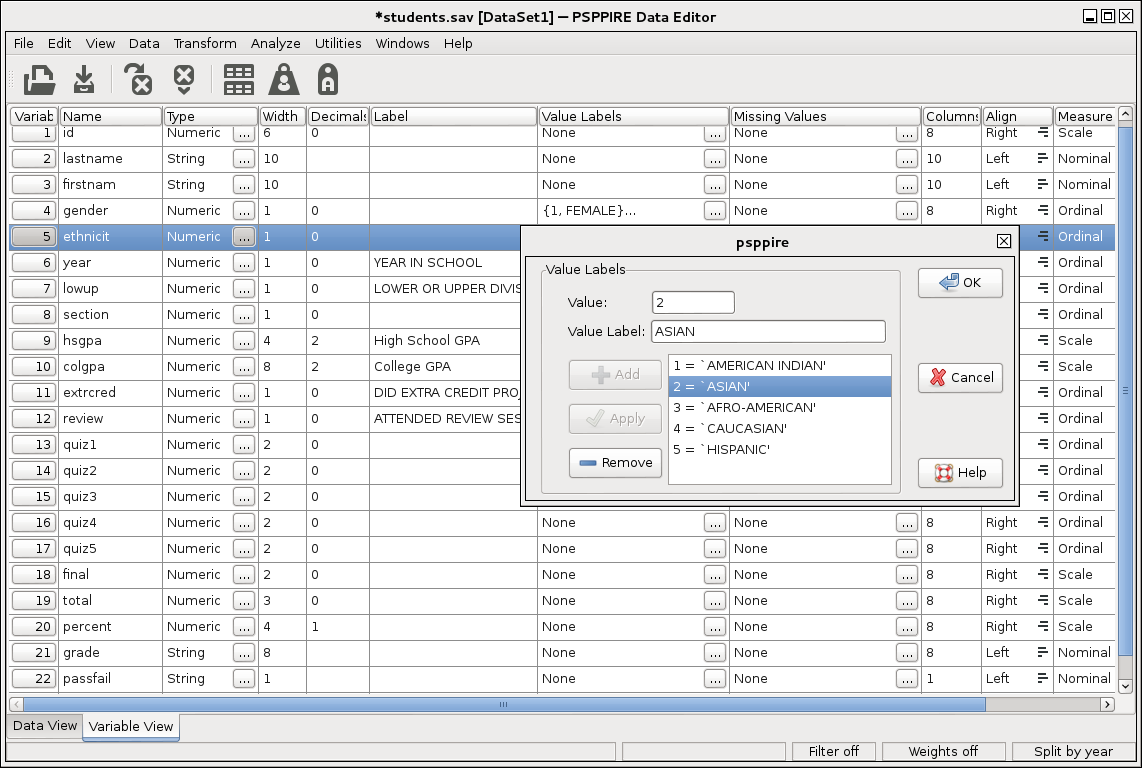
PSPP is a completely free, open-source data-processing utility and statistical analysis framework engineered to help university students, social scientists, and clinical researchers format variables, run structural quantitative tests, and process extensive survey matrices.
Operating as a reliable, non-proprietary alternative to commercial data systems like IBM SPSS Statistics, PSPP eliminates the financial barriers associated with formal data analytics. The system interprets commands written in standard SPSS syntax language and displays a matching split-screen graphical layout, ensuring authors can migrate their analytical pipelines smoothly without changing their operational vocabulary or code rules.
Highly Recommended
What can you use PSPP for?
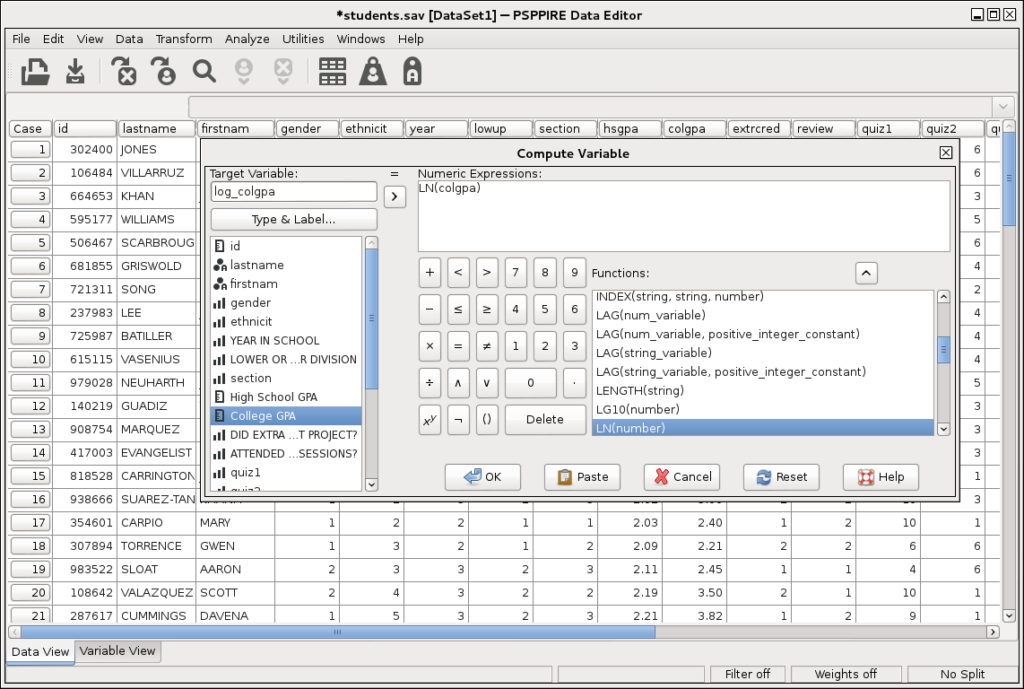
You can use it to clean raw sample datasets, generate descriptive summary frequencies, and run complex mathematical models across variables. By navigating its traditional data-view grid, users can execute independent sample t-tests, configure one-way analysis of variance (ANOVA) parameters, and calculate linear or logistic regression values to determine relationships between data paths.
It also functions as a specialized structural script interpreter. The program incorporates an interactive command-line workspace that processes legacy syntax files, allowing you to run recurring multi-step data re-ordering sequences, calculate Cronbach’s alpha reliability markers, and automate cross-tab reporting loops across vast information groups easily.
Who is PSPP best for?
It is ideal for undergraduate university students, independent social science investigators, and data analysts who must complete formal research projects without buying high-cost software subscriptions.
It acts as a brilliant resource for academic instructors and statistical workshop coordinators who want a uniform, accessible environment to teach data entry and syntax coding rules across diverse computer systems.
Is PSPP genuinely free?
Yes. PSPP is absolutely free to download, install, and deploy across all personal or corporate networks under the terms of the GNU General Public License. Because it is developed as a public utility project by a global network of open-source volunteers, there are no hidden in-app paywalls, time-bombs that cause files to expire, or artificial constraints on variable limits.
Unlike proprietary applications that limit data counts on entry-level versions, the core processing engine in PSPP handles massive file sets comfortably, supporting over one billion individual rows and variables without demanding payment credentials.
Should I use PSPP as a statistical analysis tool?
Yes. It is an excellent, comprehensive tool for discovering scholarly literature, tracing citation networks, and finding accessible versions of research documents across almost every academic discipline.
Because it covers multiple areas of study in one central place, it makes the initial discovery process fast and straightforward. It serves as an essential starting point for any literary search before diving into niche database systems.
Key Features
- High-fidelity SPSS syntax script compatibility
Interprets legacy syntax data rules and command inputs flawlessly, making it easy to run pre-existing script files without restructuring code. - Unconstrained dataset processing capabilities
Provides robust processing support for massive arrays, managing data matrices containing over one billion cases and variables smoothly. - Dual graphical and terminal workspace views
Allows you to toggle between a point-and-click graphical spreadsheet portal and a high-speed command-line interface based on project needs. - Extensive multi-format report export pipelines
Compiles structured analysis outcomes into polished presentation files, exporting data sheets into PDF, HTML, ASCII text, SVG graphics, or OpenDocument files. - Grounded mathematical computation layers
Utilizes the verified calculations library within the GNU Scientific Library (GSL) to guarantee absolute mathematical precision across calculations.
Best for
- Running traditional parametric and non-parametric tests safely
- Processing legacy SPSS dataset files and syntax configurations
- Managing ultra-large data matrices without licensing constraints
- Teaching university level introductory statistics on tight budgets
- Compiling clean quantitative analytical summaries and metrics
Pros and Cons
Here are the main advantages and limitations of utilizing PSPP for quantitative data analysis.
Pros
- ✓Entirely cost-free with zero commercial restrictions, variable ceilings, or account expirations.
- ✓Seamless structural compatibility with SPSS files allows you to open and save native .sav data sheets easily.
- ✓An incredibly lightweight installation footprint that runs fast on older computer systems or remote servers.
Cons
- ✗Lacks advanced modern predictive analytics, complex multi-level clustering models, and neural network algorithms.
- ✗The built-in chart production features provide basic graphical layouts compared to premium plotting tools.
- ✗Does not integrate interactive cloud sharing models or multi-user live editing within the interface.
How to Use PSPP
Follow this quick guide to run your quantitative computations, import spreadsheet data, and compile structured statistical charts.
- Visit the Website and Download the Package
Go to the official GNU PSPP web domain. Navigate to the download listings and select the stable installer binary matched to your operating system, such as Windows, macOS, or GNU/Linux, to launch the local installation wizard. - Open and Configure Your Dataset Workspace
Launch the program to access the main window panel. Use the top menu file browser to open a native SPSS .sav document, or drag and drop raw comma-separated value grids (.csv) into the spreadsheet area to populate the table cells. - Define Operational Variables and Value Rules
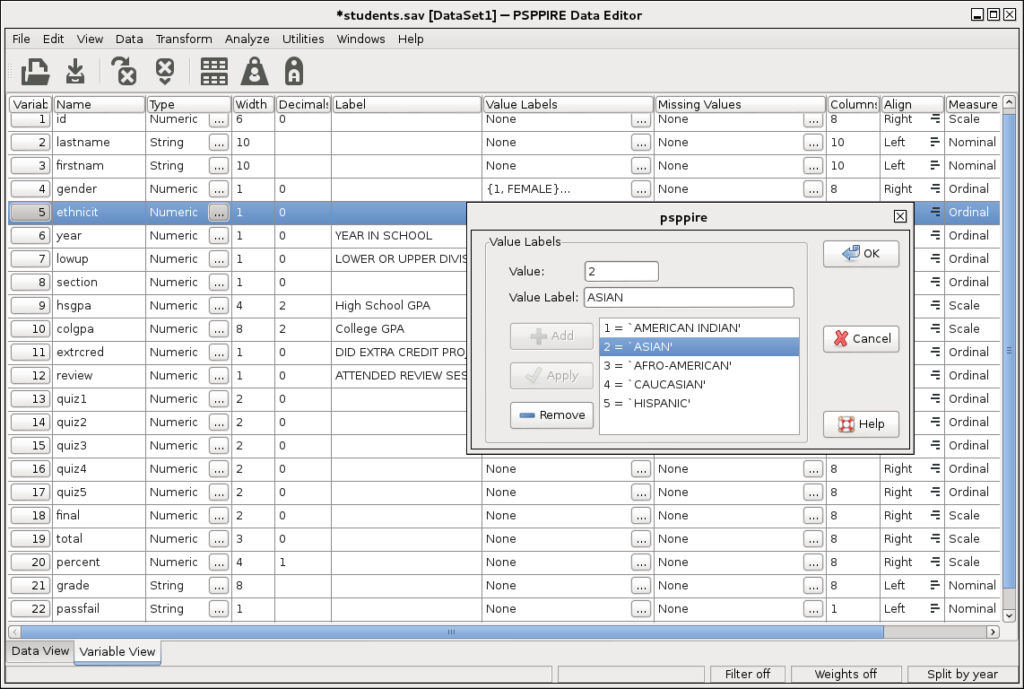
Click the “Variable View” tab at the bottom of the data grid screen. Specify your data column types, assign labels to numeric indicators, define custom measurement tiers (nominal, ordinal, or scale), and set missing value rules. - Run Parametric Statistical Analyses
Open the “Analyze” menu on the main interface header. Select your target quantitative test, such as choosing “Compare Means” followed by “Independent-Samples T-Test”, move your variables into the command boxes, and click OK. - Execute Automated Batch Syntax Scripts
To automate recurring data cleaning tasks, click File, open a new Syntax window, and paste or type your SPSS command language strings. Highlight the target text lines and select the run arrow to process calculations in mass sequences. - Export Structured Report Output Documents
Review the analytical calculations displayed within the independent Viewer dashboard. Select the export properties button to save your finished summary tables and basic charts into clean presentation file types like PDF or HTML grids.
Frequently Asked Questions
Can I open data sheets generated in modern Microsoft Excel versions inside PSPP?
Yes. While PSPP relies primarily on SPSS formats, you can easily open Excel datasets. You simply need to save your Excel file as a text-delimited document, such as a CSV grid, inside your spreadsheet software first before running the import assistant tool.
Is the mathematical accuracy of calculations in PSPP identical to premium corporate systems?
Yes. PSPP relies directly on the double-precision calculations engine built into the GNU Scientific Library (GSL). This architecture ensures that parameter results, probability values, and regression metrics match the math outputs of commercial platforms.
Does PSPP support complex graphic customizations for publishing tasks?
PSPP creates clean, standardized graphical metrics including histograms, bar layouts, and scatter plots to accompany your data tables. However, it lacks deep interactive graphic editing palettes, so researchers often export the tables into spreadsheet programs for fine-tuning.
Are my research data logs kept fully private when processing files inside PSPP?
Yes. PSPP is a fully self-contained desktop software package that operates locally on your device hardware without requiring data connections or cloud processing. Your research dataset rows, syntax commands, and findings never travel to external internet servers.
Can I use standard SPSS documentation textbooks to learn syntax coding rules for PSPP?
Yes. Because PSPP is engineered to maintain high functional fidelity with standard SPSS syntax command layouts, you can use traditional SPSS manuals, training guides, and tutorial videos to learn and execute coding rules inside the program interface.