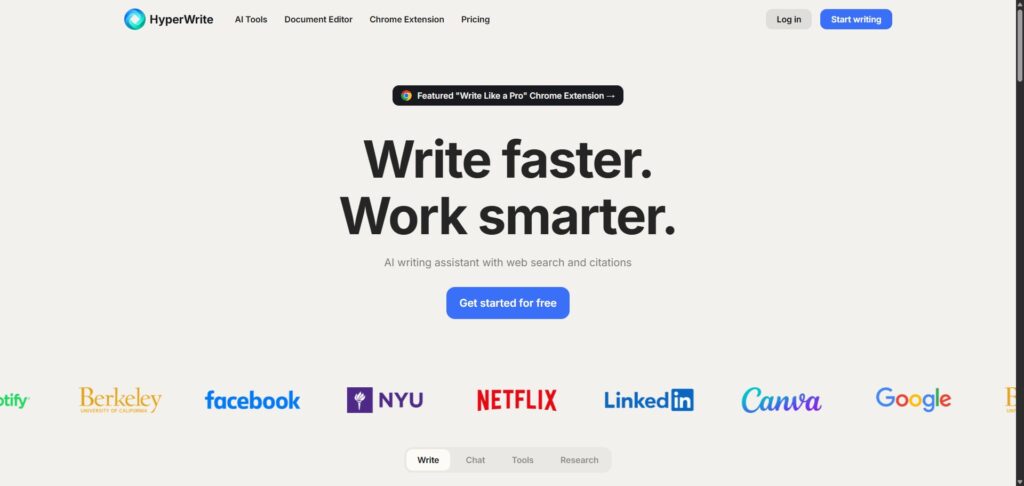
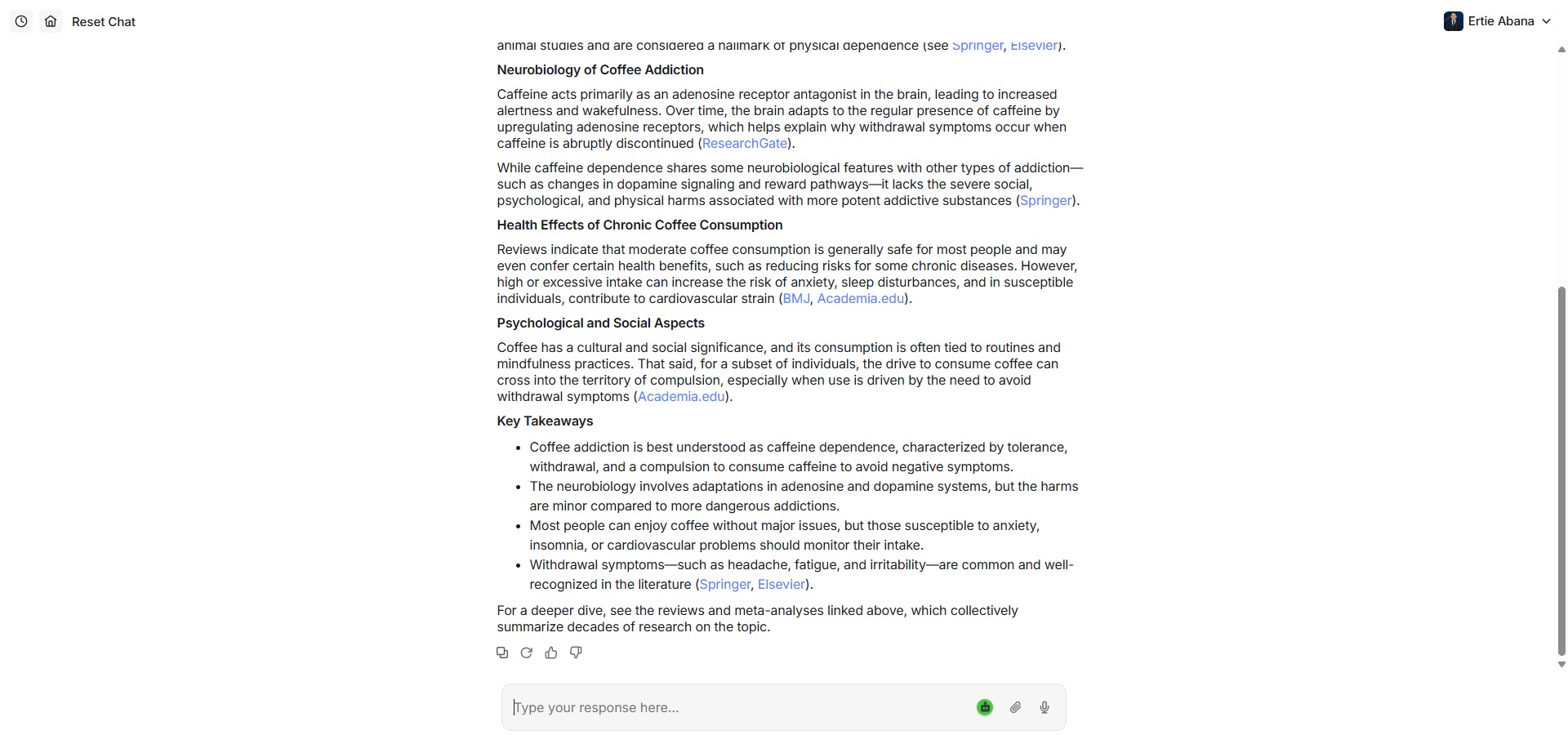
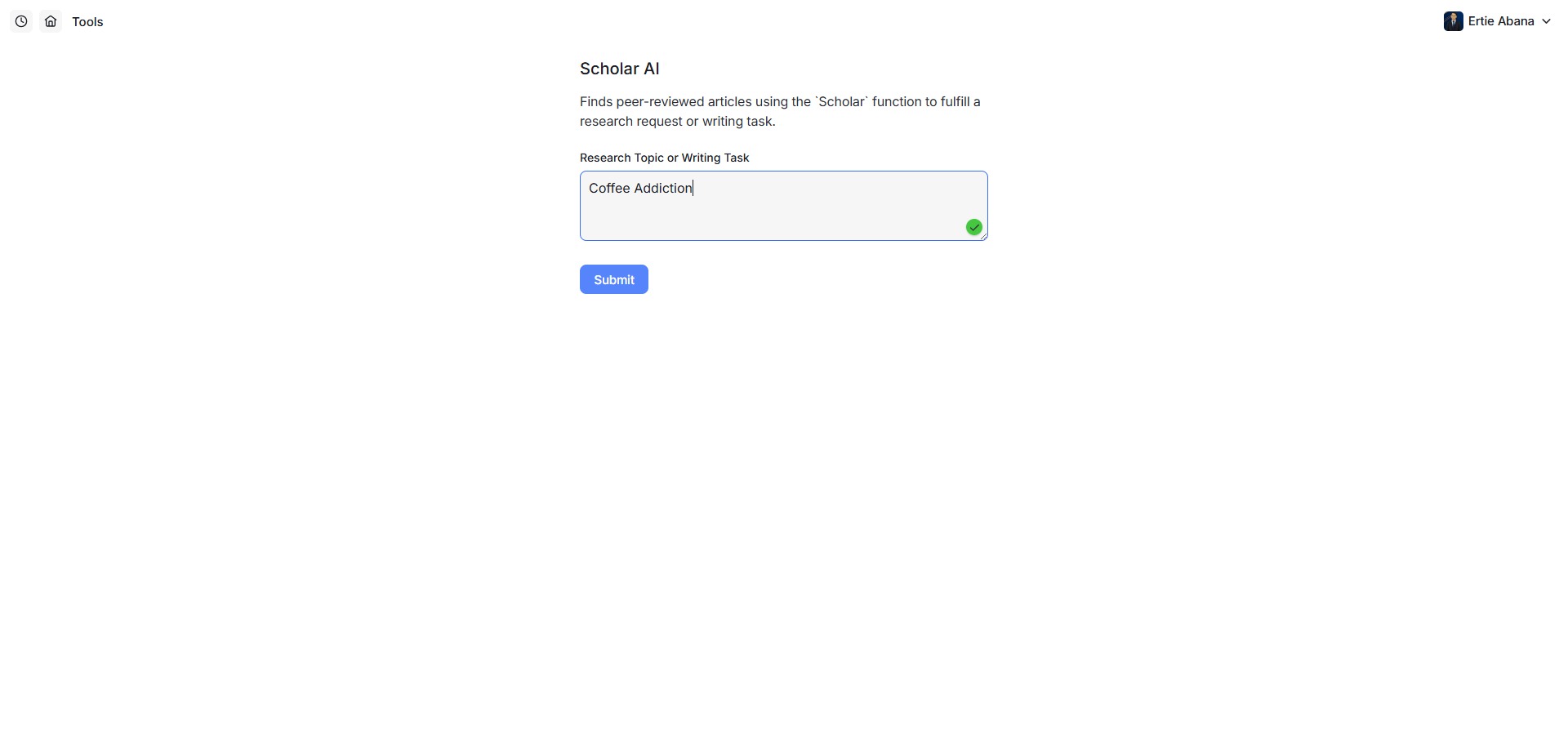
HyperWrite is a freemium, cloud-based AI writing assistant, text generation suite, and workflow automation platform engineered to help university students, digital content creators, and professional authors accelerate document drafting, polish paragraphs, and optimize communication pipelines.
Operating as a context-aware productivity ecosystem, HyperWrite goes beyond the boundaries of standard text editors by integrating a predictive generation engine with continuous browser support. The system monitors your typing context in real time to suggest fluid sentence continuations, handle complex email correspondence, and provide instant access to hundreds of specialized micro-writing tools simultaneously.
Recommended
What can you use HyperWrite for?
You can use it to expand structural notes, rewrite unpolished text segments, and compose complete structural drafts from brief text descriptions. By utilizing its core predictive typing assistant, you can view inline sentence extensions as you type, allowing you to breeze through repetitive message formatting tasks without stagnation.
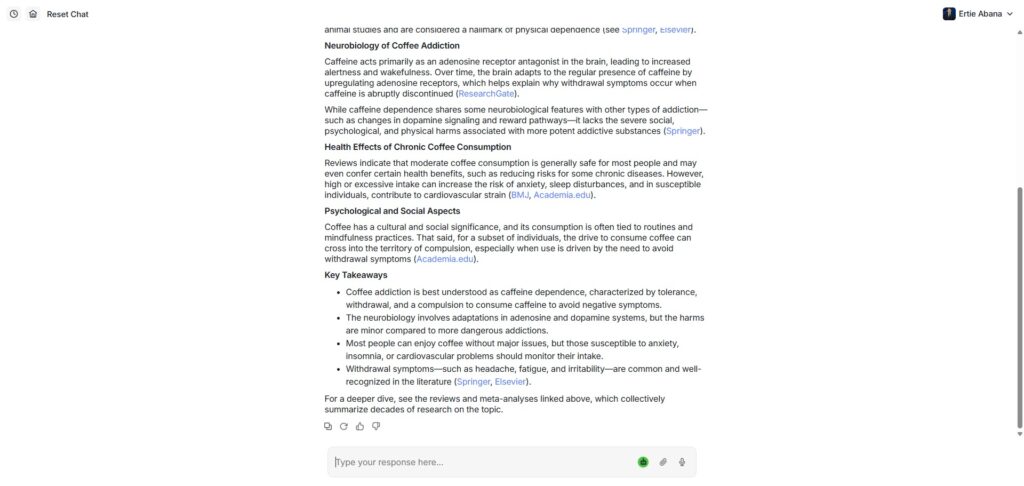
It also functions as an interactive research and browsing station. The comprehensive web workspace embeds dedicated conversational utilities alongside an advanced AI Personal Assistant, giving users a way to automate complex multi-step browser checks, source web summaries, and verify current real-time data trends completely automatically.
Who is HyperWrite best for?
It is ideal for professional copywriters, digital marketing specialists, and content editors who manage heavy asset pipelines and require a high-efficiency tool to produce varied marketing texts, headlines, and articles rapidly.
It serves as a fantastic efficiency booster for administrative specialists, remote workers, and busy corporate managers who want to automate their daily email responses and streamline recurring browser research tasks.
Is HyperWrite genuinely free?
Yes, HyperWrite provides a helpful free baseline Starter plan that lets public users deploy its core writing tools without financial constraints. This unpaid tier offers a basic allowance of monthly AI generation messages, grants basic access to their library of pre-made writing tools, and allows a limited volume of predictive sentence updates.
To eliminate generation caps and unlock advanced capabilities, you must transition your account profile to a paid tier like the Premium or Ultra plan. Upgrading removes operational blocks, unlocks unlimited predictive autocompletes, activates real-time web search citations, enables advanced custom writing personas, and grants priority access to cutting-edge experimental tools.
Is HyperWrite Premium Worth It?
Yes, but primarily if you are a professional content creator, corporate communicator, or heavy research analyst who relies on continuous generative text and real-time data verification to complete your daily tasks. While the free tier works beautifully for casual paragraph editing, its limited monthly message cap runs out quickly during intensive composition projects.
When you should upgrade:
- You require unconstrained predictive typing: The free tier limits your daily generation suggestions. Premium plans unlock unlimited predictive type-ahead recommendations, enabling you to accelerate long-form document drafting smoothly.
- You need live web facts and citations: Upgrading activates the advanced web research core, allowing the conversational chat window to bypass traditional model cutoffs, query live search indices, and provide verifiable sources.
- You maintain distinct writing styles: Paid subscriptions unlock custom persona profiles, enabling you to train the underlying models to mirror your personal brand voice, corporate vocabulary, or specific tone guidelines perfectly.
If you only need a simple helper to check an occasional email draft or rewrite a scattered paragraph, the free Starter setup is perfectly capable. However, for orchestrating large-scale text generation and deploying autonomous browser assistants, the premium subscription is an excellent, time-saving workplace expansion.
Should I use HyperWrite as an AI writing assistant?
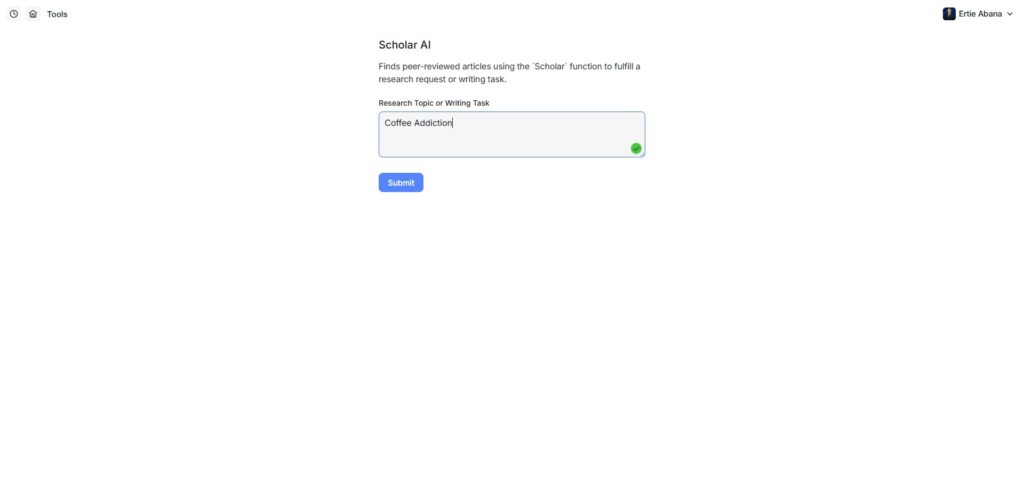
Yes. It is an excellent, comprehensive tool for discovering scholarly literature, tracing citation networks, and finding accessible versions of research documents across almost every academic discipline.
Because it covers multiple areas of study in one central place, it makes the initial discovery process fast and straightforward. It serves as an essential starting point for any literary search before diving into niche database systems.
Key Features
- Predictive real-time sentence autocomplete engines
Tracks your active writing patterns within any text field to provide smart inline text suggestions that match your stylistic rhythm. - Hundreds of specialized micro-writing templates
Houses an extensive directory of targeted generation tools, including specialized email responders, summarisers, and content rewriters. - Autonomous browser AI Personal Assistant agents
Deploys an advanced browser wrapper capable of executing complex web lookups, organizing data sheets, and automating structural online tasks. - Live-web grounded HyperChat conversation portals
Combines traditional chat interaction with real-time indexing models to pull current information and integrate factual citation records. - Custom brand voice writing persona modules
Allows you to build customized identity vectors, teaching the text generation script to adopt explicit professional or creative tones.
Best for
- Overcoming writer block with fluent predictive typing suggestions
- Drafting rapid business correspondence and automated email replies
- Automating web-based research pipelines via smart browser agents
- Generating varied marketing text variations from simple text prompts
- Grounding conversational AI responses in live web citations
Pros and Cons
Here are the main advantages and limitations of utilizing HyperWrite for automated text composition.
Pros
- ✓The predictive autocomplete engine adapts beautifully to your typing speed and voice parameters.
- ✓The autonomous web agent offers groundbreaking potential for automating repetitive web research workflows.
- ✓An extensive library of modular writing templates ensures you can find a tool for almost any specific text format.
Cons
- ✗The free tier’s credit limits can feel restrictive if you attempt to draft comprehensive, long-form articles.
- ✗The web automation agent is highly experimental and can occasionally stall on complex, script-heavy web pages.
- ✗Requires close manual verification when drafting technical passages to ensure factual accuracy.
How to Use HyperWrite
Follow this quick guide to run your predictive writing sessions, deploy specialized templates, and manage web automation agents.
- Visit the Website and Sign Up
Go to the official HyperWrite website. Register a free account profile to access your centralized web dashboard panel, which manages your workspace folders, saved tools, and browser expansion installations securely. - Install the Browser Extension Wrapper
Navigate to the extension portal and click the installer link for your preferred browser framework, such as Google Chrome. This integration enables the predictive autocomplete engine to function across platforms like Gmail, Google Docs, and WordPress. - Initialize a New Writing Workspace Document
Open your account dashboard and click the document creation button. Assign a descriptive project title to your file and configure your initial tone preferences to help guide the underlying generative models. - Draft Text with Predictive Autocomplete
Begin typing your thoughts in the central text area. Pause briefly at the end of a word or clause to view the gray inline text suggestions, pressing the Tab key on your keyboard to accept proposals that fit your document flow. - Deploy Specialized Writing Templates
When you need a specific text asset, open the sidebar tools directory. Select a targeted macro template, such as the Summarizer or Email Responder, fill out the prompt fields, and generate tailored content variants. - Launch the Autonomous Browser Agent
Open the HyperChat conversation panel or select the personal assistant tool. Type a multi-step instructions prompt, such as asking the system to find data rows on a public directory and organize them into a summary text list.
Frequently Asked Questions
Can HyperWrite integrate directly with my desktop word processing software?
HyperWrite operates primarily as a web-based ecosystem and a cloud browser extension framework. While it does not feature a native standalone installation package for legacy desktop applications, its browser plugin runs cleanly within web word processors like Google Docs and web-based office systems.
Are my personal documents and typed inputs safe from public scraping?
Yes. HyperWrite prioritises user data safety metrics. All inputs, text lines, and uploaded documents handled within your personal workspace profile are protected by robust cloud encryption standards and are not introduced into public repositories or sold to external scraping channels.
Does HyperWrite offer automated tools to check text for plagiarism signs?
While the core workspace focuses on generative text creation, real-time autocompletion, and paragraph rephrasing, it does not include an embedded, dedicated academic plagiarism scanning utility. Authors should run finalized manuscript copies through specialized vetting software independently.
What is the primary difference between HyperChat and traditional chat engines?
Standard conversational models are restricted by strict offline training cutoff dates, which can cause them to hallucinate current facts. HyperChat incorporates a live web search core, allowing it to crawl the modern internet in real time and attach source links to its answers.
Can I train HyperWrite to write exactly like me or mirror a specific corporate brand?
Yes. Premium plan subscribers can access specialized writing persona modules. By providing sample text blocks, documents, and style guides, you can train the generation algorithm to replicate your vocabulary choices and stylistic rhythms perfectly across future drafts.