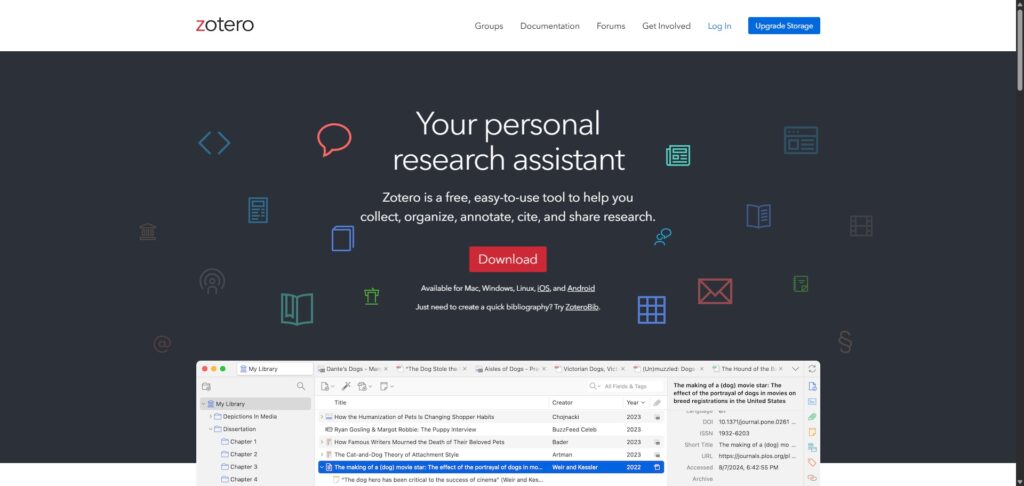
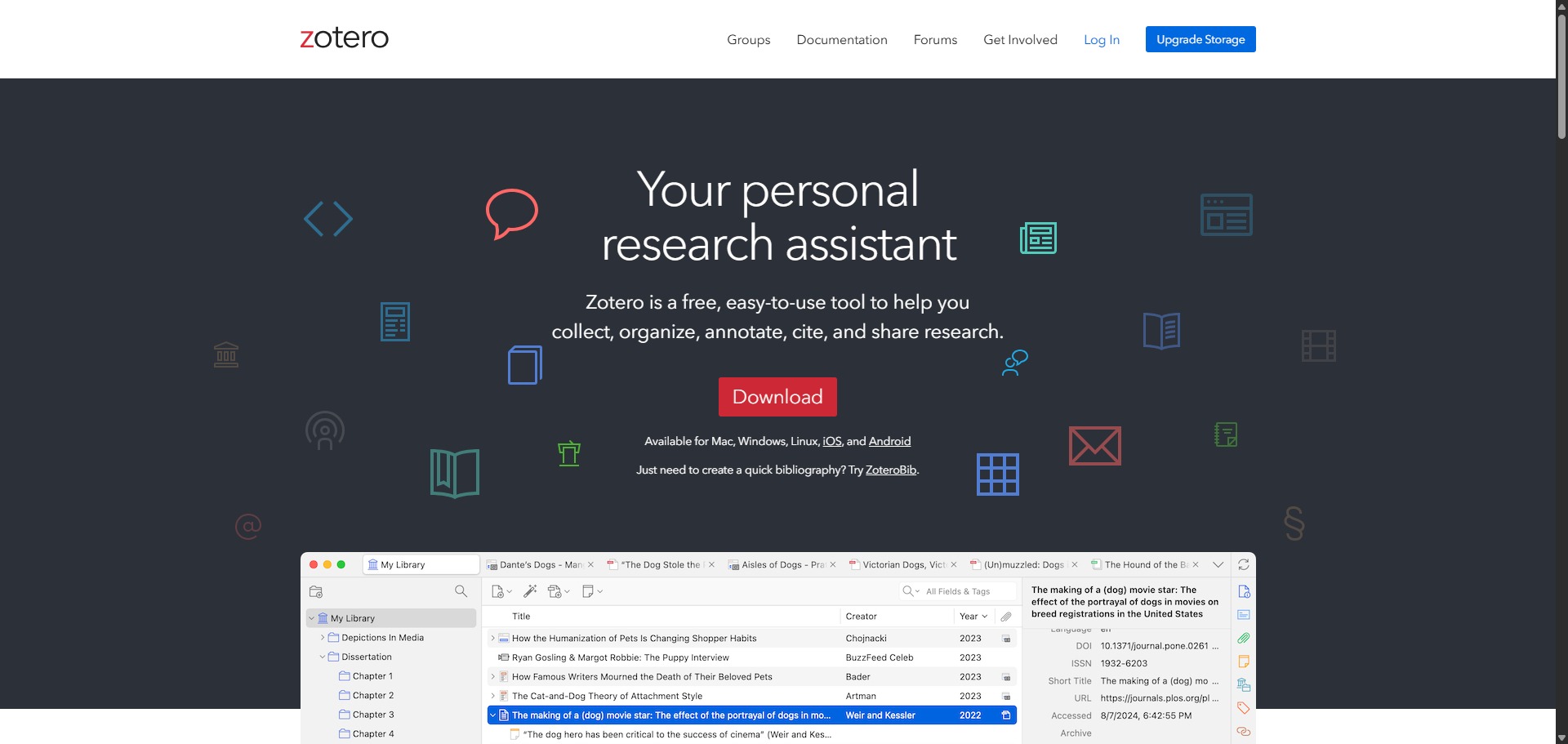
Zotero is a free, open-source reference manager built to help researchers collect, organise, annotate, and cite academic literature seamlessly.
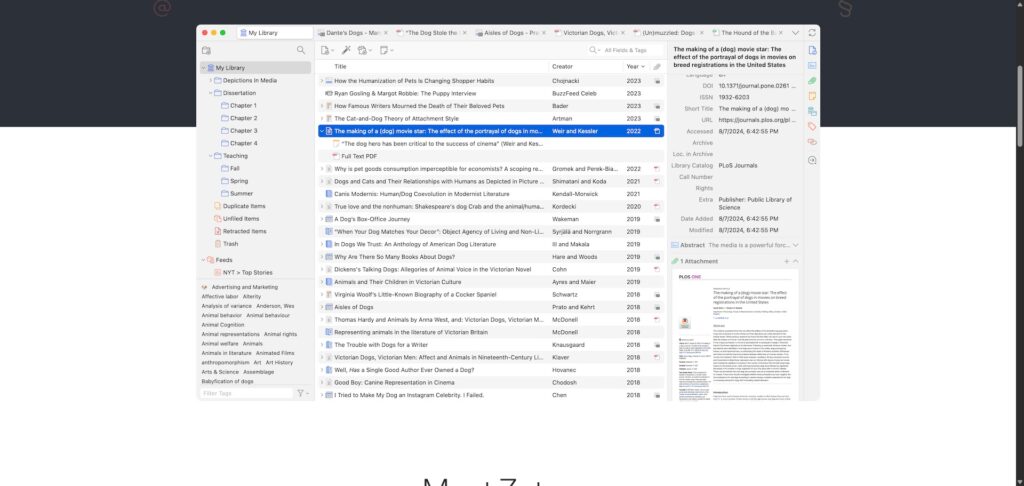
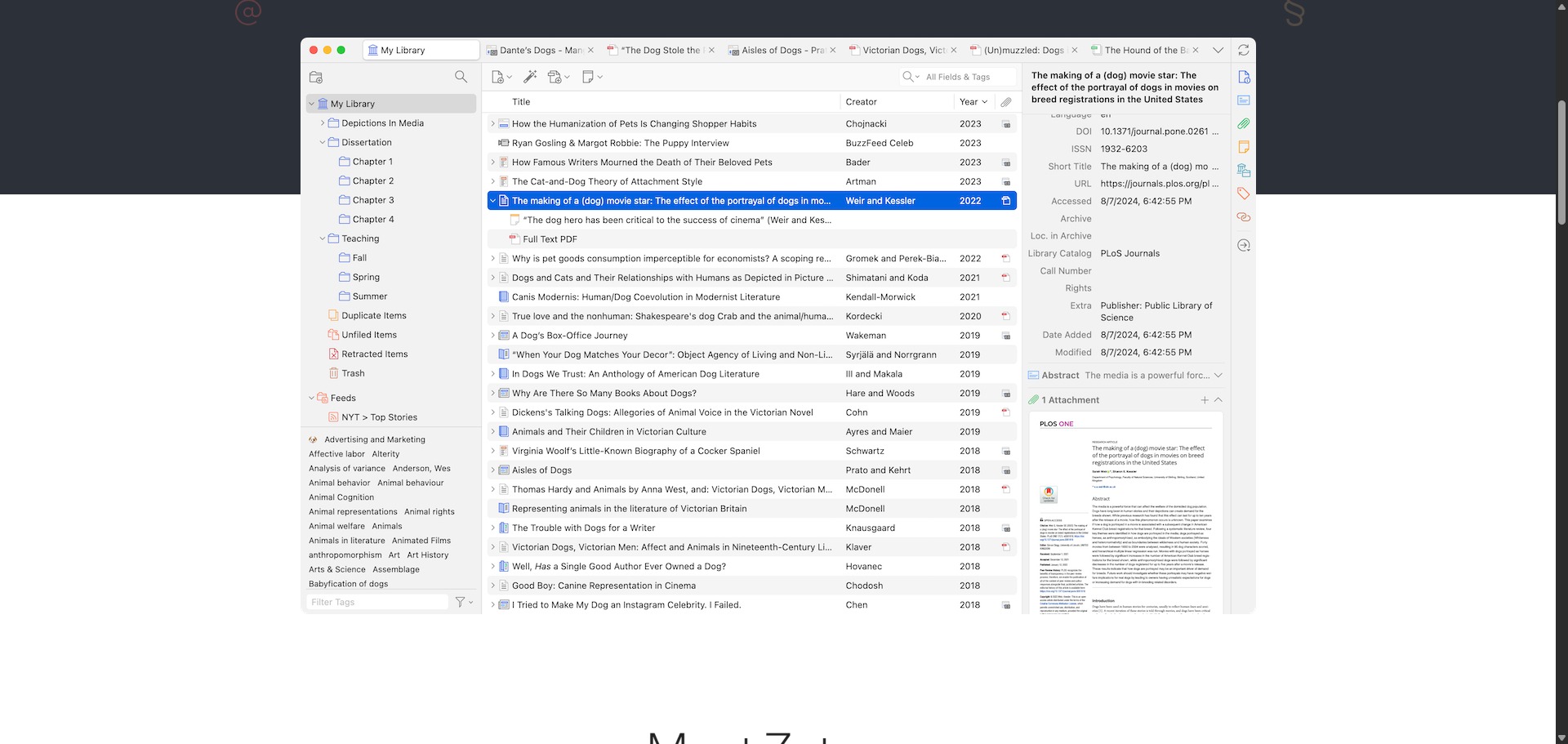
Operated by an independent non-profit organisation, Zotero serves as a foundational digital library workspace. It allows you to ingest bibliographic metadata directly from web streams, archive underlying full-text files, manage personal annotation layers, and insert accurate citations into desktop word processing layouts.
Highly Recommended
What can you use Zotero for?
You can use it to build a comprehensive, searchable database of your entire research collection. By activating the helper browser extensions, you can capture full reference markers, creator metrics, and attached PDF documents directly from publisher catalogs with a single click.
It also functions as an automated text-citing assistant. Through direct pipeline links with tools like Microsoft Word, Google Docs, and LibreOffice, the interface inserts inline parenthetical markers or superscript footnoting patterns while assembling a corresponding works cited index automatically at the base of your document.
Who is Zotero best for?
It is ideal for university undergraduates, doctoral candidates, and career scientists who need a long-term file repository to track thousands of multi-disciplinary academic sources over several years.
It is also a vital resource for collaborative writing networks and university laboratory teams who want to utilize shared group libraries to co-manage joint project reference lists without file conflicts.
Is Zotero genuinely free?
Yes. Zotero is completely free to install, run, and modify under an open-source development architecture. There are no software feature blocks, hidden licensing boundaries, or mandatory payment prompts attached to its citation processing toolsets.
The platform sustains its operational funding through an optional web storage tier model. While your local computer library can hold an unlimited number of papers, syncing your PDF files to the Zotero cloud servers uses a free 300MB allocation; expanding this cloud space requires an annual subscription payment.
Should I use Zotero as a reference manager?
Yes. It is an excellent, comprehensive tool for discovering scholarly literature, tracing citation networks, and finding accessible versions of research documents across almost every academic discipline.
Because it covers multiple areas of study in one central place, it makes the initial discovery process fast and straightforward. It serves as an essential starting point for any literary search before diving into niche database systems.
Key Features
- One-click Zotero Connector extension
Intelligently identifies and captures publication records, metadata sets, and open-access PDFs directly from internet browser windows. - Built-in advanced PDF annotation reader
Allows you to highlight texts, compile custom notes, extract structural citations, and map out analytical excerpts directly inside the application core. - Dynamic word processor integrations
Automates the delivery of matching references and index lists inside Microsoft Word and Google Docs via live programmatic links. - Extensive Citation Style Language (CSL) framework
Supports over 10,000 distinct citation style patterns, letting you switch an entire manuscript between formats instantly. - Collaborative shared group libraries
Enables research teams to host cloud-based folders to build out collective resource databases and distribute shared reading files.
Best for
- Long-term reference database building
- Automating in-text citations and footnotes
- Annotating and organizing research PDFs
- Collaborative team research projects
- Maintaining strict user data privacy
Pros and Cons
Here are the main advantages and limitations of using Zotero for academic literature organization.
Pros
- ✓Completely open-source with an expansive community plugin ecosystem that extends its basic tools.
- ✓The browser connector is incredibly accurate at parsing metadata from almost any publisher platform.
- ✓Local database hosting means you have complete offline access to your documents and resource logs.
Cons
- ✗The default 300MB cloud storage quota fills up rapidly if you sync a large volume of heavy PDF manuals.
- ✗The user interface design emphasizes functional structure over modern visual layouts.
- ✗Setting up custom WebDAV server links for alternative free cloud syncing requires some technical configuration.
How to Use Zotero
Follow this quick guide to set up your digital library workspace, organize your papers, and generate automatic citations.
-
Download and Install the Application
Go to the official Zotero website and download the standalone desktop software for your operating system. Once installed, create a free account profile on the website to enable future library backups. -
Install the Browser Connector Extension
Download and install the free Zotero Connector extension for your preferred internet browser. This allows the tool to detect academic papers and capture citation summaries directly from web search pages. -
Import Research Files and Papers
Open the desktop app and select the option to add files. You can drag and drop your saved research PDF documents directly into the central workspace pane, and the tool will extract the metadata details automatically. -
Organise Your Collections and Folders
Right-click in the left-hand menu panel to create custom collection folders for separate projects or chapters. Drag your indexed references into these locations and use the side properties panel to adjust entries or add tags. -
Annotate Your PDF Documents
Double-click any paper inside your library index rows to launch the built-in PDF reader workspace. Highlight key text strings, attach sticky notes to data graphics, and extract structural citation remarks smoothly. -
Insert Automated Citations inside Word
Open Microsoft Word or Google Docs and click the new integrated Zotero tab in your top menu layout. Click the option to insert an inline parenthetical citation or footnote, and select your chosen academic style to build an automatic bibliography.
Frequently Asked Questions
Can I use Zotero if my computer is disconnected from the internet?
Yes. Zotero is built as a native desktop application, meaning your entire library structure, metadata indexing, and downloaded text files are stored securely on your local hard drive. You can search, organize, and cite your materials fully while completely offline.
What happens when I exceed the free 300MB Zotero storage tier limit?
Once your cloud storage hits the 300MB mark, Zotero will stop syncing new PDF attachments to its online servers, but your textual citation data remains unaffected. Your local computer library faces no storage limitations, and you can still access all documents locally.
How do I connect Zotero with a third-party cloud service like Google Drive?
While you cannot sync the main Zotero database file directly across external consumer clouds due to corruption risks, you can utilize community plugins like ZotFile or target the built-in Linked Attachment settings to store your heavy PDF documents inside a synchronized Google Drive folder path.
Is it possible to extract citations automatically from a PDF file using Zotero?
Yes. If you drag and drop a raw PDF document directly into the Zotero library pane, the application automatically queries global identifier catalogs like Crossref. It scans the interior text layout to find matching metadata records and instantly converts the file into a structured item entry.
Does Zotero support mobile operating systems for reading on the go?
Yes. Zotero features official applications designed for iOS and Android environments. These mobile applications sync with your core database profile, allowing you to access your collection logs, highlight PDF documents, and organize files directly from tablet or mobile screens.