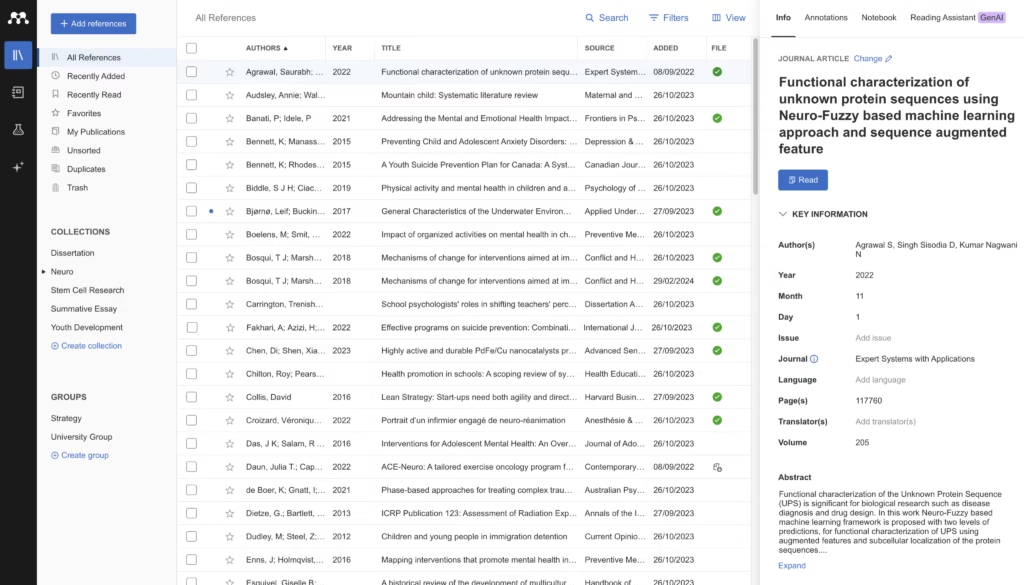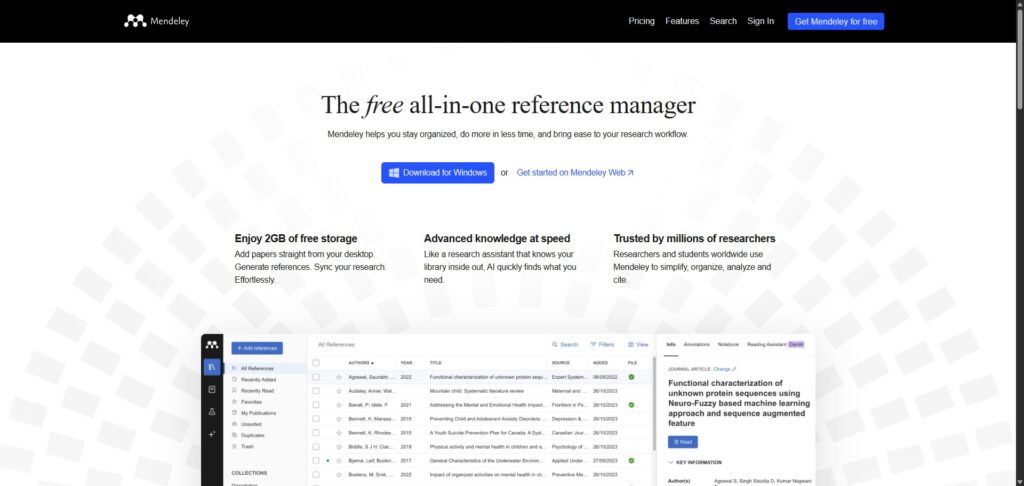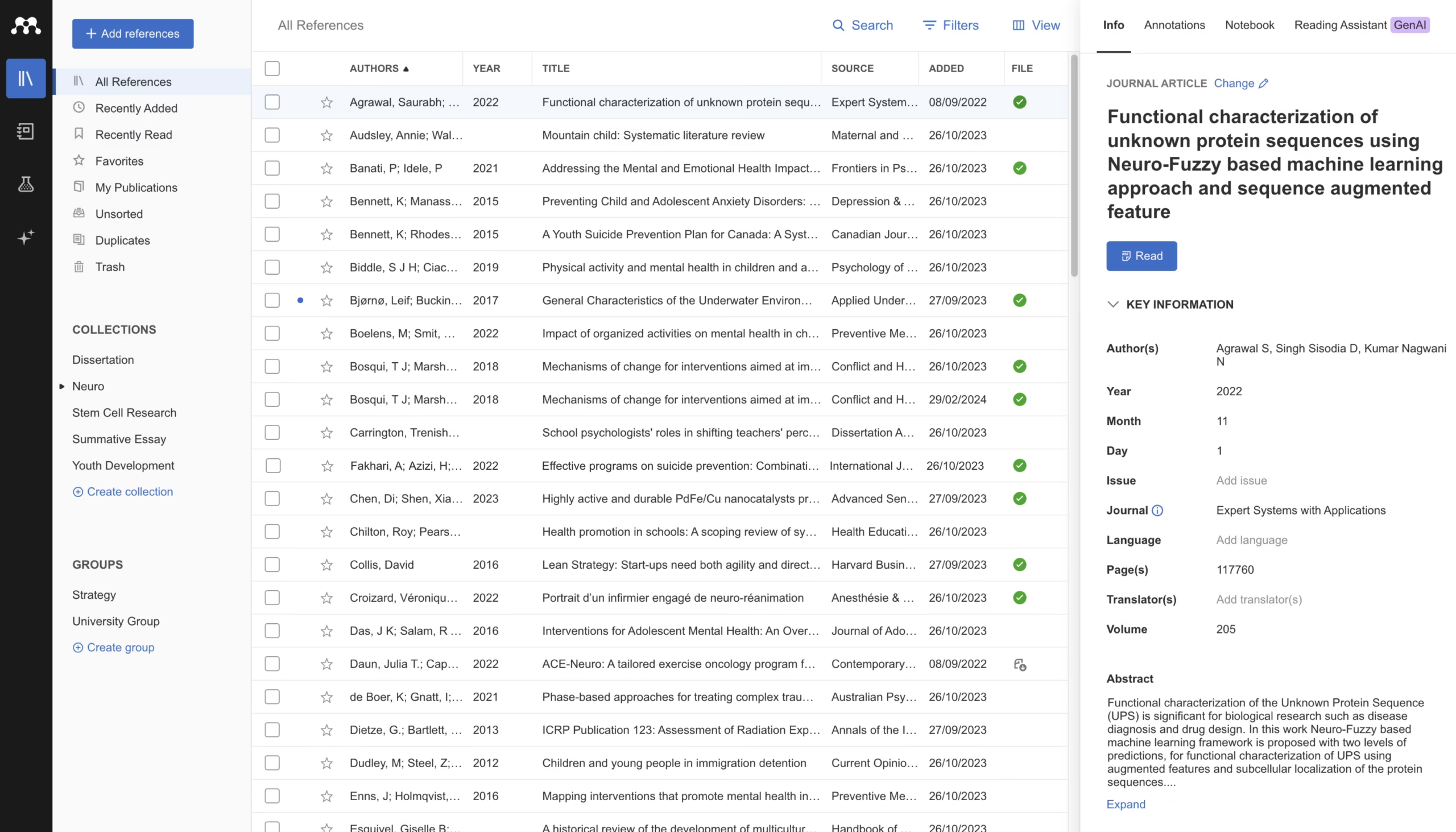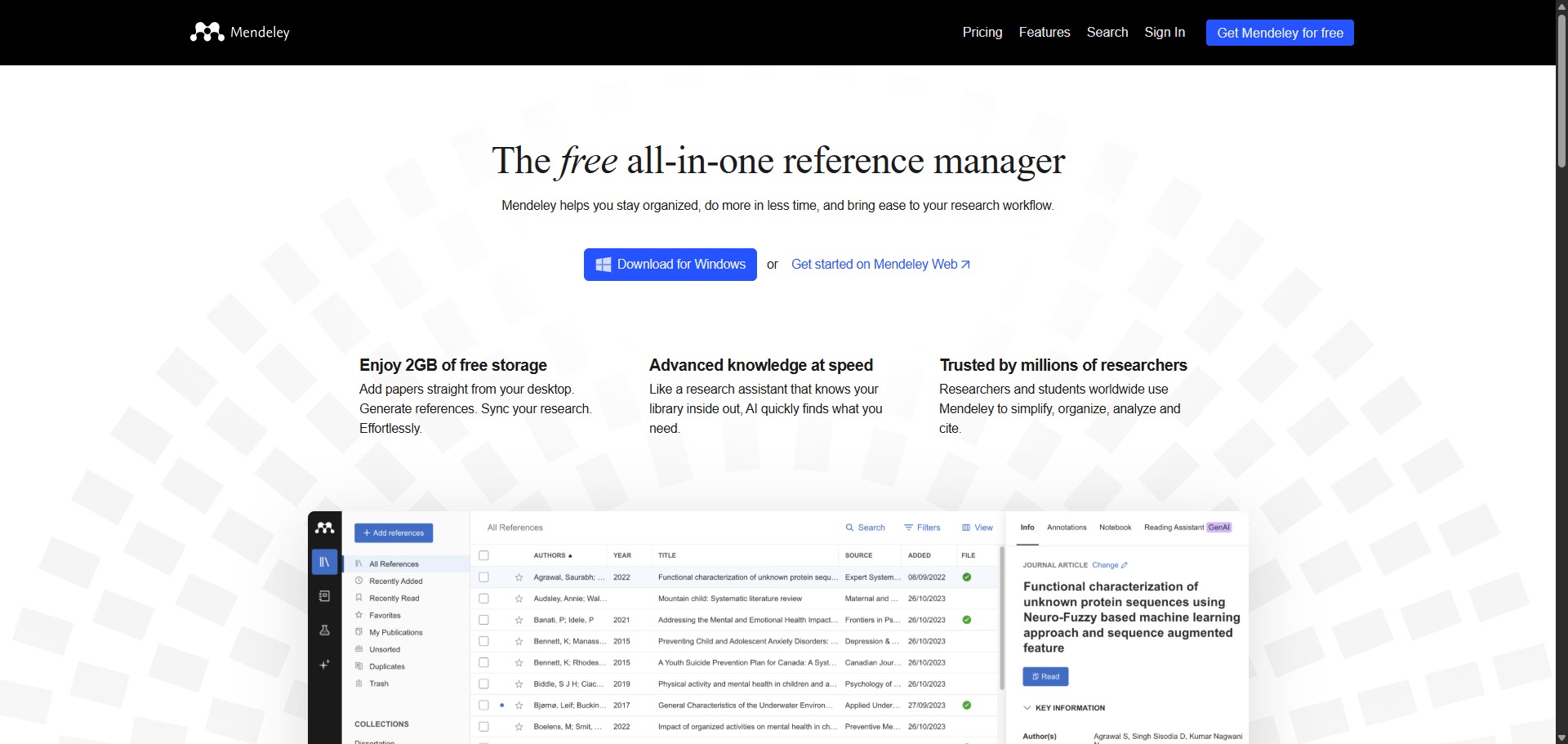
Mendeley is a freemium, cross-platform reference manager and academic social network designed to help students, doctoral candidates, and research groups organize literature and generate citations.
Operating as a core digital workspace utility, Mendeley combines local database organization with cloud storage systems. The application allows you to transform messy folders of raw research files into highly structured, searchable libraries, automatically reading background metadata to assemble perfect bibliographic records without manual text entry loops.
Recommended
What can you use Mendeley for?
You can use it to store publication files, annotate technical chapters, and insert formatted reference lists straight into your active manuscripts. By utilizing the platform browser plugin, you can save article details directly from internet database searches into your central account pool with a single click.
It also functions as an interactive document workspace. The modern dashboard environment houses native annotation tools, enabling you to highlight crucial data trends, attach sticky notes to specific chart graphics, and synchronize your reading marks across desktop and cloud applications instantly.
Who is Mendeley best for?
It is ideal for university undergraduates, postgraduate master candidates, and lab research groups who handle hundreds of separate reference items and require an organized tracking structure.
It is also a highly effective utility for collaborative authors who are working on shared document files and need to maintain a single, synchronized library of source text entries across separate locations.
Is Mendeley genuinely free?
Yes, Mendeley offers a generous free subscription tier that is open to public users upon setting up a profile. This unpaid baseline account grants you full access to the citation plugin tools and supplies two gigabytes of secure personal cloud storage space, which handles thousands of standard research documents easily.
To expand your available file space limits, create larger shared team folders, and unlock premium institutional dashboard features, you must upgrade your workspace profile to a paid monthly storage tier or connect via an enterprise university account framework.
Is Mendeley Premium Worth It?
No, because the free account tier is remarkably generous and completely handles the requirements of most standalone researchers. The free version provides two gigabytes of secure cloud storage space, which can easily hold thousands of standard research paper PDFs. Upgrading is only necessary if you run out of storage space or manage large collaborative teams.
When you should consider upgrading:
- You need more storage space: If your library contains a massive volume of high-resolution images or heavy book chapters that exceed the free two-gigabyte ceiling, upgrading expands your file space.
- You manage large team projects: The free tier limits the size and number of shared folders. Premium plans allow you to create larger collaborative groups to share full-text files with multiple colleagues.
- Your institution does not provide access: Many universities buy enterprise packages for their staff and students. Check if your university offers a free institutional upgrade before paying for a personal storage plan.
For the vast majority of university undergraduate and postgraduate masters candidates, the free account offers full professional value. Unless you are coordinating an intensive multi-year laboratory project or storing thousands of heavy data sheets, you do not need to pay for a premium plan.
Should I use Mendeley as a reference manager?
Yes. It is an excellent, comprehensive tool for discovering scholarly literature, tracing citation networks, and finding accessible versions of research documents across almost every academic discipline.
Because it covers multiple areas of study in one central place, it makes the initial discovery process fast and straightforward. It serves as an essential starting point for any literary search before diving into niche database systems.
Key Features
- Automated metadata text extraction
Scans uploaded document files instantly to pull article titles, author names, journal volumes, and publication years into your index rows. - Mendeley Cite Microsoft Word extension
Deploys an active side panel within your word processor to insert inline reference citations and build full bibliography registries as you type. - Intelligent Web Importer browser tool
Detects academic articles on web search channels, saving complete citation summaries and underlying text files straight to your account. - Cross-platform cloud synchronization pipelines
Syncs reference lines, personal collection folder labels, and manual highlights seamlessly across desktop interfaces and web layouts. - Collaborative private team folders
Enables research teams to share full text files and see each other’s annotations simultaneously within a secure, closed workspace.
Best for
- Organizing massive collections of academic text documents
- Generating automated reference bibliographies inside text files
- Extracting metadata details from raw paper files
- Highlighting and annotating documents across distinct screens
- Sharing source materials within collaborative laboratory groups
Pros and Cons
Here are the main advantages and limitations of using Mendeley for bibliography management.
Pros
- ✓The free two-gigabyte entry storage ceiling is larger than many competing free accounts.
- ✓The Word add-in operates smoothly, eliminating hours of manual formatting tasks.
- ✓Dragging and dropping a document file creates a completed reference row in seconds.
Cons
- ✗The software interface can feel slightly rigid compared to lightweight web tools.
- ✗The older public group social features have been scaled back to focus purely on local reference management.
- ✗Requires occasional manual auditing if a source document has a complex layout that hides its metadata.
How to Use Mendeley
Follow this quick guide to set up your personal library and manage your research citations.
- Visit the Website and Sign Up
Go to the official Mendeley website and click the register button to create a free account. You can sign up using a personal email or use your institutional university login to unlock extra benefits. - Install the Reference Manager and Plugins
Download and install the Mendeley Reference Manager application onto your desktop. Next, install the Web Importer extension for your internet browser and the Mendeley Cite add-in for Microsoft Word. - Add Research Papers to Your Library
Open your dashboard layout and drag your raw research PDF files directly into the central window. The automated metadata extraction system will instantly read the files to fill in author names, titles, and journal volumes. - Save Articles Directly from the Web
Click the Web Importer icon in your browser toolbar when searching online databases or Google Scholar. The tool will capture citation information and download the full paper text straight to your cloud account with a single click. - Organise and Annotate Your Documents
Create custom collection folders to sort your papers by topic or chapter. Double-click any paper inside your library to open the built-in reader workspace, where you can add highlights and attach sticky notes to key paragraphs. - Insert Citations and Bibliographies inside Word
Open Microsoft Word and navigate to the references tab to launch the citation panel sidebar. Select the studies you want to reference from your library, insert your inline citations, and click the option to build an automated bibliography.
Frequently Asked Questions
Can I utilize Mendeley to generate references matching different style formats?
Yes. Mendeley supports thousands of distinct citation formats, covering all standard guidelines such as APA 7, Harvard, Chicago, MLA 9, and IEEE. You can alternate your entire document format with a single click inside the citation properties panel.
What happens if the automated scanner misreads a paper’s publishing metadata?
If an entry displays incorrect details, you can select the specific row inside your library panel to view the edit fields. From there, you can manually adjust any field, add missing issue numbers, or use the look-up tool to search for matching DOI data records.
Is it possible to access my complete reference library from a public web browser?
Yes. Mendeley maintains a secure web version that mirrors your entire collection. By logging into your profile through the official website, you can view your folders, read your documents, update tags, and make annotations from any active device without installing apps.
Will my private annotations and highlights be visible to other team members?
Notes made inside your personal collection spaces stay completely private. However, if you move a file into a shared private group folder, all group members will see the text highlights and shared comments, allowing you to collaborate on the document analysis.
How can I back up my reference library to prevent losing data?
Mendeley handles data preservation automatically through its built-in cloud sync engine. Every time you connect to the internet and click the synchronization action button, your entire reference index and corresponding files are mirrored securely on their cloud storage servers.