QuillBot is a freemium, AI-powered writing application designed to assist students, academics, and professional creators with restructuring and rewriting their texts.
Operating primarily as an advanced paraphrasing engine, QuillBot utilizes state-of-the-art language models to alter vocabulary structures while keeping the core meaning of a sentence intact. The service integrates across multiple web ecosystems, acting as a direct writing companion to enhance prose clarity, reduce structural redundancies, and adapt text to different stylistic settings.
Highly Recommended
What can you use QuillBot for?
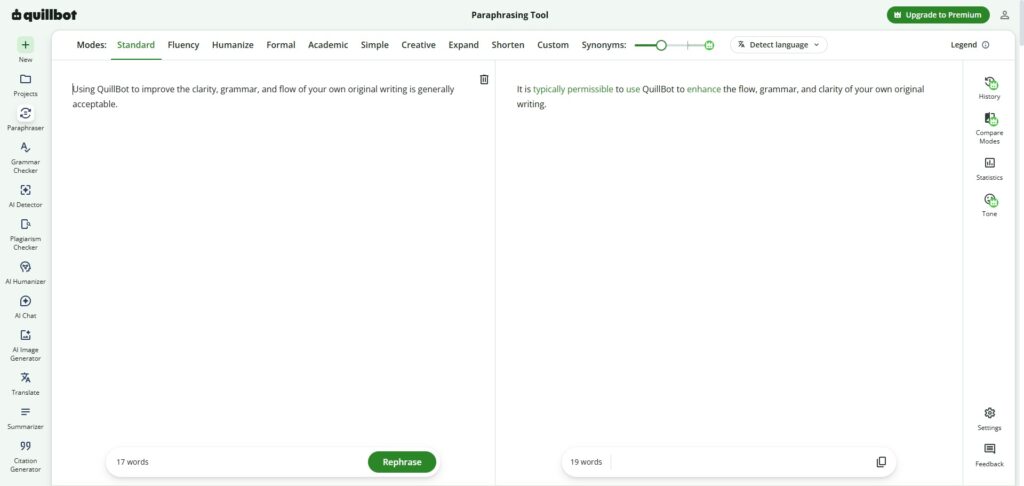
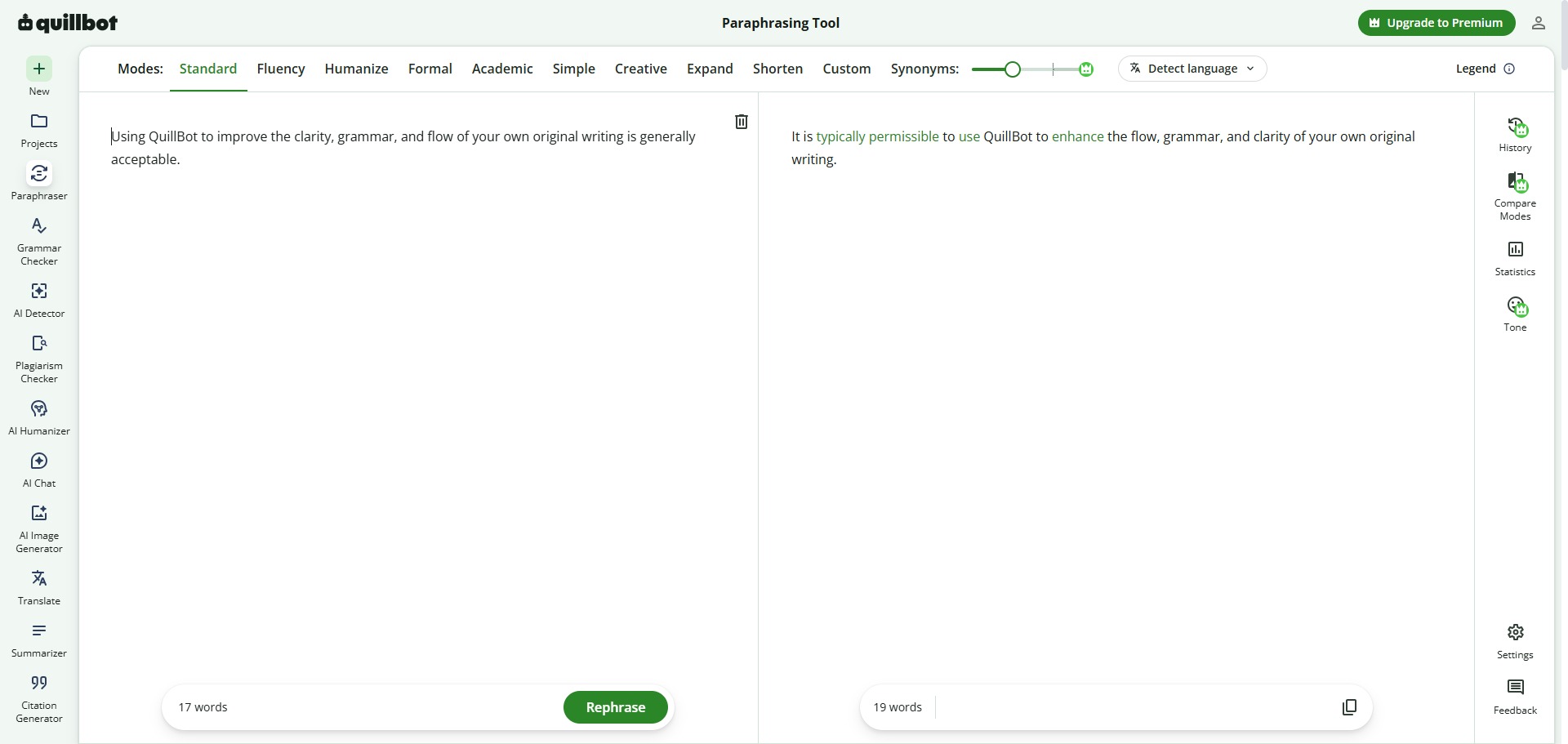
You can use it to rephrase wordy paragraphs, find contextual synonyms, and experiment with alternative sentence arrangements. By pasting text into the input panel, you can instantly cycle through different rewriting parameters to alter the length, vocabulary, and flow of your draft blocks.
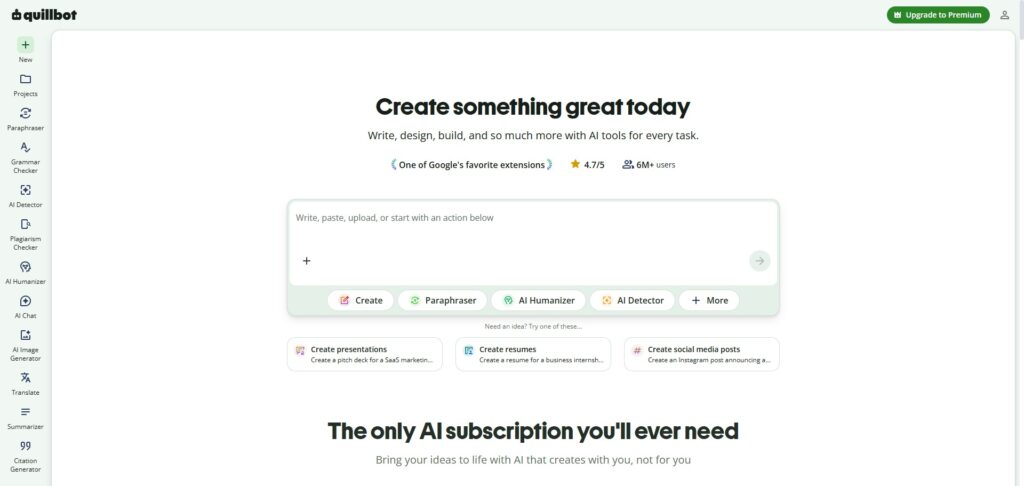
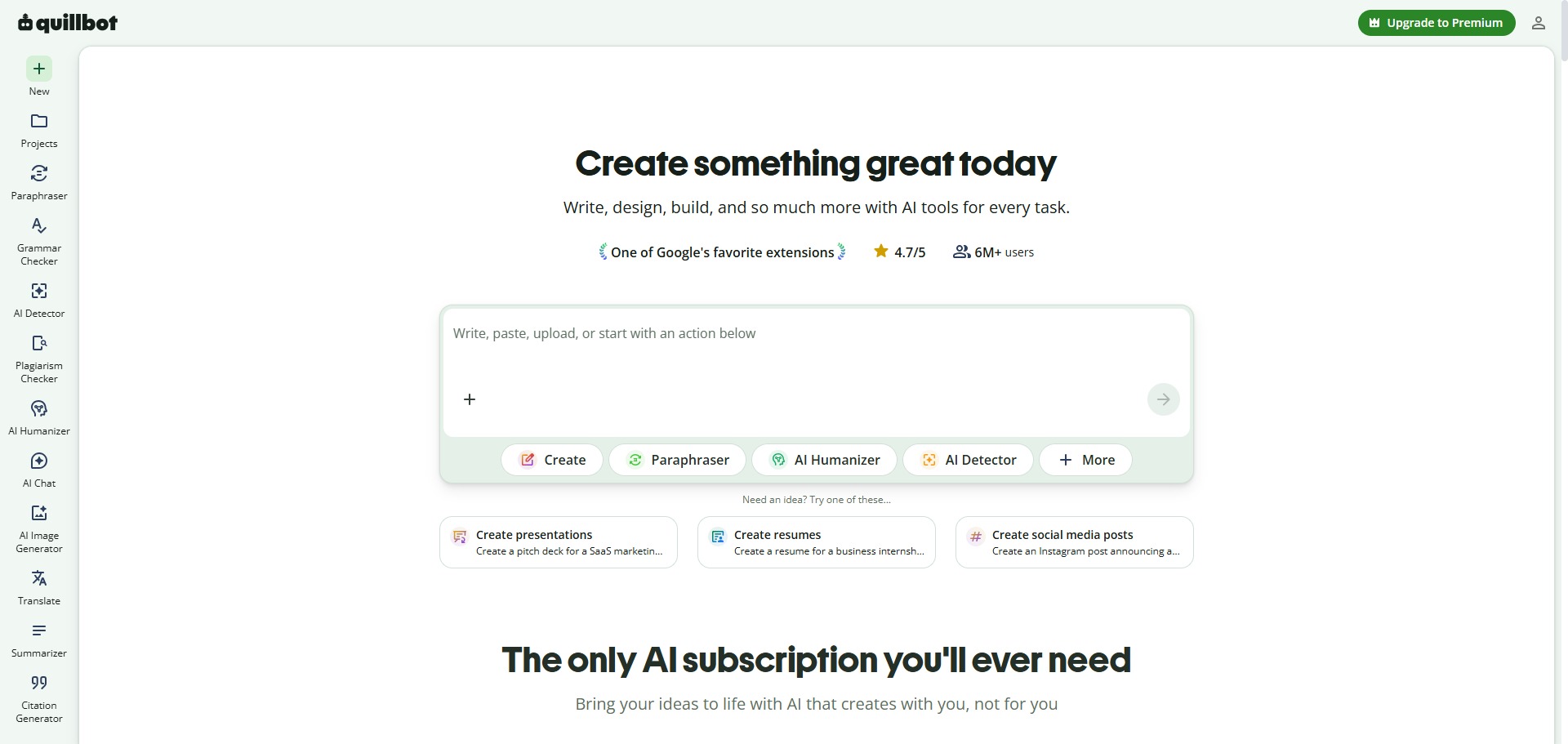
It also functions as an all-in-one writing dashboard. Beyond basic rewording, the platform contains modules to instantly summarize long documents, scan text for grammar mistakes, generate academic citations, and evaluate drafted manuscripts for potential plagiarism overlaps.
Who is QuillBot best for?
It is ideal for university undergraduates, postgraduate researchers, and international students who need to refine their vocabulary choices or adjust the flow of complex essay assignments.
It is also a highly effective utility for non-native English speakers who want to polish their translated phrases into natural-sounding, idiomatic language that matches traditional academic formatting expectations.
Is QuillBot genuinely free?
Yes, QuillBot offers a highly useful free tier that is open to public users without a paid subscription. This unpaid tier gives you unlimited total usage of the standard paraphrasing mode, but limits single inputs to 125 words at a time and displays basic advertisement cards.
To remove the input word limits, unlock all advanced writing styles (such as Formal, Academic, and Creative modes), gain access to the full plagiarism checker, and unlock bulk processing pipelines, you must upgrade to the paid premium subscription tier.
Is QuillBot Premium Worth It?
Yes, but only if you regularly work on long documents or entire essays. The free plan enforces a strict limit of 125 words per individual check, which means you have to chop your writing into small chunks to process it. Upgrading is highly recommended for university postgraduates, dissertation authors, and non-native English writers who need to rewrite large texts efficiently.
When you should upgrade:
- You need unlimited word counts: The free tier limits your workflow by restricting inputs to a single paragraph. Premium plans provide unlimited paraphrasing capacity so you can process complete papers at the same time.
- You require specialized tone controls: Paid subscriptions unlock advanced structural options, including the formal and academic writing modes, ensuring your prose adheres tightly to publishing guidelines.
- You use bundled academic extensions: Upgrading gives you access to a built-in plagiarism checker that scans up to twenty pages a month, alongside an expanded 6,000-word limit inside the document summariser tool.
If you only need to clean up a brief email layout, check a short abstract, or source a few quick synonyms, the free tier is perfectly adequate. However, if you are actively editing an extensive master’s thesis or compiling a lengthy scientific manuscript, the premium upgrade is a massive time-saver.
Should I use QuillBot as a paraphrasing tool?
Yes. It is an excellent, comprehensive tool for discovering scholarly literature, tracing citation networks, and finding accessible versions of research documents across almost every academic discipline.
Because it covers multiple areas of study in one central place, it makes the initial discovery process fast and straightforward. It serves as an essential starting point for any literary search before diving into niche database systems.
Key Features
- Multi-mode AI paraphrasing panel
Allows you to instantly rewrite your phrases using modes like Standard, Fluency, Formal, Academic, Expand, and Shorten. - Interactive contextual thesaurus tracker
Enables you to click any individual word in your rewritten text to see an instant dropdown list of context-appropriate synonyms. - Algorithmic text summarizer module
Condenses complex research papers, long essays, or news links down into clear bulleted insights or short summary paragraphs. - Integrated academic citation companion
Assembles accurate reference lines matching APA 7, MLA 9, and Chicago standards from web links, books, and journal codes. - Pervasive workspace add-ins
Deploys dedicated extensions for Google Chrome, Microsoft Word, macOS, and mobile keyboards to paraphrase text across any active app.
Best for
- Paraphrasing and rewording complex sentences
- Altering the tone of drafted academic text
- Condensing long documents into key summaries
- Polishing prose for non-native English writers
- Generating fast bibliographic reference citations
Pros and Cons
Here are the main advantages and limitations of using QuillBot for editing academic papers.
Pros
- ✓The interface is incredibly fast, updating full paragraph rewordings in less than a second.
- ✓Clickable synonym dropdown lists give you exceptional manual control over your phrasing.
- ✓The built-in text summarizer tool is brilliant for extracting fast notes from raw articles.
Cons
- ✗The free tier restricts text inputs to a maximum of 125 words per individual check.
- ✗Advanced styles like Academic and Formal require a premium subscription plan.
- ✗Can occasionally alter specific scientific or medical terms incorrectly if vocabulary sliders are set too high.
How to Use QuillBot
Follow this quick guide to set up your profile and restructure your research drafts using the AI paraphraser.
- Visit the Website and Sign Up
Go to the official QuillBot website and create a free account profile. You can log in instantly using your existing Google account or personal email credentials to reach the main dashboard workspace. - Select Your Workspace Interface
Open the cloud-based web editor to start working directly inside your browser window. Alternatively, you can navigate to the extensions tab to download and install the dedicated add-ins for Google Docs or Microsoft Word. - Paste or Type Your Text
Input your draft text into the left-hand editor panel. If you are on the free tier, ensure your text does not exceed the 125-word limit for a single check; premium users can paste full chapters simultaneously. - Choose Your Paraphrasing Mode
Select your target writing style from the top toolbar options. Use Standard or Fluency if you are operating a free account, or switch to the specialized Formal or Academic filters if you have upgraded to a paid profile. - Adjust the Synonym Slider
Drag the synonym slider control to set how much structural alteration you require. Moving the slider to the left keeps your original language intact, while moving it to the right introduces a higher volume of creative synonyms. - Review and Customise Individual Words
Click the rephrase button to generate your rewritten text in the right-hand panel view. Read through the new sentences and click on any individual word to open an interactive dropdown list of alternative vocabulary ideas.
Frequently Asked Questions
Is using QuillBot to rewrite my academic paper considered plagiarism?
Using QuillBot to improve the clarity, grammar, and flow of your own original writing is generally acceptable. However, copying someone else’s work and running it through a rephrasing engine to bypass detection checks breaches academic integrity rules at almost all universities.
What does the synonym slider setting control on QuillBot?
The synonym slider sets how much vocabulary variation the AI applies to your paragraphs. Moving the slider to the left keeps your original text structures more stable, while sliding it to the right inserts a higher volume of creative rewordings.
Can I integrate QuillBot directly into Google Docs?
Yes. QuillBot offers an official add-on module available via the Google Workspace Marketplace. Once installed, it opens a dedicated sidebar widget directly beside your active Google Doc sheet, allowing you to edit text while writing.
What is the word limit on QuillBot’s free text summarizer tool?
The free version of the QuillBot summarizer tool allows you to scan up to 1,200 words per individual input block. Upgrading to a premium subscription plan removes this cap, allowing you to process long-form text logs or full manuscript files.
Does QuillBot require an internet connection to process text?
Yes. QuillBot processes text inputs through advanced machine learning models hosted on its cloud servers. As a result, the application requires a live, stable web connection to analyze paragraphs and return rephrased content to your screen.