ResearchRabbit is a free, web-based literature mapping tool designed to change how academics, students, and research teams navigate scientific papers.
Often described by its creators as the “Spotify for research,” ResearchRabbit does away with standard keyword search lists. Instead, it utilizes interactive visualization networks and graph structures to link papers, authors, and institutions, allowing you to discover complex citation paths dynamically.
Highly Recommended
What can you use ResearchRabbit for?
You can use it to build dynamic, personalized folders of academic papers called collections. Once you seed a collection with a few core articles, the platform’s AI algorithms automatically go to work, mapping out previous citations, future tracking metrics, and related papers that fit your exact topic parameters.
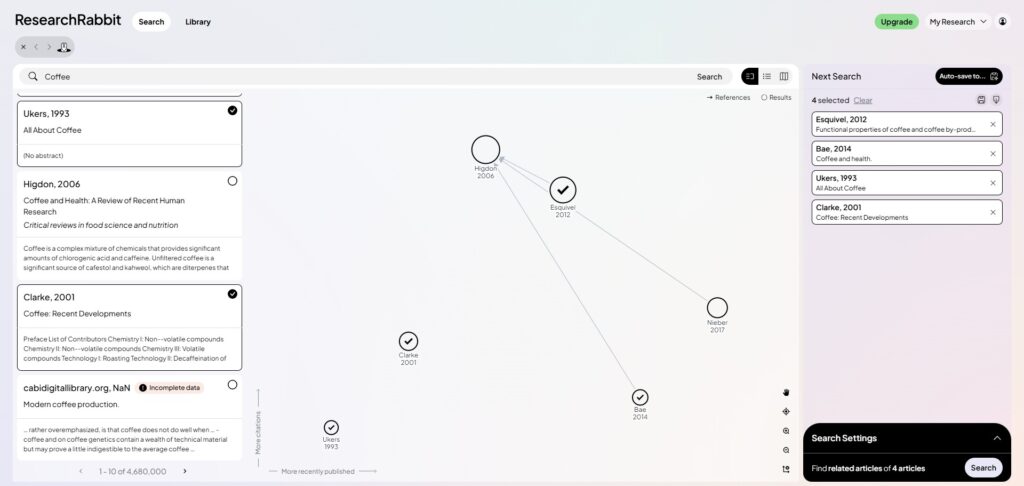
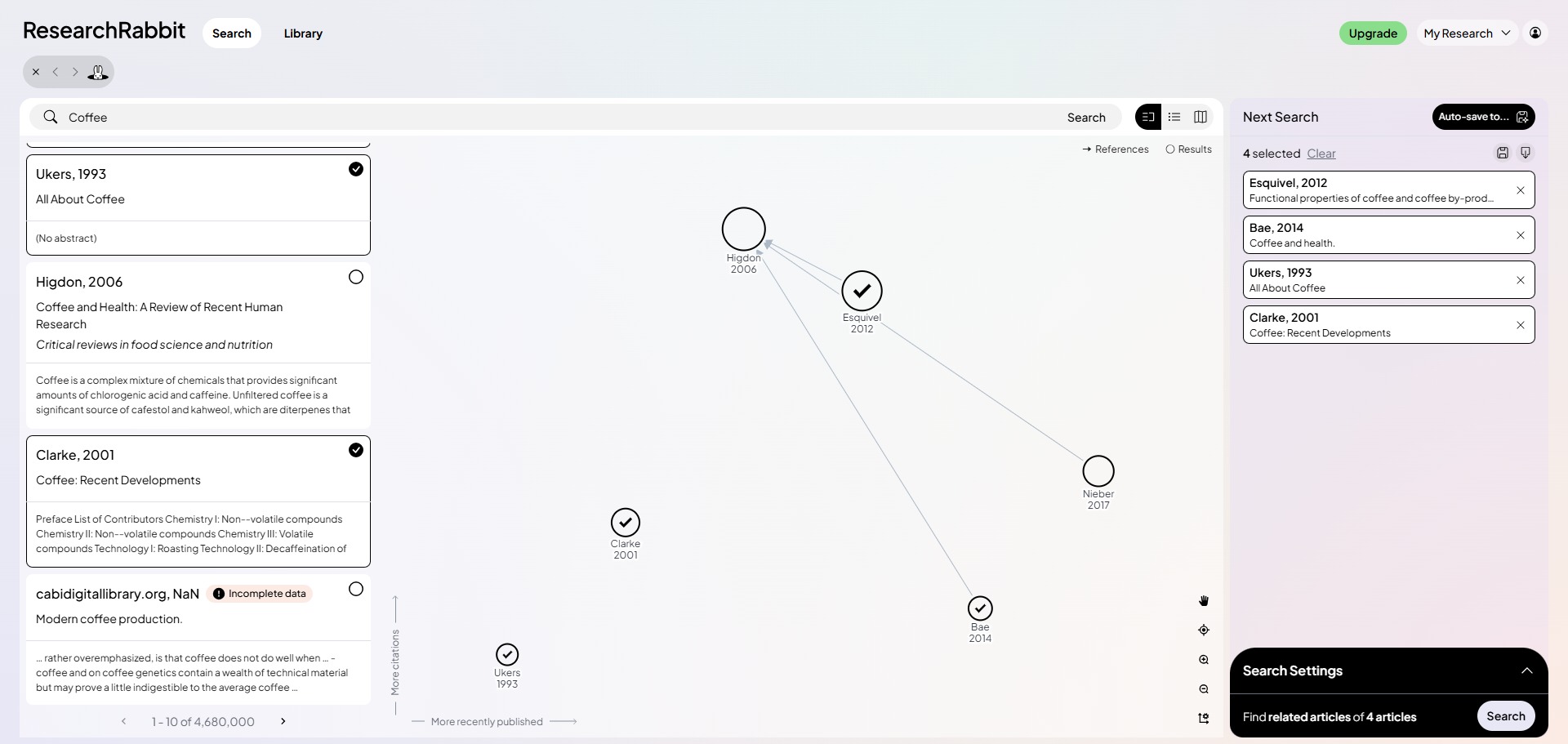
It also functions as an interactive visual landscape. The engine generates elaborate graph structures that let you zoom in on connections between individual papers, track the collaborative output of specific co-authors, and identify the most influential studies inside a field of study.
Who is ResearchRabbit best for?
It is ideal for university postgraduates, doctoral candidates, and early-career researchers who are starting comprehensive literature reviews and need to organize vast networks of data quickly.
It is also highly useful for research groups and collaborative laboratory teams who want a shared space to cross-reference data sources, exchange text recommendations, and co-curate project bibliographies.
Is ResearchRabbit genuinely free?
Yes. ResearchRabbit is entirely free for individual academics and institutional writers. There are no premium features locked behind paywalls, no storage capacity constraints on your paper collections, and no intrusive advertisements built into the visual interface.
The company maintains this model by partnering directly with academic institutions, university systems, and corporate R&D departments, providing premium analytical dashboard extensions on an institutional level while keeping the consumer tool completely free.
Should I use ResearchRabbit as a literature mapping tool?
Yes. It is an excellent, comprehensive tool for discovering scholarly literature, tracing citation networks, and finding accessible versions of research documents across almost every academic discipline.
Because it covers multiple areas of study in one central place, it makes the initial discovery process fast and straightforward. It serves as an essential starting point for any literary search before diving into niche database systems.
Key Features
- Interactive visual mind mapping
Generates dynamic network graphs that link citations, reference lists, and co-authors to reveal hidden academic connections. - AI-powered recommendation engine
Learns from your custom paper collections to continuously suggest fresh, contextually relevant studies tailored to your research interest. - Bidirectional reference tracking
Allows you to instantly look backward at ancestral citation trees or jump forward to trace how a specific study influenced future publications. - Deep two-way Zotero integration
Synchronises seamlessly with your Zotero library folders, pulling in saved papers automatically and pushing new discoveries back to your desktop. - Personalized academic email alerts
Monitors your active work folders and shoots over periodic digest summaries whenever fresh papers matching your research profiles are published.
Best for
- Visualizing citation networks
- Conducting deep literature reviews
- Tracking author collaboration chains
- Discovering hidden semantic connections
- Seamless integration with Zotero
Pros and Cons
Here are the main advantages and limitations of using ResearchRabbit for your academic discovery workflows.
Pros
- ✓The dynamic layout lets you explore complex citation pathways with unmatched speed.
- ✓Completely free to use with unlimited folder uploads and cloud storage collections.
- ✓Excellent bidirectional sync keeps your Zotero reference manager perfectly updated.
Cons
- ✗The multi-column layout is intense and requires a bit of time to learn to navigate smoothly.
- ✗Can run into minor performance lag on older computers when loading massive network visualisations.
- ✗Lacks the direct AI text synthesis and abstract summaries provided by some paid competitors.
How to Use ResearchRabbit
Follow this quick guide to set up your account, build paper collections, and explore your research field visually.
-
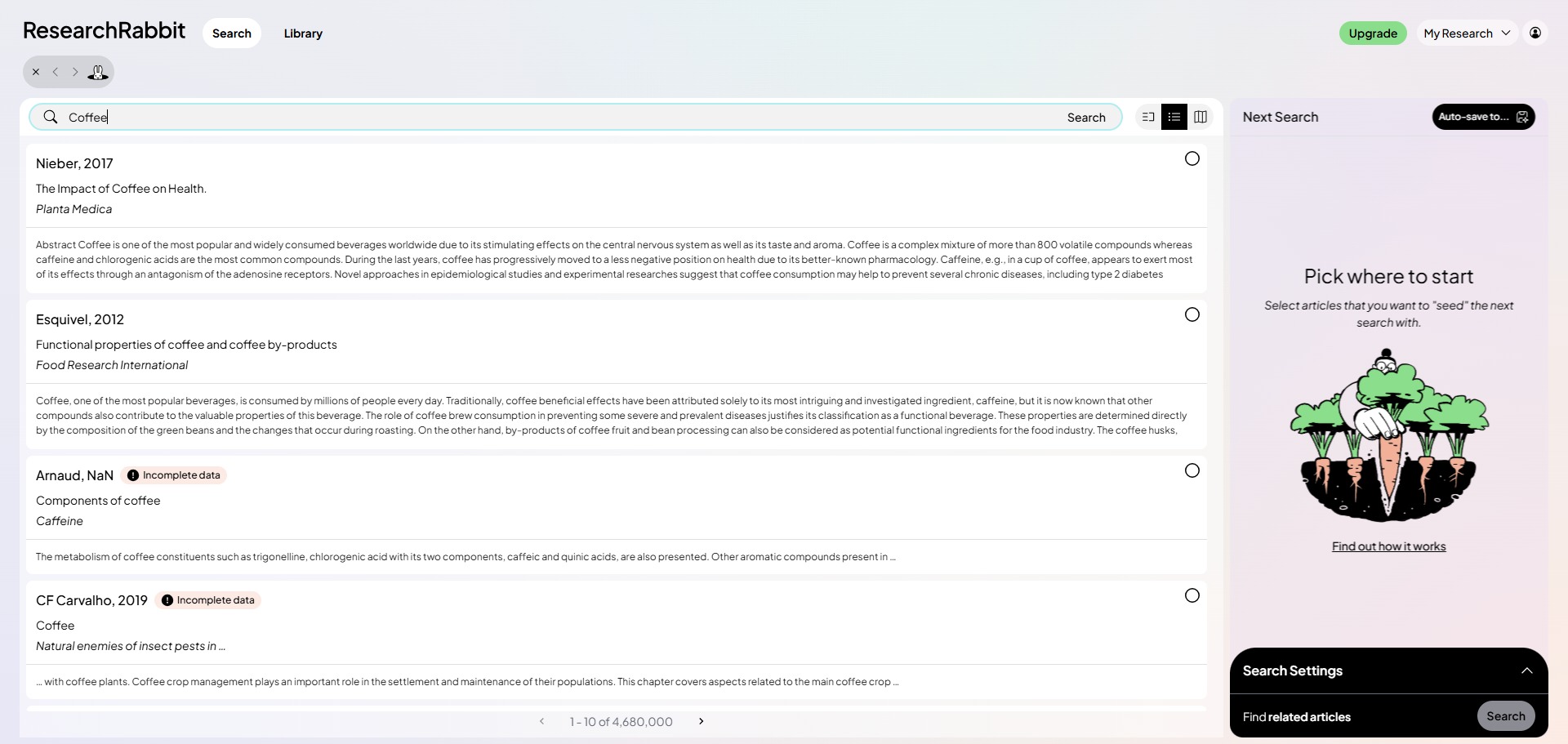
Visit the Website and Create an Account
Go to the official ResearchRabbit website and sign up for a free profile. Use your academic institutional domain or personal email credentials to register and access the multi-column dashboard workspace. -
Connect Your Reference Manager
Navigate to the account settings panel to sync your digital tools. Connect your Zotero profile to allow the platform to pull your existing folders automatically and push your new literature discoveries back to your desktop. -
Create a New Paper Collection
Click the option to create a fresh collection folder inside your main dashboard column. Give your folder a clear, descriptive title based on the specific chapter or topic you are actively investigating. -
Add Your Seed Papers
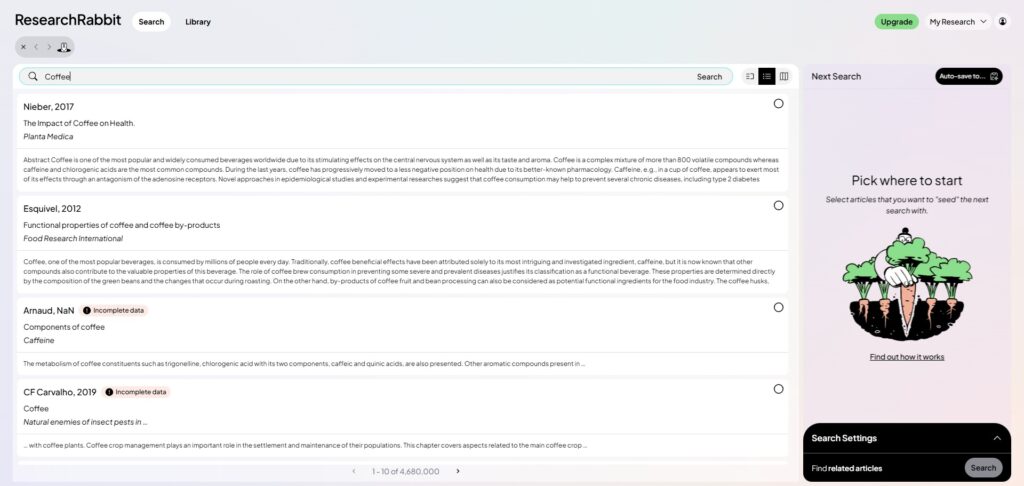
Click the add papers button and type in your initial target parameters using titles, keywords, DOIs, or arXiv numbers. Add between three and five highly relevant studies to give the AI recommendation engine a strong signal. -
Explore Visual Citation Networks
Select your collection and click the option to view related work, prior papers, or subsequent derivative literature. Use the generated visual map graphs to track connection pathways, co-author chains, and influential data nodes. -
Review and Export Your Discoveries
Click on any individual node circle in the network layout to review its abstract summary and find open-access download links. Add any valuable new papers to your active collection to update your synced Zotero library instantly.
Frequently Asked Questions
What database does ResearchRabbit pull its research from?
ResearchRabbit relies primarily on open-access bibliographic datasets, pulling its metadata from millions of records indexed across Semantic Scholar, PubMed, and OpenAlex to ensure comprehensive multidisciplinary coverage.
Can I read the full text of a paper inside ResearchRabbit?
ResearchRabbit is optimized for discovery and mapping rather than reading full texts. However, every article panel contains direct outbound links to open-access versions via Unpaywall, alongside institutional connection paths and publisher DOIs.
How many seed papers should I add to start a collection?
While you can start a collection with just one paper, adding between three and five highly relevant seed papers gives the recommendation algorithm a clearer signal, resulting in much more precise suggestions.
Does ResearchRabbit support reference managers other than Zotero?
The platform features a deep, live synchronization link with Zotero. While it does not feature an automated live link for Mendeley or EndNote, you can easily export your discoveries as an RIS or BibTeX text file to import into those platforms manually.
Is my research private when I build collections on ResearchRabbit?
Yes. By default, your custom folders and citation graphs are completely private to your account. You can choose to change these settings manually if you want to generate a public link to share a collection dashboard with your research team.