Springer Journal Finder is a completely free, web-based tool designed to help students, academics, and research scientists identify relevant, peer-reviewed journals for manuscript submission.
Operating as an intelligent decision-support application, the platform uses semantic search and natural language processing to bridge the gap between drafting a study and discovering a home for publication. By analyzing the linguistic fingerprint of your research summary against millions of paper records, the engine surfaces highly compatible publication outlets within the expansive Springer Nature database framework.
Highly Recommended
What can you use Springer Journal Finder for?
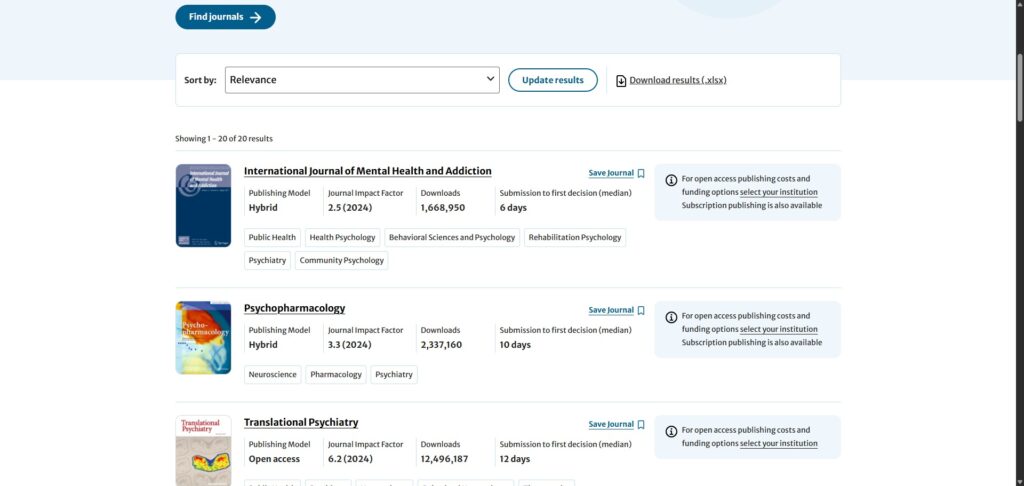
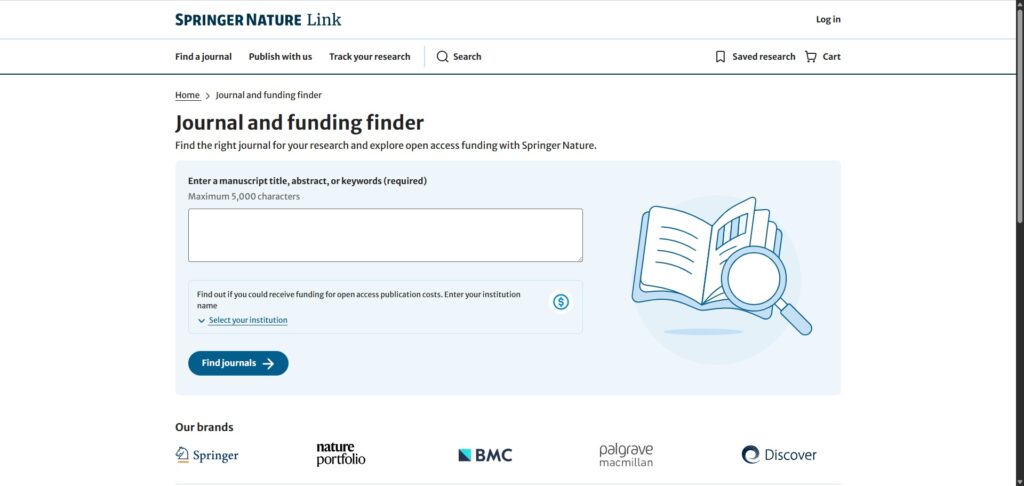
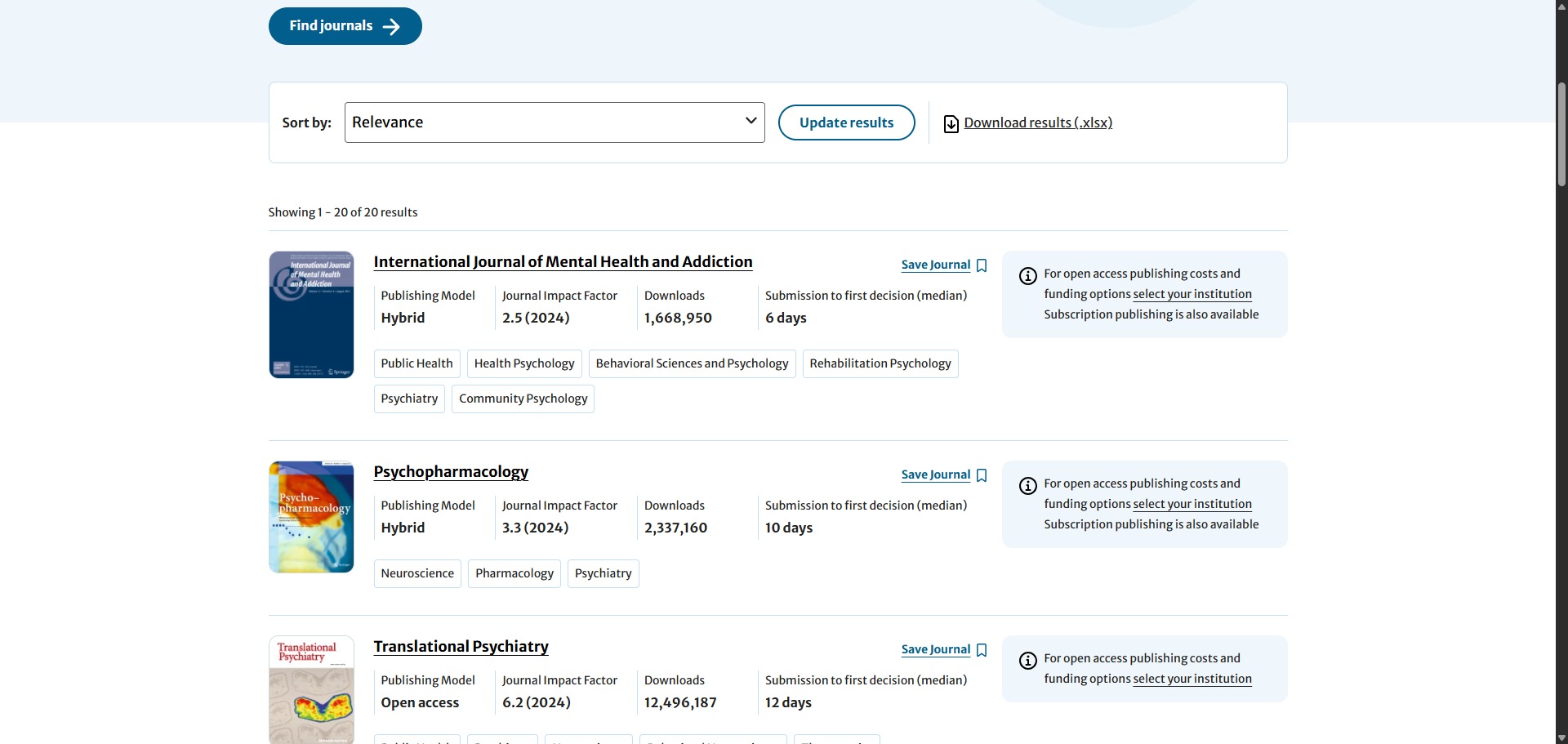
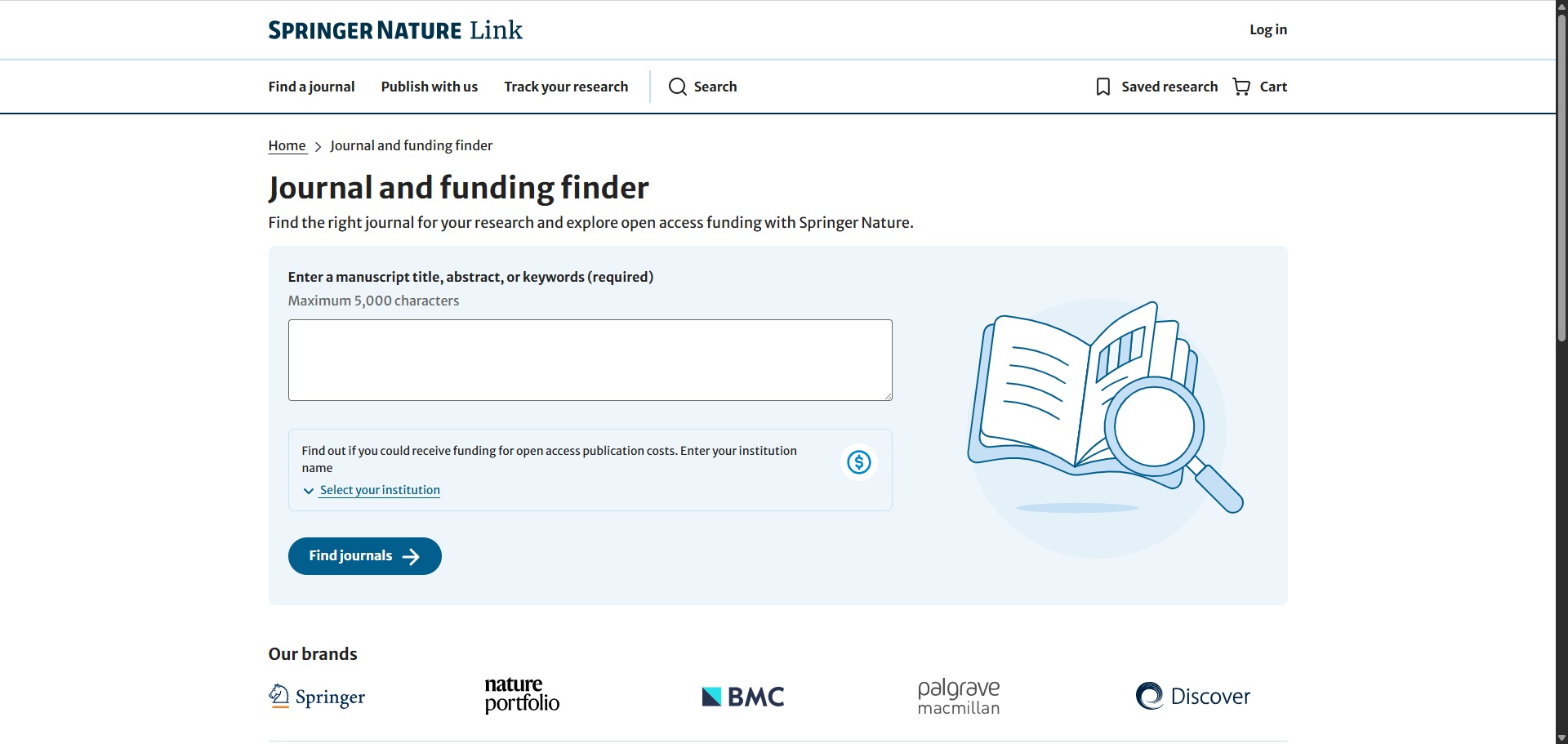
You can use it to gather real-time data on acceptance probabilities, track editorial processing speeds, and compare publishing parameters across over 3,000 indexed scholarly journals. By pasting your draft paper title and abstract text body into the workspace fields, you can instantly see which outlets match your exact topic boundaries.
It also functions as an analytical comparison dashboard. The system evaluates hidden metadata structures to reveal critical performance benchmarks, enabling researchers to discover whether a target publication offers open access models or traditional subscription tracks before initiating a formal submission line.
Who is Springer Journal Finder best for?
It is ideal for university postgraduates, doctoral candidates, and early-career researchers who need to map out realistic targets for their first academic articles without wasting valuable months on scope rejections.
It serves as an essential resource for busy principal investigators and cross-institutional research groups who need an efficient way to sort prospective venues based on review speeds and specific impact thresholds.
Is Springer Journal Finder genuinely free?
Yes. Springer Journal Finder is completely free to use for any writer or academic globally. There are no paid membership upgrades, hidden premium filters, or user profile registration walls required to run extensive abstract evaluations.
While individual journals discovered via the search results may enforce Article Processing Charges (APCs) for open-access licensing pathways, the diagnostic selection utility remains entirely open, unmonetized, and public for global deployment.
Should I use Springer Journal Finder as a journal finder?
Yes. It is an excellent, comprehensive tool for discovering scholarly literature, tracing citation networks, and finding accessible versions of research documents across almost every academic discipline.
Because it covers multiple areas of study in one central place, it makes the initial discovery process fast and straightforward. It serves as an essential starting point for any literary search before diving into niche database systems.
Key Features
- NLP-driven abstract matching engines
Utilizes modern natural language processing models to read your text, extract key scientific concepts, and calculate thematic relevance values. - Comprehensive submission speed trackers
Displays the precise median duration from document upload to the first decision point, alongside overall time-to-publication weeks. - Transparent acceptance rate indices
Provides verified institutional historical metrics outlining the percentage of submitted manuscripts accepted by each editorial board. - Granular open-access fee logs
Displays explicit article publication charges alongside embargo timelines directly on the result cards to assist with budget mapping. - Direct Editorial Manager entry pipelines
Embeds a direct submission portal link into every recommendation card to let you launch your submission project without external lookups.
Best for
- Matching manuscript abstracts to journal scopes
- Evaluating historical journal acceptance rates
- Tracking peer-review timelines and processing speeds
- Comparing open-access charges across fields
- Avoiding out-of-scope editorial desk rejections
Pros and Cons
Here are the main advantages and limitations of utilizing Springer Journal Finder for academic manuscript planning.
Pros
- ✓Completely free to use with zero registration hurdles or profile requirements.
- ✓Highly detailed timeline tracking details give realistic expectations for review wait times.
- ✓The interface filters let you sort options by your exact impact factor or speed targets.
Cons
- ✗The recommendation engine is entirely publisher-specific, ignoring non-Springer journal options.
- ✗Brand-new or highly specialized niche journals may occasionally be omitted from top lists.
- ✗The matching scores do not evaluate the internal empirical quality or methodology rigor of your draft.
How to Use Springer Journal Finder
Follow this quick guide to enter your paper details and find the right journal for your research.
- Visit the Website
Go to the official Springer Journal Finder website. Because the platform is completely open, you can start your search immediately without needing to create an account or log in. - Enter Your Title and Abstract
Paste the working title of your manuscript into the first text box. Next, paste your full abstract draft into the larger description box to give the natural language processing model enough text to analyse. - Select Your Subject Area
Choose your primary field of study from the drop-down menu or selection list. This refines the search parameters and ensures the system targets database collections relevant to your discipline. - Refine Your Results with Filters
Use the side filters to narrow down your journal recommendations. You can set your preferred publishing model, choose a minimum impact factor, or limit options to journals with a fast time to first decision. - Compare Your Journal Options
Review the list of matching journals generated by the system. Look closely at the data cards to compare acceptance rates, processing speeds, and potential open-access fees for each outlet. - Proceed to Your Chosen Journal
Click on your top journal choice to read its detailed scope guidelines. Once you are ready, use the direct link provided on the card to open the Editorial Manager portal and submit your manuscript.
Frequently Asked Questions
Does Springer Journal Finder guarantee that a top-matched journal will accept my paper?
No. The platform assesses matching parameters purely based on scope and thematic alignment. Each independent journal editorial team reviews submissions manually based on scientific novelty, experimental design, and linguistic clarity, meaning the search tool provides no guarantees of acceptance.
Why can I not find alternative major journals from Elsevier or Wiley inside this tool?
Springer Journal Finder operates exclusively within its own proprietary corporate catalog boundaries. It contains data maps for more than 3,000 peer-reviewed Springer Nature publications, covering imprints like Springer, BioMed Central (BMC), and Palgrave Macmillan, meaning it cannot index venues managed by external competing publishers.
What is the minimum amount of text I need to input to receive an accurate recommendation?
While you can execute basic keyword searches, the abstract matching pipeline delivers maximum precision when you paste a complete, finalized title and a structured abstract block spanning between 100 and 300 words to give the machine learning model sufficient linguistic data points.
Are the listed article publishing charges updated automatically?
Yes. The platform draws its pricing data, metric arrays, and citation indexes directly from primary database repositories. This link ensures that all presented values, open-access fee structures, and impact indicators reflect contemporary guidelines.
Can I utilize this tool if my research paper is still in an early rough draft stage?
Yes. You can use tentative working titles and preliminary abstract outlines to map out potential targets. Evaluating prospective journals during early project phases is a great strategy to identify formatting rules and guide your final manuscript writing structure.