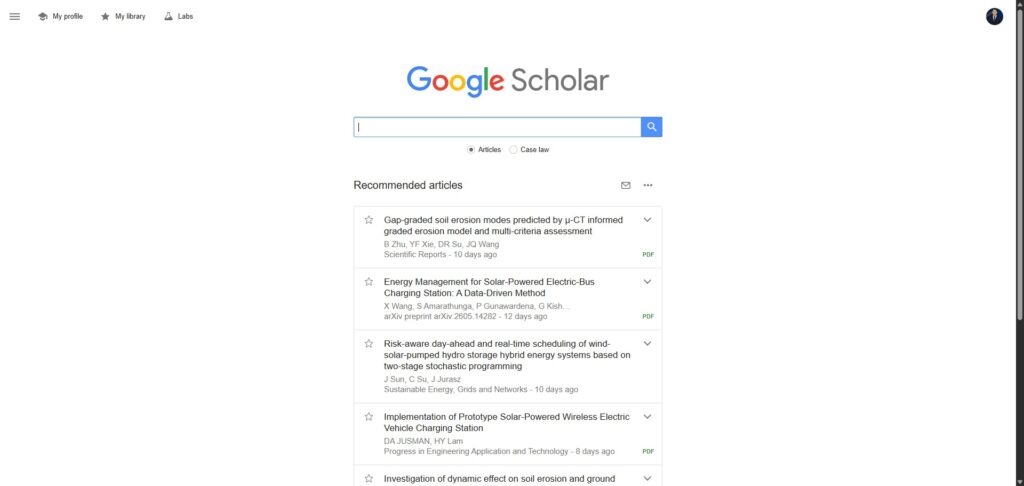
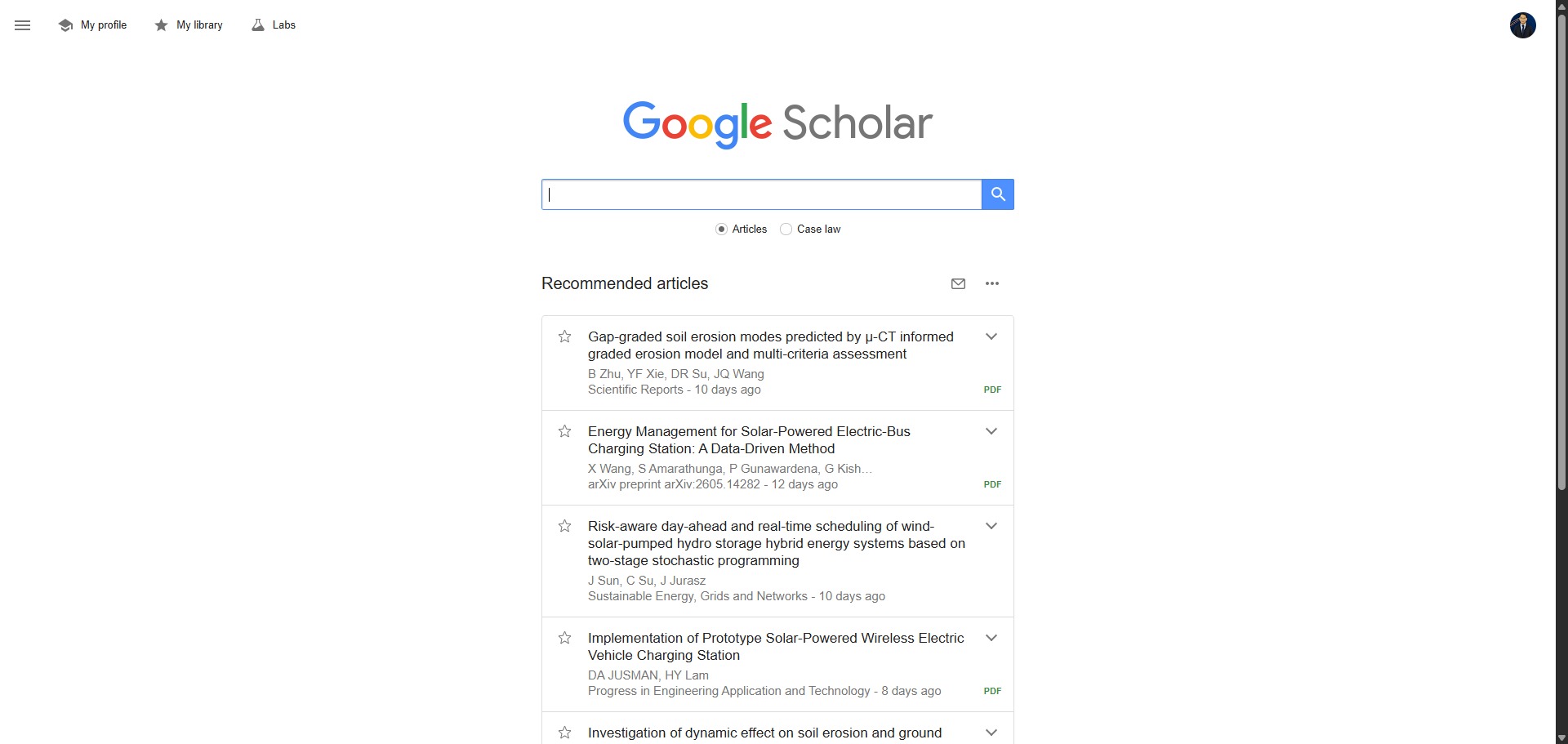
Google Scholar is a free web search engine that indexes academic literature from across the globe.
Since launching in 2004, Google Scholar has grown into the largest academic search database, indexing hundreds of millions of scholarly documents. It gives you a simple way to broadly search for both digital and physical copies of research.
Highly Recommended
What can you use Google Scholar for?
You can use it to locate papers, theses, books, abstracts, and court opinions. These come from academic publishers, professional societies, online repositories, and universities.
It acts as a universal discovery layer. It allows you to check citations, find free legal PDF versions of gated papers, and track the evolution of research topics over time.
Who is Google Scholar best for?
It is ideal for students, researchers, and academics at any stage of their career.
It serves anyone who requires a comprehensive tool to discover scientific and literary texts without paying for premium database access.
Is Google Scholar genuinely free?
Yes. Google Scholar is entirely free to access, search, and use for pulling citation data. There are no hidden subscription tiers or premium limits on the platform itself.
However, because it links out to third-party publisher websites, some full-text articles may still sit behind external paywalls that require institutional access to read.
Should I use Google Scholar as an academic search engine?
Yes. It is an excellent, comprehensive tool for discovering scholarly literature, tracing citation networks, and finding accessible versions of research documents across almost every academic discipline.
Because it covers multiple areas of study in one central place, it makes the initial discovery process fast and straightforward. It serves as an essential starting point for any literary search before diving into niche database systems.
Key Features
- Vast cross-disciplinary index
Accesses millions of articles spanning STEM, humanities, and social sciences. - “Cited by” tracking
Shows papers that reference a specific work. - Institutional library links
Connects with university subscriptions for faster access. - Custom email alerts
Sends notifications when new papers matching specific keywords or author profiles are published. - Built-in citation exporter
Generates quick citations in standard styles like APA, MLA, Harvard, and Chicago.
Best for
- Literature reviews
- Citation tracking
- Initial topic discovery
- Undergraduate and postgraduate students
- Independent researchers
Pros and Cons
Here are the main advantages and limitations of using Google Scholar for academic research.
Pros
- ✓Entirely free to use without an institutional login.
- ✓The largest collection of academic literature in the world.
- ✓Excellent at finding free, open-access PDF versions of papers.
Cons
- ✗Search filtering options are limited compared to dedicated databases.
- ✗Uneven indexing depth across certain areas of the humanities.
- ✗Does not guarantee that every indexed result is strictly peer-reviewed.
How to Use Google Scholar
Follow this quick guide to run your literature searches, manage your library, and track research citations.
-
Visit the Website and Sign In
Go to the official Google Scholar website. While you can search without an account, signing in with your Google profile allows you to save articles to your personal library and manage custom search alerts. -
Perform a Basic or Advanced Search
Type your keywords into the main search box. For more precise results, click the three-line menu icon in the top-left corner and select “Advanced search” to filter by specific authors, journals, or publication date ranges. -
Locate Free Full-Text Versions
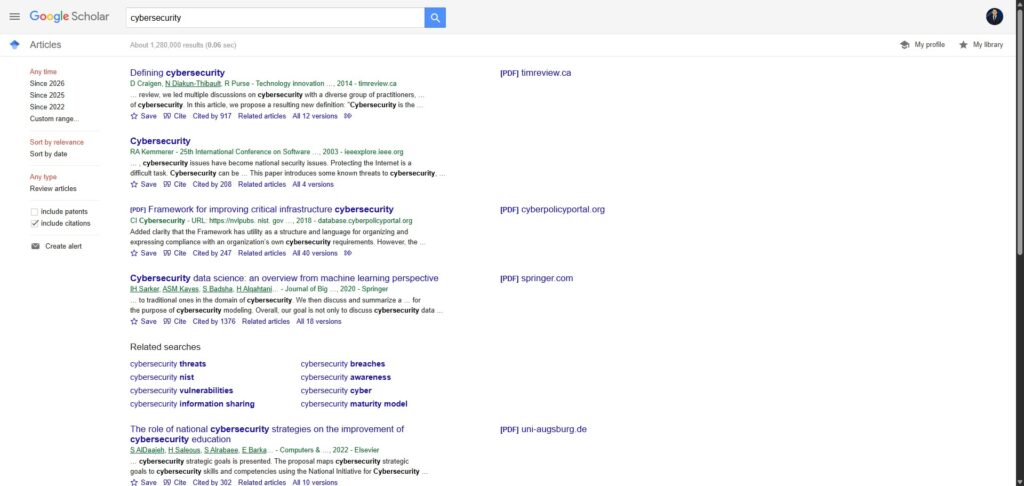
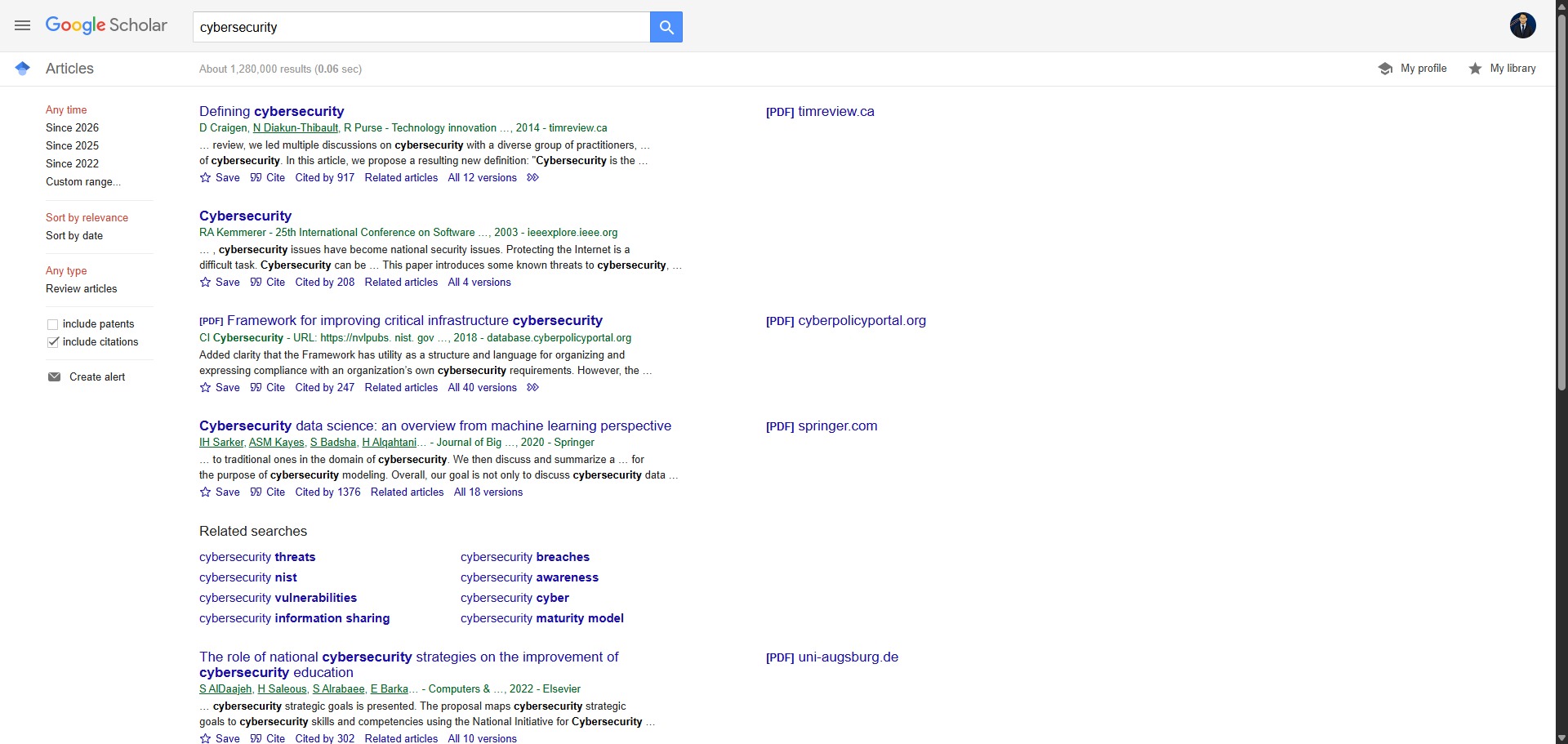
Scan the right-hand side of your search results list. If a free PDF or HTML version of a paper is available in an open-access repository, a link labeled “PDF” or “HTML” will appear for instant download. -
Track Citations and Related Works
Look for the “Cited by” link underneath each search result to see a list of other academic papers that have referenced that specific work. This is an excellent way to trace the development of a research topic over time. -
Export Citations to Your Manager
Click the “Cite” button beneath any paper to open the reference window. From there, you can copy the text format or download a file to import directly into Zotero, EndNote, Mendeley, or RefWorks. -
Set Up Automated Alerts
If you want to stay updated on new research, perform your desired search and click the “Create alert” envelope icon in the left-hand sidebar. Google Scholar will then email you whenever new documents matching your query are indexed.
Frequently Asked Questions
How do I access Google Scholar Advanced Search?
Click the three-line menu icon in the top-left corner of the Google Scholar homepage and select “Advanced search.” This menu allows you to limit results by specific authors, journals, dates, or precise phrases.
Is Google Scholar better than PubMed or Scopus?
It depends on your goal. Google Scholar offers a far larger, multidisciplinary index and is completely free. However, databases like PubMed offer highly specialised filtering for medical literature, and Scopus provides stricter quality control.
Can Google Scholar export to Zotero and EndNote?
Every search result includes a “Cite” button. Clicking this allows you to download citation files formatted directly for reference management tools such as Zotero, EndNote, Mendeley, and RefWorks.
What are Google Scholar metrics like the h-index and i10-index?
These are tracking metrics displayed on public author profiles. The h-index reflects the number of papers (h) that have received at least h citations. The i10-index tracks how many academic articles an author has published that have received at least ten citations.
How do I set up citation alerts in Google Scholar?
Log into your account, perform your keyword or author search, and click the “Create alert” envelope icon located in the left sidebar. Google Scholar will automatically email you whenever a new document matching your search rules is indexed.