SurveyMonkey is a freemium, cloud-based data-collection ecosystem and survey builder designed to help university students, academic departments, and corporate research groups launch data questionnaires.
Operating as an industry-standard feedback framework, SurveyMonkey combines a drag-and-drop design panel with automated data collection infrastructure. The application allows you to build highly customized, multi-page questionnaires, instantly distributing them across online networks and gathering incoming public responses into structured real-time analytical graphs.
Recommended
What can you use SurveyMonkey for?
You can use it to build demographic feedback forms, execute deep market analysis studies, and track institutional performance over regular intervals. By selecting components from its question catalog, creators can easily integrate matrix rating tables, Net Promoter Score (NPS) sliders, and interactive text response boxes to map out exact participant opinions.
It also functions as an automated text analytical engine. The integrated analysis environment automatically reviews text responses from open-ended questions, running continuous machine learning loops to sort qualitative statements into specific theme blocks and gauge participant sentiment markers.
Who is SurveyMonkey best for?
It is ideal for postgraduate university candidates, institutional administrators, and corporate research teams who require a highly secure, scalable questionnaire environment to handle thousands of survey respondents.
It also serves as a fantastic framework for human resource coordinators and workshop managers who want to track internal employee satisfaction trends or capture comprehensive post-event reviews.
Is SurveyMonkey genuinely free?
Yes, SurveyMonkey operates a basic entry-level plan that allows public users to build and deploy basic web surveys without making subscription payments. This unpaid tier gives you full access to its core editing layout, standard data templates, and essential question models, but it enforces a strict response viewing limit of 40 submissions per survey.
To eliminate these response restrictions, run deep data exports, configure logic branching rules, and strip the platform branding elements from your page footers, you must transition your account to a paid monthly or annual premium subscription tier.
Is SurveyMonkey Premium Worth It?
Yes, but only if your research project requires more than forty responses. The premium subscription is highly beneficial for university departments, corporate groups, and postgraduate researchers who need to gather data at scale, but it may feel expensive for individual students on a tight budget.
When you should upgrade:
- You need more data: The free plan hides any answers past your first forty submissions. Upgrading unlocks unlimited visible responses.
- You need to export data: Paid tiers allow you to download your raw results directly into Excel, CSV, or SPSS for deep statistical analysis.
- You need advanced features: Premium plans give you access to complex skip logic, multilingual surveys, and complete removal of the platform branding.
If you only need to run a very small, basic pilot study with a few participants, the free version is completely fine. However, for any formal or large-scale academic research, the premium version is absolutely essential.
Should I use SurveyMonkey as a survey builder?
Yes. It is an excellent, comprehensive tool for discovering scholarly literature, tracing citation networks, and finding accessible versions of research documents across almost every academic discipline.
Because it covers multiple areas of study in one central place, it makes the initial discovery process fast and straightforward. It serves as an essential starting point for any literary search before diving into niche database systems.
Key Features
- AI-powered Build with AI assistant
Generates full multi-question survey drafts instantly from basic text prompts, recommending optimal question structures based on target themes. - Advanced interactive question logic tools
Applies conditional skip rules and page routing parameters to ensure participants only encounter relevant sections based on early selections. - Automated qualitative sentiment tracking
Scans long-form open text entries to categorize statements into conceptual themes and measure positive or negative participant reactions. - Multi-channel project distribution pipelines
Deploys surveys via secure web links, email invitation trackers, custom website pop-up frames, and interactive quick-response codes. - Comprehensive cross-tab data reporting
Assembles instant graphical dashboards, allowing researchers to isolate statistical relationships between separate question parameters.
Best for
- Constructing professional customer experience assessments
- Gathering public demographic feedback at scale
- Automating open-ended qualitative text theme tracking
- Deploying multi-channel research links across channels
- Generating presentation-ready statistical data visuals
Pros and Cons
Here are the main advantages and limitations of using SurveyMonkey for online survey deployment.
Pros
- ✓The user interface is remarkably clean and requires zero technical training to master.
- ✓An immense collection of certified question banks helps prevent bias in survey design.
- ✓Real-time charting updates allow you to analyze response trends the moment data arrives.
Cons
- ✗The free account plan features a strict ceiling of forty visible responses per survey file.
- ✗Downloading raw data matrices into Excel, CSV, or SPSS formats is locked behind paid tiers.
- ✗Premium pricing tiers can feel steep for standalone student researchers working on minor budgets.
How to Use SurveyMonkey
Follow this quick guide to set up and run your research questionnaire.
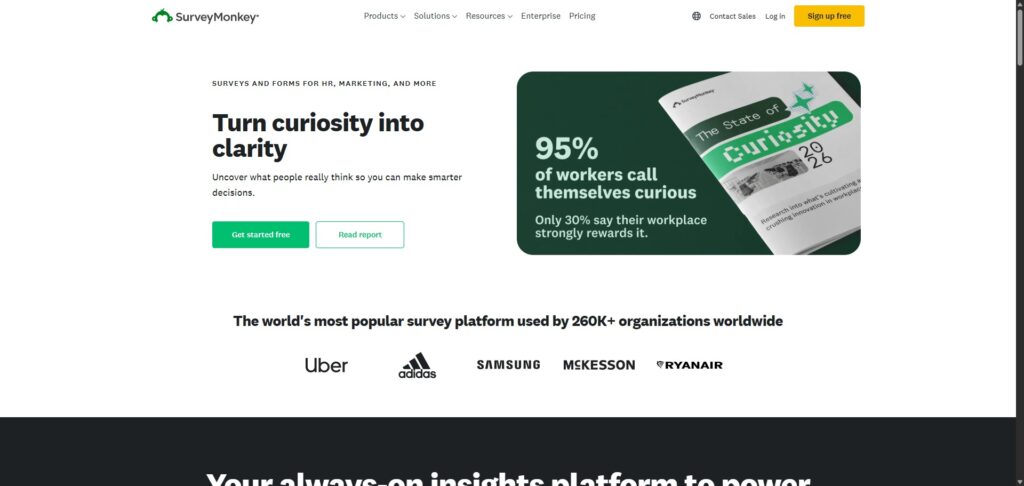
- Visit the Website and Sign Up
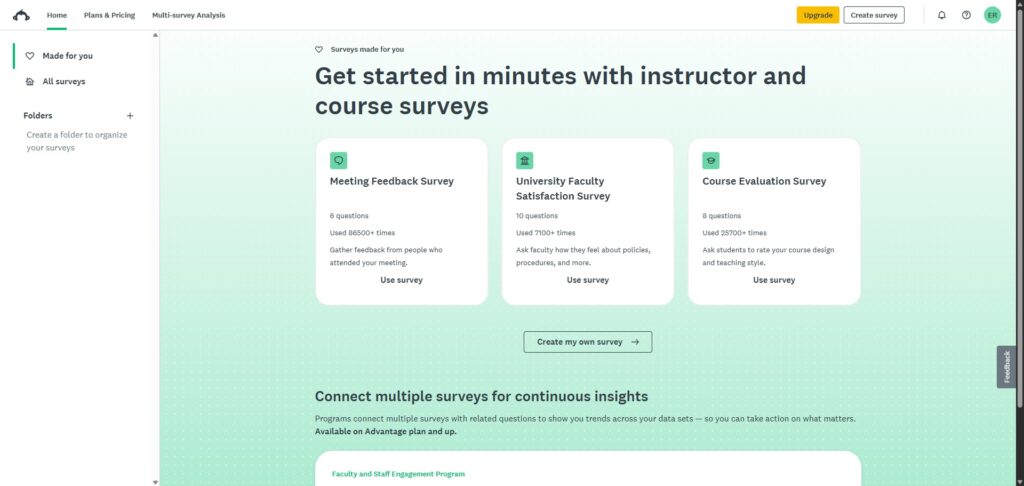
Go to the official website and create a free account. If you already have one, simply log in to open your main dashboard. - Start a New Survey
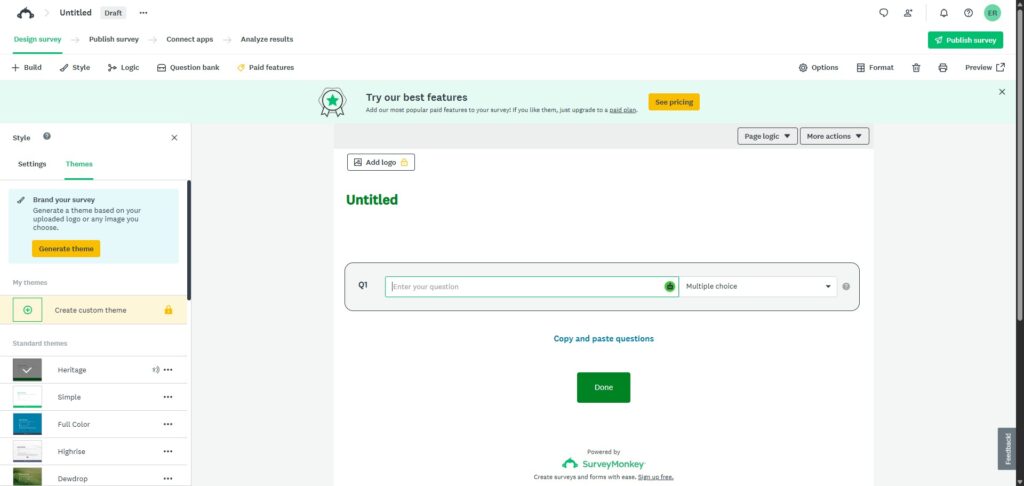
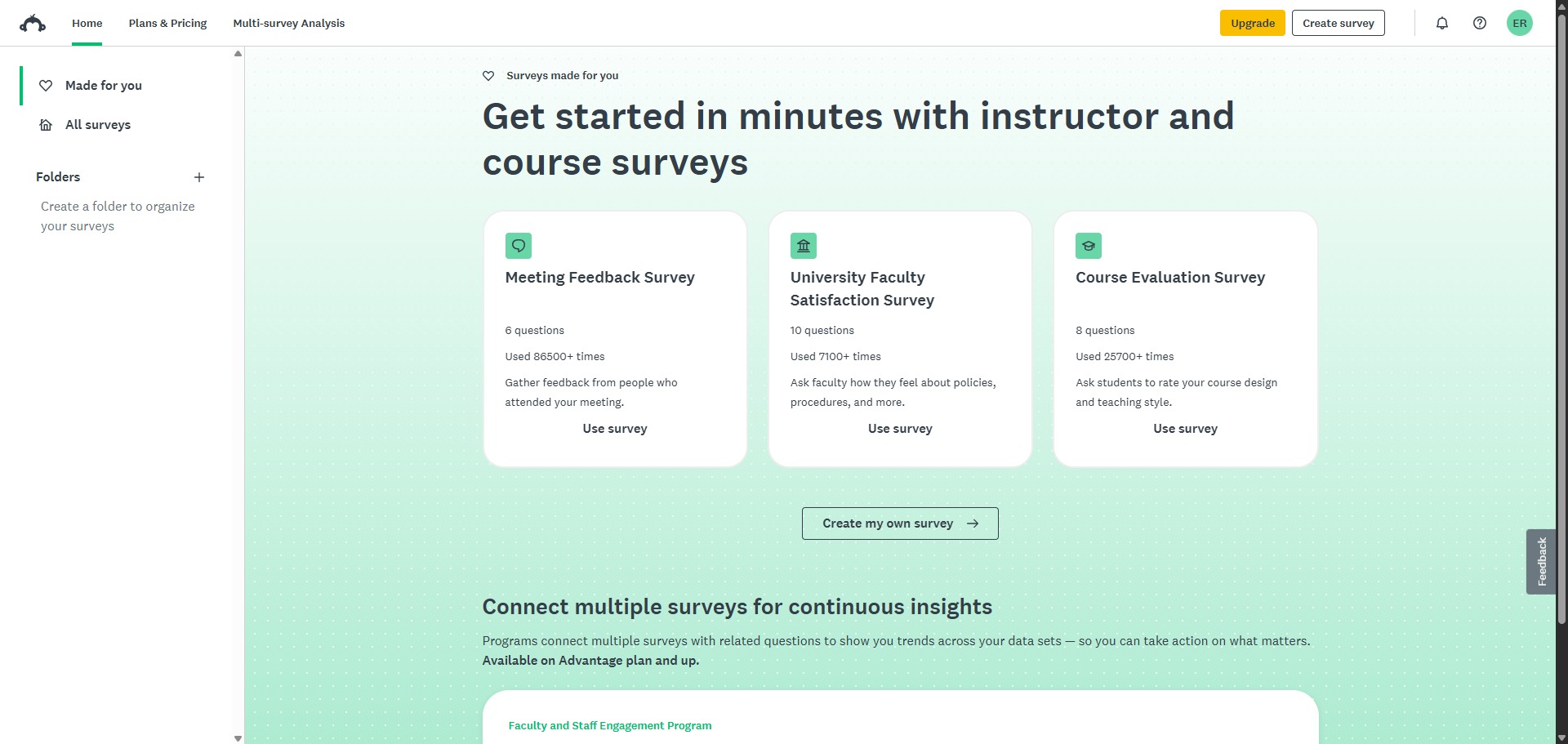
Click the option to create a new survey. Choose to build it from scratch, pick a template from the library, or type a simple prompt into the AI assistant to generate a quick draft. - Add Your Questions
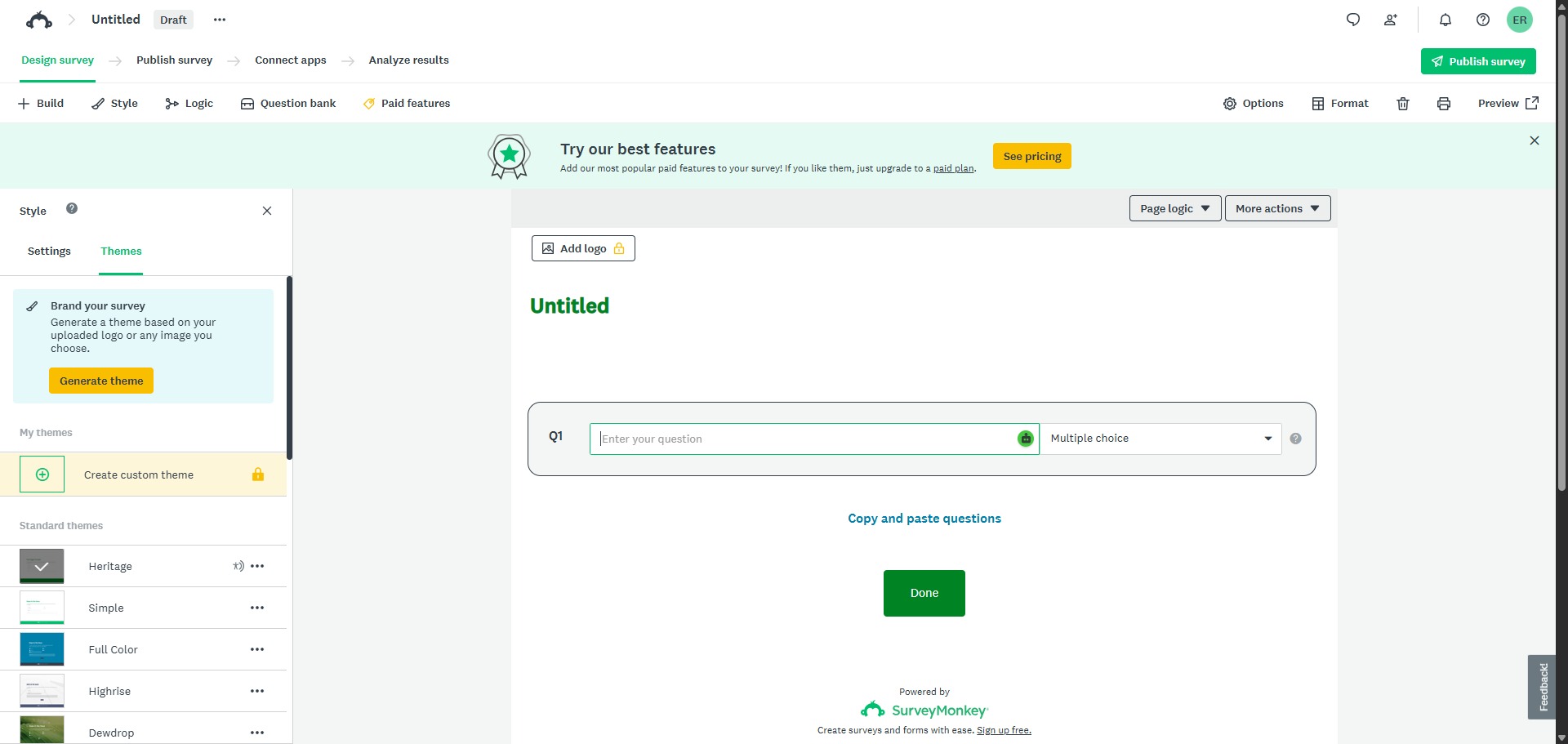
Use the drag-and-drop tool to add questions to your pages. Choose options like multiple-choice grids or open text boxes, and add skip logic so users only see questions that apply to them. - Set Your Privacy Rules
Open the collector settings to manage your privacy options. Turn off IP address and email tracking to make sure your survey responses stay completely anonymous. - Share Your Survey Link
Publish your survey and choose how to share it. You can copy the direct web link, get a QR code, or copy an embed code to put the survey directly on your website. - View Your Results
Go to the analysis tab as answers come in. Look at the real-time charts and use the built-in text tools to sort open comments into clear groups automatically.
Frequently Asked Questions
What happens to my survey responses if they exceed the free plan ceiling?
If an active survey gathers more than 40 submissions on a free account, the system continues to record incoming entries safely in the cloud repository. However, those additional rows remain hidden inside the dashboard interface until you upgrade your account profile to a paid tier.
Can I export my gathered questionnaire data directly into specialized software like SPSS?
Yes. Once you transition your workspace profile to a supported premium subscription plan, you can download your full raw response sheets. The system permits direct file outputs in multiple professional configurations, including Excel files, PDF reports, CSV grids, and native SPSS data matrices.
Is it possible to randomize the order of answer options to prevent participant bias?
Yes. Within the question customization properties pane, you can toggle option randomization settings. This feature shuffles answer strings for each separate respondent, ensuring position bias does not compromise the validity of your quantitative data patterns.
Does SurveyMonkey allow me to run surveys in multiple languages simultaneously?
Yes. Premium plan structures feature multi-lingual translation modules. You can add translation tracks directly within your central survey editor, enabling participants to complete the questionnaire in their preferred tongue while the engine consolidates all data into your main language view.
How can I guarantee that response data remains anonymous for my academic project?
To ensure complete anonymity, you must navigate to the properties panel of your active survey collectors. From there, you can toggle off tracking indicators for IP addresses and email information, ensuring no personal credentials link back to your participants’ survey files.