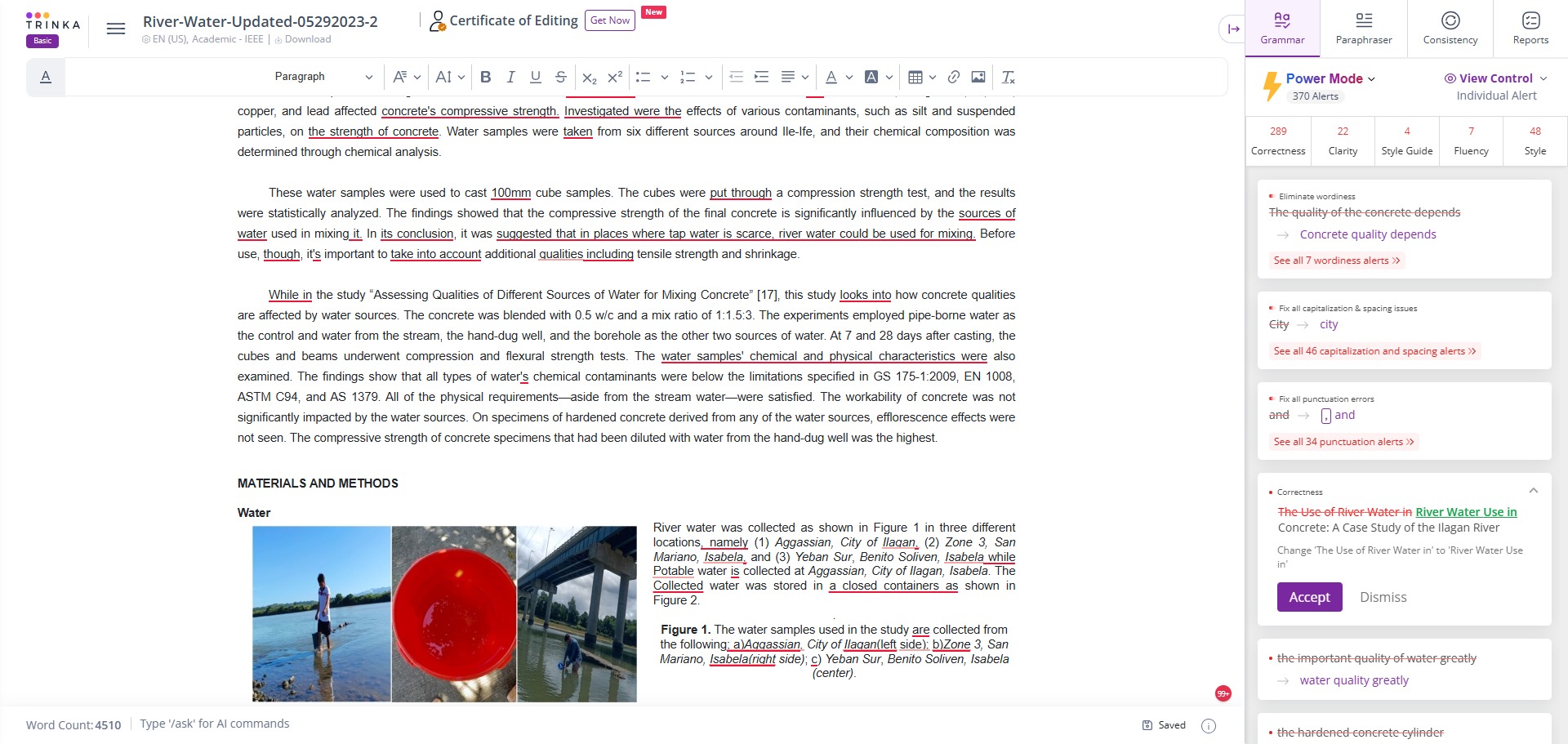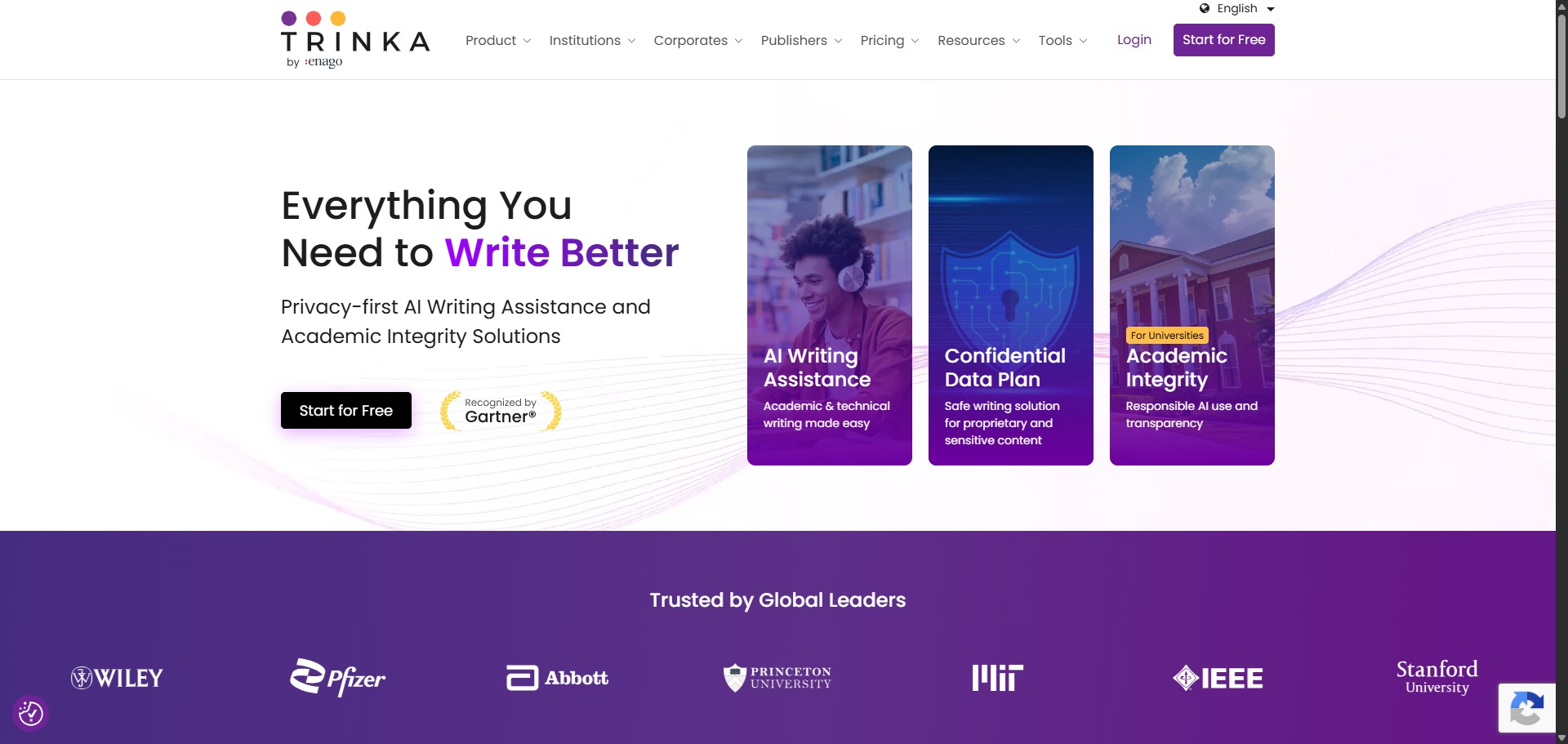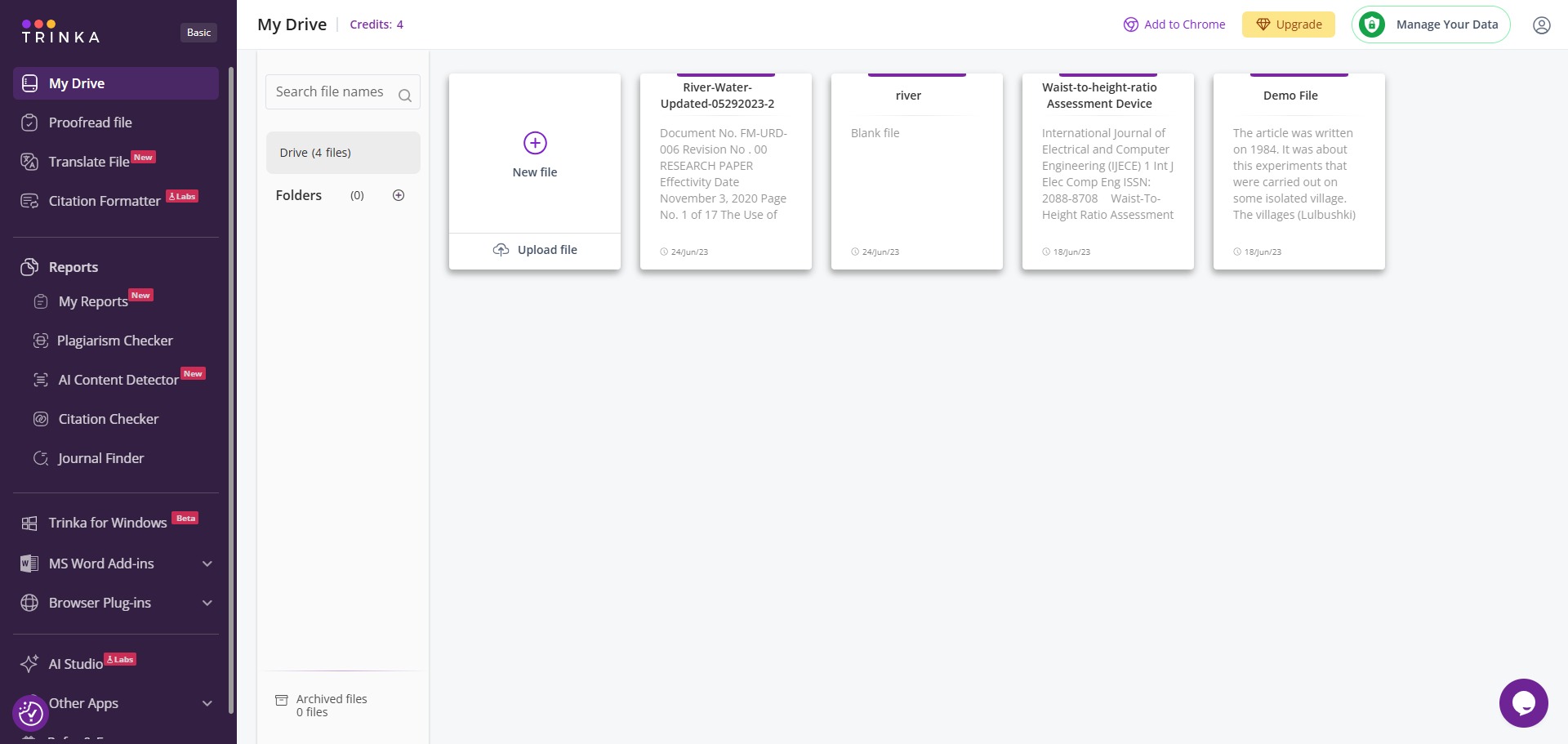

Trinka AI is a freemium, cloud-based grammar checker and language enhancement writing assistant engineered specifically for academic, medical, and technical prose.
Operating completely differently from general-purpose spelling tools, Trinka AI trains its deep learning algorithms on millions of peer-reviewed journal articles and scientific manuscripts. The platform analyzes text in real time to resolve intricate syntax problems, correct specialized technical jargon, and ensure that your sentences comply with formal publishing conventions.
Recommended
What can you use Trinka AI for?
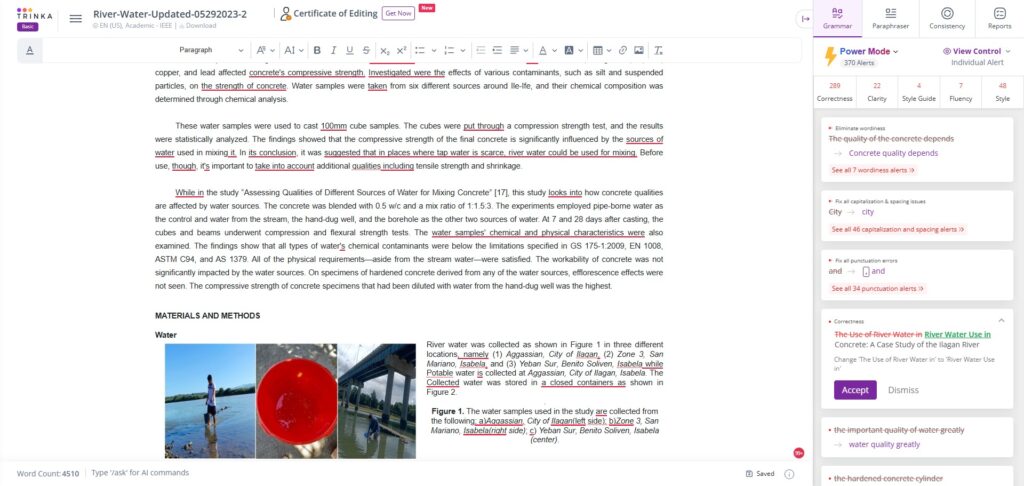
You can use it to catch complex grammatical slips, verify technical spelling variants, and refine wordy expressions. As you write or paste paragraphs into the editor, the tool provides context-aware corrections that go beyond basic typos, helping you fix incorrect preposition selections and biased expressions instantly.
It also functions as an automated style guide auditor. By configuring your workspace parameters, you can instruct the system to evaluate your manuscript against precise manual rules, helping you modify text layout requirements to match institutional standards across major medical and scientific fields.
Who is Trinka AI best for?
It is ideal for university postgraduates, medical researchers, and engineering authors who draft papers containing complex scientific nomenclature and require a highly targeted editing environment.
It serves as a brilliant safety net for non-native English speakers who want to polish their academic texts, eliminate colloquial phrasing, and ensure their manuscripts sound formal and authoritative before submission.
Is Trinka AI genuinely free?
Yes, Trinka AI provides an accessible free basic plan that permits public users to deploy its grammatical diagnostic features without financial obligations. This unpaid tier supplies an monthly allowance of up to 5,000 words for real-time text corrections, which works perfectly for proofreading short essay assignments and abstract outlines.
To eliminate these volume restrictions and unlock advanced features, you must transition to a paid monthly or annual subscription tier. Upgrading to a premium account grants unrestricted word counts, style guide matching options, bulk file uploads, and continuous manuscript consistency checks.
Is Trinka AI Premium Worth It?
Yes, if you are working on full-length research manuscripts or journal papers. The free basic plan caps your real-time language corrections at just 5,000 words per month, which can easily be exhausted on a single chapter or long introduction. Upgrading is highly recommended for doctoral students, medical writers, and engineering researchers who need to check massive documents regularly.
When you should upgrade:
- You need unrestricted text editing: The free tier limits your monthly word allowance. Premium plans remove these restrictions, giving you unlimited word counts for real-time writing adjustments.
- You use specific journal style guides: Paid subscriptions unlock automated formatting checks for technical manuals like APA 7, AMA, IEEE, and ACS, ensuring your paper fits layout rules instantly.
- You require full document audits: Upgrading gives you access to advanced consistency tools that scan entire files to fix mixed hyphenation, variable numbering formats, and abbreviation errors across pages.
If you only need to polish a short abstract, compile a basic reference list, or check a minor essay layout, the free account is completely fine. However, if you are actively preparing a technical thesis or an academic paper for publication, the premium tier saves days of tedious proofreading.
Should I use Trinka AI as a grammar checker?
Yes. It is an excellent, comprehensive tool for discovering scholarly literature, tracing citation networks, and finding accessible versions of research documents across almost every academic discipline.
Because it covers multiple areas of study in one central place, it makes the initial discovery process fast and straightforward. It serves as an essential starting point for any literary search before diving into niche database systems.
Key Features
- Domain-specific technical vocabulary checking
Recognizes and validates complex phrases across thousands of separate academic subjects, spanning molecular biology and fluid dynamics. - Automated academic style guide alignment
Audits text layouts against specific manual rules, including APA 7, AMA, IEEE, ACS, and AGU specifications. - Advanced Document Consistency checker
Scans your entire paper to spot and resolve structural variations in hyphenation patterns, number formats, and abbreviations. - Integrated Citation Quality diagnostic engine
Evaluates your bibliography index lines to identify retracted references, old citations, or weak journal links. - Native MS Word desktop integration
Embeds the full real-time grammatical scanning engine and text correction panels directly within your local processing software workspace.
Best for
- Correcting complex academic grammar anomalies
- Validating medical and scientific terminology variations
- Aligning manuscripts with journal style guide rules
- Fixing inconsistent formatting patterns throughout files
- Verifying citation networks against retracted papers
Pros and Cons
Here are the main advantages and limitations of utilizing Trinka AI for structural text editing.
Pros
- ✓The database is engineered specifically for scholarly prose, minimizing incorrect corrections of jargon.
- ✓Style guide options save countless hours of tedious manual bibliography formatting.
- ✓The basic free plan handles small proofreading adjustments and abstracts beautifully.
Cons
- ✗The 5,000-word monthly free ceiling fills up quickly when evaluating massive manuscripts.
- ✗The native MS Word extension module can exhibit latency when editing long chapters.
- ✗Advanced macro rewriting tools require a premium subscription conversion.
How to Use Trinka AI
Follow this quick guide to set up your account profile and polish your technical manuscripts.
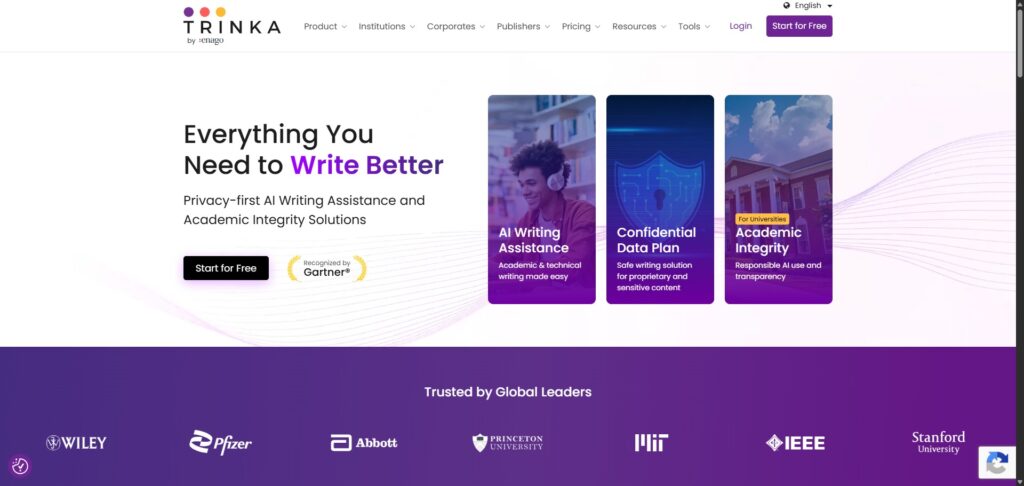
- Visit the Website and Sign Up
Go to the official Trinka AI website and create a free account. You can log in using your personal credentials or link your university domain to open your main text workspace dashboard. - Choose Your Editor Interface
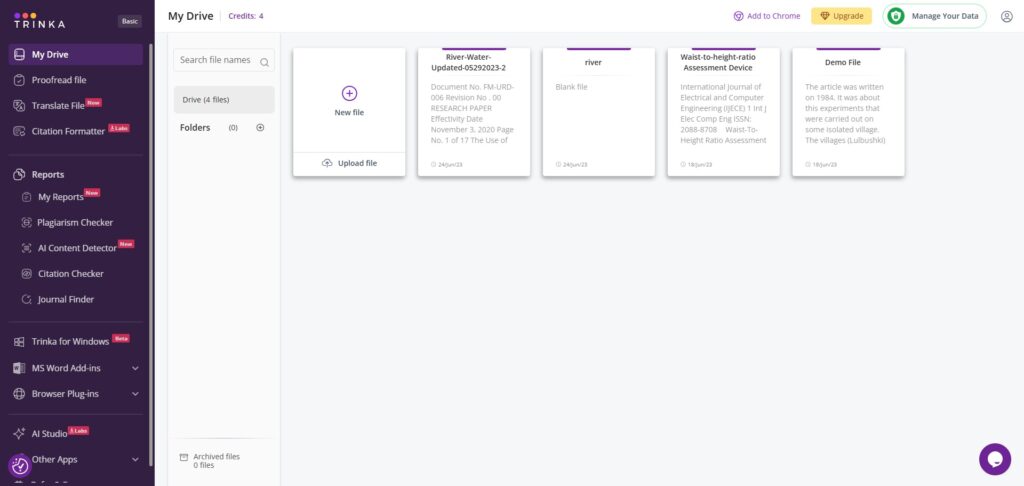
Open the cloud editor to start typing directly into your browser workspace. Alternatively, you can download and install the native Microsoft Word extension plugin to run the grammar scanner locally on your desktop. - Upload Your Manuscript File
Click the option to upload a document inside your personal workspace directory. Select your saved text file, and configure your target preferences like your primary subject discipline and preferred spelling variations. - Apply an Academic Style Guide
Navigate to the document parameters menu to set your formatting guidelines. Choose from major options like APA 7, AMA, or IEEE to instruct the system to check your text layout requirements against formal manual rules. - Review and Accept Suggestions
Look at the underlined phrases highlighted by the AI model. Read the context-aware suggestion cards appearing in the right side panel, then click to accept or ignore each syntax rewrite or vocabulary tip. - Run the Citation Integrity Scan
Activate the built-in reference diagnostic engine before finishing your project session. Let the system audit your bibliography index rows to find outdated citations or papers that have been retracted by journals.
Frequently Asked Questions
How does Trinka AI differ from a generic grammar editor like Grammarly?
Generic grammar assistants focus primarily on commercial emails, standard blog structures, and business communications. Trinka AI is built specifically for academic publishing, meaning it understands complex sentence layouts, scientific variables, and dense technical jargon that standard checkers flag as errors.
Does Trinka AI store my unpublished research data to train public models?
No. Trinka AI enforces strict enterprise data protection rules. Your uploaded documents and pasted paragraphs are fully encrypted during transit, and your text entries are not utilized to train public consumer models, ensuring your intellectual discoveries remain safe.
Can I use Trinka AI to automatically condense my manuscript’s word count?
Yes. Trinka AI includes a dedicated text reduction filter option. When enabled, the engine reviews your active document paragraphs to target bloated descriptions and redundant expressions, reducing overall character lengths while keeping your empirical findings unchanged.
What does the Citation Quality feature look for during a document check?
The citation manager cross-references your bibliography data rows against live academic registries. It flags problematic references, alerts you if you are citing a paper that has been retracted by a journal, and lets you know if a foundational reference is heavily outdated.
Can Trinka AI help me translate my text from another language into formal English?
Yes. The platform houses an academic translation tool designed to convert technical research files from over 30 international languages into structured English text. The algorithm prioritises formal syntax, helping you retain precise terminologies across complex paragraphs.