Google Forms is a completely free, web-based survey builder designed to help students, academics, and research teams gather data, construct structured questionnaires, and administer online quizzes.
Operating as a core element of the cloud-based Google Workspace ecosystem, Google Forms allows you to create custom data-collection sheets effortlessly. The platform handles everything from simple feedback forms to complex multi-page academic surveys, automatically collating incoming responses into real-time analytical charts and structured spreadsheet files.
Highly Recommended
What can you use Google Forms for?
You can use it to build research questionnaires, distribute field surveys, and compile demographic datasets for your active studies. By dragging and dropping various input options, you can mix multiple-choice grids, short text blocks, linear scales, and file upload fields to gather exact data parameters from your participants.
It also functions as an automated testing workspace. Instructors and student leaders can toggle the platform into a dedicated quiz configuration, allowing the engine to execute automatic grading loops, apply custom point values, and deliver immediate feedback responses to respondents upon form submission.
Who is Google Forms best for?
It is ideal for university undergraduates, postgraduate students, and academic research teams who need to launch online surveys quickly without paying for expensive corporate data platforms.
It serves as a brilliant option for school teachers, workshop coordinators, and institutional administrators who want a simple, no-code environment to track event registrations and run educational assessments.
Is Google Forms genuinely free?
Yes. Google Forms is completely free to use for anyone who possesses a standard personal Google account profile. There are no software feature blocks, hidden data caps on responses, or premium subscription prompts attached to its core design utilities.
While enterprise teams can purchase advanced security management and wider administrative configurations through a paid commercial Google Workspace deployment plan, the consumer version remains fully unmonetized, ad-free, and open for complete academic field deployment.
Should I use Google Forms as a survey builder?
Yes. It is an excellent, comprehensive tool for discovering scholarly literature, tracing citation networks, and finding accessible versions of research documents across almost every academic discipline.
Because it covers multiple areas of study in one central place, it makes the initial discovery process fast and straightforward. It serves as an essential starting point for any literary search before diving into niche database systems.
Key Features
-
Dynamic skip logic rules
Routes participants to specific subsequent sections based on their active answers, ensuring respondents only view contextually relevant fields. -
Native live Google Sheets pairing
Streams incoming survey response items straight into a matching cloud spreadsheet row in real time to facilitate rapid data analysis. -
Comprehensive question layout styles
Houses an extensive array of input modules, spanning check boxes, drop-down selectors, text text areas, and structured multi-attribute grids. -
Collaborative real-time editing pipelines
Allows multiple distinct research team members to co-author questions, adjust styling themes, and evaluate responses simultaneously. -
Adaptive responsive styling configurations
Adjusts form layouts automatically to fit desktop screens, tablet displays, and mobile views perfectly without requiring manual layout tweaks.
Best for
- Gathering anonymous academic research data
- Streaming response entries into Google Sheets
- Creating automated classroom quizzes and tests
- Running event registrations and participant sign-ups
- Deploying surveys across mobile and desktop devices
Pros and Cons
Here are the main advantages and limitations of using Google Forms for academic survey execution.
Pros
- ✓One hundred per cent free with absolutely zero limits on response collection metrics.
- ✓The immediate charting dashboard makes checking early response trends simple.
- ✓Incredibly intuitive interface requires no technical data collection training.
Cons
- ✗Visual styling customizations are fairly basic compared to specialized design platforms.
- ✗Lacks advanced complex statistical analysis models within the native dashboard panel.
- ✗Cannot handle intricate randomized block methodologies required by specific clinical studies.
How to Use Google Forms
Follow this quick guide to build your research survey, manage your settings, and collect response data.
-
Visit the Website and Sign In
Go to the official Google Forms website. Log in using your personal or university Google account profile to open your central dashboard workspace. -
Create a New Blank Form
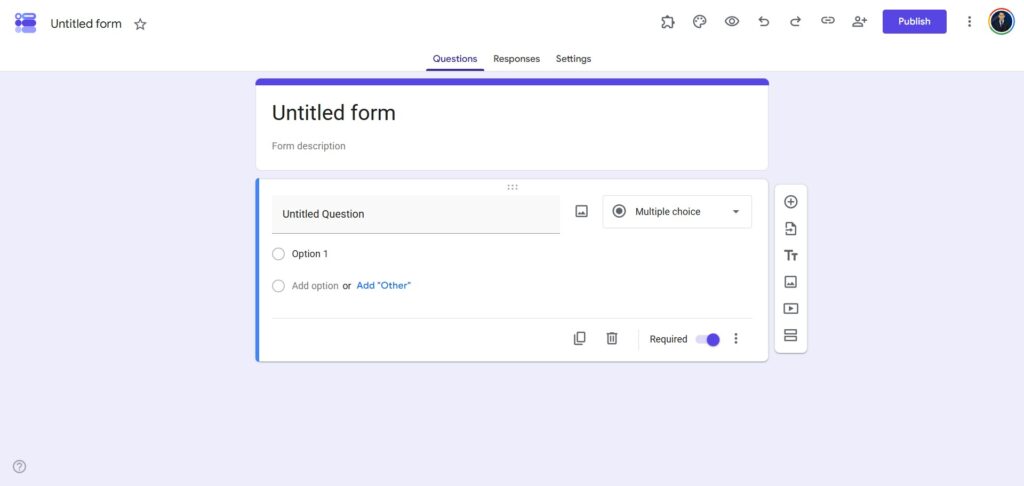
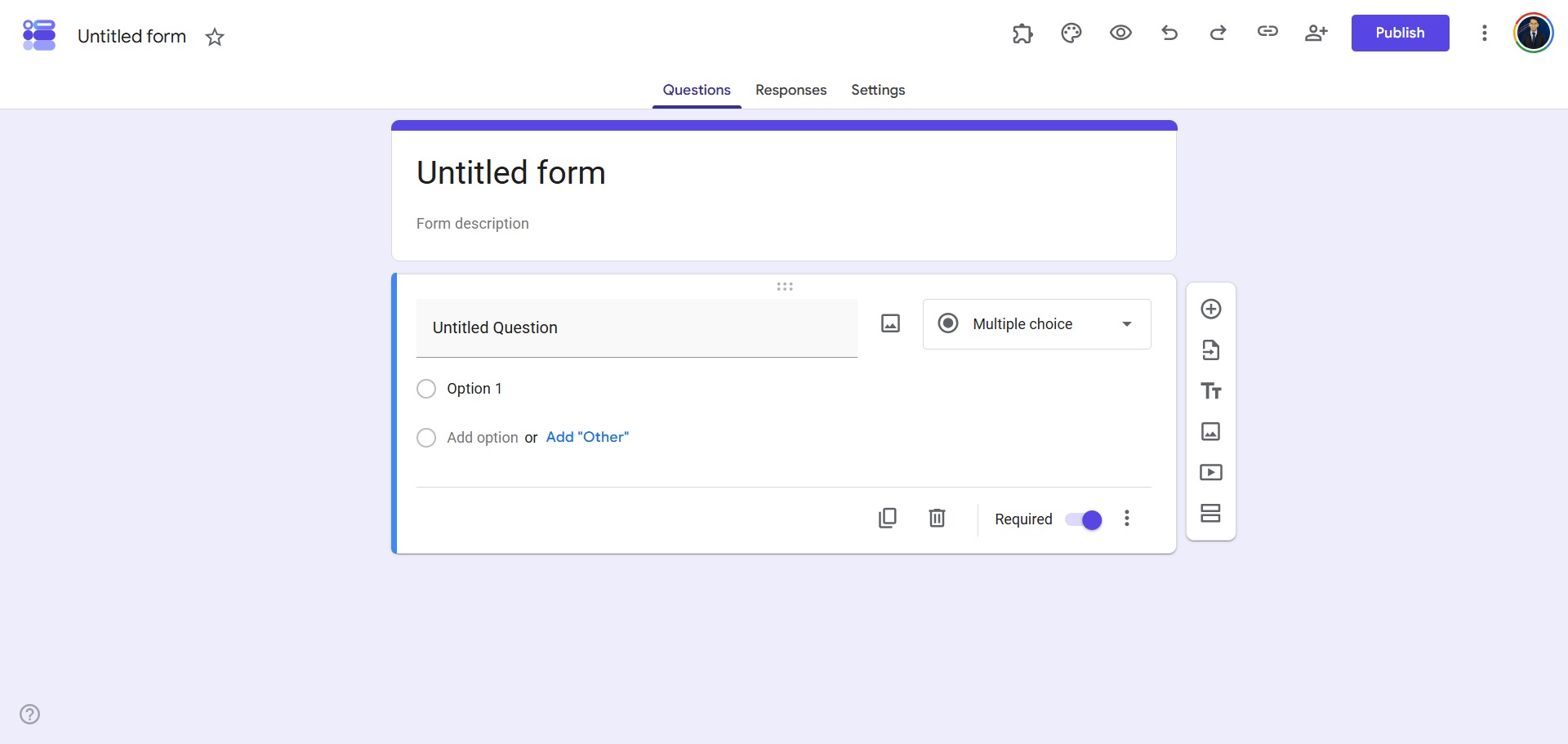
Click the large plus icon to open a completely fresh, blank form template, or browse through the basic layout library if you want to use a pre-made tracking sheet. -
Add Your Questions and Styling
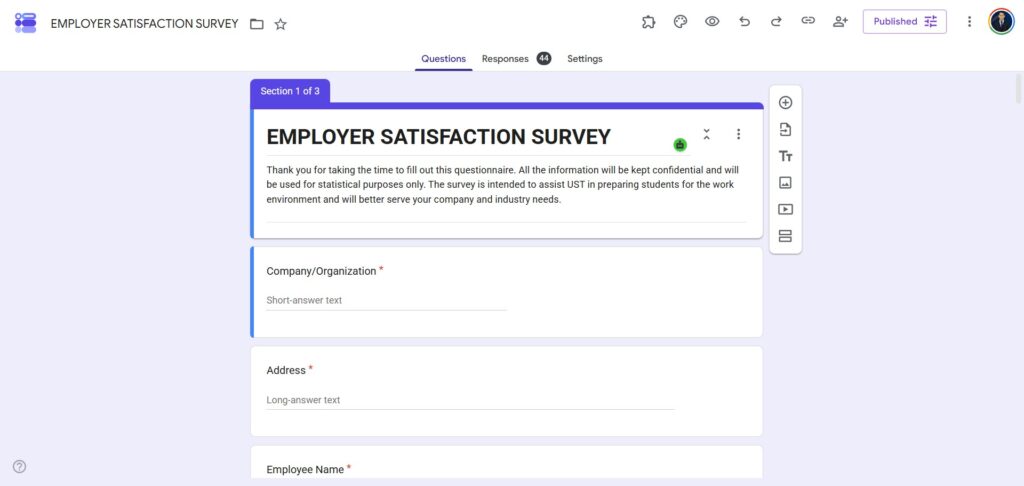
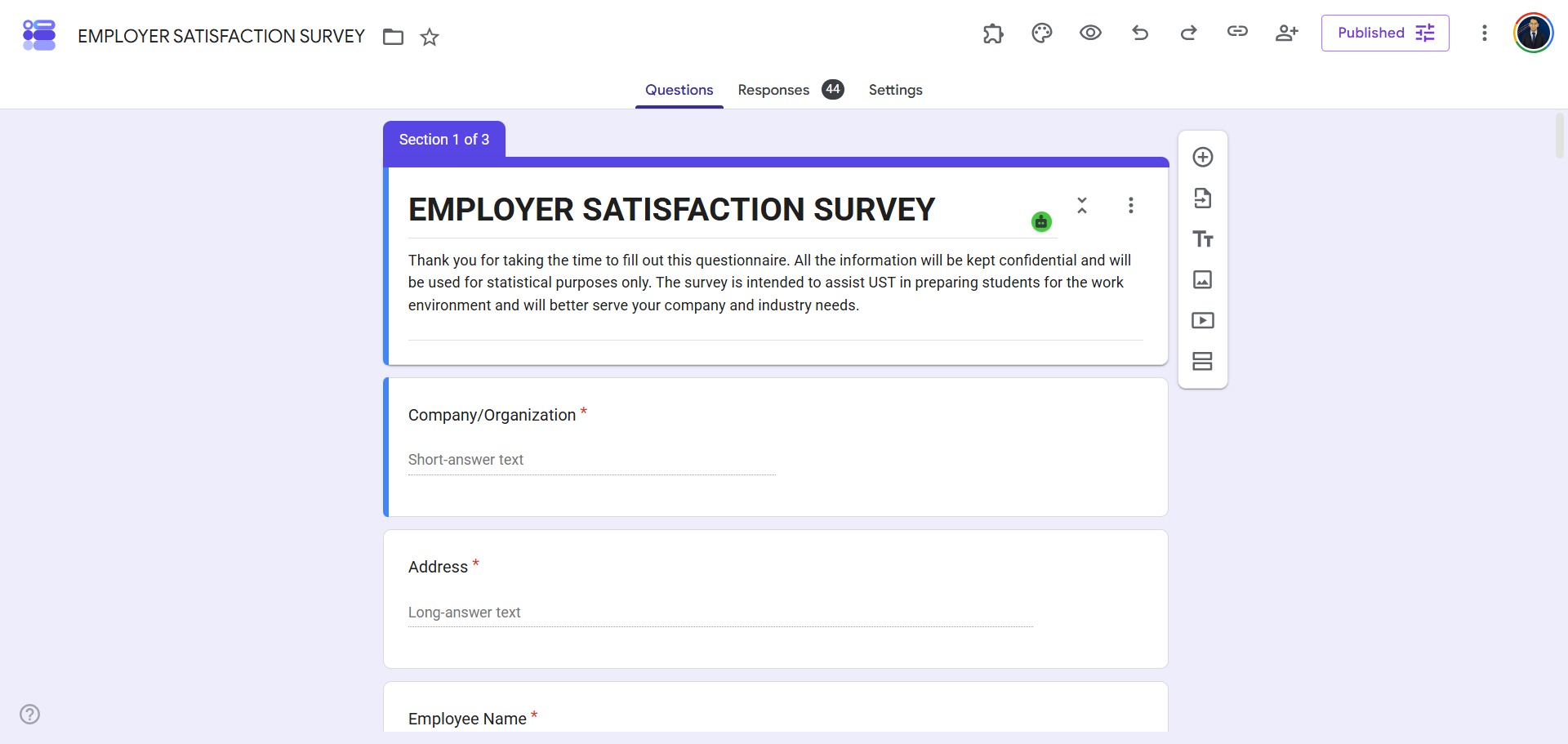
Type your project title and descriptions into the main text fields. Use the floating menu panel on the side to add fresh questions, and click the option drop-down to select formats like checkboxes, linear rating scales, or multi-attribute grids. -
Set Up Your Anonymity and Settings
Navigate to the top settings tab to review your privacy parameters. Make sure the options to collect email addresses and limit responses to your specific institution are toggled off if your research project requires complete participant anonymity. -
Connect a Live Spreadsheet
Switch to the responses tab at the top of your editing window and click the green spreadsheet icon. Choose to create a new sheet to link your form directly with Google Sheets, allowing incoming data to stream into rows automatically in real time. -
Share Your Collection Link
Click the send button in the top corner once your layout is ready. Choose the hyperlink tab to copy your unique direct tracking link, tick the option to shorten the URL, or copy the HTML embed snippet to host the survey on your web page.
Frequently Asked Questions
How many total responses can I collect on a single Google Form?
Google Forms does not place a structural restriction on the number of individual questionnaire submissions you can receive. However, if your form links directly with a live Google Sheet, your intake data ceiling will be capped by the general spreadsheet row threshold, which sits at ten million cells.
Can I make a research survey completely anonymous using Google Forms?
Yes. By default, Google Forms does not capture the identity credentials or email addresses of respondents. You must verify that the options to record email markers and collect verified participant logins remain fully unchecked in your settings panel to preserve complete anonymity.
Is it possible to let participants upload document files into my form?
Yes. Google Forms includes a dedicated File Upload question module. When selected, this feature enables respondents to share files straight from their devices. Note that using this input requires participants to sign into a Google profile, and the uploaded assets will utilize your personal Google Drive storage space.
How do I configure branch routing based on a participant’s choice?
To apply skip logic rules, you must divide your survey into separate sections. Click the vertical three-dot menu icon on a multiple-choice question line and select the option to route users to sections based on their answers. You can then map individual responses to targeted section windows.
Can I export my gathered survey data rows into a format like SPSS or Excel?
Yes. Once your survey collections are complete, you can open your paired Google Sheets workspace and navigate to the download properties. From there, you can export your entire raw response matrix straight into an Excel file or save it as a CSV block to import into analytical software like SPSS.