Ginger Software is a freemium, cloud-based grammar checker, sentence rephraser, and linguistic editing application engineered to help university students, academic writers, and international professionals polish their drafts, eliminate typos, and enhance writing flow.
Operating as an AI-powered proofreading assistant, Ginger Software moves beyond basic spelling databases by utilizing advanced natural language processing models. The platform scans entire paragraphs contextually to repair nested syntax errors, correct complex punctuation missteps, and offer dynamic structural vocabulary replacements inside your chosen application framework.
Recommended
What can you use Ginger Software for?
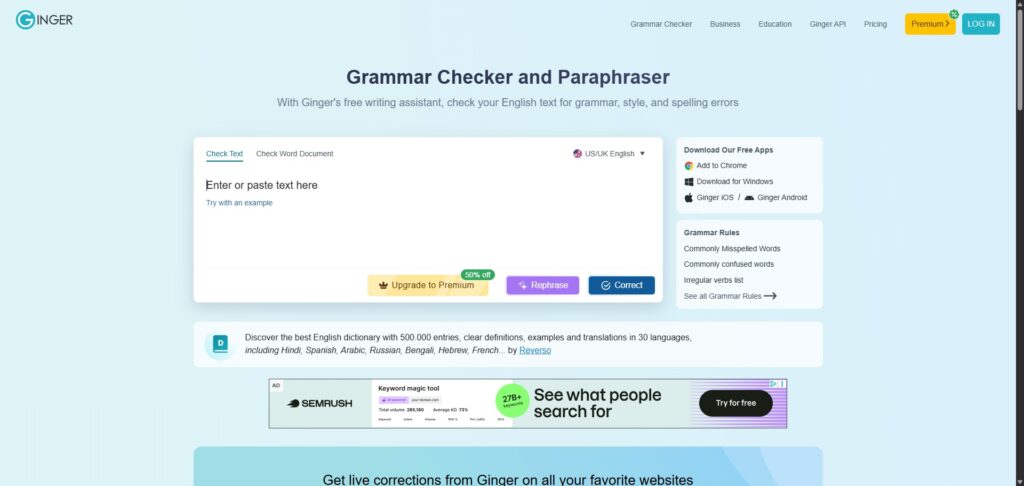
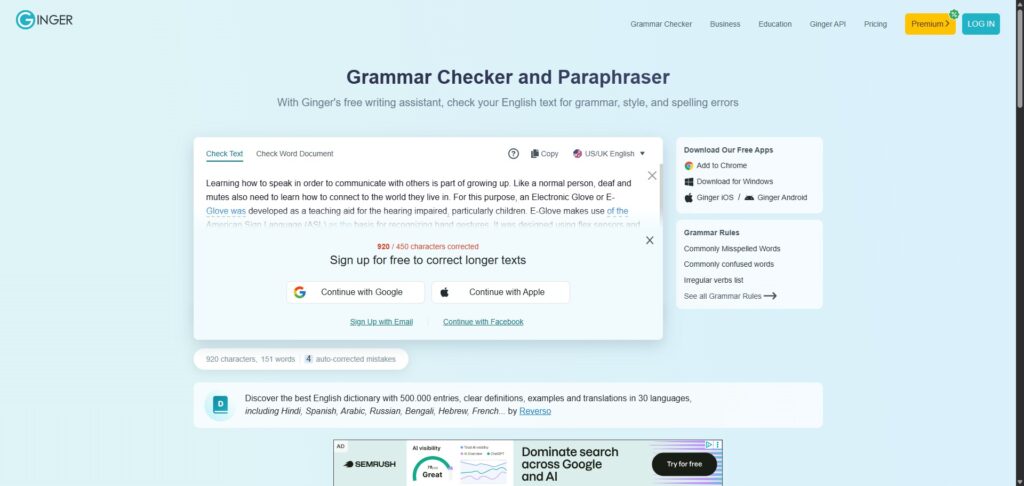
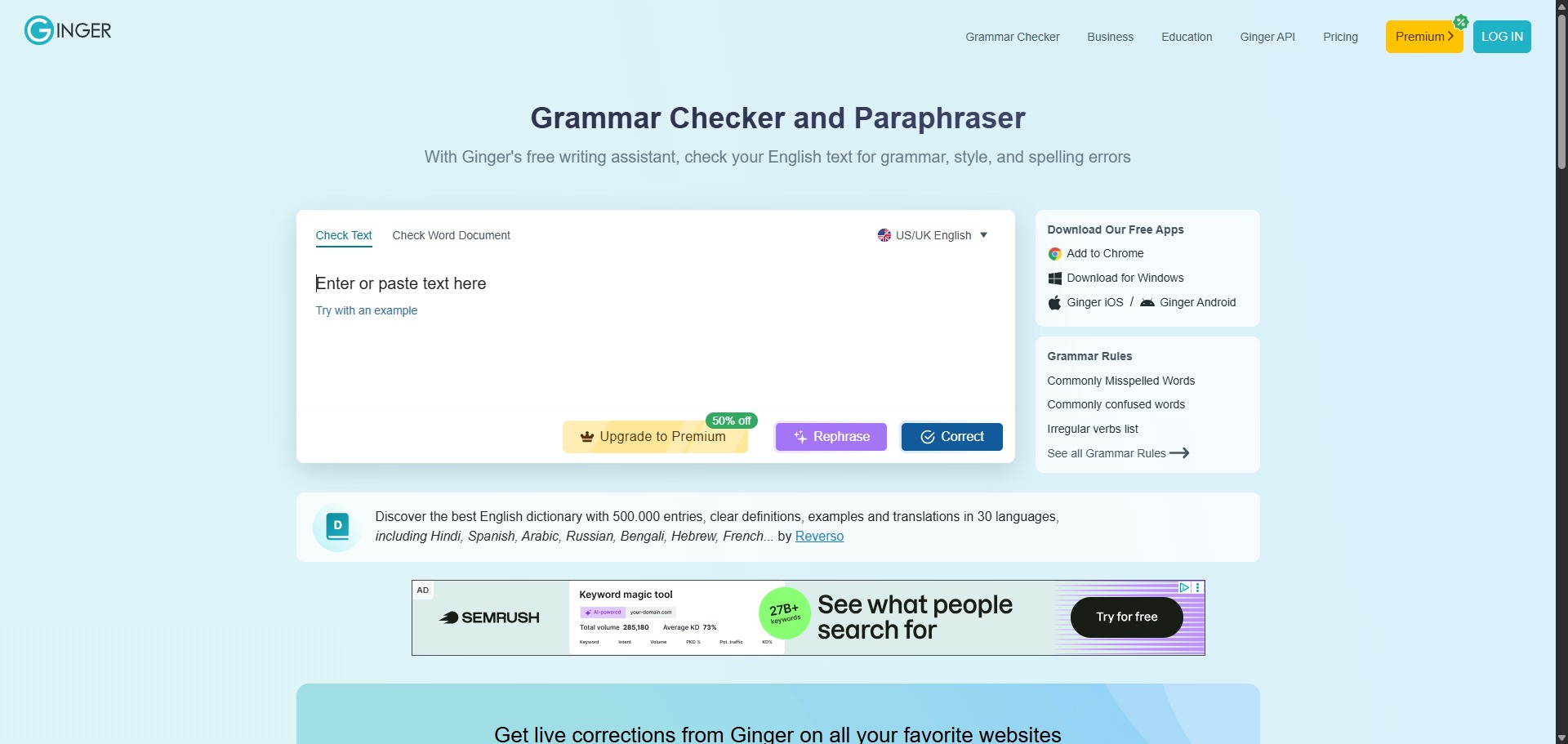
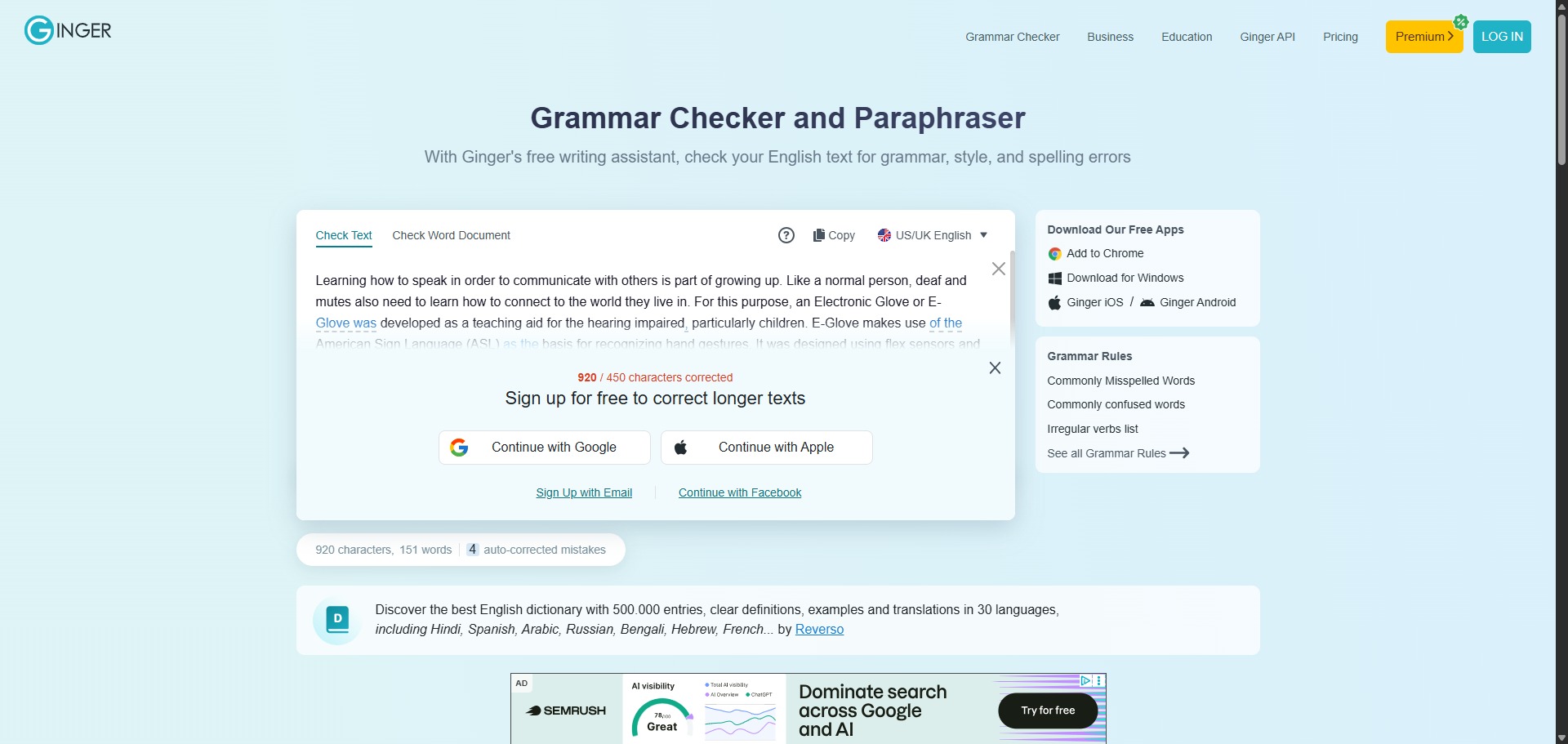
You can use it to pinpoint subtle context spelling issues, smooth out awkward phrasing choices, and correct misaligned subject-verb agreements instantly. By typing your text or pasting complete chapters into the editor window, you can view real-time highlighted markers that allow you to accept stylistic modifications with a single action.
It also functions as an automated vocabulary training hub. The software interface houses dedicated translation tools and interactive sentence rephrasers, allowing authors to turn simple expressions into formal, professional statements while expanding non-native English writing skills.
Who is Ginger Software best for?
It is ideal for university undergraduates, business communicators, and professional bloggers who write extensive English texts and require an automated safety net to eliminate distracting typos.
It serves as an essential editing space for non-native English scholars and international students who need to double-check structural expressions, evaluate preposition uses, and improve overall phrasing clarity.
Is Ginger Software genuinely free?
Yes, Ginger Software maintains a free basic tier that public users can access immediately across multiple device layout channels. This unpaid setup provides full standard spelling corrections, basic punctuation diagnostics, and context definitions, which works beautifully for editing short letters or social copy updates.
To eliminate character length caps and unlock advanced editing tools, users can transition to a paid monthly or annual premium subscription plan. Upgrading your profile removes processing boundaries, activates full-paragraph sentence rephrasing paths, unlocks extensive translation tools, and installs premium desktop software integrations.
Is Ginger Software Premium Worth It?
Yes, but primarily if you are an international student, professional essayist, or high-volume content creator who relies on continuous text revisions to polish long-form articles. While the free tier is great for scanning single paragraphs, its strict structural text caps make it unsuited for handling massive technical manuscripts.
When you should upgrade:
- You require unconstrained document editing: The free tier sets a ceiling on character counts per check. Premium plans unlock unlimited real-time corrections, enabling you to proofread lengthy reports and essays smoothly.
- You need deep sentence-level rephrasing: Upgrading activates the advanced Rephraser panel, which runs complex structural analysis on your sentences to output multiple unique phrasing alternatives optimized for clarity.
- You manage extensive multi-lingual translations: Paid accounts unlock full access to the contextual translation tool, which accurately handles text conversions between English and over forty international languages.
If you only need a quick diagnostic checker to fix spelling slips or verify a single sentence layout, the free basic tier is perfectly capable. However, for managing extensive document restructuring and running continuous workflow enhancements, the premium subscription is a solid time-saving investment.
Should I use Ginger Software as a grammar checker?
Yes. It is an excellent, comprehensive tool for discovering scholarly literature, tracing citation networks, and finding accessible versions of research documents across almost every academic discipline.
Because it covers multiple areas of study in one central place, it makes the initial discovery process fast and straightforward. It serves as an essential starting point for any literary search before diving into niche database systems.
Key Features
- Context-aware syntax proofreading engines
Scans complete sentences to fix advanced typos, duplicate phrase tracks, and subtle contextual word mismatches. - Dynamic automated Sentence Rephraser modules
Suggests varied structural combinations for your paragraphs to enhance general readability and eliminate repetitive text flows. - Integrated multi-language translation portals
Converts text blocks seamlessly across more than forty international languages, ensuring core message meaning stays intact. - Native Microsoft Office extension wrappers
Embeds the real-time proofreading panels directly within your local Word application to correct errors during active writing. - Smart contextual dictionary lookups
Provides rapid access to definitions, expression variants, and synonym clouds to help you pick the best academic terms.
Best for
- Correcting contextual spelling errors and slipups
- Rephrasing awkward sentence structures for better flow
- Translating documents across forty international languages
- Proofreading copy directly inside local office programs
- Assisting non-native English writers with syntax building
Pros and Cons
Here are the main advantages and limitations of utilizing Ginger Software for structural text editing.
Pros
- ✓The contextual rephraser delivers highly creative sentence alternatives that significantly improve flow.
- ✓Excellent multi-language translation integration helps international authors draft text more comfortably.
- ✓Desktop and mobile cross-compatibility allows you to correct text entries on any active channel.
Cons
- ✗The free account enforces strict character limits per check, which fragments long editing tasks.
- ✗Does not feature a dedicated built-in academic plagiarism scanner within its workspace framework.
- ✗Can occasionally struggle to parse highly dense scientific terminology arrays compared to academic checkers.
How to Use Ginger Software
Follow this quick guide to run your real-time text corrections, configure sentence rephrasing wheels, and deploy writing add-ins.
- Visit the Website and Sign Up
Go to the official Ginger Software web portal. Create an account profile to access your centralized user dashboard, which manages your subscription records and downloadable software components securely. - Download and Install Desktop Add-ins
Navigate to the applications panel and select your preferred extension module. Run the installer files to integrate Ginger directly into your local Microsoft Word application or install the browser companion framework. - Input Your Text Material into the Editor
Launch the digital editor window or open a pre-existing draft file. Copy and paste your text paragraphs directly into the central workspace screen to prompt the deep learning diagnostic script to run. - Review Highlighted Grammatical Suggestions
Examine the real-time editing markers that appear over your text rows. Hover your mouse cursor over any colored highlight item to view the proposed syntax correction, then click it to accept the adjustment instantly. - Deploy the Sentence Rephraser Tool
Highlight a sentence that sounds rigid or repetitive. Select the “Rephrase” function on your top menu interface to view a list of fully transformed alternative clause patterns, choosing the entry that aligns with your theme. - Execute Multilingual Translations
If you are adapting foreign field notes, open the secondary translation utility widget. Choose your input text language and select English as your output target parameter to convert your paragraphs cleanly.
Frequently Asked Questions
Can I use Ginger Software to proofread my text while offline?
No. Ginger Software utilizes cloud-based natural language processing algorithms hosted on secure external data servers to evaluate sentence context and deliver corrections. An active internet network connection is mandatory to process text checks.
Does Ginger Software include a built-in dictionary and thesaurus tool?
Yes. The platform workspace includes an interactive contextual dictionary and translation desk. By selecting any specific word inside your document, you can instantly review its accurate definitions, view structural antonym paths, and source academic synonyms.
Are my uploaded document texts and personal notes kept fully private?
Yes. Ginger Software operates under high enterprise data security rules. Your uploaded manuscripts, paragraphs, and personal profile information are protected via encryption pipelines and are not shared with public database repositories or scraping mechanisms.
Can I install the Ginger Software keyboard tool on my mobile device?
Yes. Ginger provides dedicated mobile application wrappers for both iOS and Android frameworks. Downloading their specialized keyboard app allows you to run real-time spelling diagnostics and text rephrasing choices directly while typing mobile messages.
What is the primary difference between Ginger and general office spelling checkers?
Traditional office checkers inspect spelling rules line-by-line using basic vocabulary lists, which misses context-based errors. Ginger analyzes the entire sentence structure to fix subtle word misidentifications, incorrect prepositions, and intricate syntax layout bugs.