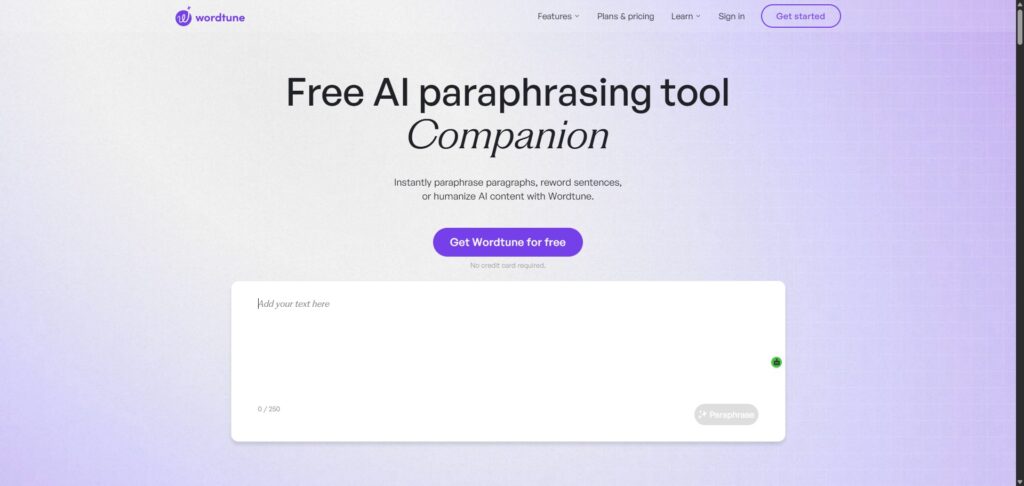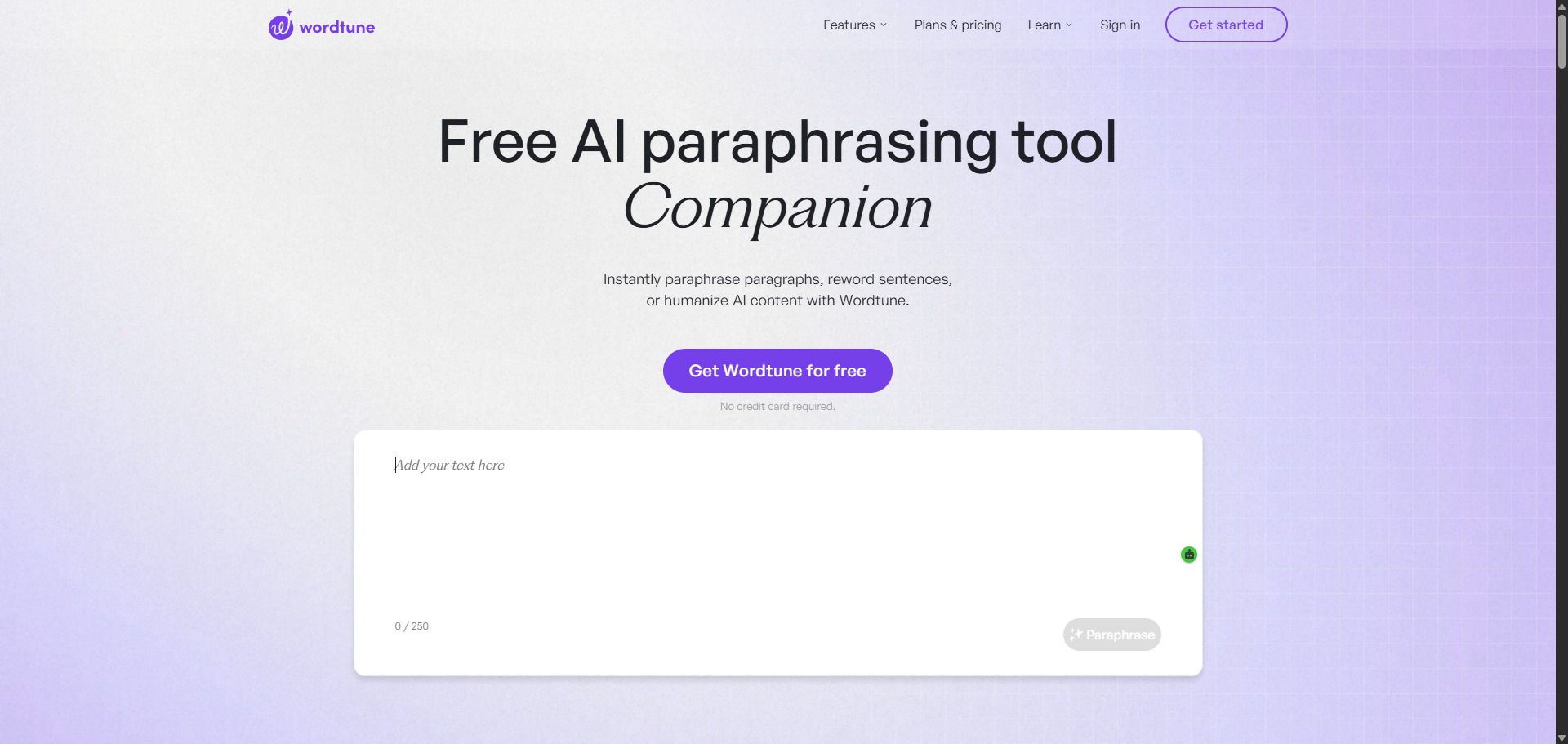
Wordtune is a freemium, sentence-level AI paraphrasing tool and writing companion engineered to help students, academics, and professional authors clear up expression variations and rewrite paragraphs smoothly.
Operating as an interactive stylistic editor, Wordtune focuses heavily on contextual restructuring rather than simple synonym swapping. The system evaluates the underlying message of your text strings to output multiple fully formed phrasing paths, enabling you to articulate complex arguments with clarity across distinct communication frameworks.
Recommended
What can you use Wordtune for?
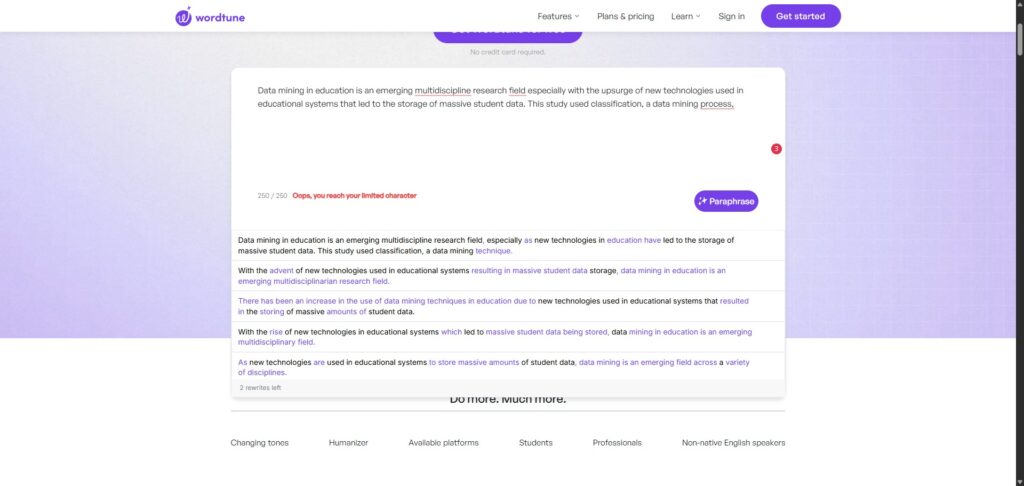
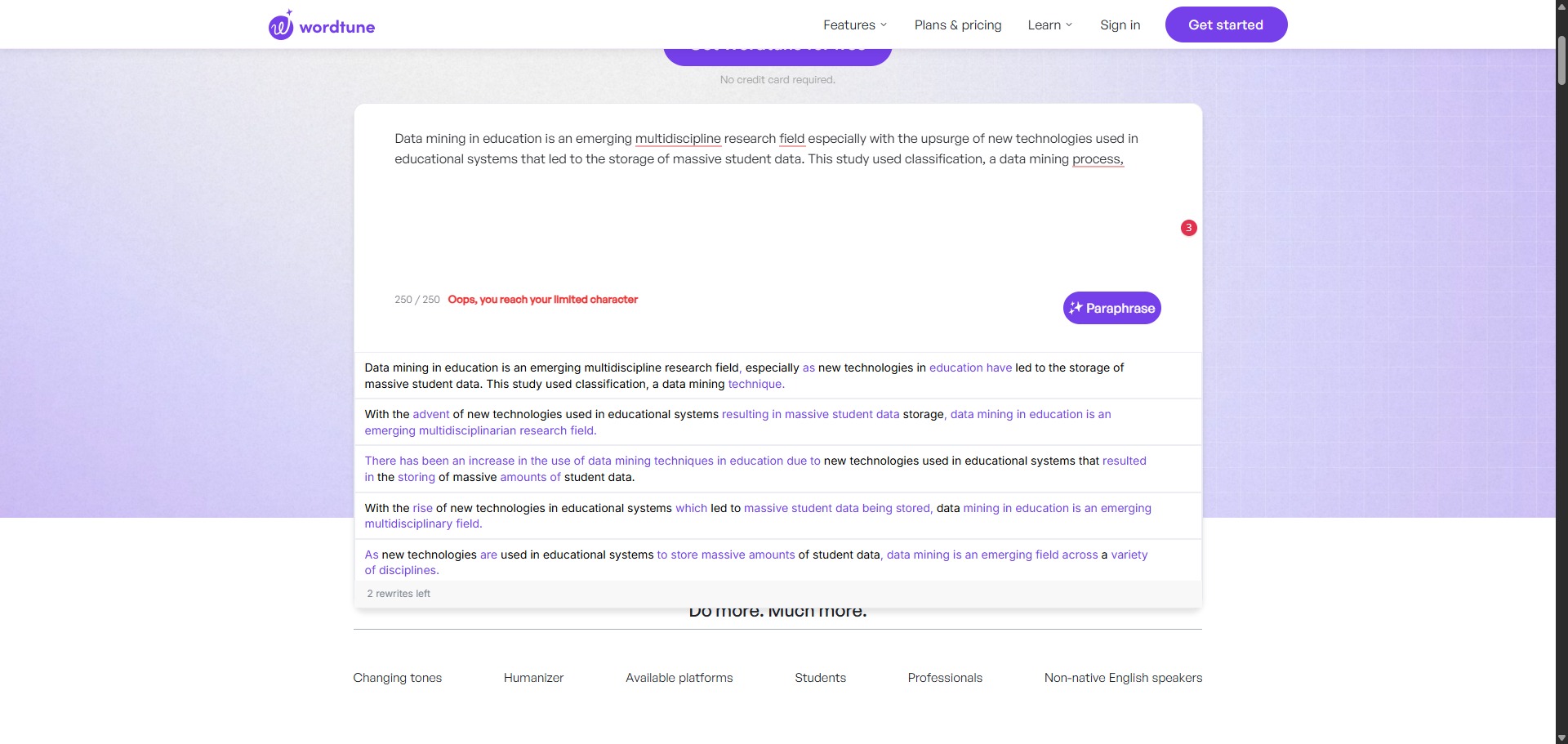
You can use it to rephrase stiff definitions, compress over-lengthy explanations, and transition informal vocabulary clusters into clear academic expressions. By highlighting any line inside the editor interface, you can trigger alternative suggestions that match different tones, allowing you to shorten or lengthen specific sentences to fit exact paragraph counts.
It also functions as an automated text summarizing assistant. The modern web interface incorporates separate, high-efficiency reading tools that allow you to drop massive document PDFs or online video links into the viewer to extract quick, bite-sized summaries of lengthy source data blocks instantly.
Who is Wordtune best for?
It is ideal for university undergraduates, postgraduate authors, and non-native English speakers who want to check their sentence structures and guarantee their manuscripts read naturally.
It serves as a brilliant resource for content creators, student editors, and marketing teams who require an easy, intuitive tool to defeat writer block and generate varied phrasing ideas quickly.
Is Wordtune genuinely free?
Yes, Wordtune maintains a basic free tier that remains accessible to anyone upon creating an account profile. This unpaid baseline tier allows you to deploy its core sentence rephraser up to ten times every day, which is more than enough for completing quick email edits or adjusting single abstract entries.
To eliminate these daily caps, users must purchase a premium subscription plan like the Advanced or Unlimited tier. Upgrading your account removes the generation locks, unlocks continuous paragraph-level rewrites, permits unlimited text summaries, and enables advanced tone selectors.
Is Wordtune Premium Worth It?
Yes, but only if you write or edit daily. The free plan restricts you to just ten rewrites per day, which can easily be used up while working on a single paragraph. Upgrading is highly useful for university students and academics finishing large papers, but casual writers can comfortably stick to the free plan.
When you should upgrade:
- You need to rewrite large texts: The free tier stops working after ten sentences. Premium plans give you unlimited daily rewrites so you can process complete documents without stopping.
- You want to change the tone: Paid tiers unlock the formal and casual tone selectors, allowing you to quickly transform conversational notes into professional academic prose.
- You process long documents: Upgrading allows you to upload large PDFs and articles into the AI summariser without strict monthly caps.
If you only need to clean up an occasional email or fix the grammar in a short abstract, the free tool is perfectly fine. However, if you are editing a full academic thesis or a major corporate report, the premium version is well worth the investment.
Should I use Wordtune as a paraphrasing tool?
Yes. It is an excellent, comprehensive tool for discovering scholarly literature, tracing citation networks, and finding accessible versions of research documents across almost every academic discipline.
Because it covers multiple areas of study in one central place, it makes the initial discovery process fast and straightforward. It serves as an essential starting point for any literary search before diving into niche database systems.
Key Features
- Contextual sentence-level rephrasing wheels
Evaluates the primary intent of a sentence to generate multiple custom phrasing choices that preserve your core meaning. - Dynamic Casual and Formal tone selectors
Transforms conversational sentences into serious professional prose or adjusts complex technical passages into accessible reading lines. - Intelligent Text Shortener and Expander modules
Condenses wordy paragraphs down to strict word limits or adds context detail blocks to brief arguments smoothly. - Multi-format document AI Summarizer
Parses extensive paper manuscripts, long articles, and cloud video transcripts to extract high-density structural point logs. - Pervasive cloud browser extension sync
Integrates directly across web channels like Google Docs, Gmail, Outlook, and Slack to fix syntax issues in real time.
Best for
- Paraphrasing individual sentences for better clarity
- Adjusting drafts to fit formal or casual tones
- Shortening wordy expressions to meet word limits
- Summarizing lengthy PDFs into bite-sized highlights
- Polishing web text entries directly within browsers
Pros and Cons
Here are the main advantages and limitations of using Wordtune for paragraph text alteration.
Pros
- ✓The suggested phrasings sound highly natural and preserve context better than old synonym tools.
- ✓The extension runs cleanly across online word processors and web portals.
- ✓The spelling and grammar check features remain completely unlimited for free profiles.
Cons
- ✗The free account’s ceiling of ten daily generations runs out very fast during comprehensive editing.
- ✗Bulk multi-paragraph processing is locked entirely behind paid subscription tiers.
- ✗Lacks a native built-in plagiarism scanning utility within its standard editing workspace.
How to Use Wordtune
Follow this quick guide to set up and use the AI writing companion.
- Go to the Website and Sign Up
Visit the official Wordtune website and create a free account. You can sign up quickly using your existing Google or Apple credentials to reach the main workspace. - Install the Browser Extension
Download and install the free browser extension from the web store. This allows the tool to follow you and work directly inside apps like Google Docs, Gmail, and Microsoft Word. - Paste or Type Your Text
Open the online editor dashboard and type your sentences directly into the blank workspace, or paste an existing draft that needs polishing. - Highlight and Rewrite Sentences
Select the specific sentence you want to change to open the rewriting menu. Click the rewrite icon to see a list of alternative phrasing suggestions that keep your original meaning. - Adjust the Tone and Length
Choose the formal button from the pop-up menu if you need to make your text sound more academic. You can also use the shorten or expand options to change the length of your text to fit word limits. - Summarise Long Documents
Navigate to the separate reader tab if you want to condense data. Drop a large document PDF or an online video link into the upload box to get an instant list of the main summary highlights.
Frequently Asked Questions
How do I activate the formal tone setting inside the Wordtune extension?
To apply a tone change, highlight the target text block inside your online document editor to reveal the Wordtune hover menu widget. Click the rewriting icon to expand your options, then select the formal button to filter the suggestions down to professional structures.
Will using Wordtune to edit my paper trigger plagiarism indicators?
Wordtune reorganizes your own unique thoughts and sentences to enhance overall fluency and flow. Because it builds unique variations based on your personal text inputs rather than lifting paragraphs from web domains, it does not create copy duplication, though human checking remains vital.
Can I use Wordtune to paraphrase an entire multi-page document at once?
The basic free account framework operates strictly on a single-sentence basis to optimize structural precision. To rewrite full multi-line paragraphs or process entire sections simultaneously, you must upgrade your user account to one of their premium subscription tiers.
Does Wordtune require a continuous internet connection to process text?
Yes. Wordtune runs its contextual analysis through deep neural network structures hosted on secure cloud servers. The platform requires an active network link to transmit your text fragments and deliver rewrite suggestions back to your processing window.
Is my uploaded text material protected against external data scraping channels?
Yes. Wordtune prioritises modern data security configurations. All paragraphs and document uploads processed within your personal profile space are guarded by secure transfer frameworks and are not sold or introduced into public repositories to train baseline models.