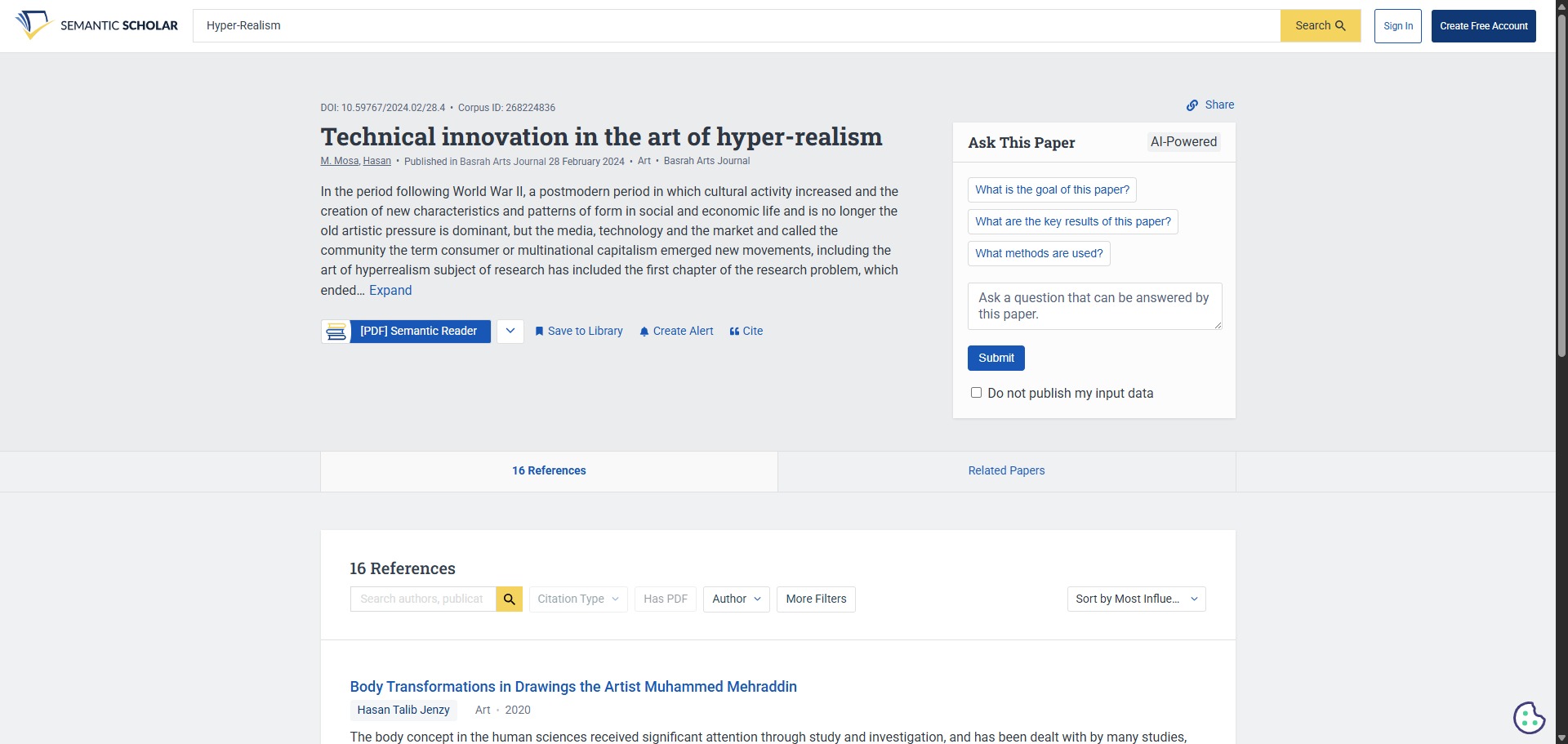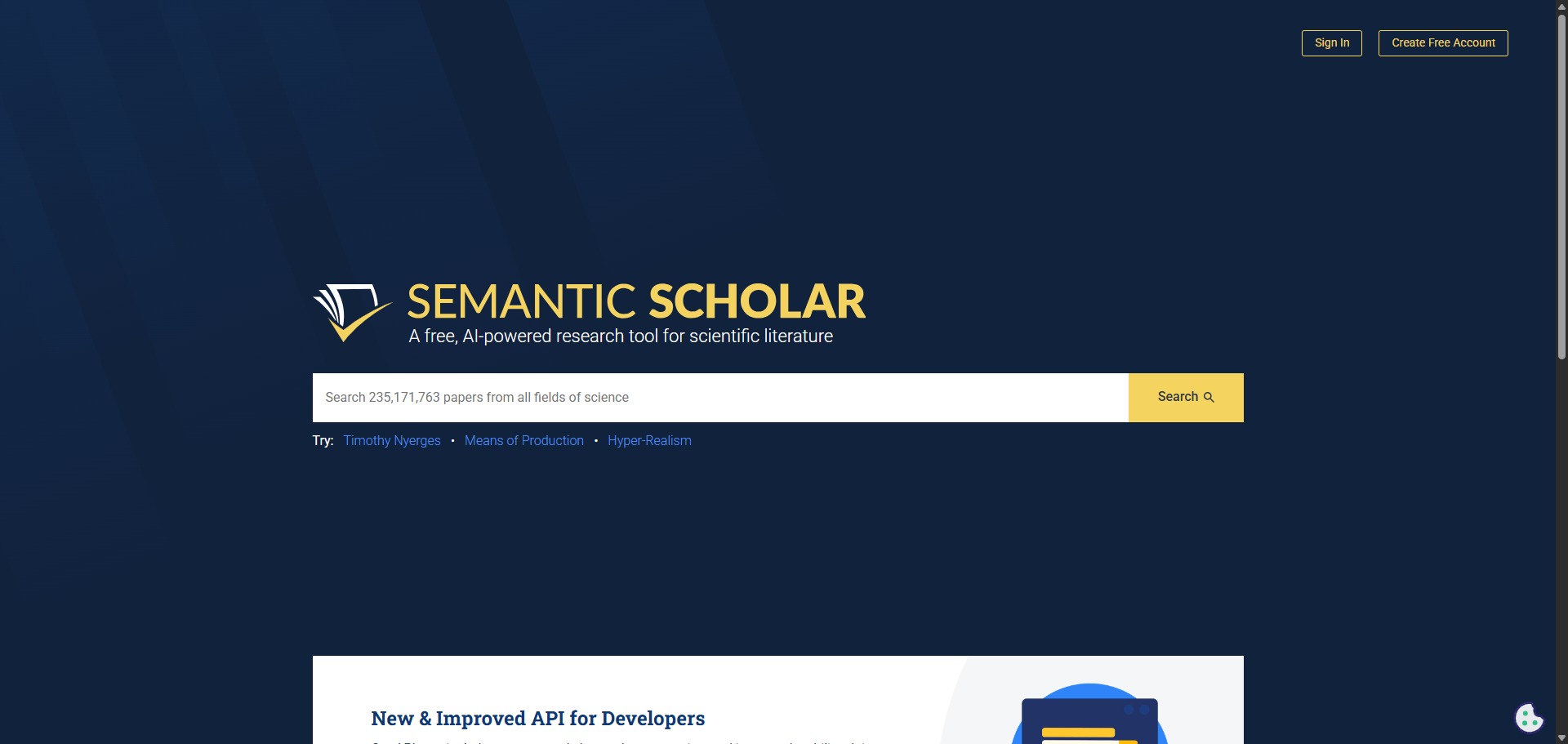
Semantic Scholar is a free, AI-powered academic search engine designed to help researchers navigate the massive volume of scientific literature.
Launched in 2015 by the Allen Institute for AI, Semantic Scholar indexes over 200 million papers across all scientific fields. Unlike traditional search engines that rely purely on keyword matching, it uses machine learning to understand the actual meaning and context of research documents.
Highly Recommended
What can you use Semantic Scholar for?
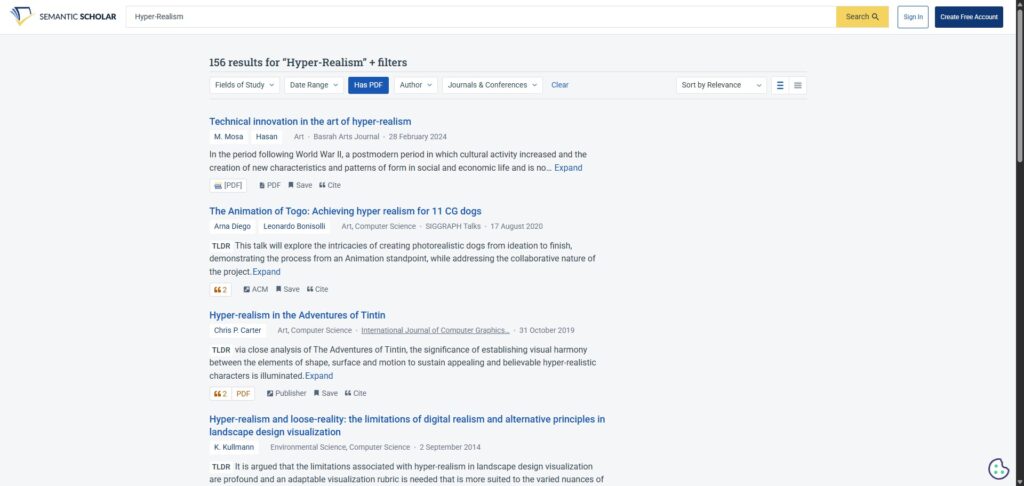
You can use it to find scientific publications, analyze citation graphs, and filter down huge lists of search results to the most impactful studies. It actively pulls figures, tables, and key entities directly into your view so you do not have to dig through full text files.
It also functions as an automated research assistant. By saving papers to your personal library, the platform tracks your topics and automatically curates a personalized recommendation feed to keep you updated on new publications in your field.
Who is Semantic Scholar best for?
It is ideal for graduate students, PhD candidates, and academic professionals who need to manage large literature reviews without falling into cognitive overload.
It is especially useful for researchers in high-output fields like computer science, medicine, and biology, where keeping up with weekly paper releases is otherwise impossible.
Is Semantic Scholar genuinely free?
Yes. Semantic Scholar is completely free to access, search, and use for pulling citation data. There are no hidden subscription tiers or premium limits on the platform itself.
However, because it links out to third-party publisher websites, some full-text articles may still sit behind external paywalls that require institutional access to read.
Should I use Semantic Scholar as an academic search engine?
Yes. It is an excellent, comprehensive tool for discovering scholarly literature, tracing citation networks, and finding accessible versions of research documents across almost every academic discipline.
Because it covers multiple areas of study in one central place, it makes the initial discovery process fast and straightforward. It serves as an essential starting point for any literary search before diving into niche database systems.
Key Features
- AI-generated TLDR summaries
Provides instant, one-sentence objective and result breakdowns for millions of papers to speed up skimming. - Highly Influential Citations
Uses machine learning models to highlight citations where the referenced study significantly impacted the current paper’s methodology or results. - Augmented Semantic Reader
Transforms static PDFs into interactive formats, complete with in-line citation cards and key point highlights. - AI-powered Research Feeds
Learns your specific interests based on saved library folders and delivers tailored paper recommendations to your email. - Open Academic Graph API
Allows developers and advanced researchers to programmatically fetch data structures regarding papers, authors, and citation webs.
Best for
- Rapid abstract skimming
- Literature mapping
- Personalised paper recommendations
- STEM and biomedical research
- Identifying influential studies
Pros and Cons
Here are the main advantages and limitations of using Semantic Scholar for academic research.
Pros
- ✓AI summaries allow you to evaluate paper relevance in seconds.
- ✓Filters out weak citations to emphasize truly influential research papers.
- ✓Completely free to use with no account requirements or hidden limits.
Cons
- ✗Database indexing depth is slightly less comprehensive within the humanities and social sciences.
- ✗AI TLDR summaries can occasionally miss critical technical nuances from the full texts.
- ✗The search interface lacks some of the highly complex boolean filters found on legacy platforms.
How to Use Semantic Scholar
Follow this quick guide to run your literature searches, explore citation networks, and streamline your reading workflow.
-
Visit the Website
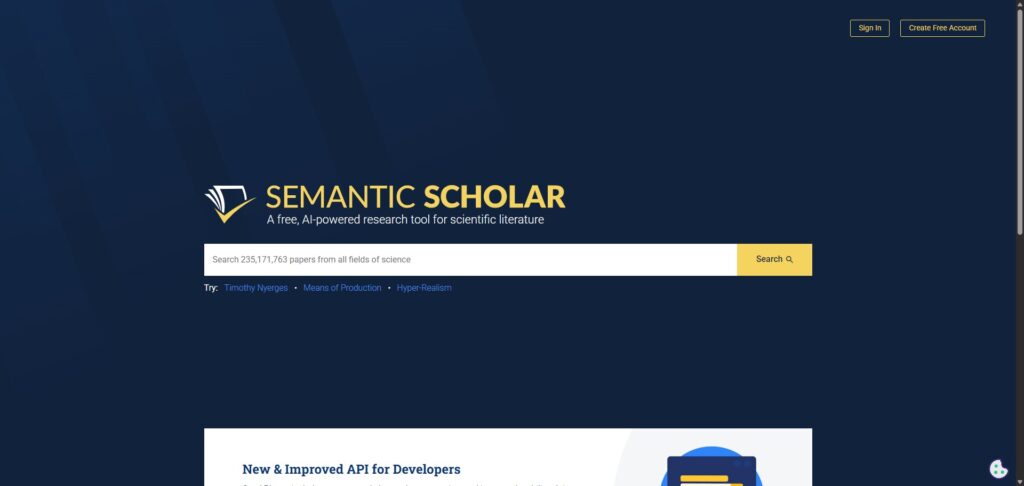
Go to the official Semantic Scholar website. You can begin searching the database immediately without needing to create an account, which is perfect for quick discovery tasks. -
Run a Keyword or Topic Search
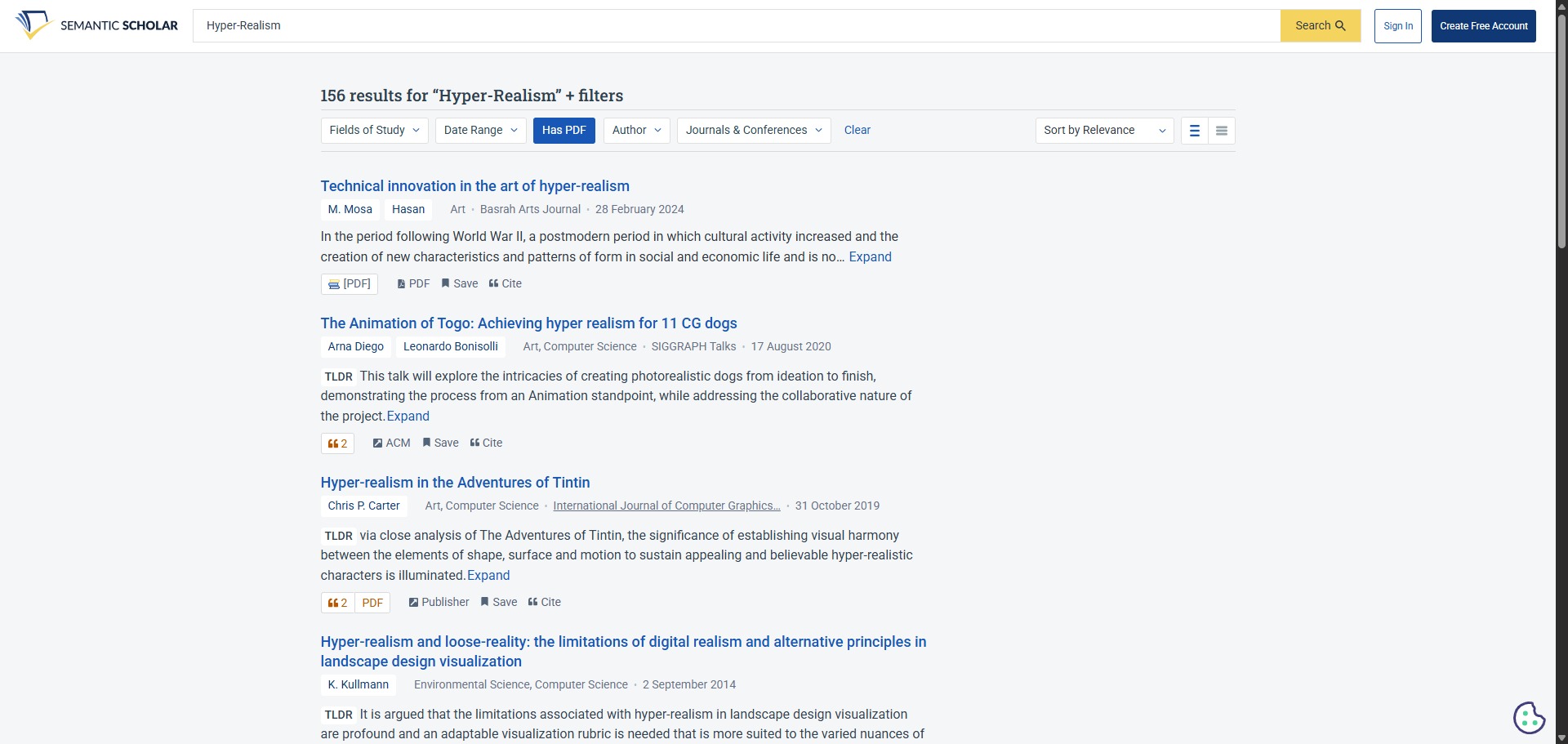
Enter your research topic into the main search box. Review the results list and check for the “TLDR” summary cards below each title to evaluate the core findings of a paper in just a few seconds. -
Filter for Highly Influential Citations
Use the sidebar filters to refine your search results. Prioritise results with the “Highly Influential” tag to quickly identify landmark studies that have significantly shaped the methodology or outcomes in your specific research field. -
Use the Semantic Reader for PDFs
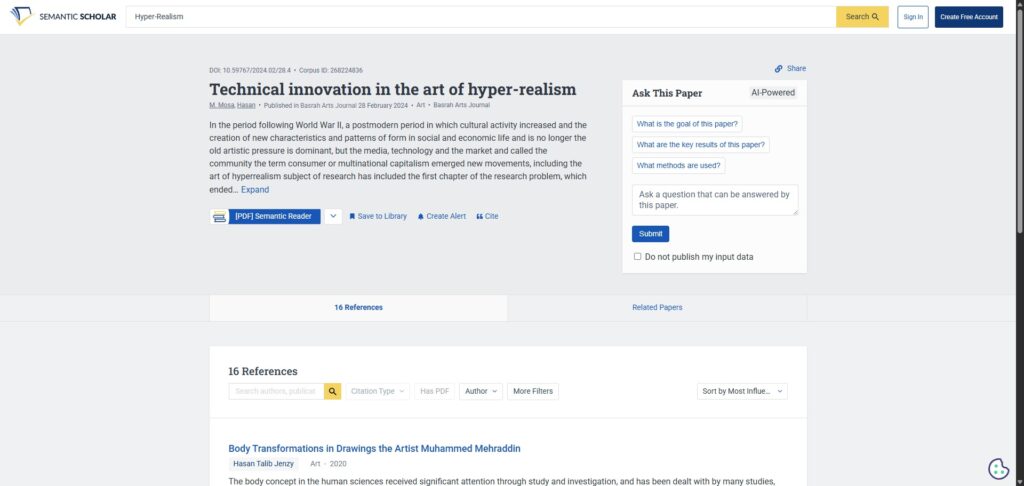
Click on any paper to open its profile. If the full text is available, select the “Semantic Reader” option to view the document in an interactive format that provides clickable citation cards and easier side-by-side table comparisons. -
Save Papers to Your Library
Sign up for a free account if you want to save specific papers to your library. This allows you to track your research collections and enables the automated recommendation engine to suggest new publications based on your stored interests. -
Export Citations to Your Manager
Click the “Cite” button on any paper profile to open the citation export panel. Choose your preferred format—such as BibTeX, RIS, or RefMan—to download the metadata directly for your Zotero, Mendeley, or EndNote reference managers.
Frequently Asked Questions
How does Semantic Scholar compare to Google Scholar?
Google Scholar indexes a larger total volume of documents, including a wider selection of grey literature. However, Semantic Scholar offers vastly superior analysis tools, such as AI summaries, interactive PDF reading, and smart citation tracking that weeds out minor mentions.
Do I need to create an account to use Semantic Scholar?
No. You can run unlimited searches, read AI summaries, and navigate citation networks without registering. Creating a free account is only required if you want to save papers to your library or turn on automated research recommendation feeds.
What makes a citation “Highly Influential” on Semantic Scholar?
The platform uses a machine learning algorithm to analyze context clues surrounding a citation. If a paper builds directly upon another study’s methodology, utilizes its dataset, or heavily discusses its findings, it is classified as highly influential.
Can Semantic Scholar export citation logs to reference managers?
Yes. Every paper profile includes an option to export citation data. You can download files properly formatted for quick integration into systems like Zotero, Mendeley, EndNote, and BibTeX.
What is the Semantic Reader feature?
The Semantic Reader is an in-browser reading application that adds a contextual layer to static PDFs. It automatically highlights core objectives, inserts clickable in-line summary cards over citations, and makes tables easier to view side-by-side with text blocks.