Scopus is a freemium, curated abstract and citation database designed to help students, academics, and institutional research teams discover scholarly literature, track citation metrics, and evaluate global research performance.
Operating as one of the world’s most expansive academic search engines, Scopus does not index open internet blogs or casual websites. Instead, it aggregates structured metadata from tens of thousands of international peer-reviewed serials, books, and conference proceedings, using independent oversight committees to maintain high data integrity across all scientific disciplines.
Recommended
What can you use Scopus for?
You can use it to build meticulous keyword searches, track citation counts for specific papers, and monitor emerging research trends across global institutions. By applying advanced multi-field operators, users can pinpoint highly relevant literature, filter results by historical publication years, and see exactly who has built upon a specific study since its release.
It also functions as an automated author registry. The platform automatically clusters published articles into distinct profile views, enabling you to inspect an investigator’s lifetime publication output, track institutional collaborations, and calculate complex tracking benchmarks like the h-index without manual file sorting.
Who is Scopus best for?
It is ideal for postgraduate researchers, university doctoral candidates, and academic authors who are assembling comprehensive literature reviews or verifying the credentials of source literature.
It serves as an essential workspace for university administrators, metric analysts, and funding bodies who require verified global bibliometric data to grade institutional performance or monitor regional study trends.
Is Scopus genuinely free?
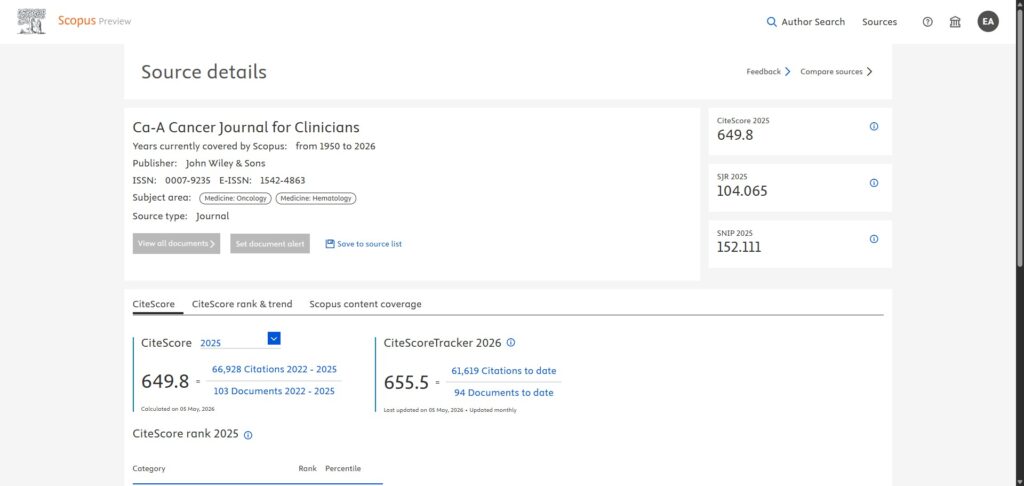
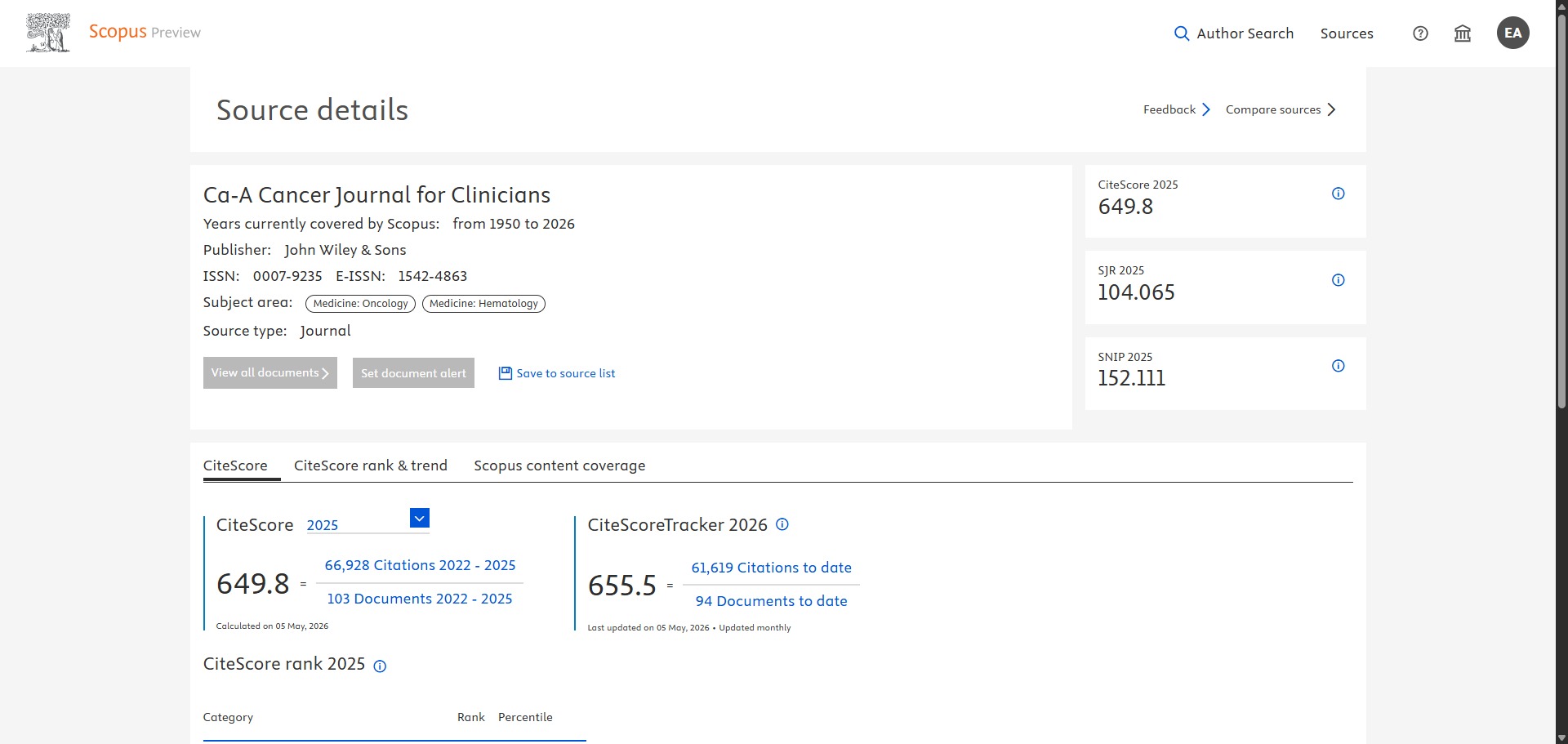
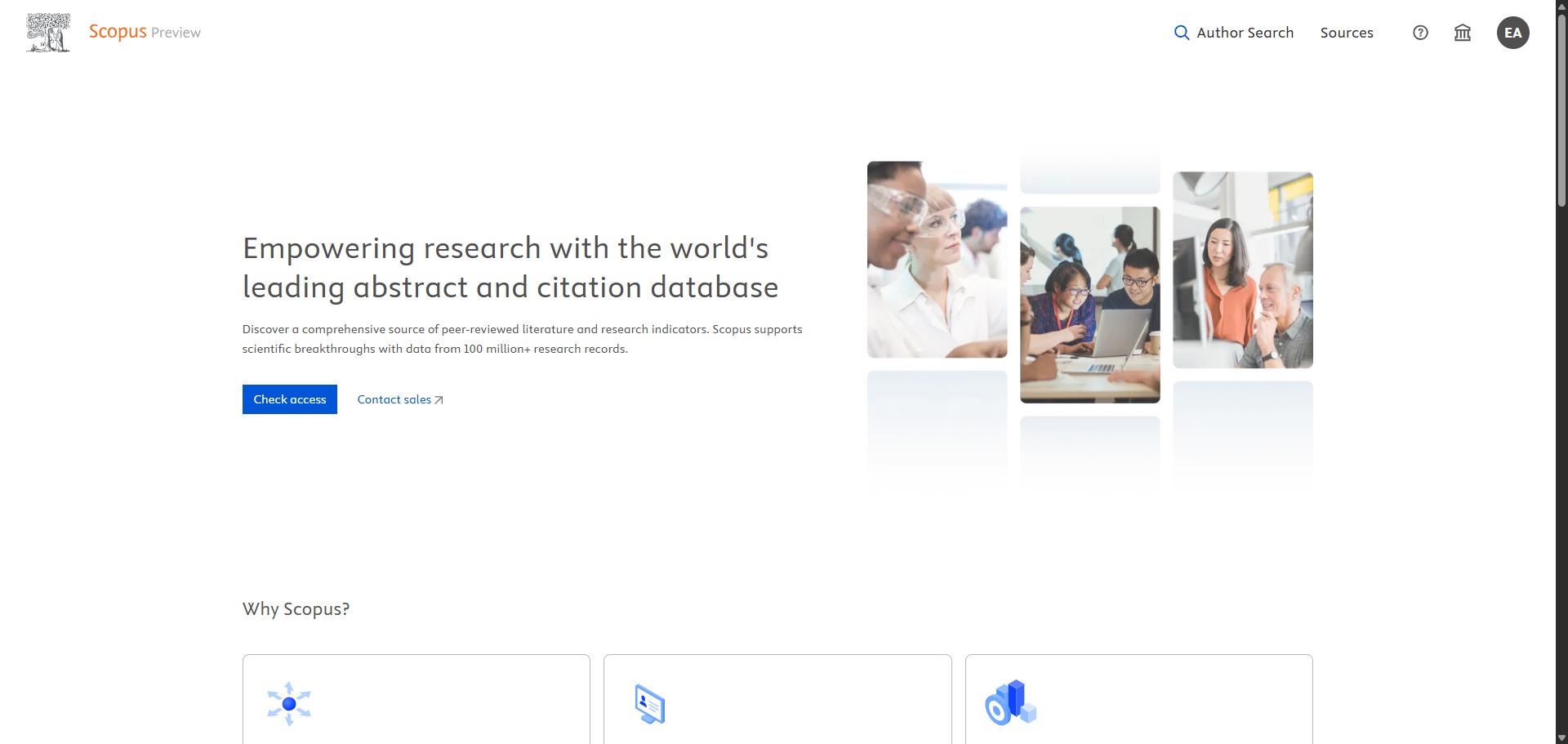
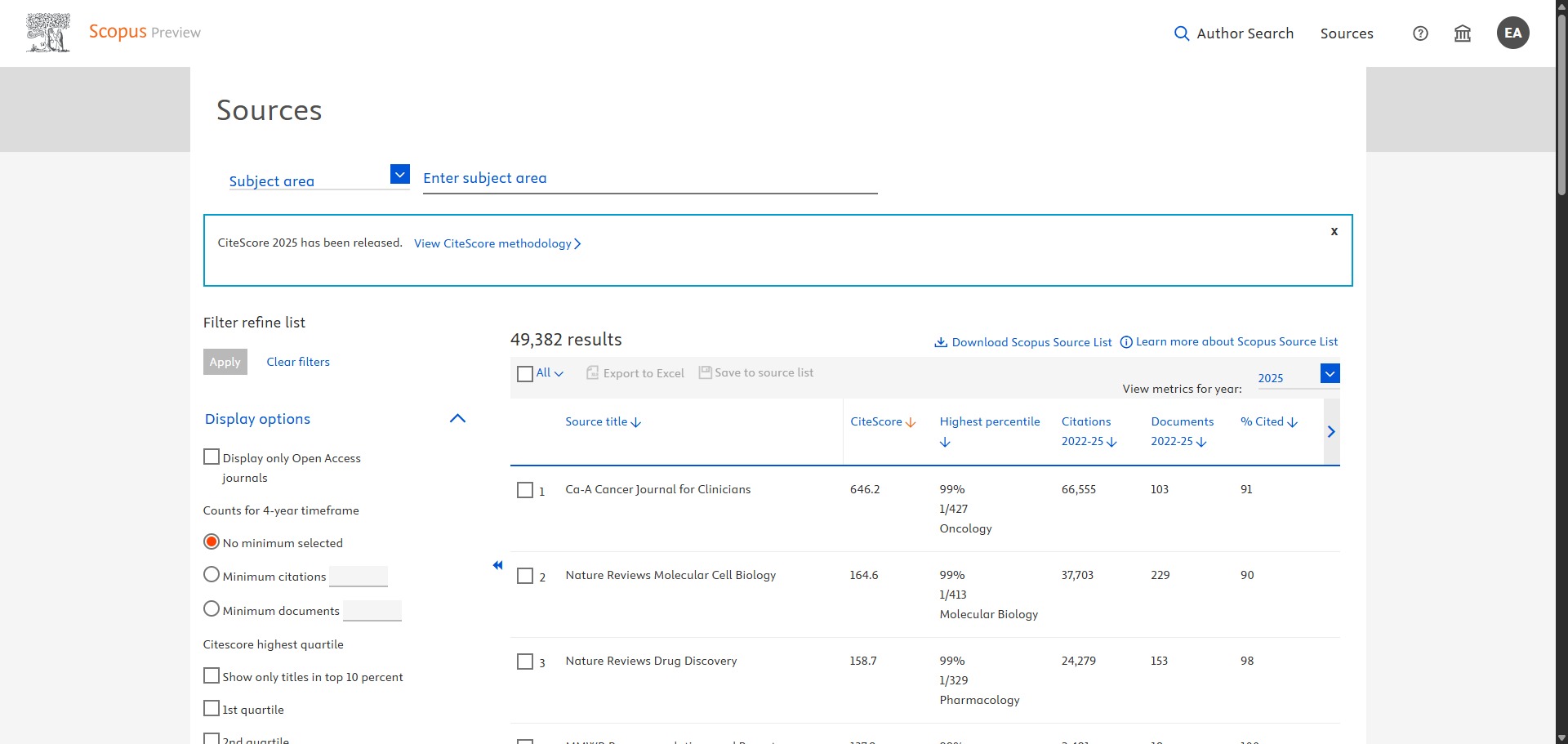
No, Scopus is primarily a premium corporate database engine, but it does include a valuable public access layer called Scopus Preview. This free preview framework allows unregistered public users to search for full author profiles, check comprehensive journal lists, and inspect official metric rankings like CiteScore without a paid institutional subscription.
To lift these lookup blocks and unlock full document searches, advanced citation trackers, comprehensive Boolean syntax operators, and deep analytical export pipelines, you must gain access via a participating university network or purchase a premium subscription plan tier.
Is Scopus Premium Worth It?
Yes, if your university or institution does not already provide free access. The free Scopus Preview tier only allows you to view basic journal metrics and check individual author profiles. Upgrading to a premium account or logging in through an institutional library proxy is absolutely essential for postgraduates, doctoral candidates, and data analysts who need to run comprehensive literature reviews.
When you should secure full access:
- You need to search full documents: The free tier blocks the core search engine. Premium access allows you to run advanced database queries using multi-field keywords and boolean logic to discover papers across disciplines.
- You require deep citation tracking: Paid profiles unlock extensive citation histories, allowing you to trace reference networks and monitor exactly who has built upon specific scientific studies over time.
- You export bibliographic data: Full access enables bulk export pipelines, allowing you to download thousands of metadata records at once into CSV or BibTeX files for systems like Mendeley, Zotero, or EndNote.
If you only need to look up a journal CiteScore ranking, check an investigator h-index, or fix an error on your own author profile, the free Scopus Preview layout is perfectly fine. However, for executing formal academic literature searches or running statistical bibliometric analyses, full premium access is completely necessary.
Should I use Scopus as an academic search engine?
Yes. It is an excellent, comprehensive tool for discovering scholarly literature, tracing citation networks, and finding accessible versions of research documents across almost every academic discipline.
Because it covers multiple areas of study in one central place, it makes the initial discovery process fast and straightforward. It serves as an essential starting point for any literary search before diving into niche database systems.
Key Features
- Comprehensive independent content curation
Filters incoming publications through the Content Selection Advisory Board (CSAB) to protect the index against predatory journals. - Algorithmic Author Profile clustering
Assembles over 19 million unique researcher summaries automatically, mapping out precise citation logs and historical affiliation logs. - Advanced CiteScore evaluation metrics
Calculates annual journal citation ratios across a transparent four-year window to help authors compare values before document submissions. - Integrated AI Discovery assistance
Leverages advanced natural language processing features to synthesize trusted data points into clear conversational summaries with citations. - Extensive data export pipelines
Supports direct integration with desktop citation managers like Mendeley, EndNote, and Zotero via standard CSV and BibTeX text files.
Best for
- Discovering peer-reviewed literature across disciplines
- Tracking paper citation counts and historical impacts
- Reviewing and verifying academic author profiles
- Comparing journal metrics using CiteScore analytics
- Exporting clean reference bibliographies to managers
Pros and Cons
Here are the main advantages and limitations of using Scopus for academic literature search.
Pros
- ✓Massive curated index filters out junk data to ensure high source integrity.
- ✓Automated profile structures simplify the tracking of author citation trends over time.
- ✓Scopus Preview gives great free visibility into journal metric levels and rankings.
Cons
- ✗Full access requires an expensive institutional account proxy setup.
- ✗Historical indexing before the year 1970 is less extensive than modern listings.
- ✗The automated author matching algorithm can sometimes combine profiles of similar names incorrectly.
How to Use Scopus
Follow this quick guide to navigate the database layout and run professional literature searches.
-
Visit the Website and Check Access
Go to the official Scopus website. If you are on a university campus or possess an institutional proxy link, log in through your institution to unlock full premium access; otherwise, you will automatically enter the free Scopus Preview dashboard. -
Select Your Search Parameter
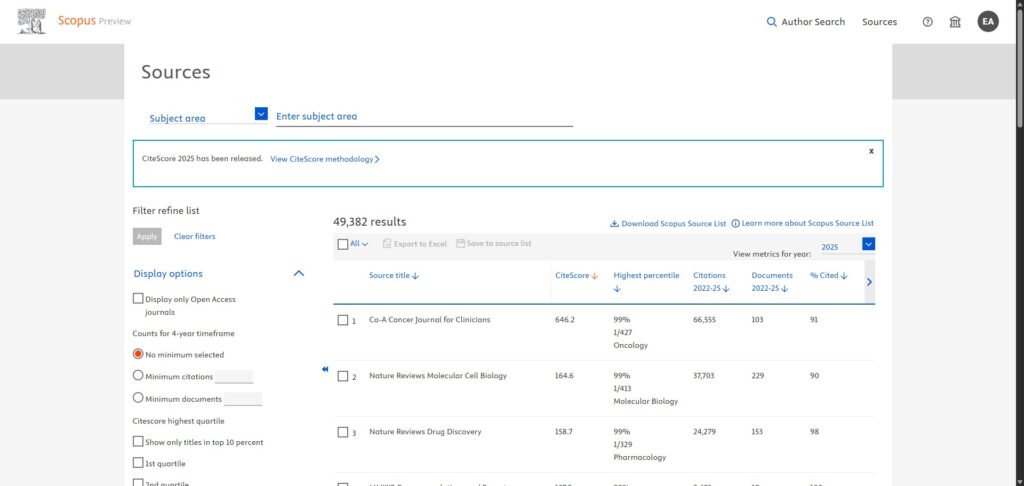
Choose your primary search tab from the top navigation bar. Select “Document” if you want to look for specific research topics, “Author” to look up a specific investigator name or ORCID ID, or “Sources” to browse journal metric lists. -
Enter Your Keywords and Operators
Input your target search terms into the query boxes. Use quotation marks for exact phrases, put an asterisk at the end of a word root to capture variable endings, and combine your terms using boolean operators like AND, OR, or NOT to refine your focus. -
Narrow Results with the Refine Panel
Review the initial list of matching records generated by the engine. Use the filters in the left side panel to limit or exclude data rows based on precise publication years, document types, funding sources, or subject disciplines. -
Analyse Citation Metrics and Profiles
Click on any document title to read its abstract view, or click an author name to open their automated tracking profile. From here, you can evaluate their lifetime publication output, view institutional collaborations, and check their h-index graph. -
Export References to Your Manager
Tick the check boxes next to the articles you want to save for your bibliography. Click the export button at the top of the results list and select your preferred format, such as a CSV grid or a BibTeX file, to transmit the metadata directly into Mendeley or Zotero.
Frequently Asked Questions
What is the main structural difference between Scopus and Google Scholar?
Google Scholar acts as an automated web scraper, pulling any text document that looks academic across the open web. Scopus operates as a strictly curated, closed database where journals must pass rigorous independent quality checks to gain entry into the index.
Can I use Scopus Preview to download full research paper PDFs for free?
No. Scopus serves as an abstract and indexing database rather than a direct document host repository. While it displays clear publisher resource buttons and links to open-access PDFs, it does not host or store full text files on its own servers.
How do I fix errors or split entries inside my Scopus Author Profile?
If you spot an unlinked paper or a duplicate profile, you can utilize the free Scopus Author Feedback Wizard. This interactive online assistant guides you through the process of merging names, adjusting affiliations, and correcting your official citation listings.
What criteria must an academic journal meet to be indexed by Scopus?
Journals must maintain a peer-review policy, publish content on a regular schedule, provide English abstracts, and show clear publication ethics statements. The Content Selection Advisory Board evaluates these factors alongside citation consistency before granting entry.
Can I export my search query results to run statistical bibliometric analyses?
Yes. Premium profile structures can select up to thousands of document records simultaneously to execute a bulk export. You can format the download as a CSV file or a Scopus API link to run statistical mappings inside external programs like VOSviewer.