Grammarly is a freemium, AI-driven writing assistant designed to help students, academics, and professionals correct, polish, and enhance their written communication.
Operating as an intelligent cloud-based editor, Grammarly integrates across web browsers, desktop apps, and mobile keyboards. It scans your text in real time to resolve spelling errors, correct intricate grammar missteps, and refine sentences for structural clarity and stylistic balance.
Highly Recommended
What can you use Grammarly for?
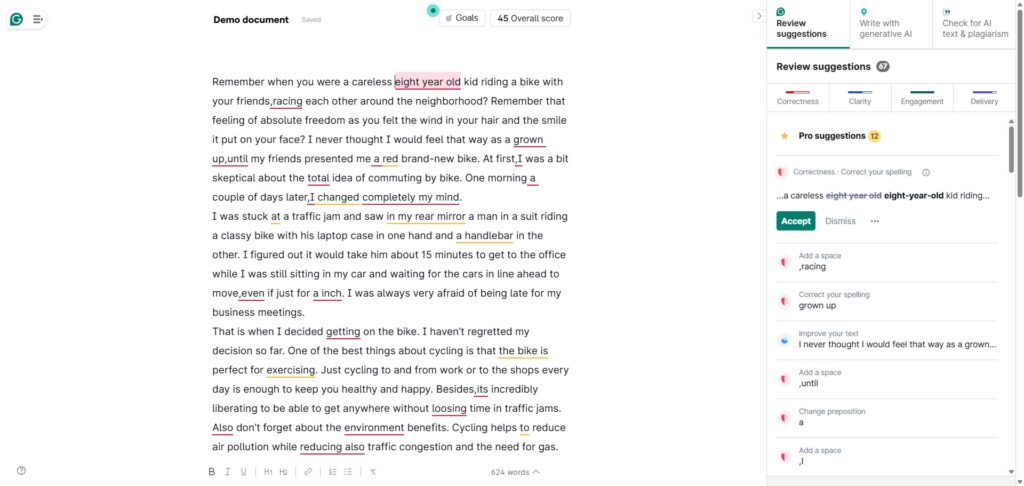
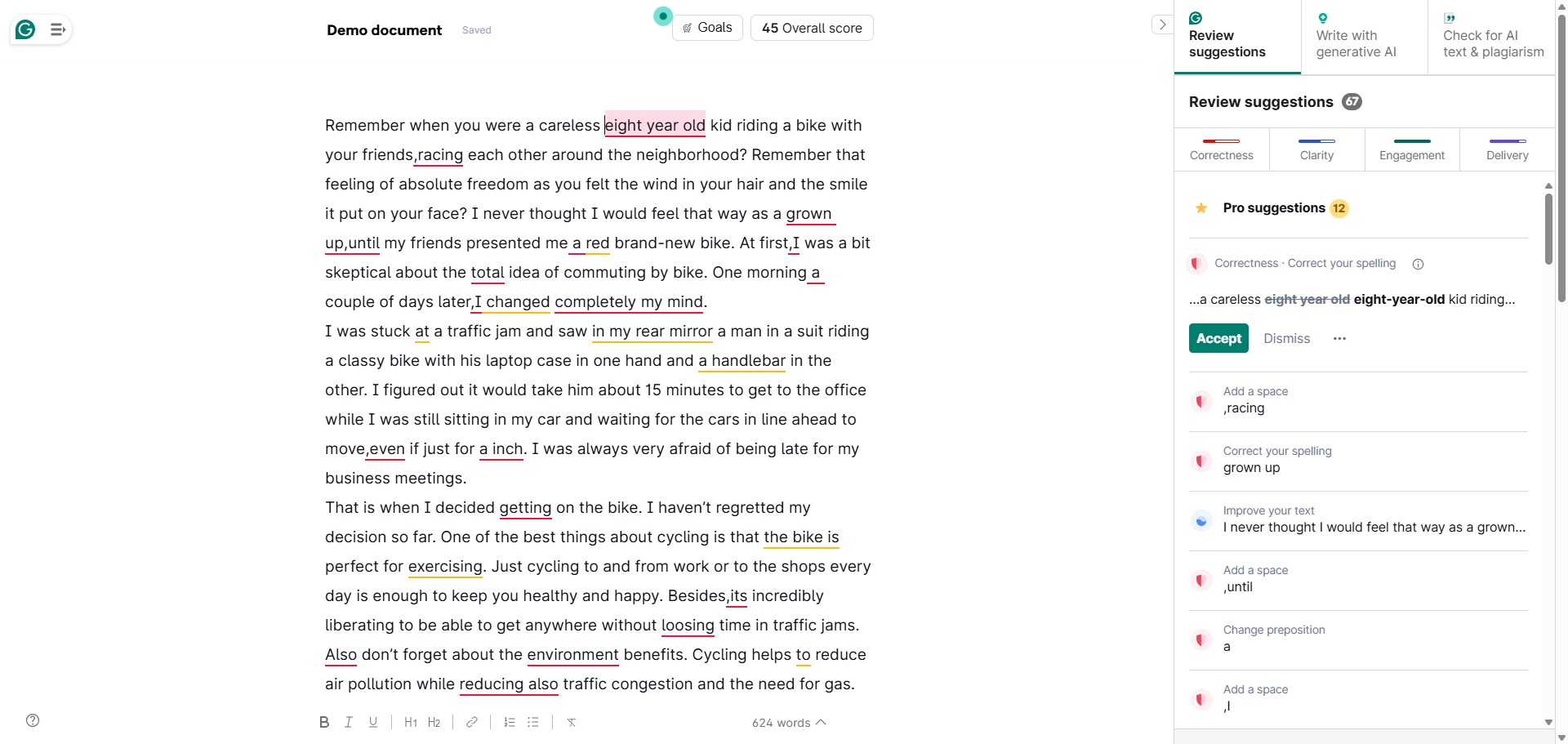
You can use it to catch typos, resolve punctuation issues, and scan your full academic manuscripts for stylistic inconsistencies. As you type inside an online text editor or email window, the utility flags vocabulary flaws, run-on sentences, and passive verbs, providing one-click alternatives to improve readability.
It also functions as an advanced tone modifier and structural rewriter. The system analyzes your active paragraphs against selected audience profiles, suggesting complete sentence rephrasings to make your prose sound more professional, authoritative, or formal depending on your layout settings.
Who is Grammarly best for?
It is ideal for university undergraduates, postgraduate researchers, and non-native English speakers who need an automated, real-time safety net to refine their essays, reports, and master dissertations.
It serves as an excellent asset for any professional writer or student who wants to streamline their editing workflow and avoid losing marks over careless spelling mistakes or awkward phrasing.
Is Grammarly genuinely free?
Yes, the basic tier of Grammarly is completely free to use for an unlimited duration. This unpaid framework covers fundamental spelling corrections, basic punctuation fixes, and essential clarity alerts across all core browser extensions and application downloads.
To access advanced features, you must purchase a subscription to the Grammarly Pro tier. Upgrading unlocks comprehensive full-sentence rephrasings, vocabulary enhancements, genre-specific tone profiles, an automated plagiarism checker, and a higher allowance of generative AI writing prompts.
Is Grammarly Pro Worth It?
Yes, but primarily if you draft essays, manuscripts, or professional reports daily. While the free tier is excellent for catching surface-level typos, it blocks advanced structural feedback. Upgrading to the Pro tier is highly beneficial for university postgraduates, international researchers, and corporate professionals who need to streamline dense paragraphs and verify text originality regularly.
When you should upgrade:
- You need to clarify complex text: The free tier only alerts you to basic spelling and punctuation mistakes. The Pro plan unlocks one-click full-sentence rewrites to break down wordy or clumsy text layouts smoothly.
- You require plagiarism checking: Upgrading gives you full access to the integrated academic plagiarism checker, which cross-references your work against billions of digital pages and databases to flag citation gaps.
- You use extensive AI features: The Pro tier expands your monthly generative writing allowance from 100 prompts up to 2,000 prompts, while unlocking custom tone profiles, style guides, and AI content detection tools.
If you only want a simple safety net to proofread casual emails, check minor homework assignments, or fix basic typos, the free tier is completely adequate. However, if you are polishing a full-length master’s dissertation or preparing a scientific manuscript for journal submission, the Pro upgrade is a valuable investment.
Should I use Grammarly as a grammar checker?
Yes. It is an excellent, comprehensive tool for discovering scholarly literature, tracing citation networks, and finding accessible versions of research documents across almost every academic discipline.
Because it covers multiple areas of study in one central place, it makes the initial discovery process fast and straightforward. It serves as an essential starting point for any literary search before diving into niche database systems.
Key Features
- Contextual spelling and grammar scanner
Identifies trickier errors that standard spell-checkers miss, including confused homophones, incorrect verb tenses, and misplaced modifiers. - One-click full-sentence rewrites
Highlights structurally dense or wordy sentences and presents streamlined, highly readable alternatives elegantly. - Customizable writing goals dashboard
Allows you to set your target audience, formality tier, and specific domain layout to match academic or creative publishing expectations. - Integrated academic plagiarism checker
Compares your text against billions of online web archives and ProQuest databases to flag citation gaps and overlapping sentences. - Ubiquitous ecosystem integrations
Deploys dedicated native extension modules for Microsoft Word, Google Docs, desktop operating systems, and web browser views.
Best for
- Catching spelling and punctuation typos
- Streamlining wordy or complex sentences
- Adjusting prose to a formal academic tone
- Detecting accidental plagiarism overlaps
- Real-time editing across browsers and apps
Pros and Cons
Here are the main advantages and limitations of using Grammarly for academic proofreading.
Pros
- ✓Real-time, zero-latency corrections integrate perfectly into your daily typing routine.
- ✓The interface is incredibly clean, intuitive, and simple for users of all technical levels.
- ✓The free tier catches a significant majority of surface-level typographical errors.
Cons
- ✗The monthly subscription plan is comparatively expensive for independent students.
- ✗Can occasionally suggest changes that alter the nuanced meaning of technical scientific terms.
- ✗Requires a continuous internet connection to process text blocks and suggest style updates.
How to Use Grammarly
Follow this quick guide to set up your profile and use the AI assistant to proofread your writing.
-
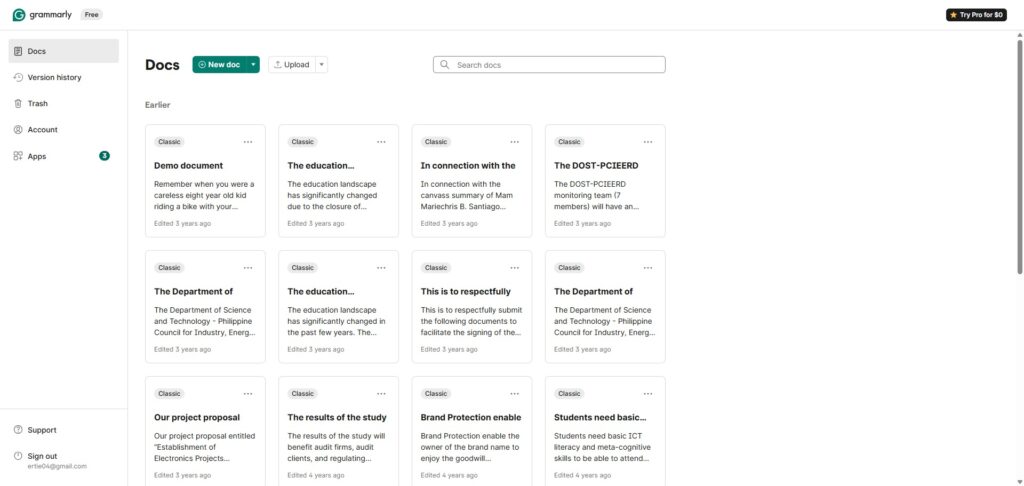
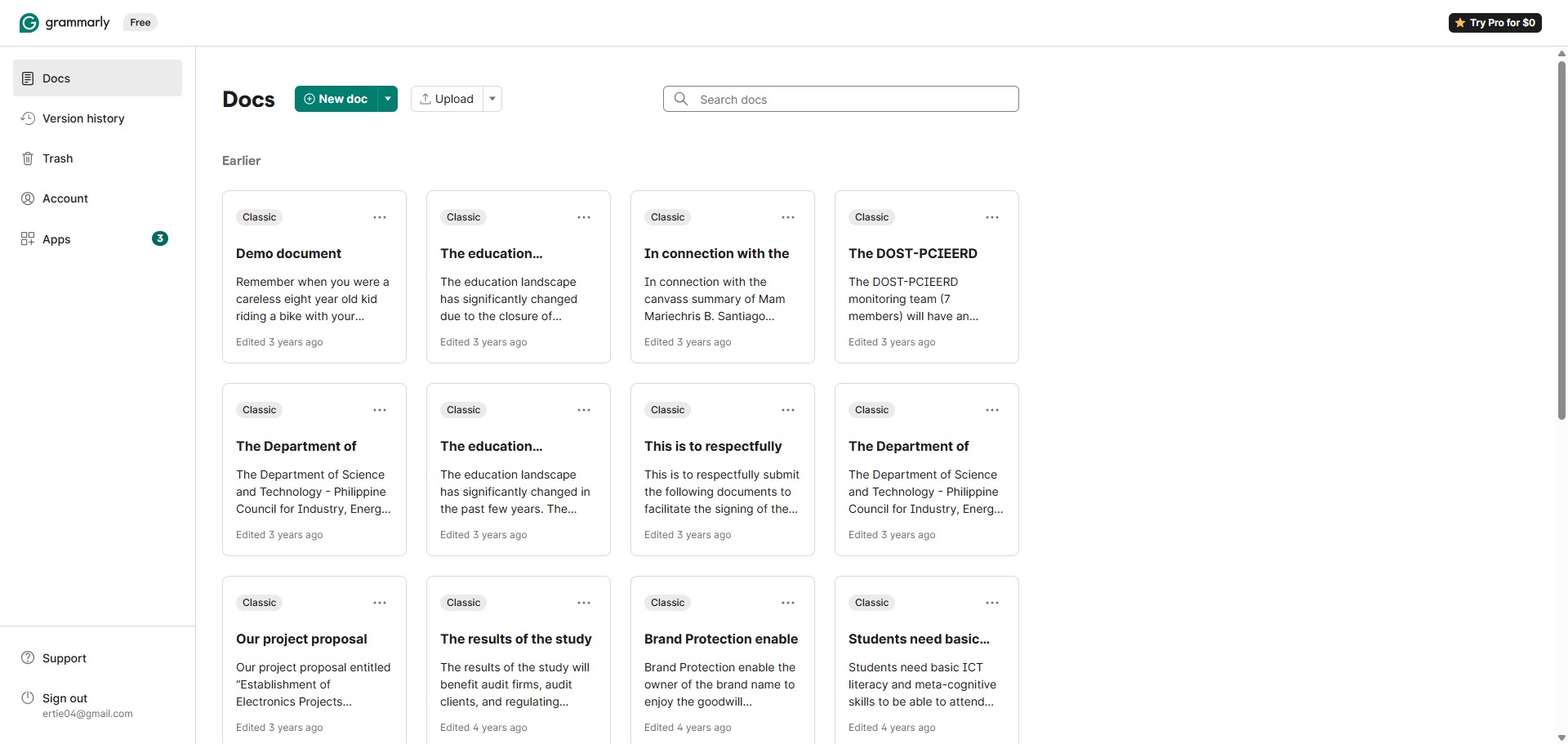
Visit the Website and Create a Profile
Go to the official Grammarly website and sign up for a free account. You can complete this registration quickly by linking your Google account or university email domain to access the main dashboard workspace. -
Install Your Preferred Extensions
Navigate to the download panel to install the utility across your devices. Add the browser extension to edit text online, or download the desktop application to run the scanner inside software like Microsoft Word and Google Docs. -
Configure Your Writing Goals
Open a blank document or paste an existing draft into the editor. Locate the goals configuration panel on the side to set your target parameters, adjusting the audience, formality level, and domain to match academic expectations. -
Review Real-Time Alert Cards
Look at the color-coded underlines that appear beneath your words as you type. Red lines indicate fundamental grammar or spelling errors, while blue underlines highlight clarity improvements and style updates. -
Accept or Ignore Style Suggestions
Click on any underlined word or phrase to expand its context card in the side menu tracking panel. Read the simple explanation provided by the AI assistant, then click the correction suggestion to apply the change instantly. -
Run the Plagiarism and AI Diagnostics
Activate the advanced verification tools in the bottom menu corner before finalizing your document layout. Let the system audit your text pages for accidental plagiarism overlaps or review your overall readability performance score.
Frequently Asked Questions
What is the difference between Grammarly Premium and the new Grammarly Pro plan?
Grammarly consolidated its plan structures, replacing its legacy Premium and Business tiers with Grammarly Pro. The Pro subscription contains all advanced individual writing tools, such as full-sentence rephrasings and plagiarism detection, alongside improved generative AI tools.
Does Grammarly store or keep copies of my private academic documents?
Grammarly caches text data temporarily on its secure cloud servers to run its linguistic algorithms, but user data is encrypted and protected. Grammarly states that it does not sell personal user content or utilize private user text inputs to train its core machine learning models.
Can Grammarly check my document for plagiarism without a paid plan?
No. While the free tier can tell you if your text contains matches against external web links, it will not highlight where those overlaps exist or provide citation details. To see the specific matched passages, you must have an active Pro subscription.
How do I configure Grammarly to use British English rules?
You can adjust your language settings via your profile dashboard or directly through the active browser widget. Toggling your preference to British English ensures the application correctly catches American spelling patterns like “summarize” or “catalog” and flags them for replacement.
Will Grammarly automatically rewrite my entire research paper for me?
No. Grammarly serves as an editor rather than a full ghostwriter. It suggests localized styling alterations, syntax improvements, and clarity updates for your existing sentences, but you retain full control over the structural composition and core arguments of your work.