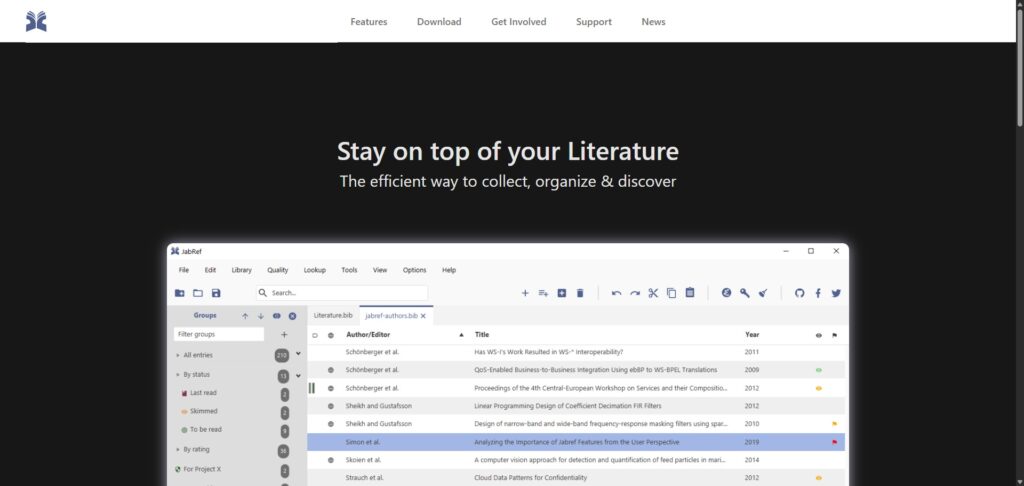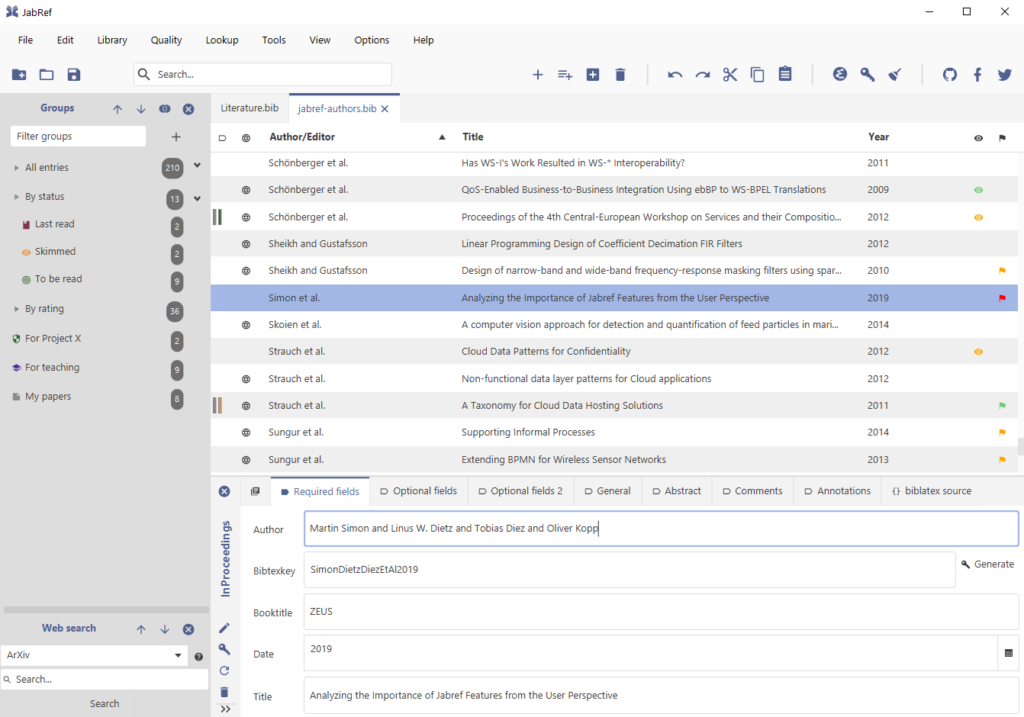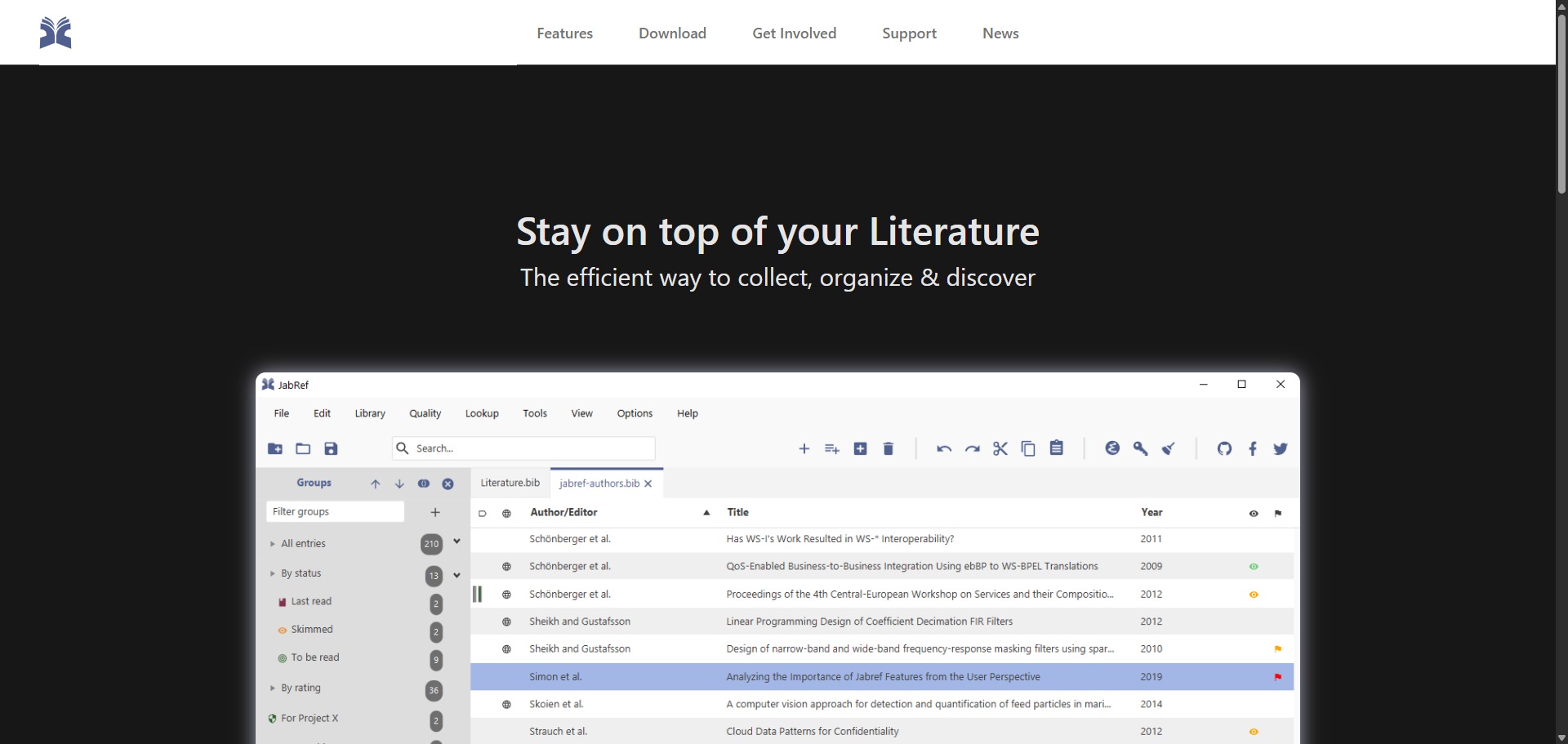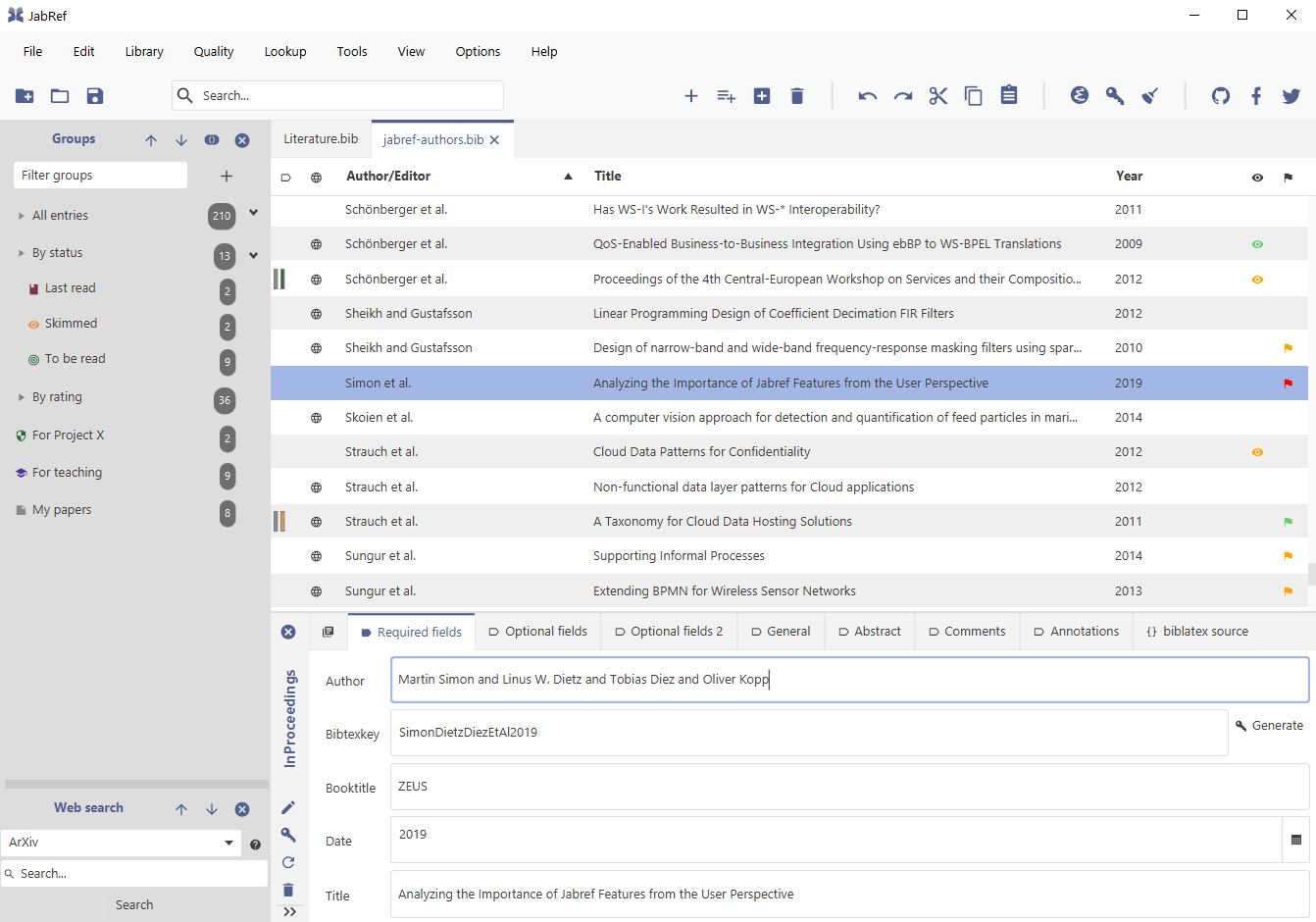
JabRef is a completely free, open-source reference management system, citation indexing framework, and bibliographic editor engineered to help university students, academic mathematicians, and engineering researchers collect research papers, catalog publication details, and maintain library indices.
Operating as a specialized repository utility, JabRef stands out from generic citation tools by utilizing BibTeX and BibLaTeX as its native underlying file layouts. The desktop application saves library records straight into transparent, un-compiled plain-text bibliography format scripts (.bib), preventing vendor lock-in and allowing users to run structural version control loops via platform environments like GitHub smoothly.
Highly Recommended
What can you use JabRef for?
You can use it to build hierarchical literature collection trees, parse metadata out of newly discovered PDF files, and link documents to custom identifiers instantly. By deploying its integrated online lookup fetchers, users can search major catalog directories to retrieve accurate publishing details using standard structural codes like DOI, ISBN, and arXiv numbers.
It also functions as an interactive writing pipeline companion. The tool incorporates active terminal connection channels that push specific citation keys directly into external coding editors, allowing you to insert accurate literature tags into active manuscript documents without leaving your preferred development layout.
Who is JabRef best for?
It is ideal for postgraduate physicists, data scientists, and computer science engineers who compile multi-chapter manuscripts, technical papers, or textbooks within complex LaTeX editor setups.
It acts as a brilliant workspace utility for independent research networks and academic writing teams who want to coordinate shared project lists through centralized SQL server databases or shared cloud folders.
Is JabRef genuinely free?
Yes. JabRef is entirely free to download, install, and execute across any personal or corporate device network under the open-source MIT license rules. Because the platform is built and maintained by a dedicated global core team of PhD students and research volunteers, there are no monetization locks, hidden cloud subscription scales, or pro account tiers.
Unlike commercial tools that require premium fees to extend reference storage capacity, this platform stores indices as local plain text configurations, meaning your database size limits are only bound by your own local hard drive space.
Should I use JabRef as a reference manager?
Yes. It is an excellent, comprehensive tool for discovering scholarly literature, tracing citation networks, and finding accessible versions of research documents across almost every academic discipline.
Because it covers multiple areas of study in one central place, it makes the initial discovery process fast and straightforward. It serves as an essential starting point for any literary search before diving into niche database systems.
Key Features
- Native BibTeX and BibLaTeX data support
Saves all citation indices directly into plain text bibliography document tracks, avoiding hidden internal database conversions. - Automated multi-catalog metadata fetchers
Queries major scientific indexing platforms, such as Google Scholar, Medline, Crossref, and IEEE Xplore, to pull article properties automatically. - Customizable citation key generator modules
Formulates unique structural bibliographic markers for your papers automatically based on customizable combinations of author names, years, and title blocks. - Direct text editor push synchronization pipelines
Connects with external writing platforms, enabling users to send citations straight into systems like TeXstudio, Vim, Emacs, and Texmaker. - Robust local file renaming automation filters
Monitors linked document attachments, automatically renaming and sorting local PDF documents using explicit formatting rules that you define.
Best for
- Managing extensive reference collections using native BibTeX styles
- Integrating citation lookups directly with local LaTeX text editors
- Tracking article alterations using standard Git version control tools
- Gathering bibliographic details via international database codes
- Organizing local PDF document archives into structured file rules
Pros and Cons
Here are the main advantages and limitations of utilizing JabRef for bibliography tracking and reference management.
Pros
- ✓Completely free and open-source with no premium paywalls or cloud storage limits.
- ✓Native reliance on BibTeX files avoids internal database conversions and vendor lock-in.
- ✓Incredible direct integration with popular LaTeX editor suites like TeXstudio and Texmaker.
Cons
- ✗Lacks a native, dedicated cloud-syncing service, requiring third-party tools like Dropbox or Git for backups.
- ✗The plain graphical interface can feel intimidating to researchers unaccustomed to LaTeX or BibTeX mechanics.
- ✗Browser web-extension tools for collecting web references are less polished than proprietary competitors.
How to Use JabRef
Follow this quick guide to configure your local BibTeX databases, fetch document metadata automatically, and push references into your editor.
- Visit the Website and Install the Application
Go to the official JabRef web domain. Access the download menu to pull the appropriate stable installation bundle for your platform, running the setup script to deploy the desktop package locally. - Initialize or Import Your Plain-Text Bibliography File
Launch the software and click the file creation button. Choose to build a completely new database, or import a pre-existing plain text .bib document to populate your reference list lines instantly. - Fetch Metadata via Unique Document Identifiers
Click the “Web Search” button on your main workspace toolbar. Select an indexer from the drop-down menu, paste a standard identifier code like a DOI or ISBN, and click the search trigger to extract bibliographic details automatically. - Link and Organize Local PDF Files
Drag your local research paper files onto an established reference line entry. Use the built-in file organization tools to rename your document attachment automatically according to your custom folder rules. - Generate Unique Citation Keys
Highlight your newly generated library entries and select the citation key generator tool. The engine processes your default key formatting rules to output consistent markers for every document entry. - Push Citations Straight into Your LaTeX Editor
Open your external typesetting application, such as TeXstudio, alongside the app workspace. Select your target bibliography line within the manager panel and click the “Push to Application” shortcut to embed your citation keys.
Frequently Asked Questions
Can I manage my references inside JabRef without using a LaTeX document editor?
Yes. While JabRef relies on BibTeX as its native data architecture, you can use it as a standalone literature tracking tool. The workspace features flexible exporting extensions to output standard reference logs suited for word processing software.
Are my research library indices and compiled notes safe from external data harvesting?
Yes. JabRef functions as a fully localized open-source utility that saves your text records and data entries directly onto your computer’s internal storage media. Your collection rows remain completely private and are never uploaded to commercial networks.
How can I sync my reference records across separate laptops or working groups?
Because JabRef databases are stored as plain text .bib documents, you can sync collections across devices easily. You simply need to save your bibliography files inside shared cloud folders or deploy standard Git version repositories to handle team edits.
What is the primary difference between a BibTeX and a BibLaTeX database configuration?
BibTeX represents the classic, highly uniform citation architecture restricted to traditional structural fields. BibLaTeX serves as a modern extension framework that supports expanded character fields, multiple author slots, and nuanced multi-language reference configurations.
Can JabRef parse abstract summaries out of research papers automatically during text imports?
Yes. When you pull data via automated web lookups using valid DOIs, the aggregation engine harvests complete abstract blocks, indexing metrics, and author details, placing the values cleanly into your document properties window.