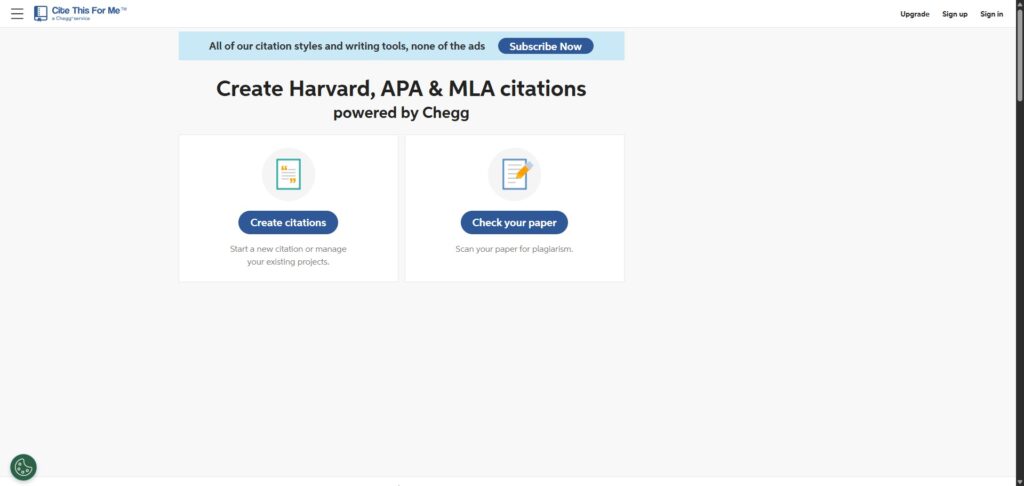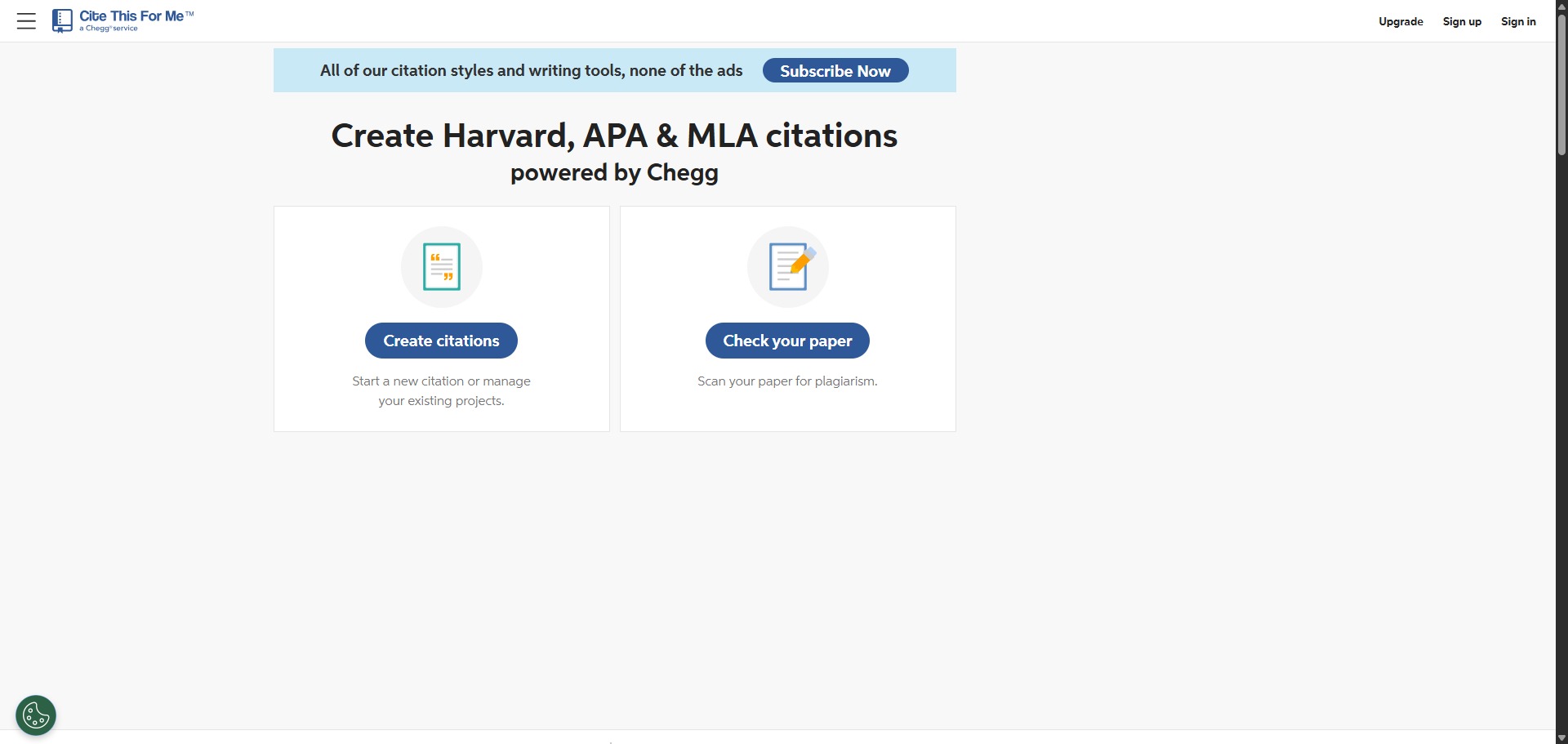
Cite This For Me is a freemium citation generator designed to help students compile academic bibliographies and reference lists automatically.
Launched in 2010 and later acquired by education technology company Chegg, Cite This For Me indexes thousands of citation formats. It allows you to rapidly generate reference entries by searching for book titles, journal DOIs, or website URLs, converting raw digital markers into structured bibliography lines.
Recommended
What can you use Cite This For Me for?
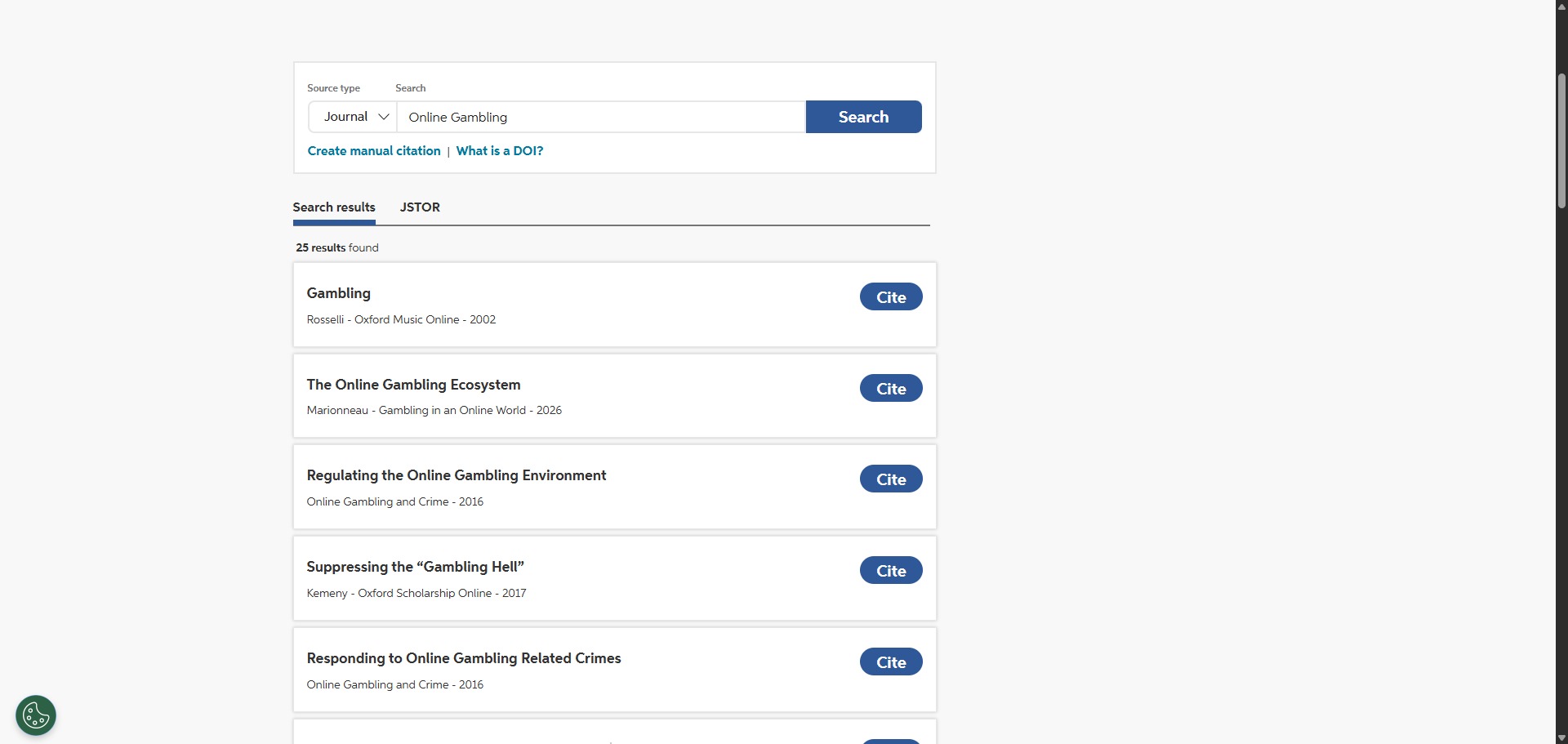
You can use it to build reference logs, create matching in-text citations, and download complete works cited pages. By utilizing the search interface, you can scan global databases to instantly extract essential metadata points from videos, newspapers, podcasts, and online data forms.
It also functions as a fundamental proofreading workspace. Premium tier members can run their drafted texts through an integrated grammar analysis dashboard and check their manuscripts for accidental plagiarism against millions of published online documents.
Who is Cite This For Me best for?
It is ideal for high school students and undergraduate university writers who need to create quick, one-off reference lists for short essays using standard referencing patterns.
It serves as a familiar starting tool for casual researchers who prefer a simple, step-by-step form interface over complex, multi-layered desktop reference databases.
Is Cite This For Me genuinely free?
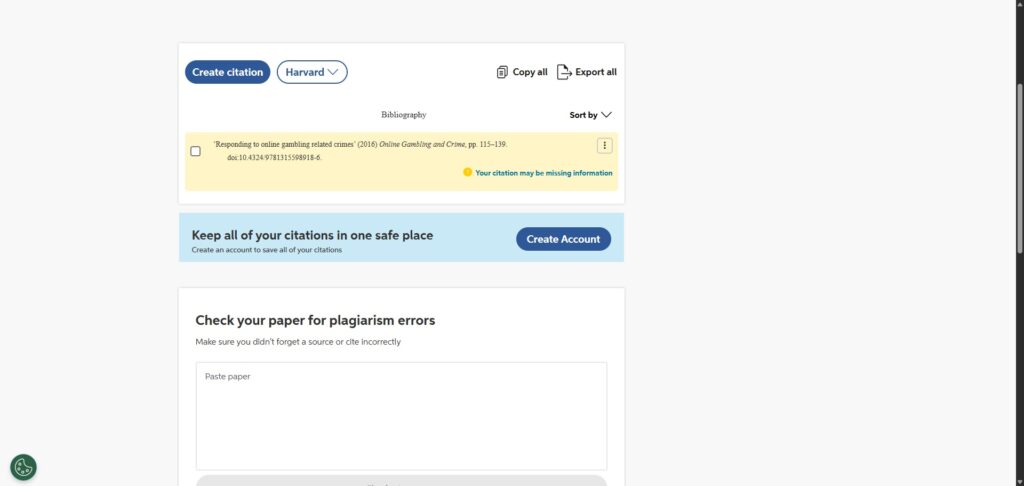
No. Cite This For Me runs on a highly restricted freemium model. Free guest users can only create basic bibliographies using the standard Harvard format, and these reference lists are completely wiped from the platform after seven days.
To unlock over 7,000 advanced referencing styles (such as APA 7, MLA 9, or Chicago), remove the heavy on-screen video adverts, download citations as Word documents, and access the plagiarism checker, you must upgrade to a paid monthly or annual subscription.
Is Cite This For Me Premium Worth It?
Yes, but primarily if your academic projects require specific formatting styles beyond the basic Harvard layout. The free tier is quite limited, as it forces you to watch repetitive video advertisements and automatically deletes your saved work after seven days. Upgrading is a practical choice for university students and researchers who need reliable access to advanced styles like APA, MLA, or Chicago without the risk of losing their bibliographies.
When you should upgrade:
- You require advanced academic styles: The free version restricts you to standard Harvard formatting. Paid plans unlock over 7,000 distinct citation styles, including specific requirements for legal (OSCOLA/Bluebook), medical, and scientific journals.
- You want to remove ad disruptions: Premium subscriptions eliminate the full-screen video advertisements that interrupt your work and make using the free tool frustrating during long study sessions.
- You need permanent bibliography storage: Upgrading provides a stable cloud account where your reference lists are saved permanently, preventing the risk of losing your data if you clear your browser cookies.
If you only need a quick citation for a short assignment using standard Harvard formatting, the free tool works well enough. However, for any long-term research project or assignments requiring complex citation layouts, the premium subscription is the best way to secure your data and streamline your workflow.
Should I use Cite This For Me as a citation generator?
Yes. It is an excellent, comprehensive tool for discovering scholarly literature, tracing citation networks, and finding accessible versions of research documents across almost every academic discipline.
Because it covers multiple areas of study in one central place, it makes the initial discovery process fast and straightforward. It serves as an essential starting point for any literary search before diving into niche database systems.
Key Features
- Multi-format auto-cite engine
Scrapes databases to pull matching publication details immediately from book ISBN barcodes, journal links, and web addresses. - Cite This For Me Chrome utility
An optional browser extension that logs website metadata and generates matching citation strings directly as you browse online. - Integrated plagiarism assessment
Scans premium subscription manuscripts against global web assets and journal archives to flag accidental copywriting overlaps. - Comprehensive style selector
Houses a library of thousands of traditional, scientific, legal, and medical citation layouts to suit specific university parameters. - Direct cloud storage export
Allows paying account holders to download completed bibliographies straight into Microsoft Word formats or link reference lists to Google Docs.
Best for
- Fast single-source references
- Standard Harvard style lists
- Quick scanning via browser modules
- Basic online bibliography creation
- Identifying core publication gaps
Pros and Cons
Here are the main advantages and limitations of using Cite This For Me for academic writing.
Pros
- ✓The guided input form makes manual entry incredibly straightforward for obscure sources.
- ✓Allows swift switching between major formats like Harvard, APA, and MLA.
- ✓Chrome browser module helps extract online markers quickly without leaving active tabs.
Cons
- ✗The free tier web interface is heavily cluttered with distracting banner and video ads.
- ✗Unpaid bibliographies automatically expire and disappear from the cloud after seven days.
- ✗Most style variations and download paths are locked tight behind the premium paywall.
How to Use Cite This For Me
Follow this quick guide to build your reference lists and manage your academic citations.
-
Visit the Website and Choose Your Style
Go to the official Cite This For Me website. Select your required academic referencing style from the main dashboard (note that some advanced styles are locked behind a premium paywall). -
Choose Your Source Category
Select the tab that matches your resource, such as Website, Book, or Journal. If you are citing something unique like a video or an interview, use the “More” menu to find the correct form. -
Search for Your Resource
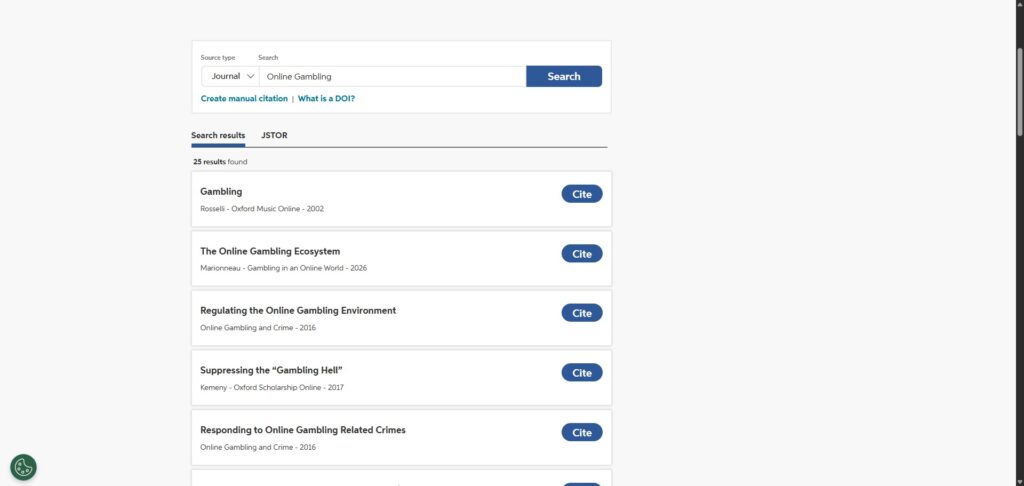
Input your website URL, book ISBN, or journal DOI into the search bar. Click the search button to allow the tool to scrape the global database and pull the relevant publication metadata. -
Verify and Edit the Citation
Examine the auto-generated information provided by the tool. If any details are missing or incorrect, use the “Edit” or “Manual Entry” toggle to fill in missing author names, publication years, or page numbers yourself. -
Add to Your Bibliography
Once you are satisfied that the entry is accurate, click the button to add it to your bibliography list. (If you are using the free tier, prepare to view a short advertisement before your entry is finalised.) -
Copy or Export Your References
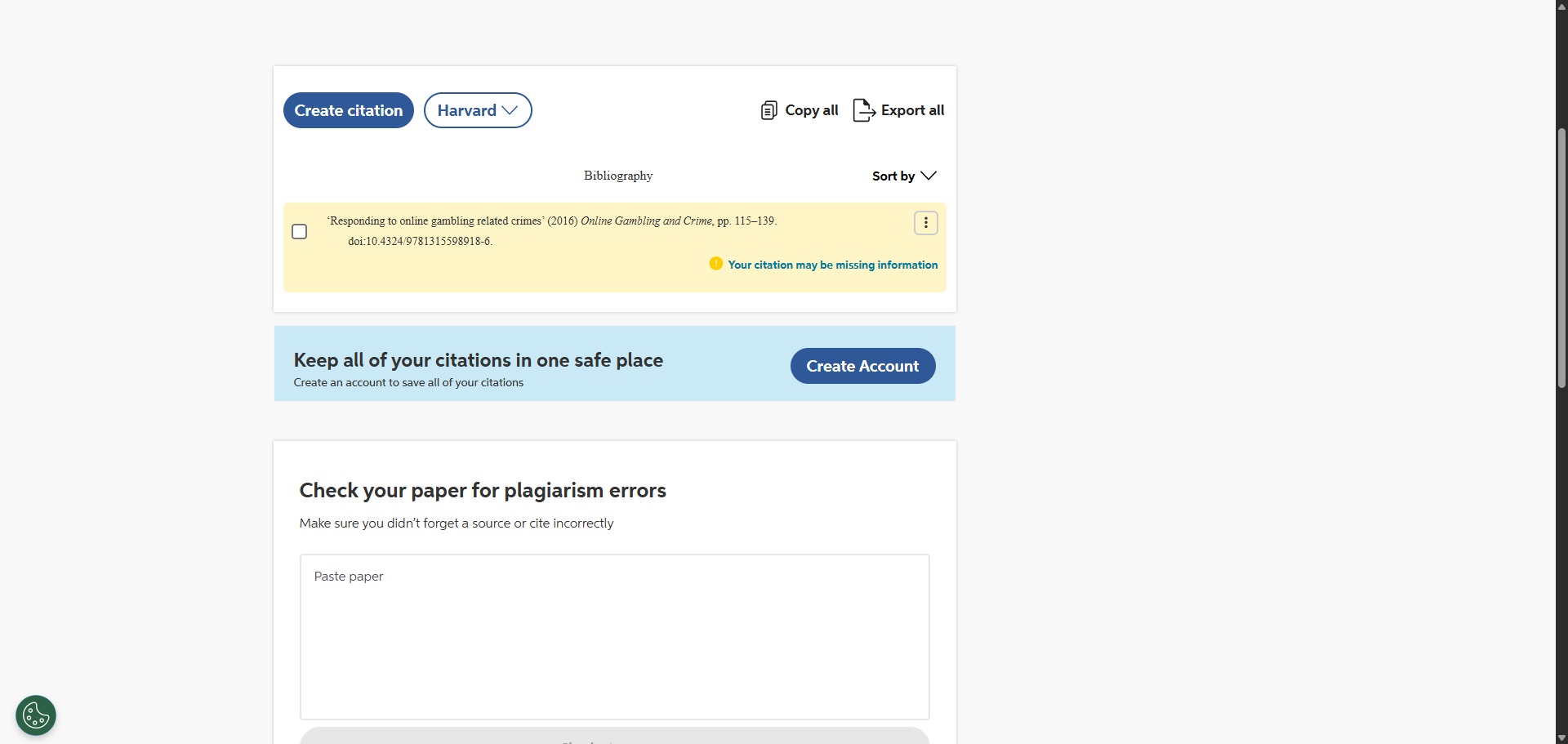
Review your complete, sorted reference list. Use the copy button to transfer your citations into your document, or click the download option to save the list as a Word document or link it to Google Docs.
Frequently Asked Questions
Why did my saved bibliography vanish from Cite This For Me?
If you are utilizing the free version without a premium subscription plan, the platform only caches your active work inside browser cookies for seven days. After this time window closes, the temporary database automatically resets, erasing your unexported reference rows.
Can I use Cite This For Me to check my essay for grammar errors?
Yes. The platform includes an integrated essay verification tool powered by Chegg. Premium subscribers can upload full text blocks to receive structural editing suggestions, spell-check alerts, and style improvements before final submission.
Does Cite This For Me support legal citation standards like OSCOLA?
Yes. The extensive style database indexes professional legal referencing patterns, including OSCOLA for UK legal documents and Bluebook for US materials. However, access to these highly technical layout patterns requires an active premium account membership.
How do I add a source manually if the auto-cite engine fails?
If searching by title or URL does not yield results, you can select the “Cite Manually” option. This opens a clear structural form where you can type in the publication year, publisher name, page metrics, and author initials yourself.
Is there a mobile application available for Cite This For Me?
Cite This For Me previously offered a mobile scanning app for capturing book barcodes. Currently, the platform focuses its service delivery entirely through the responsive main web interface and the official desktop Chrome web browser extension.