BibGuru is a freemium, modern citation generator built to streamline the referencing process for students, researchers, and academic writers.
Launched in 2019 by a team of software developers and former data scientists, BibGuru indexes thousands of distinct academic formatting structures. The platform focuses on a clean, high-speed user experience, allowing you to turn web resources, textbooks, and peer-reviewed journals into structured reference entries instantly.
Highly Recommended
What can you use BibGuru for?
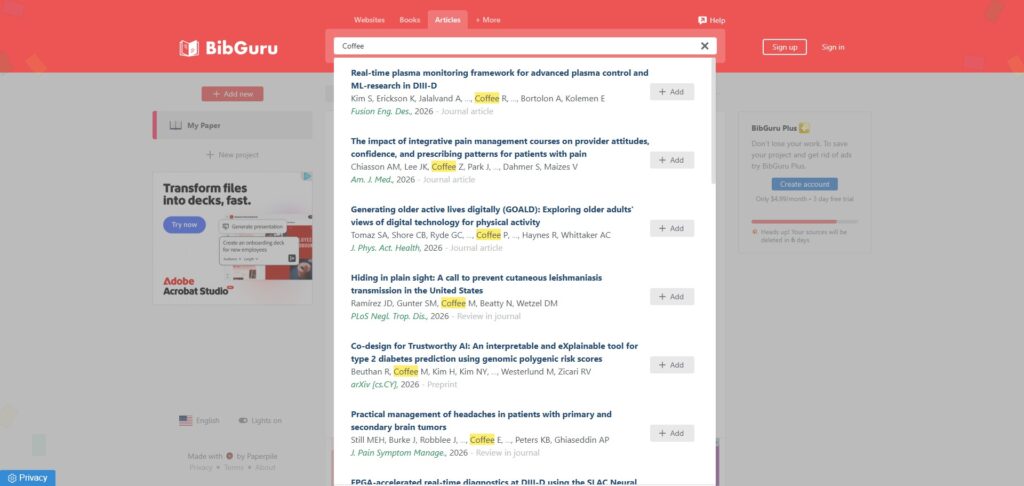
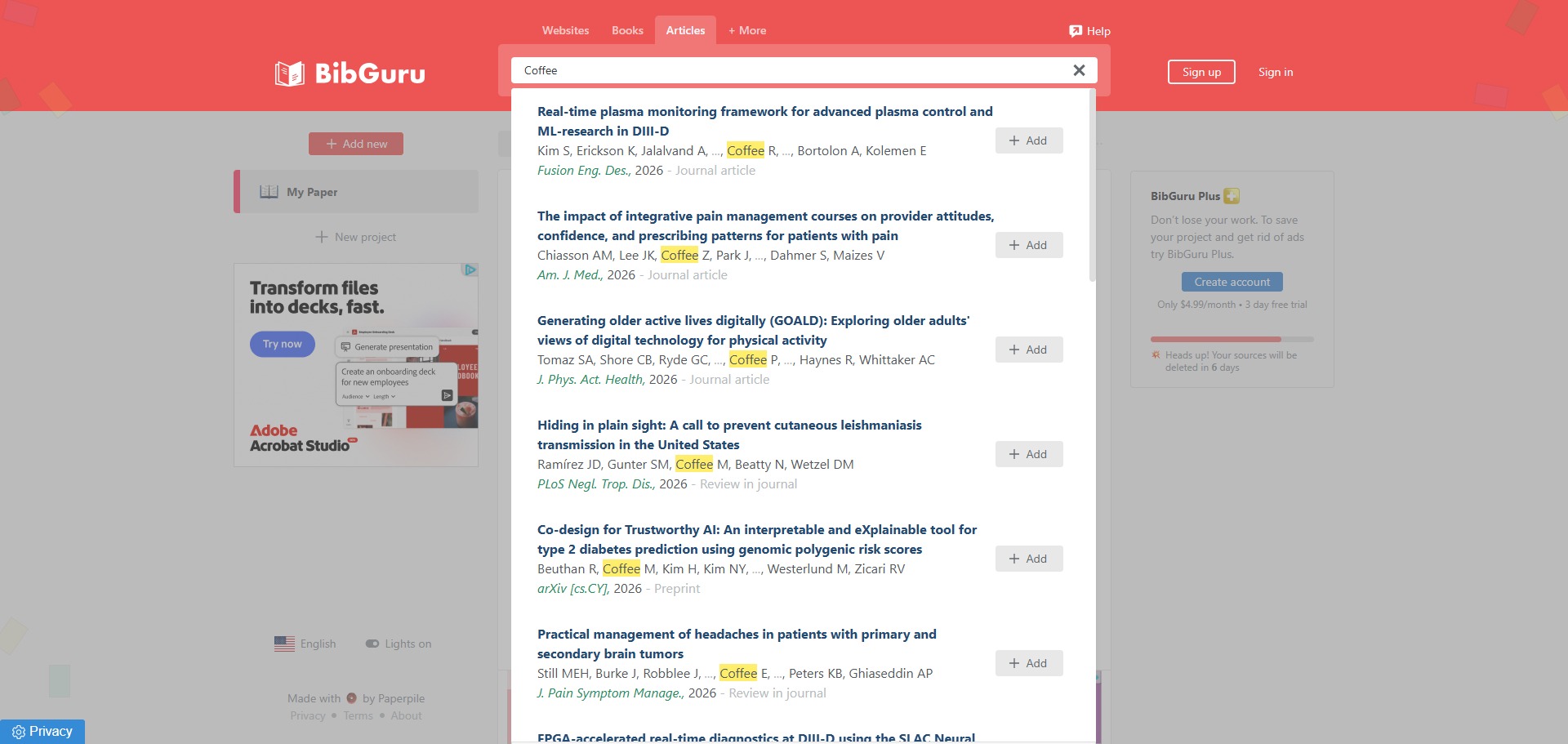
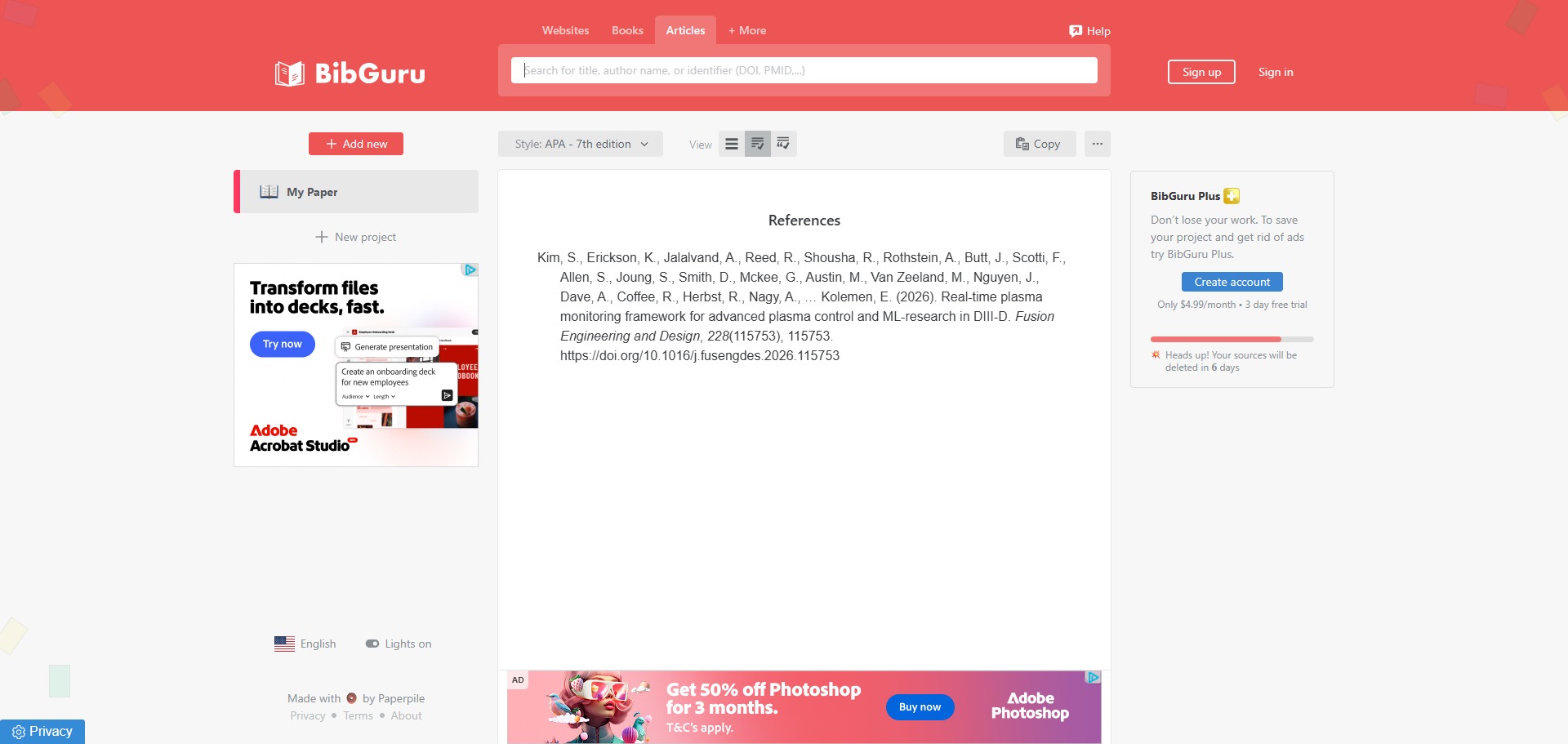
You can use it to compile complete bibliographies, track source material for essays, and extract precise in-text parenthetical references. By typing a book title, a website link, or a journal DOI into the main search box, the engine scans live databases to construct your bibliography line automatically.
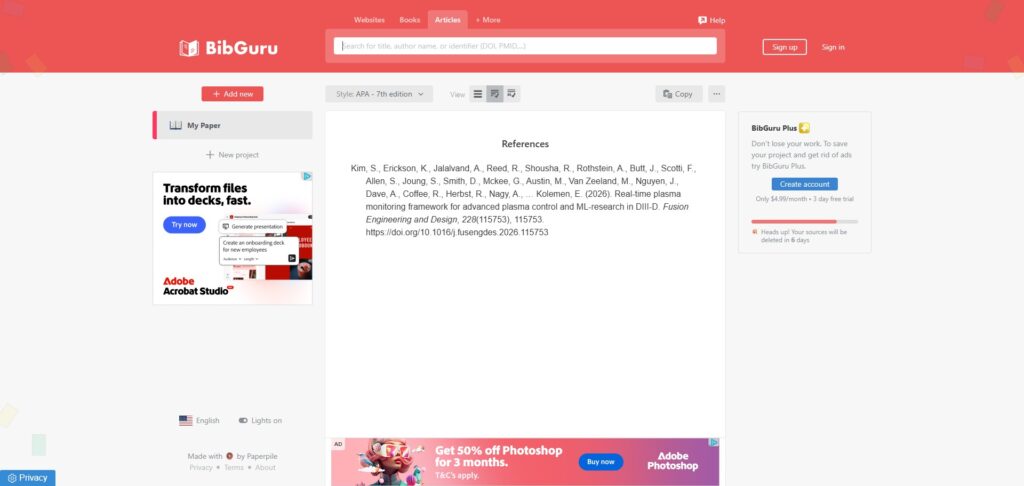
It also functions as a flexible reference exporter. Once your citation list is curated, the platform lets you copy individual lines straight to your clipboard, export the data directly into a Microsoft Word file, or move your completed bibliography rows directly into Google Docs.
Who is BibGuru best for?
It is ideal for high school students and university undergraduate writers who require a simple, distraction-free environment to format weekly assignment papers without a steep learning curve.
It serves as a fantastic resource for anyone who dislikes the chaotic, ad-cluttered interfaces of traditional corporate citation portals and wants a faster way to finish their reference logging.
Is BibGuru genuinely free?
No. BibGuru operates on a freemium business structure. The basic web utility is free to access without an account, allowing you to generate unlimited references, though your lists are only cached in your browser for seven days and the screen displays basic advertisements.
To keep your bibliographies saved permanently in the cloud, organize your work across multiple distinct project folders, sync data across your computer and mobile phone, and remove advertisements, you must upgrade to the paid BibGuru Plus subscription tier.
Is BibGuru Plus Worth It?
Yes, but only if you need long-term storage or work on multiple assignments simultaneously. The free version restricts browser-cached lists to a strict seven-day limit and displays standard advertisements. Upgrading to the paid BibGuru Plus subscription tier is highly useful for university undergraduates finishing major term papers, but casual users can comfortably stick to the free layout.
When you should upgrade:
- You need indefinite storage: The free tier wipes your unexported rows after seven days when browser cookies clear. Upgrading allows you to create a secure user account to save your sources permanently.
- You manage separate projects: Paid subscriptions unlock essential organizational utilities, including project folder grouping and text tagging, allowing you to separate different assignments cleanly.
- You use multiple devices: Upgrading to the premium tier enables multi-device cloud synchronization, allowing you to transition between your desktop browser panel and your mobile views seamlessly.
If you only want to generate a rapid reference list for a weekly essay or copy a quick inline parenthetical citation to your clipboard, the free version handles your tasks perfectly. However, if you are coordinating a multi-page research project over several weeks, the premium upgrade is a very practical investment to prevent accidental data loss.
Should I use BibGuru as a citation generator?
Yes. It is an excellent, comprehensive tool for discovering scholarly literature, tracing citation networks, and finding accessible versions of research documents across almost every academic discipline.
Because it covers multiple areas of study in one central place, it makes the initial discovery process fast and straightforward. It serves as an essential starting point for any literary search before diving into niche database systems.
Key Features
- Smart auto-scrapes for digital assets
Extracts complex publishing details from book ISBN barcodes, web addresses, and academic journal DOIs within a split second. - Extensive referencing style index
Houses thousands of global formatting guidelines, ranging from standard APA 7 and MLA 9 down to hyper-specific medical and scientific journal patterns. - Dedicated web browser shortcuts
Allows you to instantly launch a blank citation canvas by typing a custom URL shortcut directly into your browser address bar. - BibGuru browser extensions
Integrates dedicated utility modules for Chrome and Edge browsers to capture web page metadata without changing active tabs. - Plus multi-device cloud synchronization
Allows premium tier users to seamlessly transition between desktop setups and mobile views while maintaining structured project folders.
Best for
- Fast student bibliography generation
- Clean, minimalist web layouts
- Automating APA, MLA, and Chicago styles
- Quick clipboard copy-pasting
- Sourcing references through browser extensions
Pros and Cons
Here are the main advantages and limitations of using BibGuru for your academic reference layouts.
Pros
- ✓The search bar is incredibly fast, returning metadata matches almost instantly.
- ✓Advertisements on the free tier are subtle and do not obscure your work area.
- ✓Allows you to export your data lists directly into Word and Google Docs seamlessly.
Cons
- ✗Unpaid accounts suffer a strict seven-day storage limit before browser data is cleared.
- ✗Organisational features like folder grouping and project tagging require a paid monthly plan.
- ✗Can sometimes miss specialized multi-author data points on uniquely formatted news websites.
How to Use BibGuru
Follow this quick guide to run automated database searches, structure your source entries, and build your bibliography.
-
Visit the Website
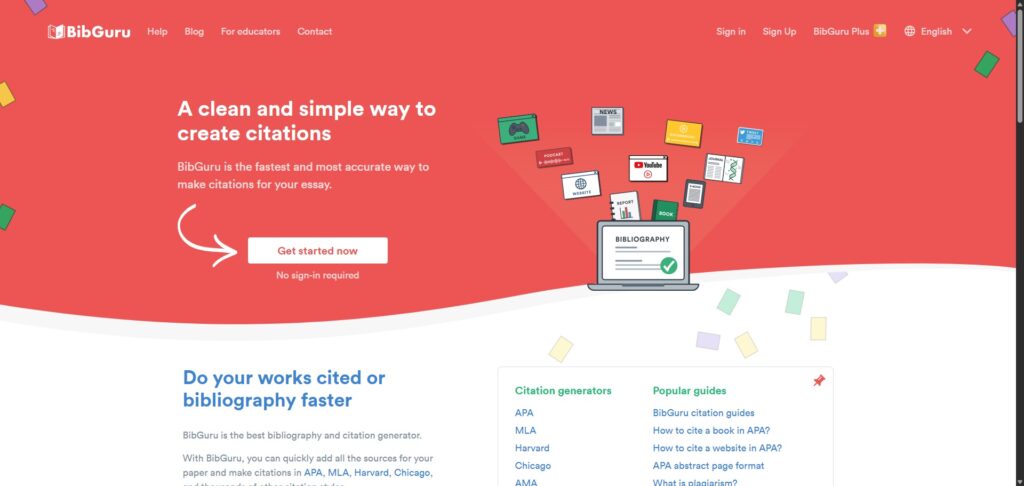
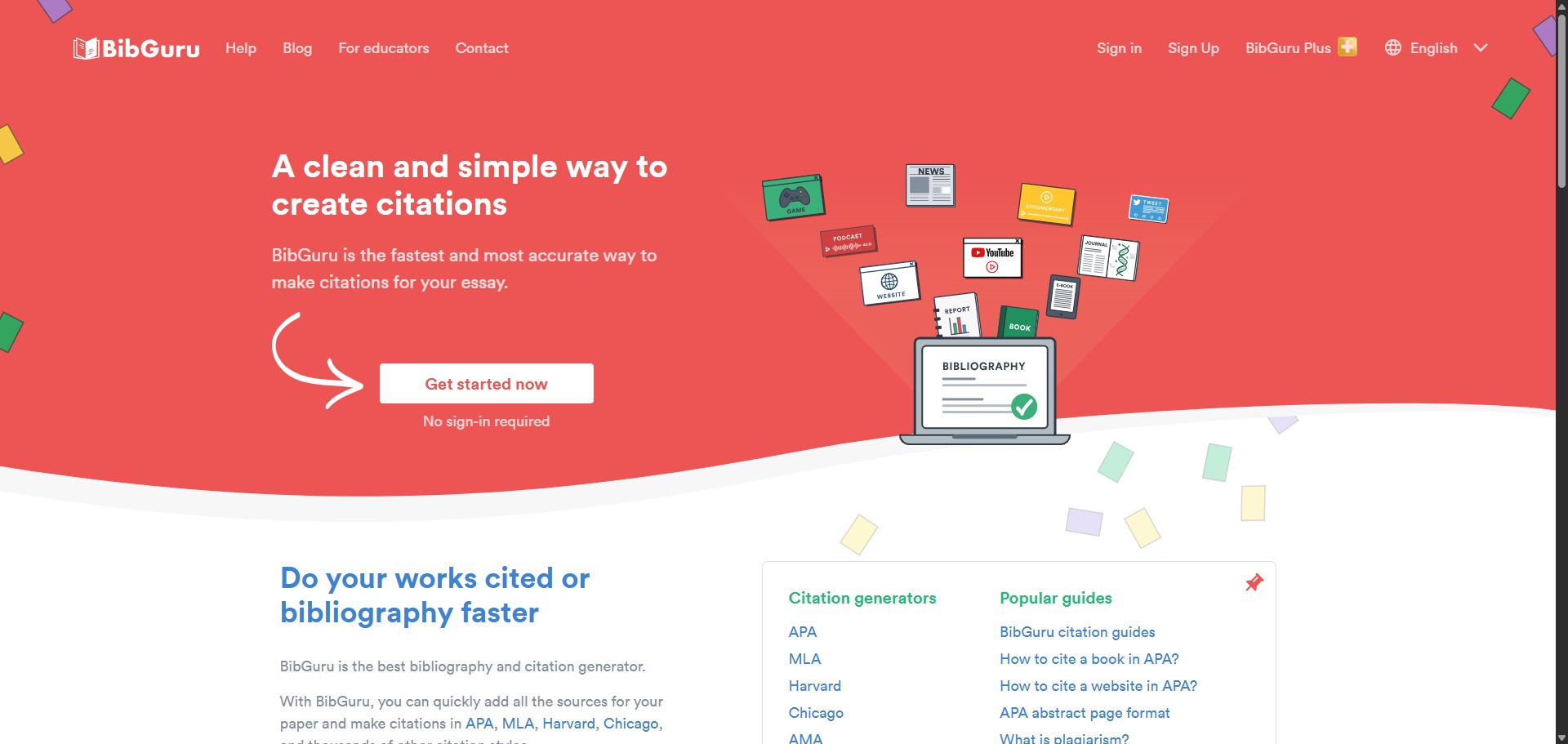
Go to the official BibGuru website. Because the platform features an open-access web panel, you can begin generating your bibliography rows immediately from the homepage without completing an up-front sign-up form. -
Select Your Referencing Style
Locate the style selection dropdown menu at the top of your dashboard. Choose your required academic guideline, such as APA 7, MLA 9, or Harvard, to instruct the system to apply the correct structural text formatting. -
Input Your Source Identifiers
Type or paste your source credentials directly into the central search bar. The engine accepts direct website URLs, textbook ISBN barcodes, and academic journal DOIs, running live scans to capture matching publishing summaries instantly. -
Review and Log Your Reference
Examine the auto-scraped metadata results generated by the system. Click the add button to lock the item into your active bibliography list, or click the manual entry pathway to fill in missing volume pages or author names yourself. -
Copy Your Inline Parenthetical Citations
Find the individual source row inside your compiled project list view. Click the specific citation button to view both the full reference text and the brief inline parenthetical snippet, allowing you to copy each element straight to your clipboard. -
Export Your Completed Bibliography
Click the main export option once your citation collection tasks are completed. Choose to download your finalized, alphabetically sorted bibliography layout as a Microsoft Word document or transfer the data block directly into Google Docs.
Frequently Asked Questions
Will my citations disappear if I close my browser tab on BibGuru?
If you are using the free web tool without a paid account, your bibliography data is stored directly inside your browser cache. It will remain visible for up to seven days unless you manually clear your internet cookies, which will wipe your unexported rows immediately.
How does BibGuru compare to older platforms like Citation Machine?
BibGuru is noticeably faster and lacks the aggressive, full-screen video ads and pop-ups that slow down legacy services. It uses more modern cloud servers, though its free tier enforces a structural seven-day storage limit that some older tools do not apply to basic accounts.
Can I generate an in-text citation alongside my bibliography item?
Yes. Every time you generate a source entry, BibGuru builds both the full reference line and the matching inline parenthetical citation. You can toggle between them easily and hit the copy button to transfer the snippet straight into your paper text.
Does BibGuru offer free accounts for school teachers?
Yes. BibGuru provides a specialized Educator Plan that grants verified school teachers and their entire active student classrooms completely free access to the premium BibGuru Plus features through integrations like ClassLink and Clever.
What should I do if BibGuru cannot find my source via the search bar?
If an automated search by link or ISBN returns no matching parameters, you can choose the manual input pathway. This provides an organized form where you can type in the author initials, specific page metrics, publication year, and editor names yourself.