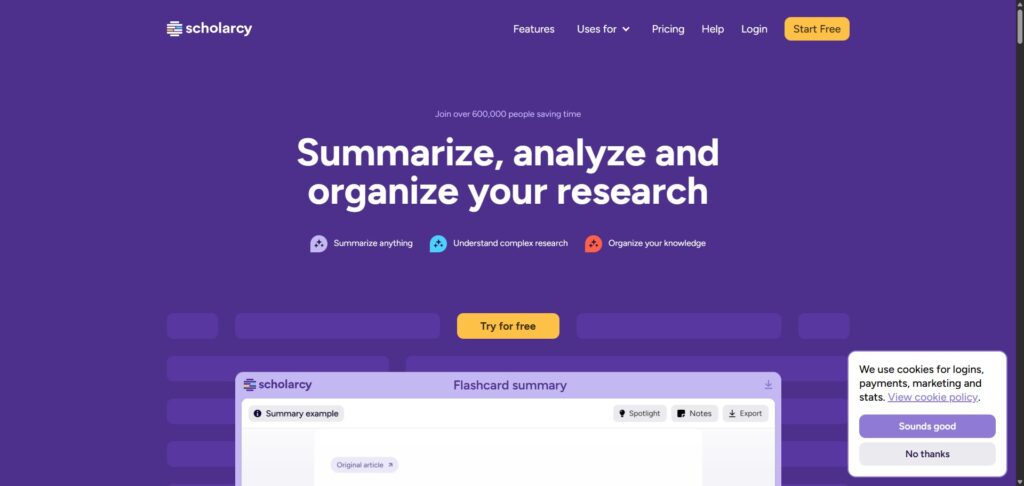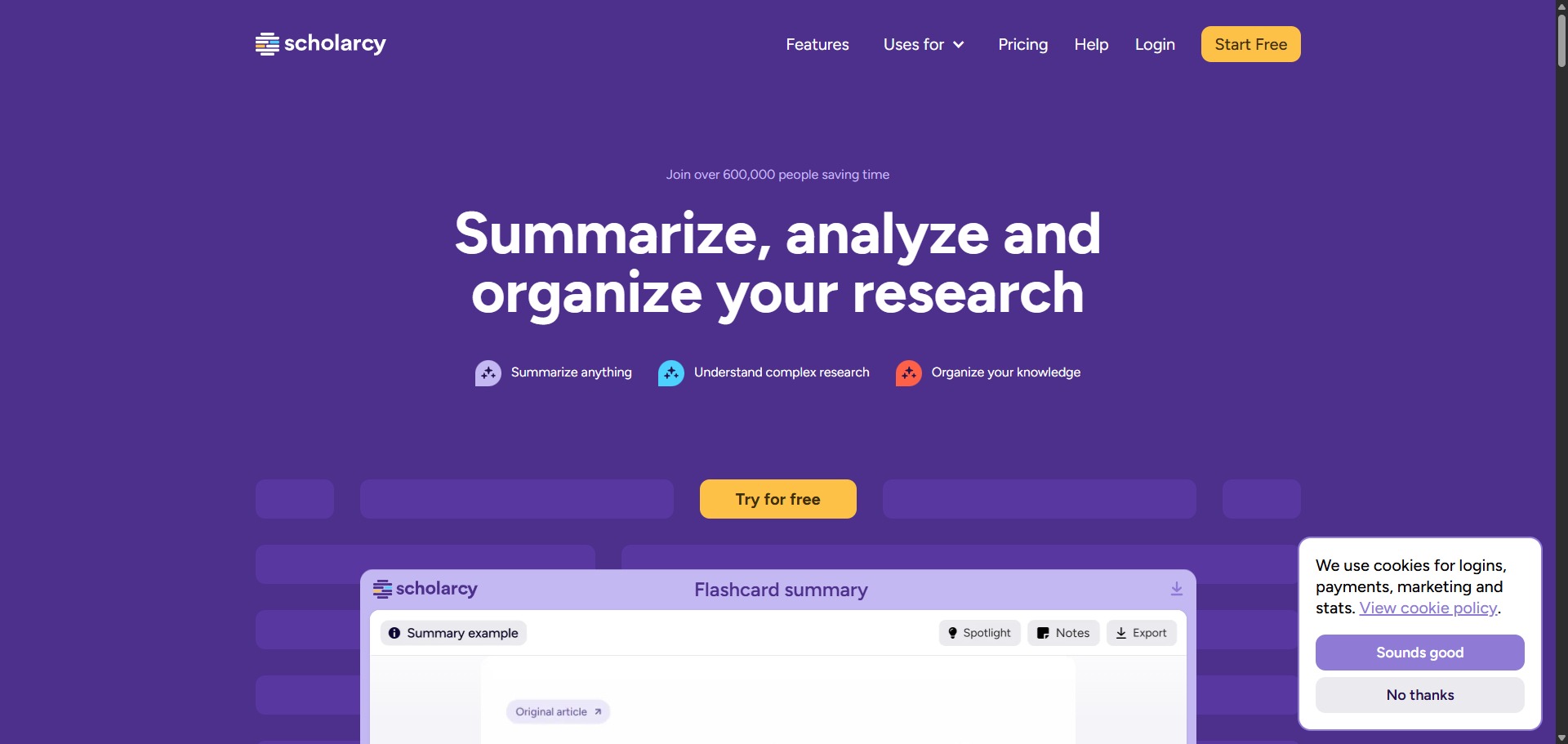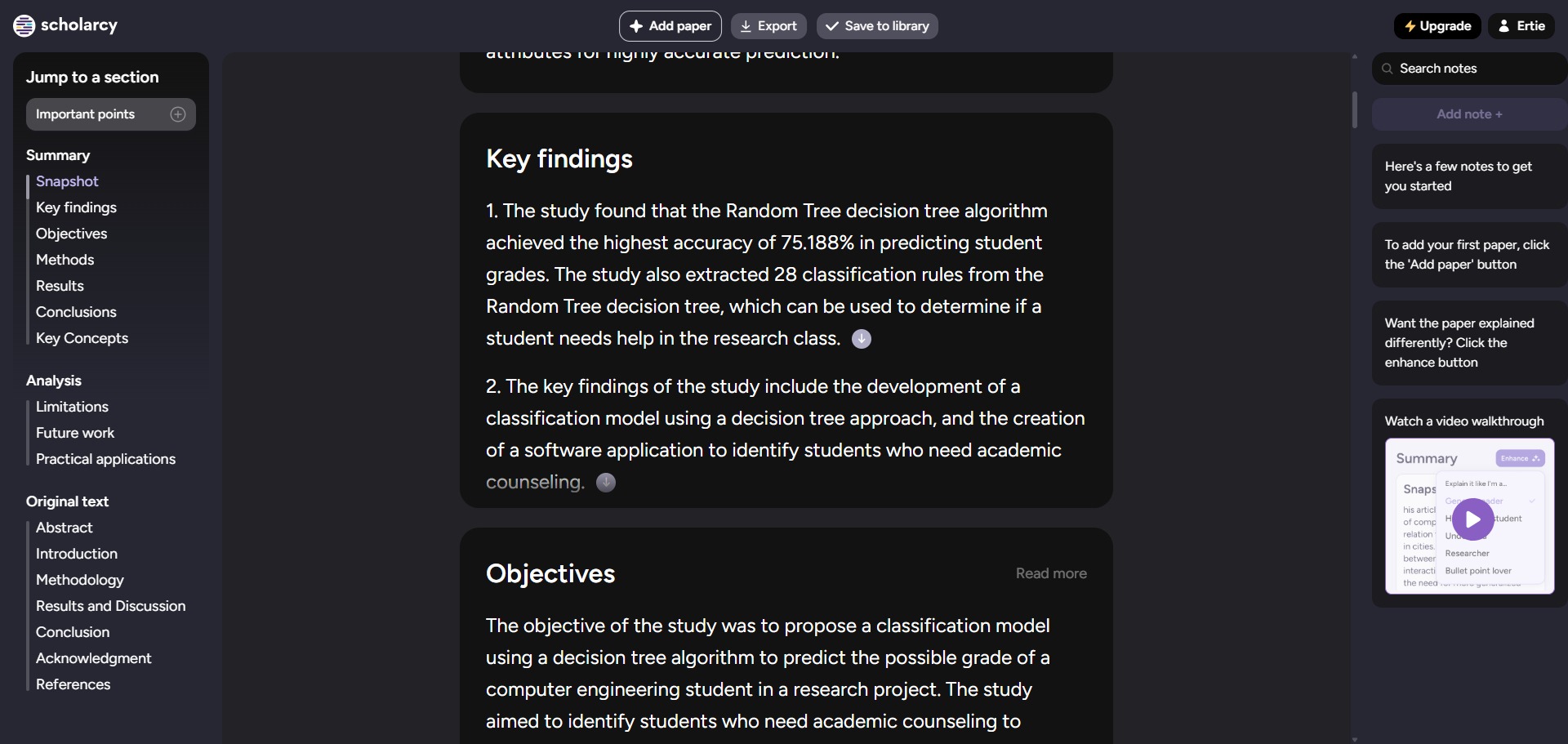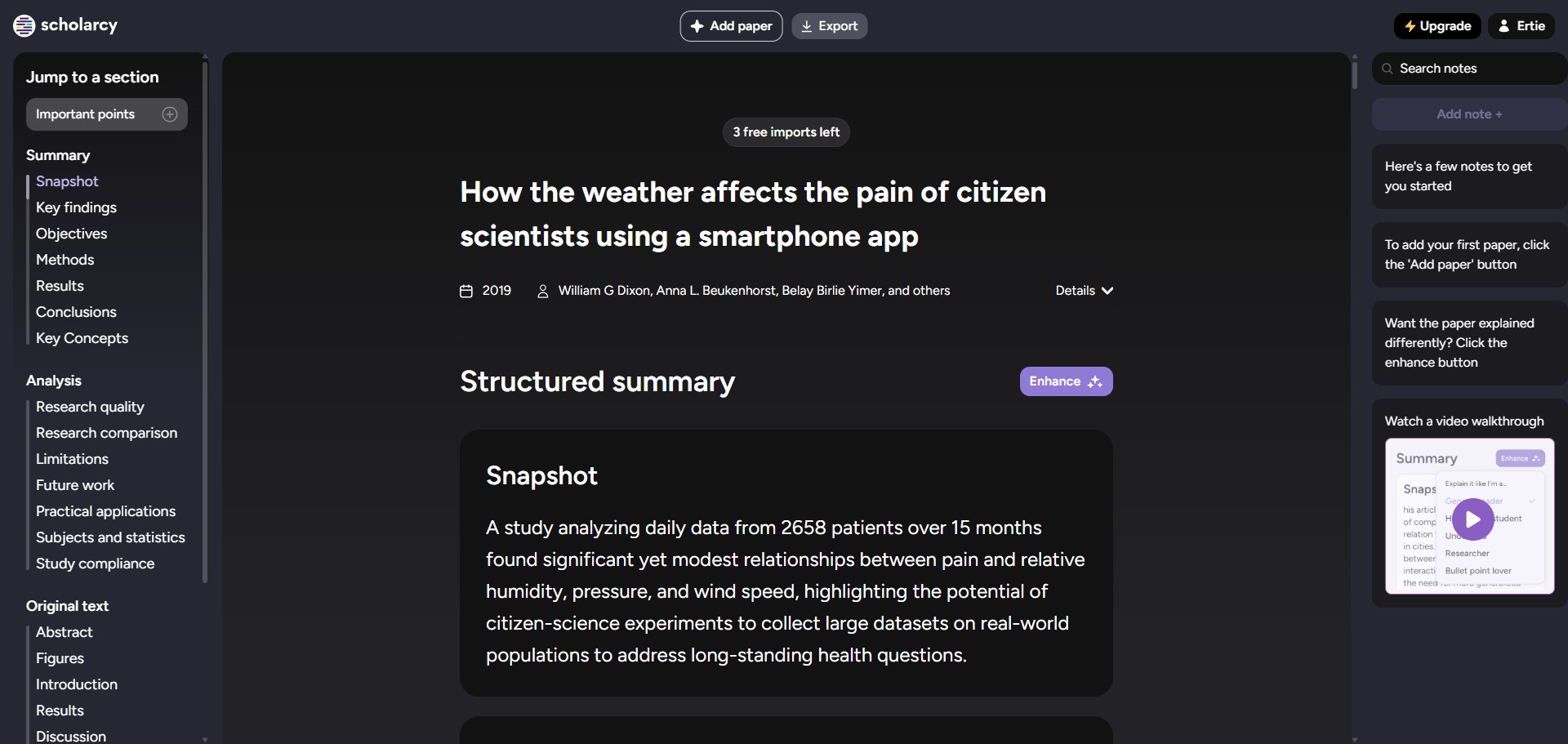
Scholarcy is a freemium, cloud-based academic research summariser and document processing platform engineered to help university students, postgraduate candidates, and medical analysts compress dense journal articles, extract core findings, and organize literature libraries efficiently.
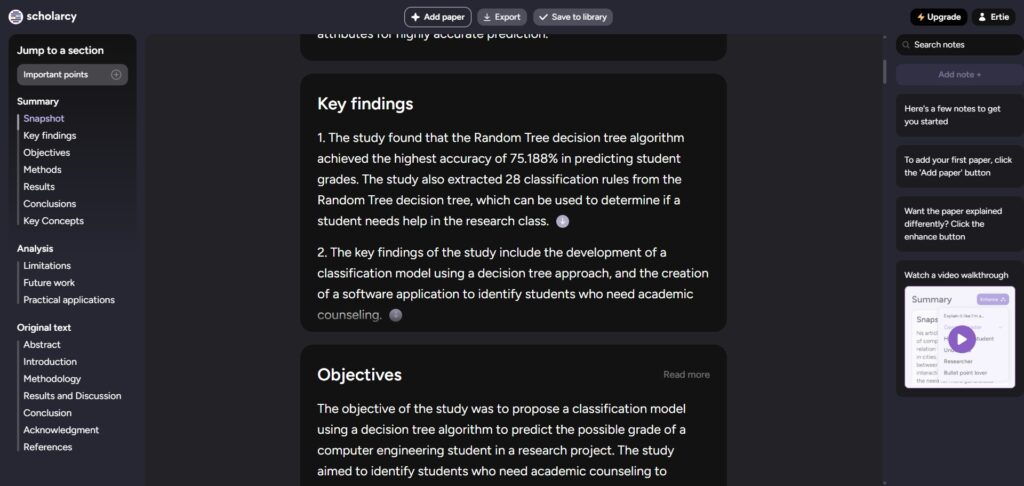
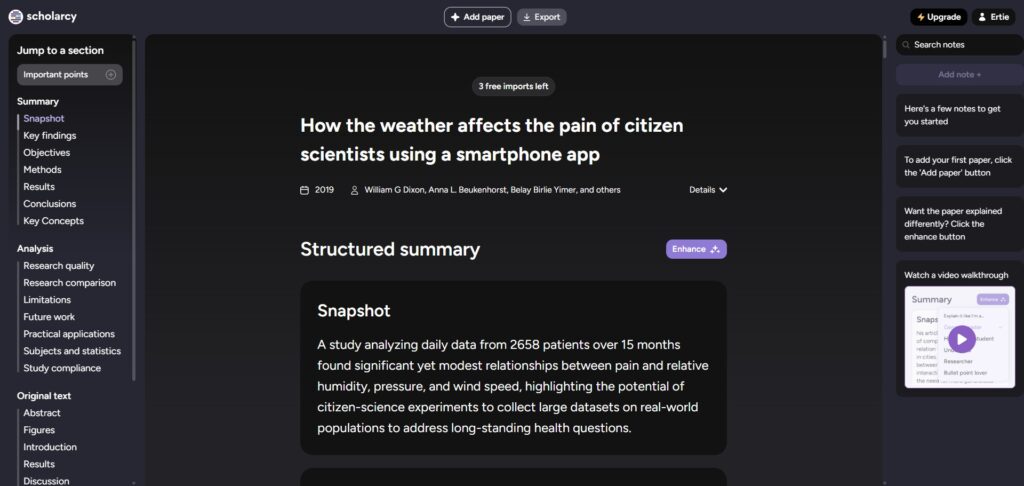
Operating as an automated text-distillation workstation, Scholarcy utilizes specialized natural language processing models to turn extensive multi-page PDFs into structured information nuggets. The application reads background texts, separates critical sections like methodologies or results, and builds interactive summary cards, eliminating hours of manual document skimming.
Recommended
What can you use Scholarcy for?
You can use it to instantly generate conceptual point logs, isolate experimental metrics, and build searchable digital summary sheets. By importing an unread publication file into the dashboard panel, you can instruct the machine learning script to highlight key arguments, capture central definitions, and identify the paper’s core scientific contributions.
It also functions as an automated data extraction engine. The software infrastructure scans background document layouts to pull out complex statistical tables, embedded graphic images, and full reference bibliographies, translating them into downloadable formats for rapid cross-referencing tasks.
Who is Scholarcy best for?
It is ideal for university postgraduates, master’s candidates, and PhD researchers who are managing massive dissertation data sets and need an efficient tracking tool to screen literature stacks quickly.
It acts as an exceptional accessibility asset for neurodivergent students, individuals with dyslexia, and non-native English scholars who benefit from highly structured information chunks and clear text breakdowns.
Is Scholarcy genuinely free?
Yes, Scholarcy provides a free Article Summarizer trial tier that allows public users to evaluate its core text extraction utilities without direct financial obligations. This unpaid trial profile grants you an baseline allowance of ten processed document summaries and permits single exports of summary flashcards.
To eliminate these processing ceilings and unlock advanced analytical options, users must upgrade their profile to a paid monthly or annual subscription tier like the Scholarcy Plus plan. Upgrading activates unlimited text summarization steps, unlocks full library storage folders, enables multi-card batch data exports, and opens up advanced literature matrix creation screens.
Is Scholarcy Premium Worth It?
Yes, but primarily if you are an active graduate student, academic writer, or high-volume scientific analyst executing full literature reviews and requiring automated document summaries to handle tight deadlines. While the free tier works beautifully for testing out single summaries, its tight character boundaries and ten-card allocation rule prevent you from using it for serious research pipelines.
When you should upgrade:
- You run high-volume literature triaging: The free tier caps your processing limits early. Premium plans unlock unlimited multi-document text summaries, allowing you to run bulk imports through your personal account workspace continuously.
- You construct interactive literature matrices: Upgrading activates the advanced Matrix Generator tool, which compares key data trends, methodologies, and participant metrics across dozens of separate paper rows in a single dashboard view.
- You need deep reference manager connections: Paid tiers enable seamless citation exporting, allowing you to push entire sets of reference metadata and summary flashcards directly into personal databases like Zotero or Mendeley.
If you only need an occasional companion tool to summarize an isolated article or skim a brief report chapter, the free trial setup is perfectly capable. However, for managing comprehensive academic data tracking and coordinating heavy laboratory writing, the premium subscription is an excellent, time-saving workspace asset.
Should I use Scholarcy as a research paper summariser?
Yes. It is an excellent, comprehensive tool for discovering scholarly literature, tracing citation networks, and finding accessible versions of research documents across almost every academic discipline.
Because it covers multiple areas of study in one central place, it makes the initial discovery process fast and straightforward. It serves as an essential starting point for any literary search before diving into niche database systems.
Key Features
- Structured digital Summary Flashcards
Transforms long research texts into highly scannable, standardized cards that organize key definitions, findings, and arguments cleanly. - Automated context-aware Robo-Highlighter tools
Scans document rows instantly to automatically mark core academic claims, terminology definitions, and pivotal data assertions. - Isolated multi-section document breakdown engines
Separates introductions, trial methodologies, results, and study conclusions into independent tabs for direct, targeted navigation. - Automated table and data graphic extraction
Locates quantitative metrics and embedded tables inside papers, converting them into editable spreadsheet sheets automatically. - One-click reference linking and bibliography builders
Parses article reference lists to find free open-access versions of cited documents while generating clean citation records with one click.
Best for
- Converting long academic papers into scannable summaries
- Extracting hidden methodology metrics and data tables
- Building structured digital flashcard sets for quick revision
- Assisting neurodivergent learners with readable text sections
- Accelerating systematic literature review screening stages
Pros and Cons
Here are the main advantages and limitations of utilizing Scholarcy for document text summarization.
Pros
- ✓The flashcard layout divides long documents into incredibly scannable and standardized reading tabs.
- ✓Automated spreadsheet extraction of embedded tables saves hours of manual data transcription.
- ✓One-click reference parsing makes tracking down accessible open-access copies of citations seamless.
Cons
- ✗The free trial tier enforces a strict total limit of ten processed papers before locking.
- ✗Can occasionally miss or omit subtle qualitative context when processing highly abstract theoretical essays.
- ✗Complex layout formats or multi-column newspaper style archives can sometimes cause structural reading glitches.
How to Use Scholarcy
Follow this quick guide to run your automated text summarizations, generate digital flashcards, and export research metrics.
- Visit the Website and Access the Flashcard Platform
Go to the official Scholarcy web address. Create an account profile to log into your cloud dashboard, which securely houses your document collections, literature folders, and custom research matrices in one spot. - Import Your Selected Document Files
Drag and drop your chosen academic manuscript in standard PDF layout into the central upload frame. You can also utilize their browser extension wrappers to import articles directly from digital journal pages with a single click. - Review the Generated Summary Flashcard Tabs
Once processing finishes, examine the structured card layout on your display. Navigate through the custom sections, choosing specific tabs to inspect key concepts, find automated definitions, or review core study claims instantly. - Extract Quantitative Data and Hidden Tables
Click on the dedicated tables section within your flashcard menu view. Review the parsed spreadsheet logs and download the data blocks into Excel or CSV formats to run independent data evaluations. - Build a Comparative Literature Matrix
Select multiple processed flashcards inside your folder library. Choose the matrix compilation option to instruct the engine to generate an overview grid, comparing methodologies and results across all your papers. - Export Citations to Reference Managers
Navigate to the reference tracking list at the foot of your flashcard. Select the export properties utility to push your metadata rows directly into specialized personal databases like Zotero, Mendeley, or EndNote seamlessly.
Frequently Asked Questions
Can Scholarcy process textbook chapters or massive book archives at once?
Yes. Scholarcy includes deep processing support built specifically to tackle long-form documentation structures. When you upload an extensive textbook or a book file, the engine splits the material into individual chapters, delivering structured flashcard summaries for each separate section block.
Are my uploaded unpublished papers protected against online data leaks?
Yes. Scholarcy takes user privacy seriously, utilizing modern encryption architectures to protect all personal workspace folders. Your uploaded manuscript files and text records remain entirely private and are never used to train open language models or shared with outside scraping networks.
Does Scholarcy provide browser extensions to speed up literature screening?
Yes. Scholarcy offers official extension companions designed for popular browser layouts like Google Chrome and Microsoft Edge. Installing the utility allows you to analyze any digital journal entry instantly, building a quick summary flashcard without downloading the PDF first.
What is the primary difference between the Robo-Highlights and summary sections?
The Robo-Highlighter tool tracks your actual manuscript text, automatically coloring critical source sentences to guide your eye during manual review. The summary tabs use natural language processing to condense the paper’s broad arguments into fresh, scannable baseline descriptions.
Can I export my flashcards into a format that works on mobile devices?
Yes. The platform workspace supports flexible data exporting choices for premium Plus account holders. You can download your compiled study cards directly as interactive Notion pages or Markdown text rows, making it easy to sync your summaries with mobile note-taking tools.